If your phone has just been stolen, mark it lost and lock it remotely with Find My iPhone or Find My Device, then call your carrier to suspend the line and block the IMEI. After that, change the password on your email account, freeze the mobile wallet and banking apps, and file a police report with the serial number. Work in that order and you cut off most of what a thief can do with it.
You do all of this from a laptop or a borrowed phone, and none of it needs you to have the handset in your hand. The first hour is when it matters most, but if it has been a day and you have not started, start now — a carrier block and password changes still work later.
Table of Contents›
- What You Need
- Step-by-Step
- 1. Use another device to secure the phone
- 2. Protect the accounts linked to the phone
- 3. Stop payments, SIM theft, and carrier access
- 4. Check whether the phone can be located or recovered
- 5. Tell contacts and employer or school contacts
- 6. Document and report the theft
- 7. Remove the phone from cellular service and prepare for recovery
- Common Mistakes
- Frequently Asked Questions
- Should I erase my stolen phone right away?
- Will police actually recover a stolen phone?
- What if Find My iPhone or Find My Device cannot locate the phone?
- How do I protect my mobile wallet after a theft?
- What happens if the phone is later recovered?
- Conclusion
What You Need
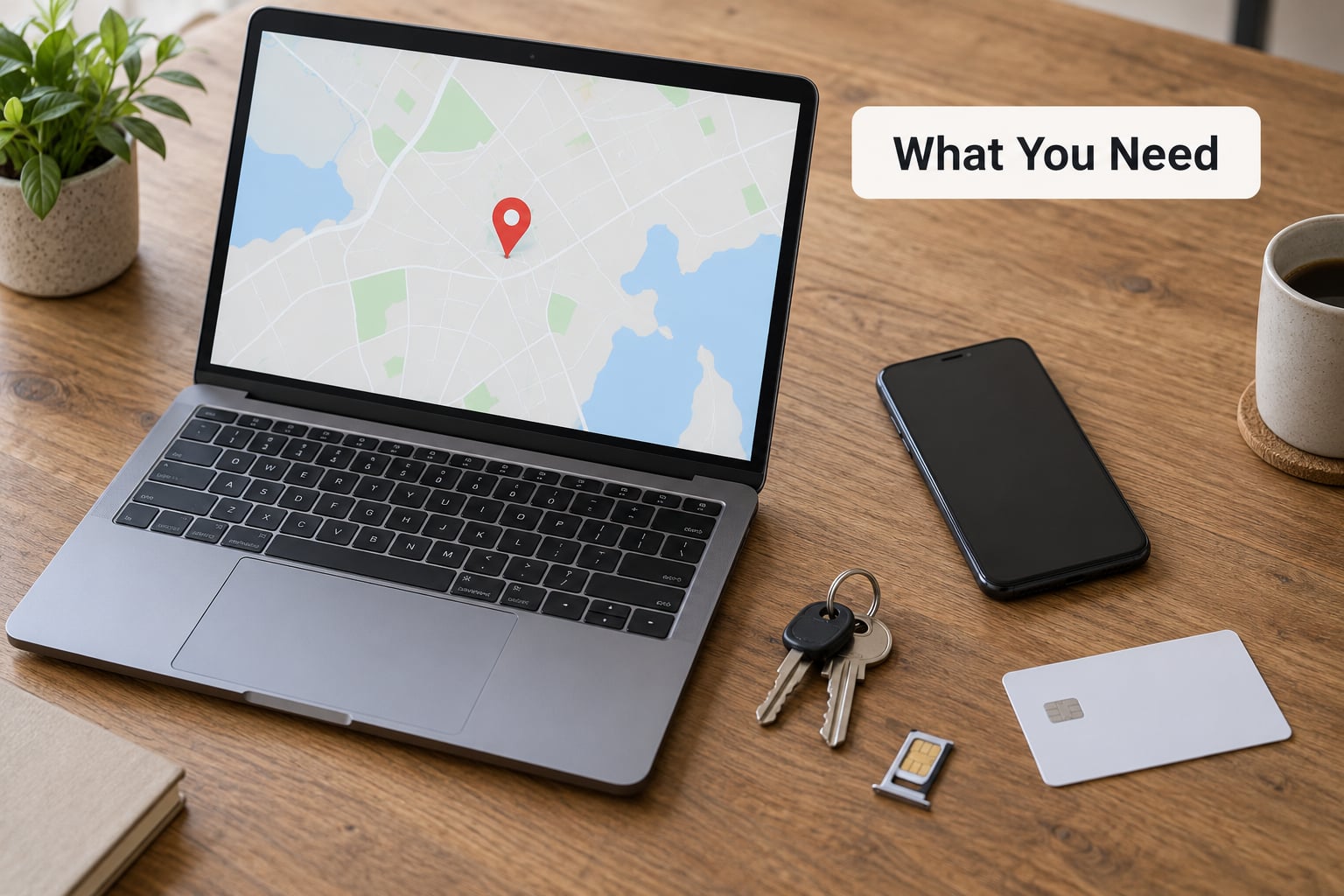
Grab whatever is nearest you that works: a laptop, a tablet, a desktop, or a phone you borrow from someone. Every step below happens on that other device, so it matters more than anything else in this list.
You will also need your own phone number written down, plus your carrier’s account details — the account PIN or passcode is what stops someone impersonating you on the phone side. If you do not know the PIN, the account holder name and the billing postcode usually get you there.
Two identifiers are worth finding now, before you forget them. The IMEI is the 15-digit number that identifies the handset itself on any network, and the serial number identifies the hardware for Apple and your insurance claim. On most phones you can dial *#06# to bring up the IMEI on screen. If you still have the box, the sticker on it has both numbers.
Have your email password, your Apple ID or Google account password, and access to your bank app ready. If you use a password manager, note which master password lets you into it — that is the account that matters most, because it can reset everything else.
Step-by-Step
1. Use another device to secure the phone
On any browser, open the Find My iPhone site for an Apple device or the Find My Device site for Android. Sign in with the Apple ID or Google account tied to the handset, and you get a map, a Play Sound button, and controls to mark the device lost.
On iPhone, choose Mark as Lost. That locks the screen, puts it into Lost Mode, and shows whoever has the phone a message with a phone number or link so they can return it. On Android, choose Secure device, which does the equivalent job. Samsung phones run the same flow through Find My Mobile, and there you also get an option to lock the device separately from tracking it.
Locking and erasing are not the same thing, and the difference matters. Locking keeps your data on the phone so you can still see where it goes, and it is reversible. Erasing wipes the device, which you cannot undo — hold that decision until you know the phone is not coming back within a day or two. You will know the lock worked because the map shows the device status as locked or lost rather than active.
2. Protect the accounts linked to the phone
Change your email password first, not your phone password. Whoever has the device can reset almost anything from a reset email, so email is the account that holds the keys. Use a long, unique password and a different one you have never used anywhere else.
Next, review the devices signed into your Apple ID or Google account and sign out anything unfamiliar. Removing the stolen phone from your account also triggers a remote wipe, but forum advice is consistent here: do not remove it immediately, because doing so can permanently activation-lock the handset in a way you cannot reverse. Marking it lost keeps your recovery options open.
Then work through the password manager, the bank, and social accounts in that order. If you use text-message two-factor codes, switch those accounts to an authenticator app or hardware key, because the stolen phone receives those codes perfectly well.
Readers searching what to do immediately if your phone is stolen usually find password advice last. It belongs near the top, right after the lock.
3. Stop payments, SIM theft, and carrier access
Call your carrier now. Ask for two things: suspend the line, and block the IMEI as a stolen device. Suspending the line kills calls, texts and data through your SIM or eSIM, which blocks the two-factor codes going to your number and stops the phone being sold on your account. The IMEI block is separate and more important: it stops that handset registering on any network in the country, which is what actually prevents resale. People in the r/iphone threads say this over and over — Find My alone does not stop a working phone.
Say clearly that you want the number suspended, not cancelled. Cancelling means a new number and losing the verification codes your bank, email, and workplace rely on. If you expect to get the phone back or need to keep the number, ask whether your carrier offers a hold instead of a full suspension.
Then freeze the money side. Lock your bank cards through the bank’s app or the number on the back of the card, tell your bank the phone was stolen so they watch for payments from a new device, and remove the handset from mobile wallets — Apple Pay on the Apple account page, Google Pay in the Google Wallet app. Do the wallet removal before you wipe anything, because a wiped device behaves differently on the payment networks.
Watch for a SIM swap attack over the following days. If someone moves your number onto another SIM while your line is active, every account using SMS codes becomes exposed, so keep the alerts from your carrier switched on.
4. Check whether the phone can be located or recovered
Here is the part most guides leave out: tracking needs the phone to be able to reach the internet, and the first thing a thief does is put it in airplane mode. On both iPhone and Android, once the device is offline the map stops updating and shows the last known position, sometimes with a timestamp from hours earlier. Offline or powered off does not mean destroyed, but it does mean you are looking at stale data.
Both systems can still narrow the search using a network the device was last seen on, which is why the map sometimes jumps to a city instead of a street. Play Sound only works if the phone is on and nearby, and it will ring for a couple of minutes before stopping.
One safety rule, repeated constantly in user advice: never go to the location yourself to retrieve the phone. Do not confront anyone, and do not arrange to meet them alone. If someone answers and offers to return it, keep them talking calmly, note whatever detail you can, and call the police non-emergency line from a safe place while you have them on the line.
5. Tell contacts and employer or school contacts
Your contacts will get a message from your number, or no message at all, and either way they need to know. A short note beats a long explanation:
“Hi, my phone was stolen this morning and I can’t receive texts or calls on it. If you get a message or call from me asking for money, codes, or a password, it isn’t me. Please ignore it. I’ll email you once I’ve got a replacement set up.”
Send that by email and through a messaging app on another device, since people will not read a text from a number they know went missing.
If the phone held work email, an authenticator app for a company account, a school portal, or a client file, tell your IT department or school office the same day. Company accounts are often the real prize in a stolen phone, and they can remote-wipe your work profile and force a password reset across your other devices before anyone else thinks to.
6. Document and report the theft
Write down the details while they are fresh, because police, your carrier, and your insurer will all ask for the same list. Note the date, the time, the exact location where it happened, the last known location from the map with its timestamp, the model, the colour, the IMEI, the serial number, and what you were carrying it in. Screenshots of the map with a visible timestamp are worth more than your memory of it.
File a police report where the theft happened — most carriers and insurers require the report number before they will process anything, so even a short online report counts. Be realistic about what it buys you: police can flag the IMEI and will act if the device is found, and many will not deploy anyone for a phone theft. Forum readers are blunt about this. The report is paperwork that unlocks the claim, not an expectation of a doorstep visit.
Report the theft to your carrier as well, even if you already called to suspend. Some carriers will only add a formal stolen-device block to a record after a report number exists.
7. Remove the phone from cellular service and prepare for recovery
Decide on the erase only after you have been realistic for a day or two. If the phone has been gone longer than that with no movement on the map, erase it from the Find My site. Erase only activates once the device next connects to the network, so a wiped-looking phone that still appears offline has not actually been wiped yet, and that delay is a known way people get confused.
Do not remove the device from your Apple ID or Google account. That step permanently activation-locks it in the removed state for everyone, including you, which destroys your chance of a clean recovery if it turns up.
Keep the case open. People do get phones back, often because a good samaritan calls it in, and there are reliable cases of a stranger answering a call to the number and arranging a return. If that happens, do not wipe or reset it before the police or the shop taking it back has seen it, keep the record you made of the serial number, and reset it yourself only once the device is physically in your hands again.
While you wait, get a replacement ready. Restore from your cloud backup rather than a local one, set a strong passcode before anything else, and turn on the lock-screen contact details so the next person who finds it can call you.
Common Mistakes
Waiting a day to call the carrier. The IMEI block only works while the device is not already registered to someone else’s account, and the resale window can be hours. Call before you have finished panicking about the data.
Changing one password and stopping. The email account resets everything else. Work down the list in order and confirm each change actually took effect by signing back in on your other device.
Posting the phone number or IMEI publicly online. Public posts get scraped and resold within minutes. Report it to your carrier, the police, and the sites directly instead.
Going to the tracked location yourself. This is how people get hurt. If the map shows a street, you give that information to the police and stay away.
Removing the phone from your Apple ID or Google account. It feels like the thorough thing to do and it is reversible in theory, but in practice it can leave the device activation-locked for good. Mark it lost instead and leave it attached.
Erasing the phone in the first hour. Once it erases, you lose the map and the contact screen that might have brought it back. Lock it now, erase it only when the chance of recovery has passed.
Deleting your own notes. The screenshots, the serial number, and the report number are the evidence your insurer and the police need. Keep everything in one place until the case is closed.
For next time, the prevention list is short: keep Find My switched on, store the IMEI in your password manager or on paper, leave an emergency contact on the lock screen, enable stolen-device protection on iOS, back up automatically, and use a passcode that is not four digits.
Frequently Asked Questions
Should I erase my stolen phone right away?
Usually not. Locking or marking the phone lost stops most access while keeping the map, the contact screen, and the Play Sound feature working. Erase only after the phone has been gone a day or two with no location movement, since an erase cannot be undone and stops your own chance of tracking it. When you do erase, it happens the next time the device reaches the internet, so a phone that looks wiped while still showing offline has not actually been wiped yet.
Will police actually recover a stolen phone?
Sometimes, but not often, and not quickly. Police can flag the IMEI so the device is blocked on mobile networks and seized if it surfaces at a resale shop or comes up in another incident. Most officers will not dispatch anyone for a phone theft, so set expectations accordingly. The report is still worth filing because your carrier and your insurer generally require the report number before they process a block or a claim.
What if Find My iPhone or Find My Device cannot locate the phone?
It usually means the device is offline, which happens within minutes because airplane mode is the first thing a thief does. You will see the last known position and the time it was recorded, and the system can sometimes narrow the area using the network the phone last connected to. Keep checking, and do not treat an offline map as proof the phone is destroyed. If the phone is later wiped, it can still be blocked as long as it stays signed into your Apple ID or Google account and the activation lock stays on.
How do I protect my mobile wallet after a theft?
Remove the phone from Apple Pay and Google Pay as soon as you can, using the account pages on another device rather than the handset itself. Then lock your bank cards through the bank app or the number on the back of the card and tell the bank the handset was stolen, so payments from a newly activated device raise a flag. Do the wallet removal before you remotely wipe the phone, because a wiped device can behave differently on the payment networks.
What happens if the phone is later recovered?
Treat it as evidence first. Do not factory-reset, trade it in, or wipe it before the police or the shop taking it back has recorded the serial number, since your report and any insurance claim depend on that. Once the device is physically in your hands, change the Apple ID and Google account passwords again, check for unknown sessions and unfamiliar devices, and factory-reset it before you start using it. Keep tracking for a week afterward in case any account was compromised before the lock went on.
Conclusion
The order matters more than the speed. Secure the phone remotely so it locks and shows your contact details, protect the primary email account and the carrier line, freeze the wallet and bank cards, document the IMEI and serial number, and file the report before the carrier and insurer ask for it.
Then keep watching for suspicious sign-in alerts on your email and bank accounts for the next week, since codes that were being sent to that number may still be in someone else’s hands. Whatever happens, the three steps that do the real work are the carrier call, the IMEI block, and the email password change. Do those three today and you will have cut off nearly every way a stolen phone gets sold or misused.
Published on my-meego.com, updated for 2026.