If you need to know how to get a refund for an app purchase, ask the store that charged you, not the developer: go to reportaproblem.apple.com for anything bought through Apple, or open your Google Play order history at play.google.com/store/account for Android. Requests are usually reviewed in 24 to 48 hours, and speed matters more than the wording of your reason. Updated for October 2026.
There is one thing to sort out before you fill in any form. Canceling a subscription stops the next charge; it does not give back the money already taken. If you want the last payment returned, that is a refund request, and it is a separate submission with its own window.
Table of Contents›
- What You Need
- Step-by-Step
- Step 1: Locate the purchase and confirm the window
- Step 2: Prepare evidence before you submit
- Step 3: Submit to the store that processed the payment
- Step 4: Keep the case reference and follow up
- Request an Apple App Store or iTunes Store refund
- Request a Google Play refund
- Request a Microsoft Store refund
- Request a refund for a subscription or recurring purchase
- Common Mistakes
- Tips for a Stronger Refund Request
- Frequently Asked Questions
- How long do I have to request an app refund?
- Can I get a refund if I accidentally bought the wrong app?
- Does canceling an app subscription also give me a refund?
- Why was my app refund request denied?
- Can I get a refund for an app purchase made through a phone carrier?
- What should I do if I cannot find my app receipt?
What You Need
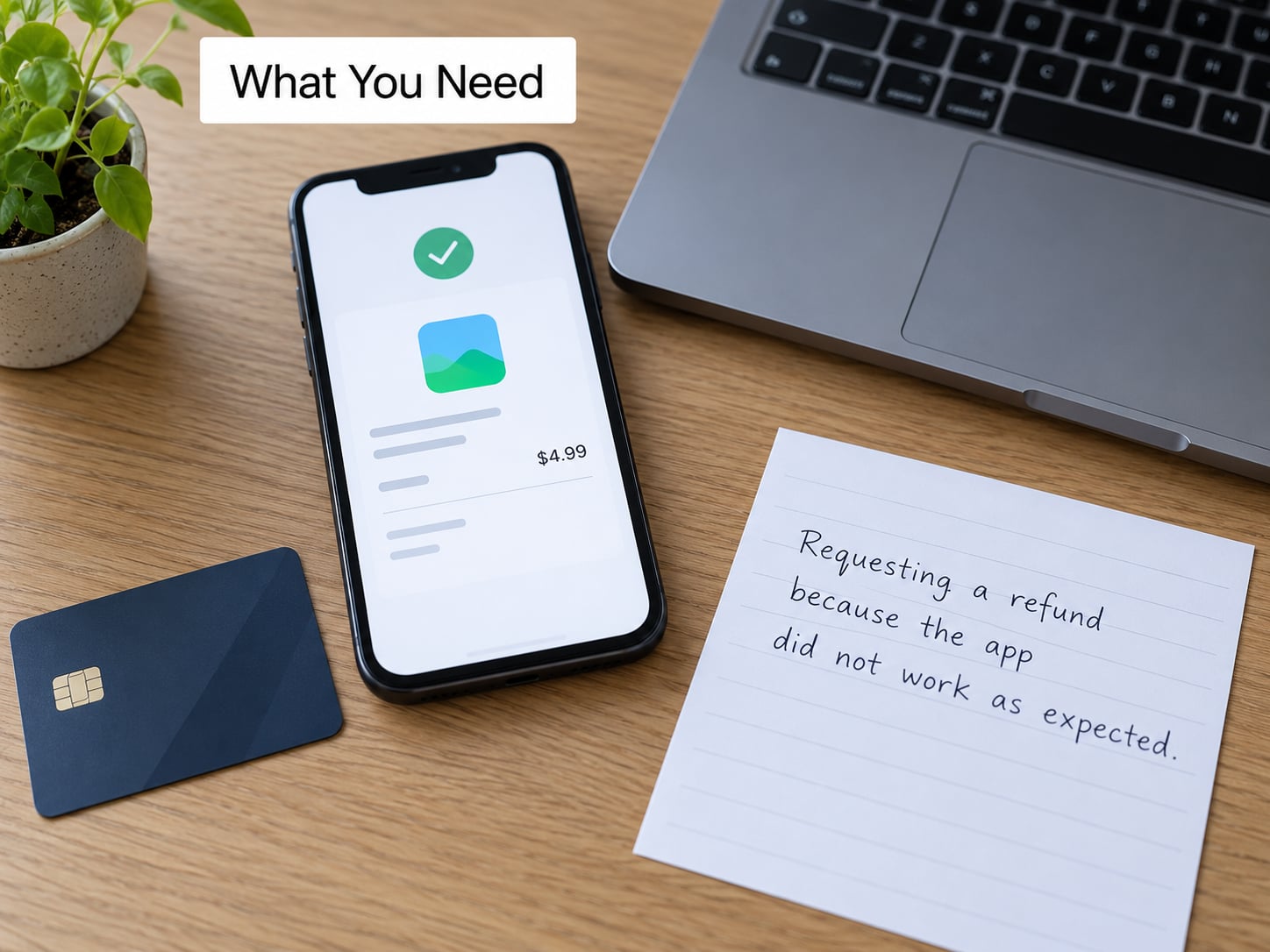
Gather these five things before you start. The refund form is much shorter to complete once the purchase is already identified, and most rejected requests fail because the buyer could not name the exact purchase.
- The receipt or order record. On iPhone, open the Settings app, tap your name, tap Media & Purchases, tap Account, then Purchase History. On Android, open the Play Store, tap your profile picture, tap Payments & subscriptions, then Budget & order history. A fast route on any device is the receipt in your inbox or the order confirmation you got by message.
- The correct account. Refunds only go back to the account that made the purchase. If you signed into the wrong Apple ID or Google account, note the old email address or phone number — you will need it to sign back in.
- The exact purchase. The app name, the in-app item, the subscription name, and the date of the charge. Screenshot the purchase history entry before you do anything else, because approving a refund can remove it from that screen.
- A clear reason in your own words. Not “change of mind.” Something specific like “purchased by a child on a shared device without permission” or “the app crashes on launch since the last update.”
- The payment method. A refund returns to the original method, and the timeline depends on which one that is.
Two details catch people out here. Purchases billed through a phone carrier go back through the carrier, not the store, and purchases made through a third-party checkout inside an app may belong to that developer instead of Apple or Google. Check your bank or card statement for the merchant name; if it isn’t Apple, Google or Microsoft, the store’s refund form will not find it.
It also helps to know which of four purchase types you are dealing with, because they are treated very differently.
| Purchase type | What it is | Refund outlook |
|---|---|---|
| Paid app | A one-time purchase, downloaded once, works offline | Refunds usually possible if the app is unused, broken or purchased by mistake |
| Auto-renewing subscription | Bills every month or year until canceled | Cancel stops future charges; only the charges already taken can be refunded |
| Non-consumable in-app purchase | A permanent unlock such as removing ads or a pro tier | Refunds handled through the same store form; harder after the feature is used |
| Consumable in-app purchase | Coins, gems, lives, energy, currency | The weakest case; the store rarely reverses used currency |
The last row is the single biggest reason in-app purchase refunds get denied. Once currency has been spent inside a game, the store has no way to take it back, so most reviewers treat the request as a change of mind rather than an error.
Step-by-Step
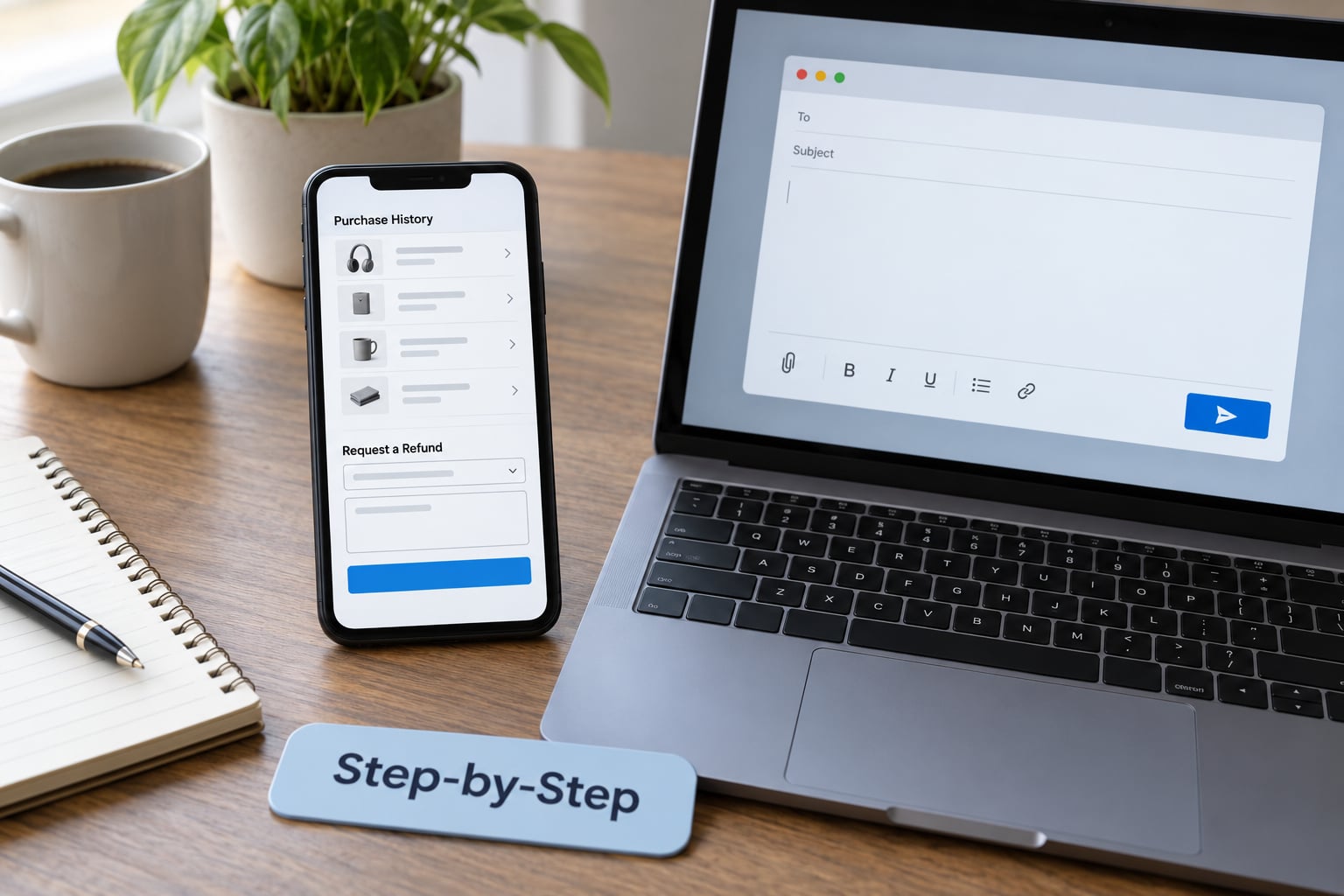
The process is the same shape on every platform: find the purchase, check you are inside the window, submit the request with a specific reason, then keep the case reference. These are the four steps, followed by the exact paths for each store.
Step 1: Locate the purchase and confirm the window
Open the purchase history for the account that made the charge and look for the order. Note the date, because every store weighs recency heavily. As a practical guide, requests filed within a couple of hours of the charge are treated far more seriously than the same request a week later.
The published windows differ. Apple’s standard return period for items bought through its media stores is 14 days, though that is a goodwill policy rather than a legal right. Google Play publishes a much tighter schedule: a 2-hour window where a refund is usually granted automatically without review, then a 48-hour window where the outcome depends on the details of the purchase, and beyond that a request may be refused outright or routed to the developer.
Microsoft Store refunds run through the order history on your Microsoft account and follow a longer return window than the app stores for most digital items. Check the terms on the listing page for the specific category.
Step 2: Prepare evidence before you submit
Screenshot the purchase history entry. If the app is broken, capture the crash, the error message, or the missing feature on screen — a photo of the black screen beats a paragraph describing it. If you were charged twice for the same item, keep both order entries visible in one screenshot.
Write your reason in two or three plain sentences: what you bought, what went wrong, and what you have already done. Concrete detail is the difference between a request that reads as an error report and one that reads as buyer’s remorse.
Step 3: Submit to the store that processed the payment
This is where most people take the wrong turn. The developer of an app cannot refund an App Store or Google Play purchase, because the store holds the money. Knowing how to get a refund for an app purchase properly starts with knowing who took the money, so submit through the store, using the paths below.
Step 4: Keep the case reference and follow up
Every submission generates a case number or request ID. Save it in your notes with the date you submitted. Apple’s web form shows the case status under your Apple ID; Google sends the outcome to the Gmail address on the account. If you hear nothing within three days, follow up using that reference — a follow-up with a case number is treated differently from a brand new request.
Request an Apple App Store or iTunes Store refund
On an iPhone or iPad, open Settings, tap your name at the top, tap Media & Purchases, tap Account, then Purchase History. Find the purchase, tap it, and choose Report a Problem. Pick the closest reason, add your own text in the box Apple gives you, and submit.
The quickest route from a computer is reportaproblem.apple.com. Sign in with your Apple ID, choose the purchase, select Request a Refund, pick an item or a subscription, choose a reason, write the description, and submit. You will get a case number on screen. This is the route to use if you bought on an iPad with a different Apple ID than your phone, because you can sign into the older account without hunting for the device.
From a Mac, open the Music app (formerly iTunes) and use Account > Settings, or use the same reportaproblem.apple.com page. On a Windows PC running iTunes, the store is under Account > My Account > Purchase History.
For a subscription bought through Apple’s media services — iCloud storage, Apple Music, Apple TV+ — the same form covers it. Choose the subscription name rather than a generic app, and mention the billing date in your description.
Request a Google Play refund
On an Android device, open the Play Store, tap your profile picture in the top right, tap Payments & subscriptions, then tap Budget & order history. Locate the order and tap Request a refund. Choose a reason from the list, add details in the text box, and submit. You will see a reference number and, if approved inside the 2-hour window, the money returns without a human review.
The web route is play.google.com/store/account. Sign in with the Google account that made the purchase, open Order history, find the item, and start the same refund flow.
The detail that trips up Android users is the account. Refunds only appear under the Gmail address used for the purchase. If you bought with a work or school account and now use a personal one, check both before assuming the purchase disappeared. The same problem shows up on iOS when someone buys with a temporary Apple ID and cannot recall which email it used.
Request a Microsoft Store refund
Microsoft sells apps and subscriptions on Windows devices, on Xbox, and through the Microsoft Store on tablets. Sign in at account.microsoft.com, go to Payment & billing, then Billing history, to see every order tied to the account. For Xbox purchases, the order history also appears in the Xbox console or the Xbox app on a phone or computer.
From the order entry, choose the option to request a return or contact billing support. If the self-service path refuses the request, Microsoft’s support line and chat handle cases the form does not, and they need the order number plus the email address on the account. Xbox and console games follow separate and stricter rules from mobile app purchases, particularly around digital currency and in-game items that have already been used.
Request a refund for a subscription or recurring purchase
Subscriptions need two separate actions, and confusing them is the most common source of frustration in refund threads.
Canceling stops the automatic renewal. It takes effect immediately for most subscriptions, and you keep access until the end of the period you already paid for. It does nothing about the payment that was already taken.
Refunding is the request to return that payment. On Apple, this is the same reportaproblem.apple.com form with the subscription selected. On Google Play, it is the same order history refund flow.
So if your trial converted to a paid monthly plan and you did not notice, cancel first so the next charge never happens, then request the refund for the charge that already went through. Do both, in that order.
A few subscription cases deserve separate handling. If a renewal was taken after you had already canceled, say so explicitly in the request and include the date you canceled — that is a factual error on the store’s side, not buyer’s remorse, and reviewers treat it differently. If the renewal came from a subscription you share through Family Sharing on Apple or a family group on Google, only the account holder can request the refund; everyone else has to ask that person. And if the purchase went through on the wrong Apple ID, signing back into that account and submitting the request from it is the fix — refunds cannot be moved between accounts.
Common Mistakes
Asking the developer for the money. The developer has no access to the funds. An email to their support inbox asking for a refund of an App Store purchase gets a polite no, because the payment went to Apple.
Filing past the window. A Google Play request after 48 hours and an Apple request after several weeks both land in manual-review territory. Speed is the single biggest factor you control.
Using the wrong account. Refund forms only show purchases belonging to the account you signed in with. If nothing appears, check your other email addresses before assuming the purchase is gone.
Losing the receipt. You do not need a receipt to start a refund, but you do need to identify the purchase. Purchase history on the account is the receipt.
Cancelling and stopping there. Cancellation prevents the next charge. The charge already taken needs its own request, submitted separately.
Writing a reason that describes an emotion. “I don’t use it” or “changed my mind” is the weakest possible answer. Describe an error, a fault, or an unauthorized charge instead.
Filing repeatedly with no new information. A second identical request usually produces a second identical denial. Add detail — dates, screenshots, a case number — or escalate to a human channel instead.
Tips for a Stronger Refund Request
Reviewers read a few hundred requests a day. The ones that get approved describe something verifiable, so write yours as a short factual report rather than an argument.
Show the weak and strong versions. “I bought this by accident” gets a shrug. “I bought this pro upgrade intending to try it for one session, and the app has not launched once on my phone since installing — I have attached the error screenshot” is a report a reviewer can act on.
Anchor every claim to a date. “Charged on the 14th, noticed the renewal on the 16th, canceled the same day” is far stronger than “it renewed without my permission.”
Separate the fault from the regret. Unused purchase, crash on launch, missing advertised feature, charged twice, charged without permission, charged after cancellation. Those are factual. Liking the app less after a week is not.
Handle in-app currency carefully. If the currency is unspent, say so plainly: “The gems have not been used — the balance is still exactly as purchased.” If it has been spent, a refund request is unlikely to succeed and you may want to take it to the developer, who can sometimes restore an account.
Keep the evidence until the money lands. Screenshot the case page and the purchase entry. If weeks pass with no outcome, that screenshot is what a bank or PayPal dispute needs.
Stop the next charge the same day. Whatever happens to the refund, cancel the subscription so you are not paying again while you wait.
One warning worth repeating from refund communities: filing a dispute with your bank or PayPal against the store, rather than accepting a denial, is treated as an unapproved return. Users report account restrictions and, in bad cases, an Apple ID that becomes unable to make new purchases. Reserve that route for genuinely unauthorized charges.
Prevention is easier than recovery. On Apple, turn on Ask to Buy for family accounts so purchases need approval from an adult, and use Face ID or Touch ID confirmation on purchases. On Google, set purchase authentication to require the device password for every purchase. Both take a minute and stop most accidental charges before they start.
Frequently Asked Questions
How long do I have to request an app refund?
Google Play publishes the tightest schedule: a 2-hour window where refunds are usually automatic, and a 48-hour window where the outcome depends on the purchase details. Apple’s media store return period is 14 days, though that functions as a goodwill policy rather than a legal right. Microsoft Store follows its own return terms per listing. Beyond these windows a request may still be filed, but the odds drop sharply.
Can I get a refund if I accidentally bought the wrong app?
Accidental purchases are among the strongest reasons to be approved, especially if you file quickly. Say what you meant to buy and that you never launched the wrong app. If a family member made the purchase on a shared device, name that clearly — unauthorized purchases are treated more seriously than ordinary buyer’s remorse. Keep the purchase history screenshot because approving the refund removes the app from your device.
Does canceling an app subscription also give me a refund?
No. Canceling stops the automatic renewal from charging you again, but the payment already taken is a separate matter. To get that money back, cancel first so no new charge lands, then submit a refund request for the existing charge through reportaproblem.apple.com or your Google Play order history. Doing only the first step leaves you out of pocket for the period you already paid for.
Why was my app refund request denied?
The most common causes are filing after the platform window closed, signing in with the wrong account so the purchase does not appear, describing a change of mind rather than an error, and requesting a refund on consumable in-app currency that was already spent. Repeat denials usually happen because the second request repeats the first with no added detail. Add dates, screenshots, and a clear description of the fault, then escalate to a human support channel.
Can I get a refund for an app purchase made through a phone carrier?
Carrier billing goes through the carrier, not the app store, so the store refund form will not find the order. Contact your carrier with the purchase date and amount and ask for the charge to be reversed; carriers deal with these routinely, though they may offer account credit instead of money back. Check your statement for the billing descriptor so you know which carrier processed it.
What should I do if I cannot find my app receipt?
You do not need a separate receipt to start a request. On iPhone, go to Settings, tap your name, then Media and Purchases, Account, then Purchase History. On Android, open the Play Store, tap your profile picture, then Payments and subscriptions and Budget and order history. The search inbox for messages and email for a receipt from the store is a good backup if you remember roughly when the charge landed.
Start with the purchase history on the account that made the charge, because everything else depends on finding it. If the purchase is from today, file the request now rather than reading further — the 2-hour and 48-hour Google Play windows and the first day on Apple are where approval odds are highest. If it is a subscription, cancel it first so nothing renews while you wait.