Linux phones can do almost anything a desktop Linux machine does: a real terminal, package management, local file control and deep system customisation. They still cannot run most mainstream apps, banking or tap-to-pay, and their calls, SMS and battery behaviour depend on carrier and driver luck. Good tinkerer device, poor daily driver.
One clarification before anything else, because it confuses half the search results for this query. Android is built on the Linux kernel, so in the loosest technical sense your phone is already running Linux. When people say Linux phones, they mean a phone running a GNU/Linux userland as its main interface: Ubuntu Touch, Sailfish OS, postmarketOS or Plasma Mobile. That is the meaning used throughout this guide.
Updated for October 2026.
Table of Contents›
- What Linux Phones Can and Cannot Do Today at a Glance
- Which Linux Phone Platforms Are Available Now?
- What Linux Phones Can and Cannot Do Today by Platform
- What Can Linux Phones Do Well?
- What Linux Phones Still Cannot Do Reliably?
- Can You Run Android Apps on a Linux Phone?
- Can a Linux Phone Work as an Everyday Phone?
- How Do Updates, Security, and Hardware Support Compare?
- What Should You Check Before Buying a Linux Phone?
- Frequently Asked Questions
- Is Android a Linux phone?
- Are any Linux phones suitable for complete beginner use?
- Can you use banking and payment apps on a Linux phone?
- Can a Linux phone replace my everyday smartphone?
- Is it cheaper to buy a dedicated Linux phone or run Linux on an existing device?
- Conclusion
What Linux Phones Can and Cannot Do Today at a Glance
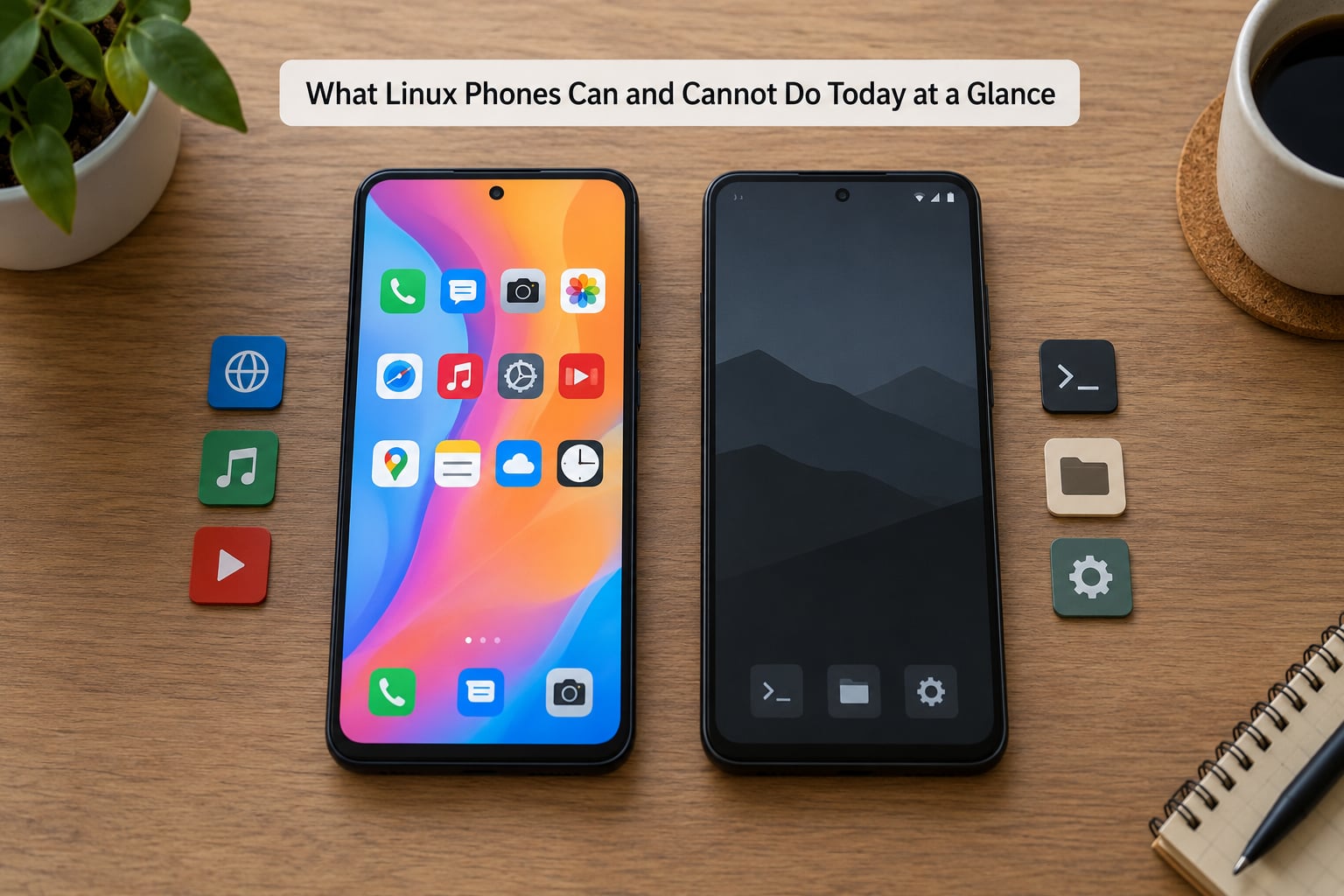
The short version of what Linux phones can and cannot do today fits in one table. Read the right-hand column first: that is the list that decides whether the phone can replace your current one.
| Task | What works | What does not work reliably |
|---|---|---|
| Calls and SMS | Voice calls and SMS on supported devices and carriers | VoLTE, RCS, group MMS and carrier certification on many networks |
| Messaging apps | Matrix, XMPP, IRC, Signal in some builds, SMS/MMS | WhatsApp and most mainstream messengers as official builds |
| App catalogue | Native FOSS apps through stores like OpenStore, plus a real package manager | The commercial app ecosystem on Android and iOS |
| Banking | Web banking in a browser | Native banking and push-notification-only authentication flows |
| Payments | Nothing practical | NFC tap-to-pay has no mainstream equivalent |
| Camera | Snapshots with the main rear sensor on some devices | Video stabilisation, HDR, portrait quality, camera2 completeness |
| GPS and maps | Positioning and offline maps on hardware with a supported modem | Turn-by-turn quality comparable to a mainstream phone |
| Media | Music playback, local video, podcast clients | Some proprietary codecs and streaming services with DRM |
| Bluetooth and tethering | Accessories and hotspots on better-supported hardware | Constant reliability; profiles vary device by device |
| Hardware support | Mainline Linux on a small set of well-documented phones | New SoCs, fingerprint sensors, always-on displays |
| Updates | Rolling releases on several platforms | Multi-year security patch promises from a vendor |
| Daily-driver readiness | Secondary or burner phone use | Your only phone, if you depend on the apps listed above |
Two rows in that table cause most of the disappointment. Banking and NFC payments are the hard blockers, because the apps themselves refuse to run rather than crashing politely.
Which Linux Phone Platforms Are Available Now?
Five stacks have real activity in 2026, and each one makes a different trade. None of them is a mass-market product, and each is a community project first.
Ubuntu Touch, maintained by the UBports community, is the most widely deployed. It targets a documented list of supported handsets and has the longest history of convergence, where the same interface runs on a phone, a desktop and a tablet. It also has the deepest device list, which is the practical reason to pick it.
Sailfish OS, from Jolla, is a polished gesture-driven interface with licensing arrangements that let it run on selected third-party hardware. It is the most refined experience of the group and one of the hardest to get running on hardware you already own.
postmarketOS is built on the mainline Linux kernel, which matters for longevity: the kernel is the part hardware support depends on. It runs on PinePhone hardware and on postmarketOS-certified Android phones, and it leans heavily on a terminal-first workflow.
Plasma Mobile is the mobile edition of the KDE Plasma desktop, with Phosh and Nemo Mobile shells on top. Developers and desktop Linux users tend to land here first because the software is already familiar.
Mobian is a Debian-based phone stack that targets a small list of specific devices. It is smaller than the others, which is a fair summary of its ambition.
What Linux Phones Can and Cannot Do Today by Platform
Platform strength is the least useful signal for a buyer, because the same operating system behaves completely differently on two handsets. Feature availability depends on the OS, the device, the interface shell, how mature the drivers are, and how much community work has landed on that exact combination.
Ubuntu Touch gives you the widest choice of supported hardware and the most apps through its container route, at the cost of polish on some devices. Sailfish OS gives you the best-looking interface, on the smallest set of well-supported hardware. postmarketOS gives you the strongest kernel story and the least hand-holding. Plasma Mobile gives you the shortest mental distance for a desktop Linux user, and the most familiar tools. Mobian is worth a look if you want a Debian system and a supported device list you can read in one sitting.
Forum advice on this topic is notoriously contradictory for exactly this reason. A comment saying Linux phones are unusable is usually about one OS on one device, not a verdict on the ecosystem.
What Can Linux Phones Do Well?
The capable side of a Linux phone is not a rounding error. In several areas it is better than a mainstream phone by a wide margin, and the difference is not subtle once you have used both.
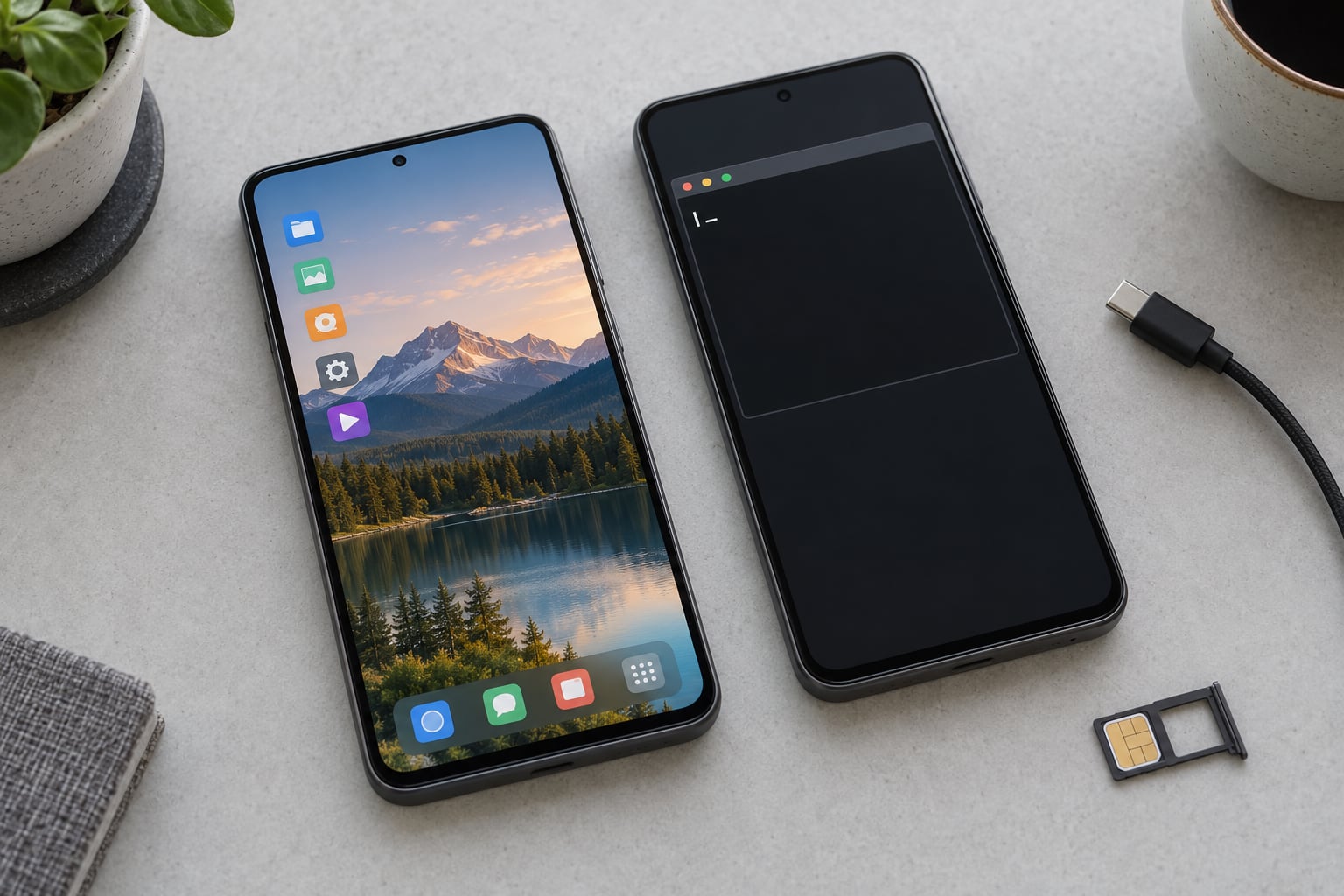
A real terminal. You get a shell, a package manager and a root account, on a device with a keyboard-less interface that still accepts real commands. Developers routinely use these phones over USB or SSH from a laptop.
Local file control. Mounting storage, moving files and scripting a transfer takes minutes rather than the app-and-cloud gymnastics a locked phone requires.
System customisation. You can change the window manager, the compositor, the whole userland. Nothing asks your permission because there is no vendor to ask.
Open-source applications. Stores such as OpenStore carry free and open-source apps, plus native builds of some well-known tools like the Firefox browser, VLC, Nextcloud clients, maps, and password managers with built-in TOTP.
Development work. Compiling, container tooling, and running services on a pocket machine is a genuine advantage over an app-locked handset.
Networking. Wi-Fi, Bluetooth accessories and tethering all work on the better-supported hardware, and the open driver stack means you can see exactly what is talking to the network.
Convergence. On the platforms built for it, the same session docks to an external display and a keyboard and behaves like a small desktop. That is the feature Android Chromebooks borrow and Linux phones invented.
What Linux Phones Still Cannot Do Reliably?
This is the list that decides whether a Linux phone can be your only phone. Most items are not bugs that a future update will fix; they are structural gaps.
The mainstream app catalogue. There is no equivalent of the Play Store or the App Store. The most capable users assemble their own app set from a native FOSS store plus a container.
Banking and DRM services. Banking apps check device integrity and often refuse to run on uncertified systems. Push-notification-only authentication is the specific flow that breaks hardest, because there is no fallback.
Carrier-certified calling. VoLTE, RCS and rich MMS depend on carrier certification for the device and firmware. A phone that is not on the carrier’s list may get degraded service, which is the part that erodes daily-driver trust fastest.
Stable cellular modems. Modem firmware is often proprietary and its power management is imperfect, so standby drain and dropped connections show up on devices whose specifications look fine.
Camera quality. Mainline camera support lags, so the images lag current flagships badly. Video stabilisation, HDR, and consistent autofocus are usually missing.
Proprietary codecs and sensors. Some streaming services need licensed decoders, and fingerprint sensors, always-on displays and depth sensors are often unsupported.
Commercial warranty and support. A hardware fault is a community forum question, not a service ticket.
Long security update commitments. A few projects ship rolling releases, but nobody publishes a multi-year patch guarantee the way mainstream vendors do.
Can You Run Android Apps on a Linux Phone?
Sometimes, and the method matters more than the answer. There are four routes, and none of them is a clean substitute for running Android.
Native Linux builds. A small number of apps are ported properly, such as a few messengers, browsers and media players. They are the best experience when they exist, because nothing is emulated.
Compatibility containers. Anbox and Waydroid run a full Android system image in a container rather than a virtual machine, which keeps performance usable. They are the pragmatic route most people take, and they are also where the app breakage lives.
Virtualised Android environments. A complete Android instance can be run in a virtual machine for experimentation, but performance and hardware integration suffer badly.
The container route breaks for a consistent reason. Android apps expect a licensed Google Play Services install and a device that passes Play Integrity, formerly called SafetyNet. An uncertified system image fails those checks, and the app refuses to launch or refuses to show an account screen. That is exactly the behaviour that kills banking.
Even when an app does launch inside a container, the app usually cannot reach the phone’s real camera, sensors, or NFC, because the container is not the real device. Upgrading the container can also break apps that were working, because Android apps assume a vendor-maintained platform.
One more practical wrinkle: apps that are only distributed through the Play Store are hard to obtain for a container in the first place, so the availability problem sits upstream of the compatibility problem.
Can a Linux Phone Work as an Everyday Phone?
It depends entirely on what your everyday actually contains. The honest answer is that a Linux phone is a fine everyday phone for one group of people and a poor one for everyone else.
Casual experimenters who mostly call, text, listen to music and read maps can run one without much pain, usually as a second device.
Developers and tinkers get the most out of them. The forum pattern is a long daily-driver report with a stated duration, and it is nearly always a technical user who accepts friction as part of the hobby.
Privacy-focused users get a real reduction in tracking and advertising exposure, and they can read the whole system. But a Linux phone is not automatically the most secure device you could carry, which is the subject of the next section.
Anyone who cannot tolerate rough edges should not try. Forum consensus is consistent on this: if your day depends on banking, tap-to-pay, WhatsApp, and a camera that works, a Linux phone will frustrate you within a week.
The most common real-world compromise is the two-phone workflow: a cheap Linux phone for calls, texts, maps and music, plus your normal phone for authentication and payments. A number of long-term users report pairing a container or a native authenticator with a password manager on the second device, which solves most of the friction without giving up the Linux phone.
It is also worth naming the pragmatic answer honestly. De-Googled Android keeps the Linux kernel while preserving app and banking compatibility, and forum consensus treats it as the better everyday “Linux phone” for most people. That is a different product, but the argument deserves a hearing rather than a dismissal.
How Do Updates, Security, and Hardware Support Compare?
Security claims on Linux phones need more scepticism than vendors usually give them. Running Linux tells you very little about how a device defends itself.
Updates. Several projects ship rolling releases, which means new code arrives often. Often is not the same as supported, because there is rarely a stated support window for a specific model.
Verified boot and rollback protection. Mainstream phones and the leading de-Googled Android builds ship verified boot and a hardware-backed keystore. Many Linux phone builds do not, so a compromised system can be modified without detection.
App sandboxing. Mainstream mobile systems confine apps by default. A desktop-style Linux userland is built for trusted software, so a malicious app is far more dangerous there than on Android.
Hardware acceleration. A phone without working GPU, video or DSP acceleration falls back to software rendering, which costs battery and makes video playback poor.
Repairability and openness. This is where Linux phones genuinely win. Mainline device trees, published schematics on some models, and replaceable parts make long-term support more likely than on a locked handset.
Vendor accountability. Independent security researchers have argued for years that the hardware kill switches and modem isolation advertised on privacy phones protect against a narrower set of threats than their marketing implies, and that a software modem plus a compromised baseband defeats much of the story. Treat those switches as one layer rather than a guarantee.
So: better transparency and better repairability than a locked phone, worse built-in exploit mitigations than a well-maintained mainstream one. That is the honest trade.
What Should You Check Before Buying a Linux Phone?
Work through this list in order. Most expensive regrets come from checking items eight and nine while ignoring item one.
1. The target operating system first. Pick the OS, then look up its supported device list. Never buy hardware and hope the driver arrives later.
2. Exact hardware support. Verify the model number, not the marketing name. Vendors reuse names across chipsets, and support is per-device, not per-brand.
3. Cellular bands and carrier compatibility. Check the bands your carrier uses against the modem’s supported list, and ask whether the device is carrier certified for VoLTE.
4. Calling and messaging reality. Confirm SMS, MMS, RCS and voicemail for your network before committing.
5. Cameras and sensors. Check the camera situation and whether the fingerprint reader, proximity sensor and any sensors you rely on actually work.
6. Battery behaviour. Look for real idle-drain reports for that exact OS and device, not the capacity number on the box.
7. Update policy. Ask how often the project ships, how long a model stays supported, and where you would read the changelog.
8. Your app list. Write down every app you cannot live without and check each one specifically. This single step disqualifies more devices than any hardware concern.
9. Return options and failure mode. Ask what happens if the device is unsupported. If you will flash it yourself, understand that unlocking a bootloader can permanently brick a phone, and that warranty terms may already be void.
10. Your tolerance for community support. Be honest about whether you will enjoy troubleshooting a missing driver at 10pm, or whether that will push you back to your old phone within a week.
Frequently Asked Questions
Is Android a Linux phone?
Technically yes, practically no. Android runs on the Linux kernel, so every Android phone is running Linux code underneath. But Android replaces the standard userland, package manager and desktop environment with its own heavily modified stack. When people ask what Linux phones can and cannot do today, they almost always mean a phone running a GNU/Linux userland such as Ubuntu Touch, Sailfish OS or postmarketOS. That distinction is what this guide covers.
Are any Linux phones suitable for complete beginner use?
Not as a first phone, no. A Linux phone is one of the more demanding hobbies in consumer electronics, because support is a community forum rather than a service desk. If you enjoy troubleshooting, a second device is a good sandbox. If you want a phone that just works, a de-Googled Android build is the realistic starting point, because it keeps the Linux kernel and still runs your apps.
Can you use banking and payment apps on a Linux phone?
Usually not. Banking apps check device integrity and licensed Google Play Services, and most refuse to run on an uncertified system or inside a compatibility container. Web banking in a browser generally works, and some hardware authenticator setups can be replaced with a native password manager app. Tap-to-pay has no mainstream equivalent on any of these platforms. Plan on keeping a second phone for payments and push-based authentication.
Can a Linux phone replace my everyday smartphone?
Only if your everyday is calls, texts, email, maps and music, and you are comfortable with occasional friction. Replace every app you rely on with a native equivalent or a container, and the answer is usually no. The most common workable setup is a cheap Linux phone for daily basics plus your existing phone for banking, authentication and photos. Forum consensus treats a de-Googled Android device as the better full replacement.
Is it cheaper to buy a dedicated Linux phone or run Linux on an existing device?
Dedicated Linux phones cost more at the point of sale and are the safer route, because the project already lists that model as supported. Flashing an existing phone is nearly free, but you depend on mainline kernel support for that chipset, bootloader unlocking can permanently brick the device, and warranty terms usually end the moment you unlock it. If you already own a device that appears on a supported list, flashing is the sensible experiment.
Conclusion
Linux phones are genuinely good at openness, customisation and control, and they are the only phones where you genuinely own the system. The same openness is why the app catalogue is thin, the banking apps refuse to start, and the camera is two generations behind.
So before you choose a device, write down your non-negotiable apps and your carrier’s must-have features: VoLTE, MMS, RCS, NFC. If that list cannot be satisfied natively, you are buying a second phone, not a replacement. Then pick the operating system first and buy hardware that its supported device list already names.