How to Block Spam Calls on Android: 5 Simple Solutions (2026)
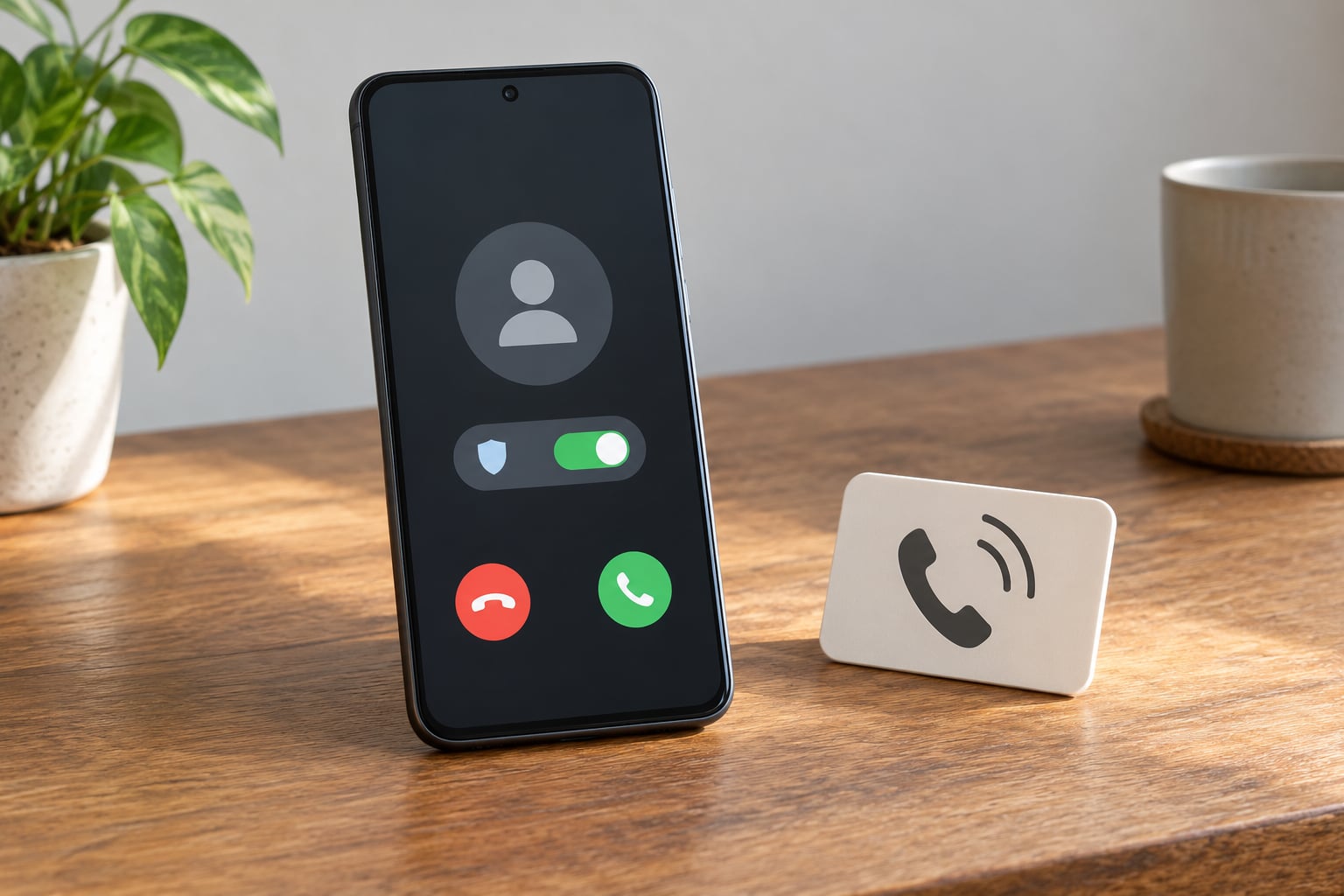
To block spam calls on Android, open the Phone app, tap the three-dot menu, choose Settings, then Caller ID & spam, and turn on … Read more

 Priya Natarajan
To block spam calls on Android, open the Phone app, tap the three-dot menu, choose Settings, then Caller ID & spam, and turn on … Read more
To disable preinstalled apps on Android, open the app’s page in Settings, tap Disable, and confirm. That stops the app running and pulls it … Read more
Yes, you can keep your number. Switching carriers without losing your number is called porting, and under FCC rules a carrier cannot charge you … Read more
If you want to improve Wi-Fi signal on a phone, the fastest wins usually come from three places: picking the right frequency band, resetting … Read more
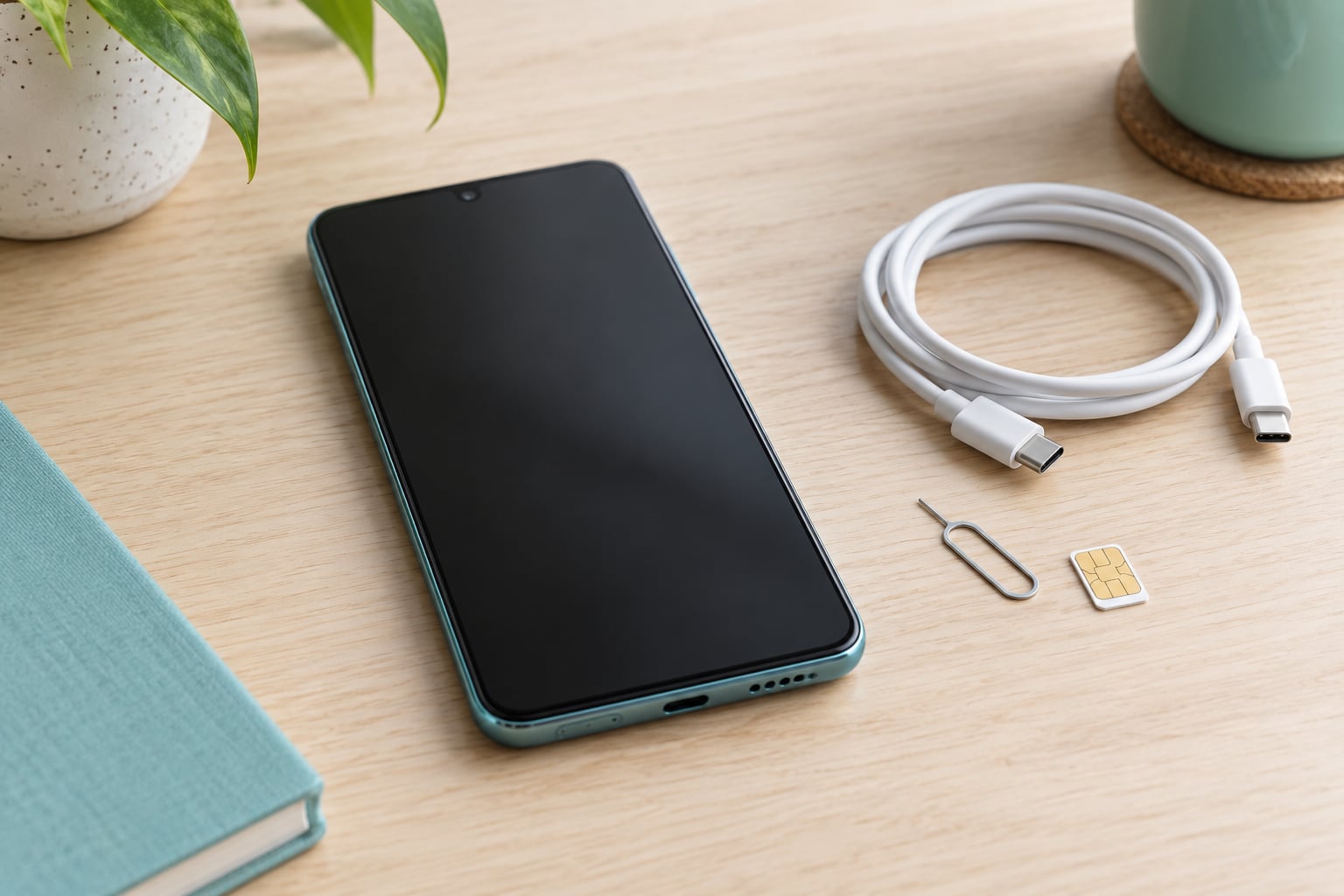
If you want to know how to tell if a phone is unlocked, the fastest route is to open the settings and look for … Read more
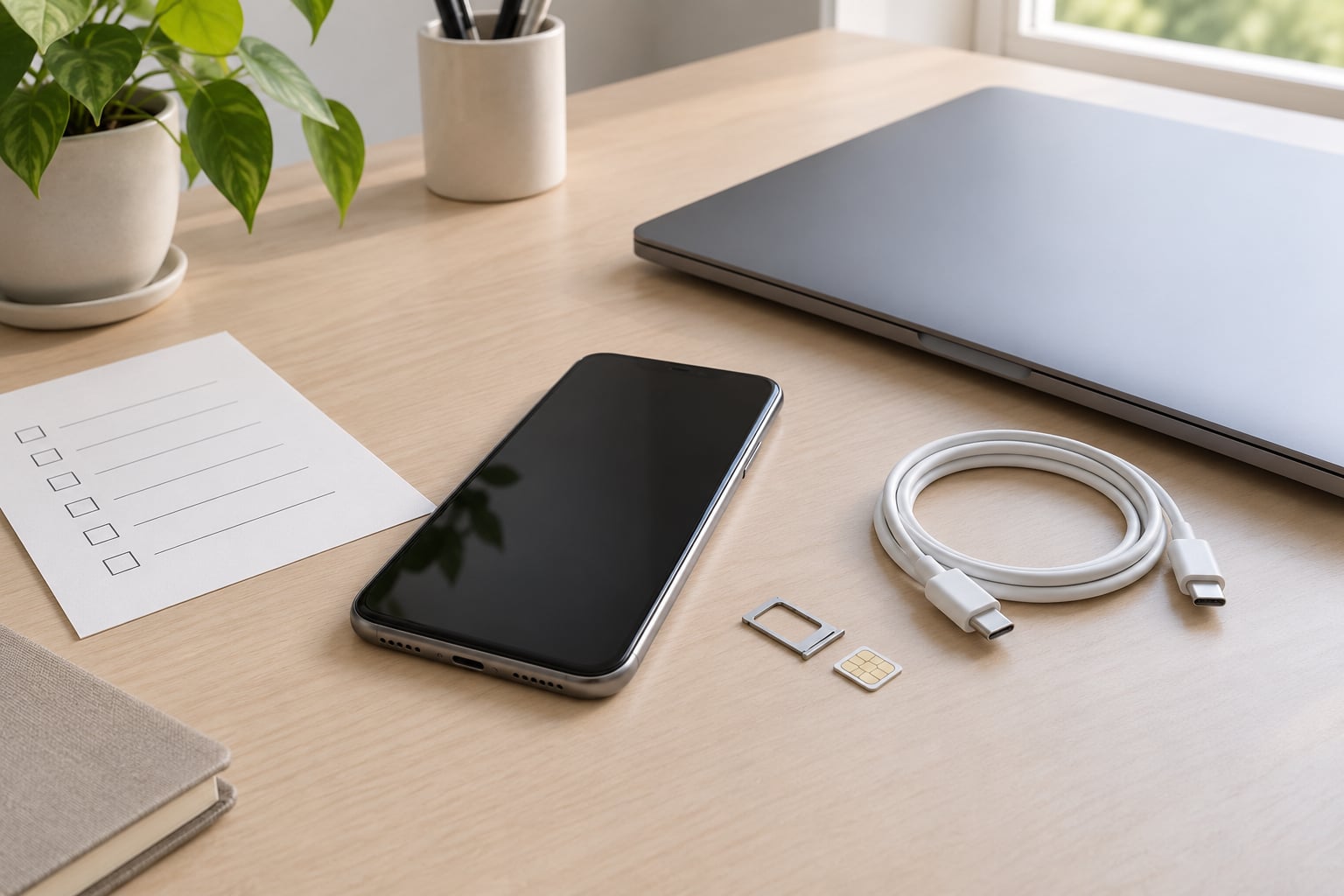
Back up your data, sign out of every account, and run a factory reset. Those three moves are the core of what to do … Read more

To restore apps after a factory reset, sign back into the same Google or Apple account you used before and let the setup wizard … Read more
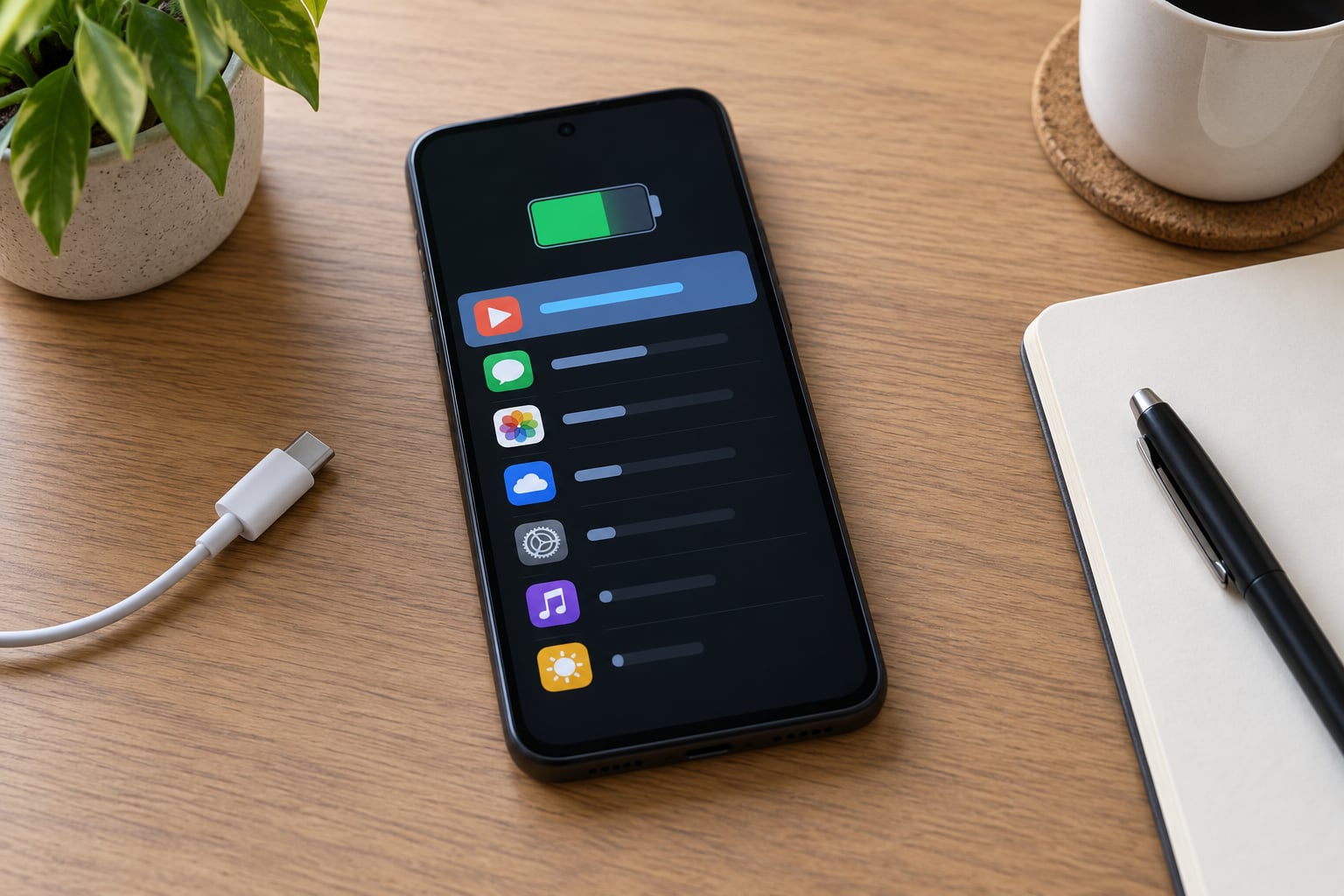
Your phone already tracks this for you, so there is nothing to install. To find out which app is draining your battery, open the … Read more
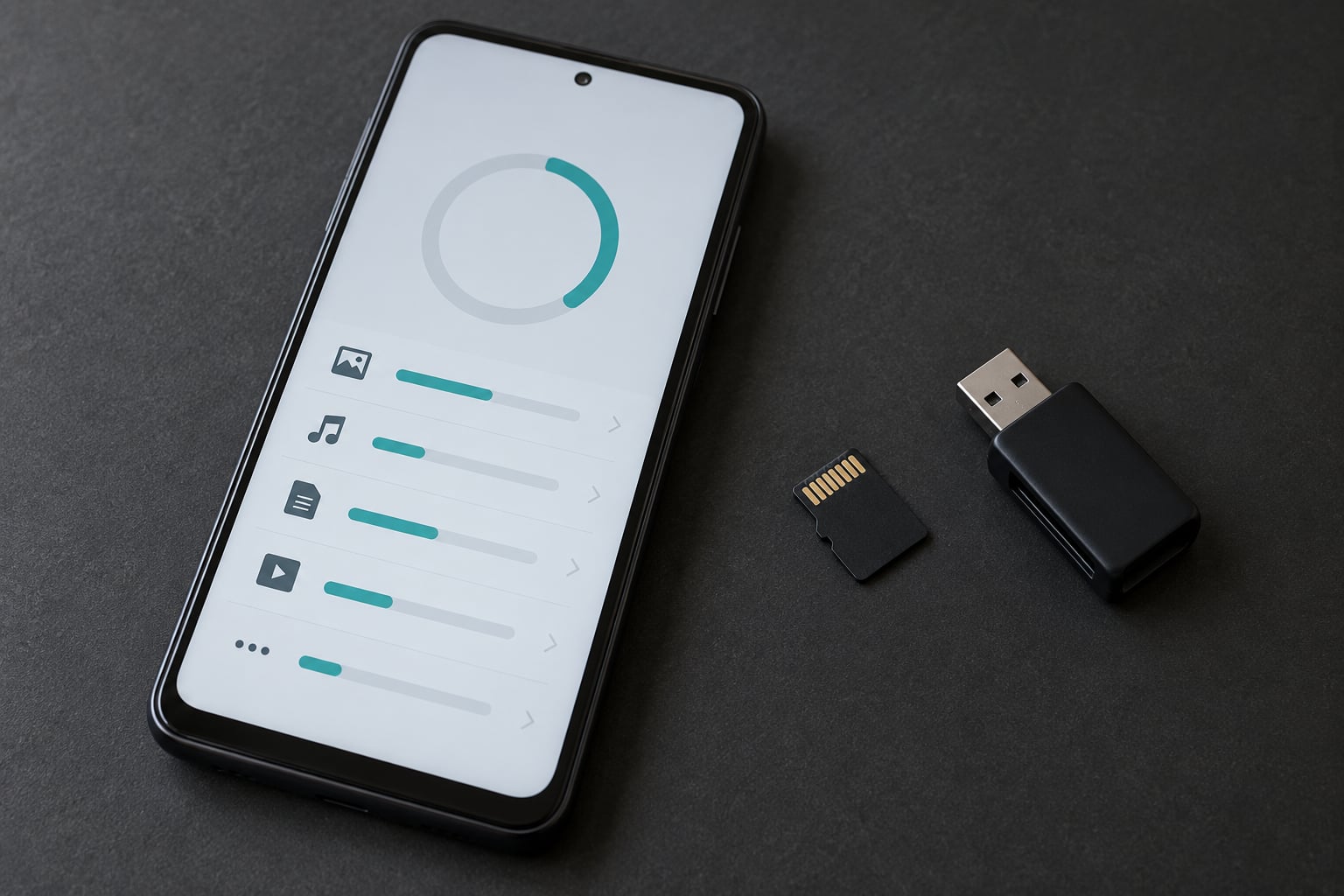
On current Android versions you usually cannot move an installed app to a microSD card at all. Google removed the per-app Move to SD … Read more
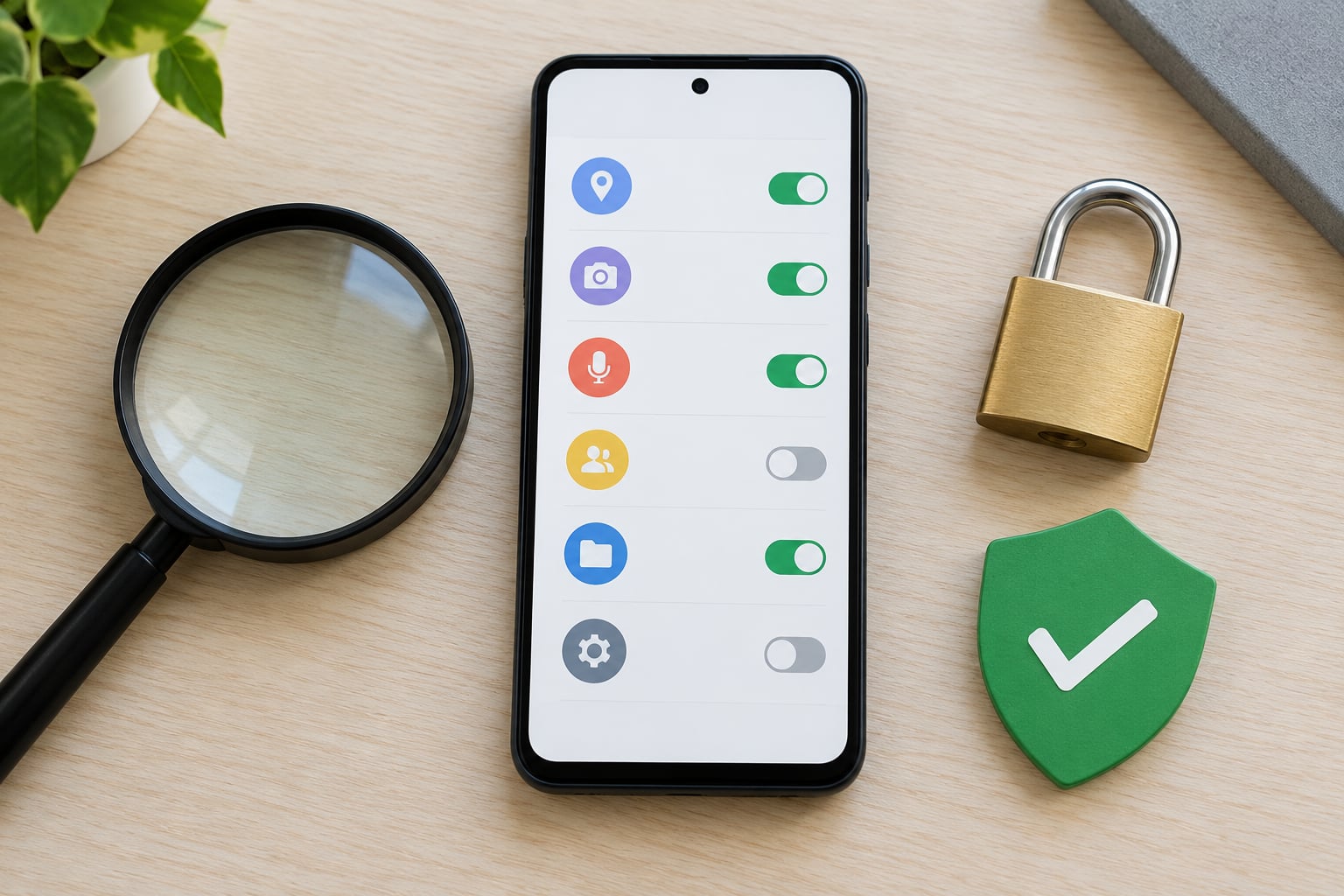
You can tell if an app is safe to install by checking four things before you tap the button: where the file came from, … Read more
Phone and tablet reviews, app picks, and how-to tips
Read the latest guides