To block spam calls on Android, open the Phone app, tap the three-dot menu, choose Settings, then Caller ID & spam, and turn on both See caller and spam ID and Filter spam calls. That single toggle catches most robocalls. Everything after it is cleanup: block the repeat offenders, add your carrier’s own filter, and stop answering.
The honest bit first, because it saves people weeks of frustration. Blocking a single number does not stop spam, because spammers rotate the caller ID on nearly every call. Your block list is a broom you are chasing the dust with. What works is filtering, which happens by name and by pattern instead of by number, and it works in layers.
Updated for 2026. Menu names shift between Android versions and manufacturer skins, so I have given the path for the Google Phone app, the Samsung path, and what to do when neither is on your device.
Table of Contents›
- What You Need
- Step-by-Step: How to Block Spam Calls on Android
- How to Block Spam Calls on Android in Google Phone
- Block Spam Calls on Samsung Phones
- Use Your Carrier’s Spam-Protection Tools
- Add a Third-Party Call-Blocking App
- Test Your Settings and Protect Important Calls
- Common Mistakes
- Frequently Asked Questions
- How do I block a single spam number on Android?
- What is the difference between blocking a number and reporting a spam call?
- Why can a blocked spam call still reach me sometimes?
- Can I block spam calls on my Samsung phone?
- Does blocking spam calls also block normal text messages?
- Will an Airplane Mode permanently stop spam calls?
- Conclusion
What You Need
Before touching any settings, know four things about your phone. Knowing them takes about a minute and prevents most of the frustration later.
- Your model and Android version. Open Settings, then About phone, and check the Android version line. Menu paths below are written for current versions.
- Which app handles calls. Most Android phones use the Google Phone app. Samsung uses the Samsung Phone app, Motorola and Google phones usually use Google Phone, and some devices ship a plain AOSP dialer with no spam tools at all.
- Your carrier. The carrier layer only works if your carrier offers it, so check the network name in Settings.
- Whether you want to filter or block. Filtering screens calls before you hear them. Blocking is for one specific number, permanently. Most people need the first one.
Step-by-Step: How to Block Spam Calls on Android
Work down this list in order and stop when your problem is gone. Each layer catches what the one above it missed.
| Brand | Where the call filtering lives |
|---|---|
| Google Pixel | Phone app > three-dot menu > Settings > Caller ID & spam |
| Samsung Galaxy | Phone app > three-dot menu > Settings > Call alerts > Spam protection |
| Motorola, OnePlus, Xiaomi | Varies; check Phone app > Settings > Call screening or Blocked numbers, otherwise the Google Phone app covers it |
How to Block Spam Calls on Android in Google Phone
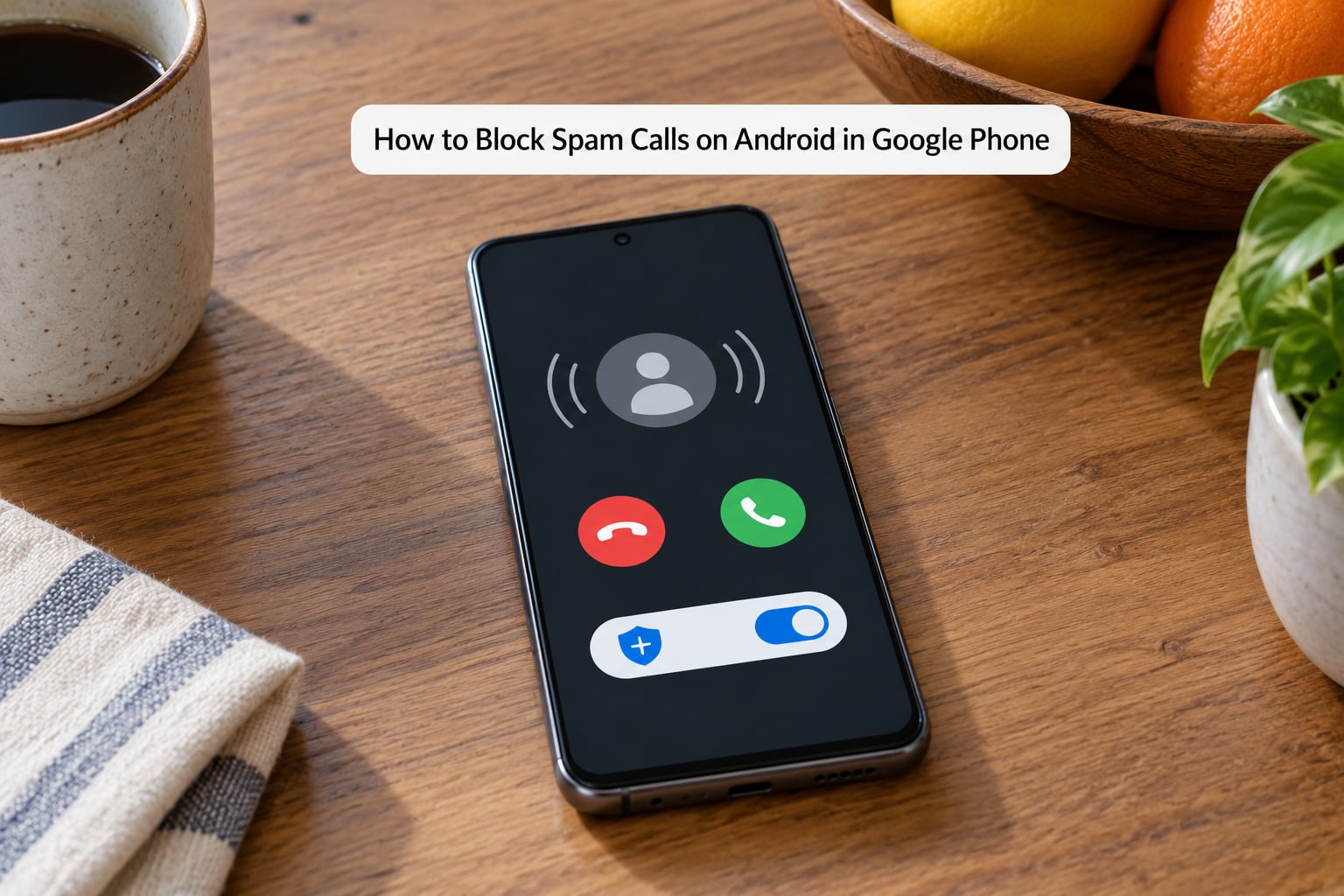
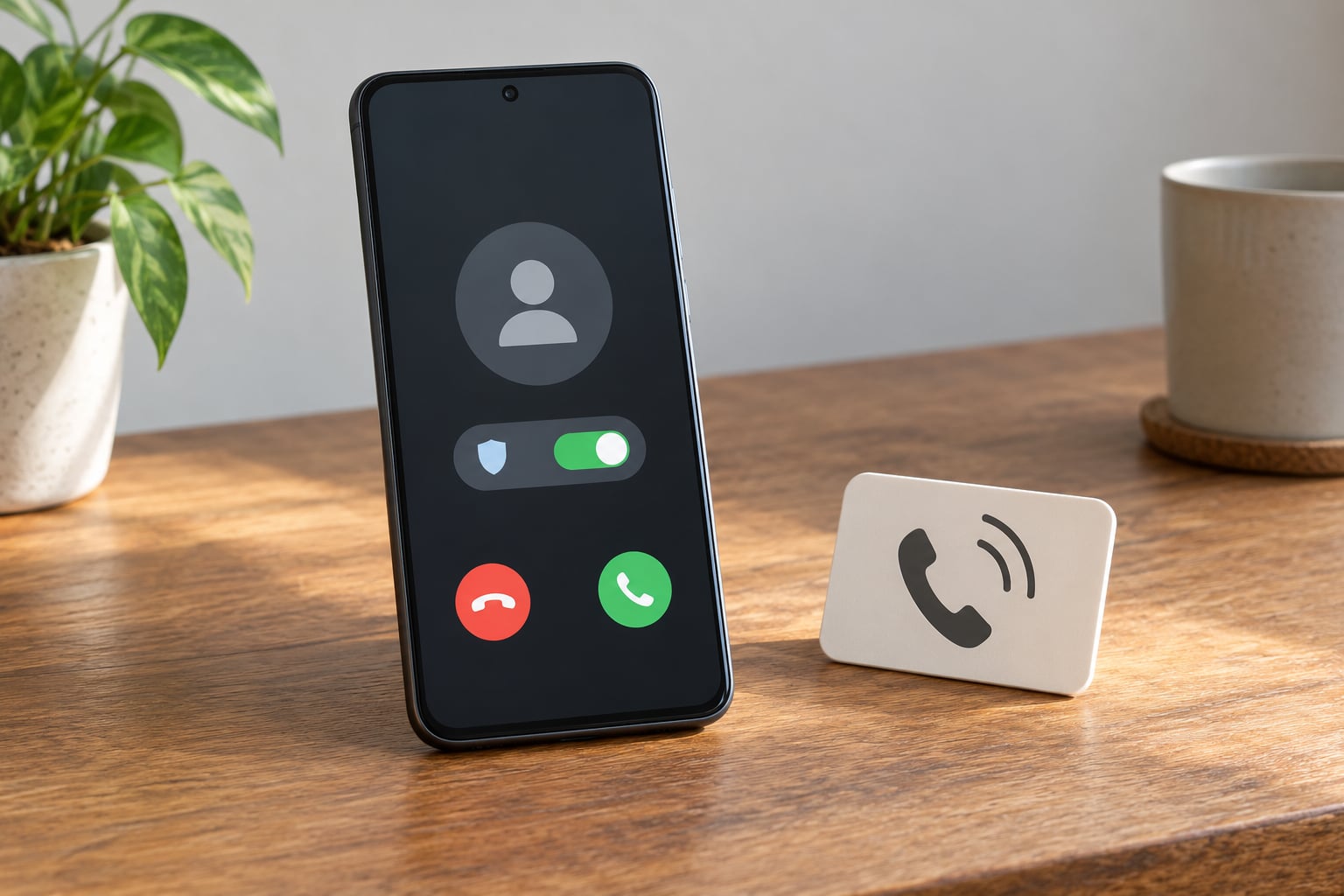
Open the Phone app and tap the three-dot menu in the top corner, then Settings. Tap Caller ID & spam, and this screen is where nearly everything happens.
- Turn on See caller and spam ID. This adds caller ID plus Google’s spam label on incoming calls. Without it, the rest of the settings do nothing.
- Turn on Filter spam calls. Google sends detected spam straight to voicemail so your phone never rings. If you toggle this on, spam detection kicks in automatically.
- Check Block spam and scam calls if you see it. This is a stronger version that blocks rather than diverts, so use it only when you are comfortable missing something.
- Tap Blocked numbers to review what is already blocked. This is the list people forget exists for years.
- Add Unknown to the block list if your phone offers it, to silence hidden or private caller IDs.
To report a call, open Recents, tap the number, scroll down and tap Report as spam. Every report feeds the shared spam database that powers the filter for everyone else, so it is worth doing even for a number you already blocked.
On a Pixel you also get Call Screen, which is the single most praised feature in Android communities for this problem. Go to Phone app > three dots > Settings > Call Screen and set the level to Medium or Maximum. Google Assistant then answers unknown callers and shows you a live transcript before the call connects, so you can decide in real time.
Block Spam Calls on Samsung Phones
Samsung does not label things the same way as Google. In the Samsung Phone app, tap the three dots, then Settings, then Call alerts. There you get a Spam protection toggle and a Block numbers entry, and nearby an option to block calls with no caller ID.
Turn Spam protection on. Samsung runs its filtering through Hiya, a third-party caller ID network, and the toggle may be labelled Caller ID and spam protection or Spam protection depending on your One UI version. Verification by SMS is sometimes required before the network activates, so if it asks, complete that first.
Inside Block numbers you can add numbers and see categories such as Unknown or Strangers. Note that these usually mean hidden or private caller IDs only, not every number missing from your contacts. Some Galaxy devices also let you install the Google Phone app and use it as the default handler if you prefer Google’s labels.
Use Your Carrier’s Spam-Protection Tools
The phone setting reacts after a call arrives. Your carrier’s filter runs earlier, which is why it is the layer people notice most. It is usually off by default and most people do not know it exists.
- T-Mobile Scam Shield. Dial #662# from your phone to turn on basic protection, and 662 to turn it off. The enhanced version, free on the most recent plans, blocks known scam numbers before the call connects.
- Verizon Call Filter. Manage it in the My Verizon app under Protection, or dial *324 from your phone to toggle it.
- AT&T ActiveArmor. Turn it on in the myAT&T app, or call 611 and follow the prompts to have it activated.
Short codes are worth flagging because people search for them. #662# is a T-Mobile shortcut. *77 is a short code certain carriers use to toggle caller ID and blocking features, and what it does depends entirely on which carrier you are on, so check your carrier’s support page before assuming.
Coverage also varies by plan, not just by carrier. Log into your carrier account and look for anything labelled spam, scam, call filtering or protection before you go shopping for an app.
Add a Third-Party Call-Blocking App
An app earns its place only when filtering, carrier tools and blocking repeat offenders together still leave you with twenty calls a day. In that situation an app has a larger community-reported spam database than any single filter, and some can send every unknown caller straight to voicemail.
The trade-off is data. Several popular caller ID apps work by uploading your contacts to a shared lookup service, which is how they identify numbers that are not in the Google database. Read the permission request before you accept it, and turn off contact access if you are uneasy, since the app loses much of its value without it. Communities on Reddit consistently flag this as the reason to skip such apps.
For a lighter option, look for local or open-source filtering apps, which can be found through F-Droid, the free Android app catalogue that hosts open-source software. These usually stay on the device. Nothing here is necessary for most people; it is a last layer.
Test Your Settings and Protect Important Calls
Verify the setup rather than assume it. Have someone you do not have saved as a contact call you, and confirm the phone stays silent and the call lands in the log labelled as spam. If it rings normally, walk the Caller ID & spam menu again; one missed toggle is the usual cause.
Then protect the calls you actually want. A blocked unknown category hides deliveries, your bank, doctors, pharmacies, employers, landlords and anyone who rings from a number you have never saved. Two habits prevent the problem: save the numbers for those contacts when you recognise them, and check your voicemail for silent attempts, since a filtered call still leaves a message.
Never answer a spam call and never call one back. Answering confirms your line is live and working, which is exactly the signal that generates more calls. The same goes for hanging up on the first ring where you can recognise it.
Common Mistakes
Blocking one number and expecting it to stick. Spammers rotate caller IDs between calls, so yesterday’s block is irrelevant by today. Use filtering and reporting instead.
Believing block unknown callers covers every non-contact. It does not. It targets hidden and private caller IDs, while calls from a real but unrecognised number still come through.
Confusing screening with blocking. Call Screen lets you hear the caller and decide. Blocking just ends the call. They solve different problems and people often enable one expecting the other.
Forgetting to check the block list. Over time it fills with numbers you do not remember adding, sometimes including a colleague or a family member. Review it every few months.
Looking for the toggle in Android Settings. On most phones these controls are inside the Phone app, not the system Settings app. If you cannot find a Caller ID and spam option at all, update the Phone app from the Play Store first, since some Pixel users report the option missing on older app versions.
Frequently Asked Questions
How do I block a single spam number on Android?
Open the Phone app, tap Recents, find the call, tap the number, then tap Block number and confirm. In Google Phone you will find Blocked numbers under the three-dot menu, then Settings, then Caller ID u0026amp; spam. In Samsung Phone it sits under Settings, then Call alerts, then Block numbers. The block lasts until you remove the number manually.
What is the difference between blocking a number and reporting a spam call?
Blocking stops one number from reaching you, and only that number. Reporting a call as spam tells the spam database that the number is unwanted, which helps the filter catch that number, and numbers like it, before the phone rings on future calls. Blocking works after a call arrives. Reporting works before, so report first, block if the caller keeps trying.
Why can a blocked spam call still reach me sometimes?
Most often the caller ID was spoofed, which means the number shown was faked and is not the real source. It is called neighbour spoofing when the fake number shares your area code, so it looks local. Other times the spammer simply rotates to a fresh number you have never blocked. A blocked number may also show up again through a different service, which is why filtering beats blocking.
Can I block spam calls on my Samsung phone?
Yes. Open the Samsung Phone app, tap the three dots, then Settings, then Call alerts, and turn on Spam protection. That toggle runs filtering through the Hiya network and needs SMS verification on some models before it activates. The same screen holds Block numbers for individual numbers and an option to block calls with no caller ID.
Does blocking spam calls also block normal text messages?
Call blocking and spam protection for texts are separate settings. The Caller ID u0026amp; spam controls in the Phone app only affect calls. Text messages are handled in the Messages app or your carrier’s messaging app, which has its own spam protection and blocked-numbers list. If you block a number for calls, that number can still text you, and the reverse is also true.
Will an Airplane Mode permanently stop spam calls?
No. Airplane Mode disables your cellular radio, so no calls reach you while it is on, but it does not touch any filter setting. When you turn it off, every call you missed comes flooding back at once, including the spam. It is a temporary silencer, not a solution. The lasting fix is built-in filtering plus your carrier’s spam protection.
Conclusion
Start in the Phone app. Turn on See caller and spam ID, then Filter spam calls, and the majority of robocalls stop reaching you that afternoon. If calls still break through, turn on your carrier’s protection, which is the layer that acts before the phone rings. Only reach for an app when those two are on and the problem persists.
While you are there, register at donotcall.gov and report scam calls to the Federal Trade Commission. Neither stops a determined scammer, but both shrink the pool of calls that reach your phone in the first place. No method is perfect, and the closest thing to permanent is filtering plus never answering.