If your phone has a SIM tray, you’re holding a physical SIM. If it has no tray at all, or a tray that only works with one line, your phone runs on an eSIM, a chip soldered to the hardware that activates from a QR code instead of a plastic card. Both connect you to the same mobile networks, and the network performance is identical once you’re connected.
The real differences sit in activation speed, how easily you switch carriers or phones, what happens when a device is lost or breaks, and whether you can run two lines at once. Most people in the US on a recent iPhone or flagship Android are better served by an eSIM, while anyone on an older or budget phone, a flip phone, or someone who swaps devices constantly is usually better off with a card they can pop out.
I’ve handled both formats for years and the pattern is consistent: the argument people have is almost never about signal quality. It’s about logistics. Here’s the short version of how each one actually works, followed by where each one wins.
Table of Contents›
- eSIM vs Physical SIM at a Glance
- What Is an eSIM?
- What Is a Physical SIM?
- eSIM vs Physical SIM explained: activation and device support
- eSIM vs Physical SIM: switching carriers and keeping numbers
- eSIM vs Physical SIM: travel and multiple lines
- eSIM vs Physical SIM: storage, durability, and battery
- eSIM vs Physical SIM: security and control
- Which Should You Choose?
- Frequently Asked Questions
- Can I use an eSIM and a physical SIM at the same time?
- How do I check whether my phone supports eSIM?
- Can I convert a physical SIM into an eSIM without losing my number?
- What happens to my eSIM when I change phones?
- Do eSIMs work in older smartphones and tablets?
- Is an eSIM safer than a physical SIM card?
- The Short Answer
eSIM vs Physical SIM at a Glance
| Factor | eSIM | Physical SIM |
|---|---|---|
| Format | Chip soldered into the phone, loaded with a digital carrier profile | Removable nano-SIM plastic card in a SIM tray |
| Activation | Scan a QR code or tap a link, usually a few minutes | Insert the card, then activate in the carrier app or by phone |
| Device requirement | eSIM-capable phone only | Any phone with a SIM slot, including old and budget models |
| Carrier support | Major carriers and most MVNOs, varies by country | Nearly universal across carriers and prepaid brands |
| Switching carriers | Download a new profile, no store visit | Order a new card or swap the old one |
| Switching phones | Transfer needs both phones online, or a carrier reset | Pop the card into the new phone |
| Number of active lines | Often two at once, sometimes three, model dependent | Two on dual-SIM and hybrid-tray models |
| Storage and durability | No slot, no card to lose, slightly more room for battery | Uses tray space, card can be lost, bent or damaged |
| Battery effect | Negligible in everyday use | Negligible in everyday use |
| Security | Harder to physically remove or clone, still exposed to carrier-level SIM swap fraud | Can be physically stolen, swapped or cloned |
| Best fit | Travelers, frequent carrier switchers, newer phones, dual-line setups | Older or budget phones, flip phones, frequent device swapping |
What Is an eSIM?
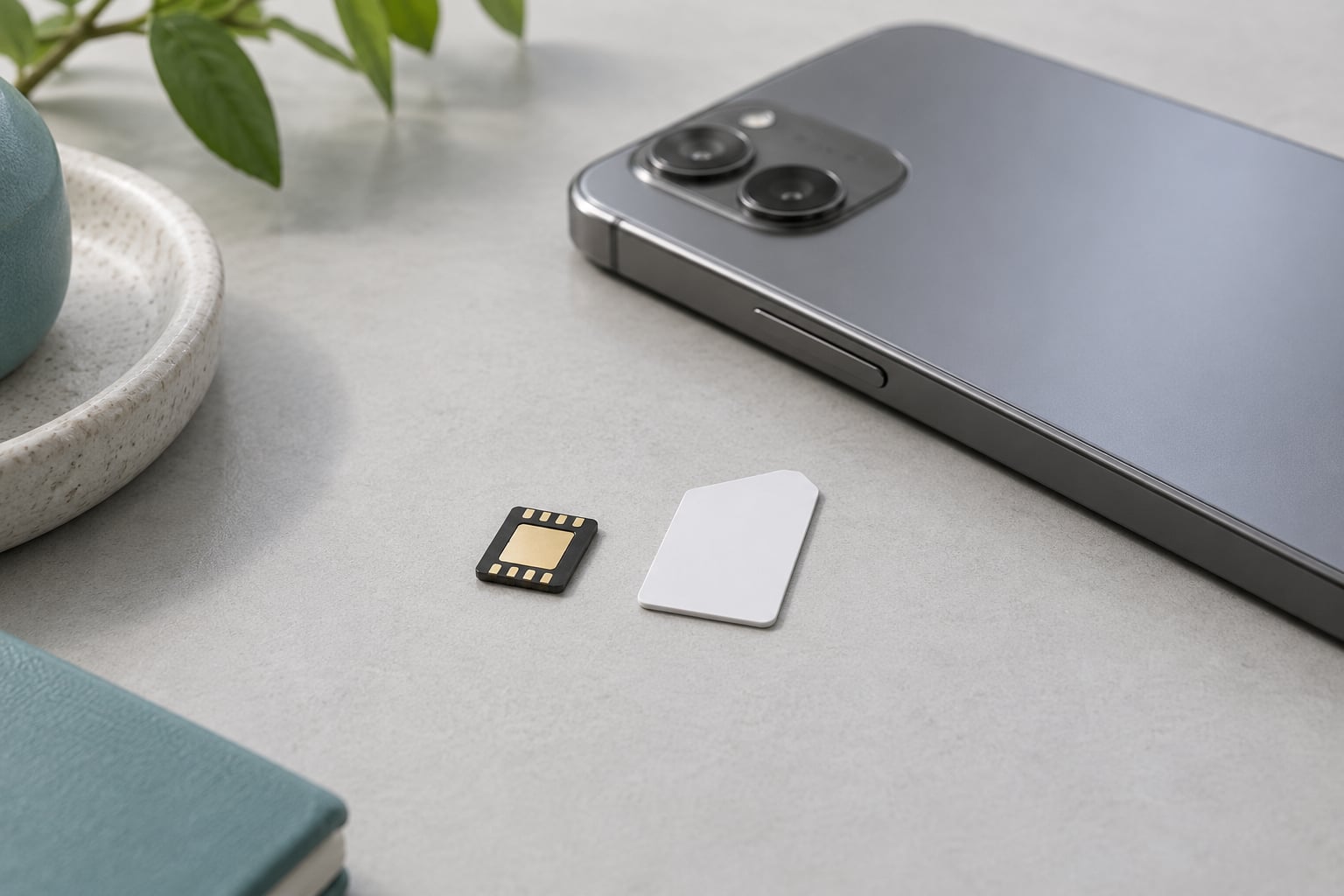
An eSIM is an embedded subscriber identity module, a chip already soldered to the phone’s motherboard that holds one or more carrier profiles as software rather than plastic. Instead of receiving a card in the mail, your carrier sends a QR code or a link, and you scan it in settings to download a profile that authenticates your phone to the network.
Because the profile is software, a phone can carry two eSIMs side by side and keep a third ready to switch to, depending on the model. Switching between them usually takes a couple of taps in the settings app.
Support is broad but not universal. In the US, iPhone 14 and later sold without a SIM tray are eSIM-only, and recent Samsung Galaxy and Google Pixel flagships support it in every configuration. Carrier support matters as much as device support: the major national carriers and most MVNOs handle eSIM, while smaller prepaid brands sometimes don’t, and support varies by country. Check both before you plan around an eSIM.
A few regional notes catch people out. Some iPhone models sold outside the US keep a physical tray, and some models support eSIM on one carrier but not another. If you’re buying a phone used, the eSIM capability is tied to the region it was set up for.
What Is a Physical SIM?
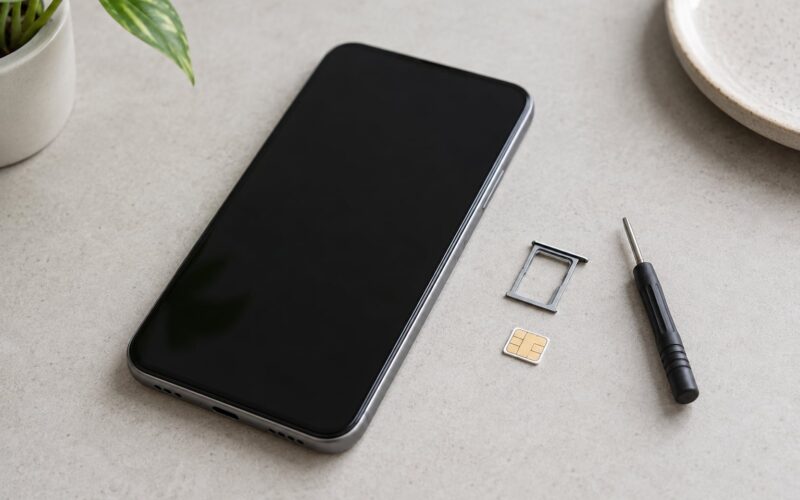
A physical SIM is the removable nano-SIM card most people picture: a small plastic rectangle with a gold contact chip that holds your subscriber identity. You slot it into the tray, power on the phone and the network authenticates it, either automatically or after you activate the line with the carrier.
The card still has real advantages in 2026. It works in almost any phone with a slot, including flip phones, kid phones, cheap prepaid handsets and older flagships, which is why prepaid brands still lean on it. It’s also the fastest way to move a line into a replacement phone, since there’s nothing to transfer.
eSIM vs Physical SIM explained: activation and device support
Activation is where the two feel most different. A physical SIM often arrives by mail or comes from a store shelf, then needs a call, an app session or a code before it connects. An eSIM usually goes live while you wait on hold with support, since scanning the carrier’s QR code downloads the profile directly.
There’s a catch the marketing tends to skip. That QR code comes from the internet, so an eSIM needs a working data connection to activate, which usually means Wi-Fi or the very physical SIM you’re replacing. And the old phone has to be powered on and online for a transfer to work, which is exactly the situation people hit when their old device is already broken.
Setup on the hardware side runs the other way. A physical card needs a tray and a slot in the chassis, which costs a few millimeters of thickness and a little internal volume. Devices built around an eSIM recover that space for a slightly larger battery or more cameras.
eSIM vs Physical SIM: switching carriers and keeping numbers
Switching carriers with an eSIM is close to frictionless: you pick the new plan, scan a code, and the old profile deactivates. There’s no card to post, no store queue, and no waiting on plastic.
The part that catches people is that activating an eSIM on your number turns off the physical SIM on that same line. They’re two containers for one number, not two numbers. If you want a second line while keeping your original, you need an extra profile on the eSIM, or a dual-SIM model with both a tray and an eSIM chip.
Keeping your number across formats is doable. Port the number to the new carrier first, or ask your current carrier to convert the line to eSIM, then move the profile. Just note that MVNOs vary a lot here; some handle eSIM conversion in the app, some make you call, and a few refuse it entirely.
eSIM vs Physical SIM: travel and multiple lines
For travel, travelers consistently prefer the eSIM. There’s no airport counter, no passport registration at a shop, and no queue after a long flight. You install a regional or international profile over Wi-Fi at the gate and you’re online before landing.
The exception is long stays. A roaming-capable eSIM plan can cost more per month than a cheap local SIM bought in bulk at the destination, so if you’re somewhere for two months or more on a tight budget, the local card still wins. Either way, both options ride the same local towers, so speed and coverage are the same. Only the convenience and the bill differ.
For multiple lines, both formats handle a work number and a personal number well. The eSIM advantage is separation: the work profile lives in its own slot and can be switched off or wiped independently, which is a genuinely clean setup for people who carry both. A physical SIM on a dual-tray or hybrid-tray phone does the same job, though hybrid trays force a choice between two physical cards or one card plus an eSIM.
eSIM vs Physical SIM: storage, durability, and battery
Physically, the eSIM wins by default. There’s no tray to lose, no card bent in a back pocket, and nothing to go missing when you change cases. It also frees up internal volume, which is part of why phones without a tray can carry a larger battery in the same body.
On battery life, neither option meaningfully drains your phone. The modem draws power either way, and the eSIM has no extra hardware to speak of since the chip is already on the board. The one case people notice is two lines with both lines in standby, which keeps the modem awake longer regardless of which format either line uses.
eSIM vs Physical SIM: security and control
The honest answer is that neither format protects you much on its own. A physical SIM can be physically removed, cloned or swapped, which is how SIM swap fraud works: someone convinces your carrier to move your number onto a SIM they control, then uses it for banking one-time codes.
An embedded chip can’t be popped out of a phone in a coffee shop, which removes the most casual attack. But SIM swap fraud is a carrier account problem, not a plastic problem, and it happens on eSIM lines too. What an eSIM does add is remote control: your carrier can suspend or delete the profile, and on some devices you can wipe it from another screen.
For a lost phone, the difference matters in one direction. A physical SIM that goes missing can be deactivated in an account portal in minutes. An eSIM on a lost phone usually needs a carrier reset to move to a new device, which takes a phone call and proof of ownership.
Which Should You Choose?
Choose an eSIM if your phone supports it and you travel, switch carriers often, want a work line and a personal line, or upgrade phones every year or two. Activation is quicker, there’s nothing to lose, and remote control is cleaner.
Choose a physical SIM if you’re on an older phone, a flip phone or a budget handset, if you hand devices around for repairs and swaps, or if you simply prefer something you can hold and point at. Broad compatibility is the deciding factor far more often than any technical advantage.
If you’re undecided, check two things before you commit: whether your exact model supports eSIM in your region, and whether your carrier supports it on that model. Everything else follows from those two answers.
Frequently Asked Questions
Can I use an eSIM and a physical SIM at the same time?
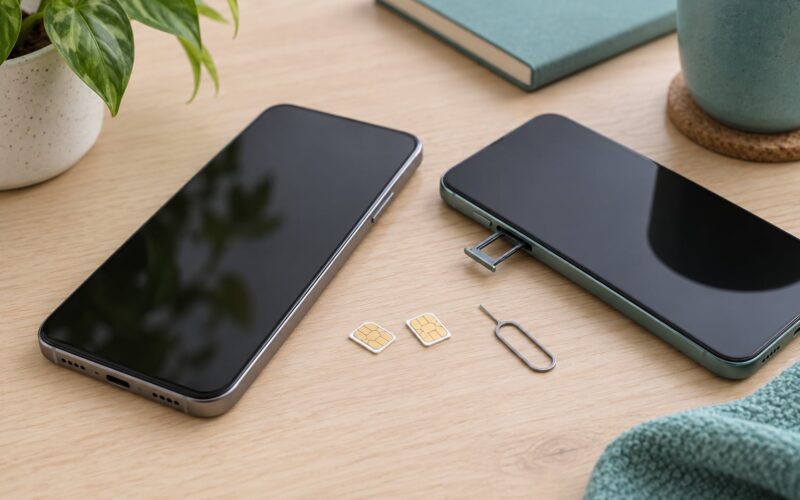
Yes, on most dual-SIM phones. Two physical SIMs, two eSIMs, or one of each can run at once on models that support it. Some budget phones use a hybrid tray, which gives you either two physical cards or one physical card plus an eSIM, not all three. A handful of flagships run two eSIMs with no tray at all. Check the specs for your exact model.
How do I check whether my phone supports eSIM?
On iPhone, open Settings and tap Cellular, then Add eSIM. On Android, open Settings, tap Connections or Network and SIMs, then Add eSIM. If the option appears, the phone supports it. If it is missing, the model, the region it was sold in, or the carrier lock may be blocking it. Your carrier’s compatibility checker will also confirm whether it will activate an eSIM on that model.
Can I convert a physical SIM into an eSIM without losing my number?
Usually, yes, and the number stays the same. Ask your carrier to convert the line, or port the number to a new carrier that supports eSIM, then activate the profile with the QR code or app link. Important caveat: activating the eSIM deactivates the physical SIM on that line, so treat it as a move rather than a copy. MVNO support for conversions varies, so check before you start.
What happens to my eSIM when I change phones?
The profile lives in the old phone, so it does not follow automatically. Most carriers offer a transfer that requires both phones powered on and connected, which takes a few minutes. If the old phone is lost, dead or factory reset, you cannot transfer directly; you contact the carrier, verify your account, and request a new eSIM QR code, or port the number to another carrier.
Do eSIMs work in older smartphones and tablets?
Only if the hardware was built for one. eSIM arrived in flagship phones around 2018 to 2020 and was rare on budget devices for several more years. Many older Android phones, tablets, watches and flip phones have no eSIM chip at all, and some eSIM-capable models only support it in certain regions. If there’s no tray and no Add eSIM option in settings, a physical SIM is your only option.
Is an eSIM safer than a physical SIM card?
Slightly, for narrow reasons. An embedded chip cannot be physically removed, bent or cloned the way a loose card can, which removes casual attacks. But SIM swap fraud happens at the carrier account level and affects eSIM lines too, so an eSIM is not a defense against the attack that matters most for banking. Real protection comes from account PINs, porting locks and two-factor authentication.
The Short Answer
Check whether your exact phone model supports eSIM in your region and whether your carrier will activate one on it. If both are yes and you travel or switch carriers often, the eSIM is the better option. If either answer is no, or you swap phones constantly, stay with the physical SIM and nothing is lost.