Refurbished and used phones are not the same thing, and the label alone proves nothing. A refurbished phone was returned after ownership, repaired or had worn parts replaced, then re-tested before resale. A used phone is simply pre-owned and sold as-is.
Learning how to tell refurbished from used when buying a phone takes about ten minutes of checks, and every one of them is free. You are verifying three things: the device’s identity, its history, and its actual condition.
Table of Contents›
- What You Need
- Step-by-Step
- 1. Confirm the exact listing and seller claim
- 2. Ask for the IMEI and service or purchase history
- 3. Identify signs of professional refurbishment
- 4. Inspect the phone in person or through a verified return window
- 5. Verify battery, activation, warranty, and software status
- 6. Compare the price with the phone’s actual risk
- Common Mistakes
- Frequently Asked Questions
- Does an iPhone model number that starts with F always mean refurbished?
- Do refurbished phones come with 100% battery health?
- Can a refurbished iPhone show no parts and service history?
- How do I check whether an Android phone was repaired or refurbished?
- Is 70% battery health acceptable on a used phone?
- Conclusion
What You Need
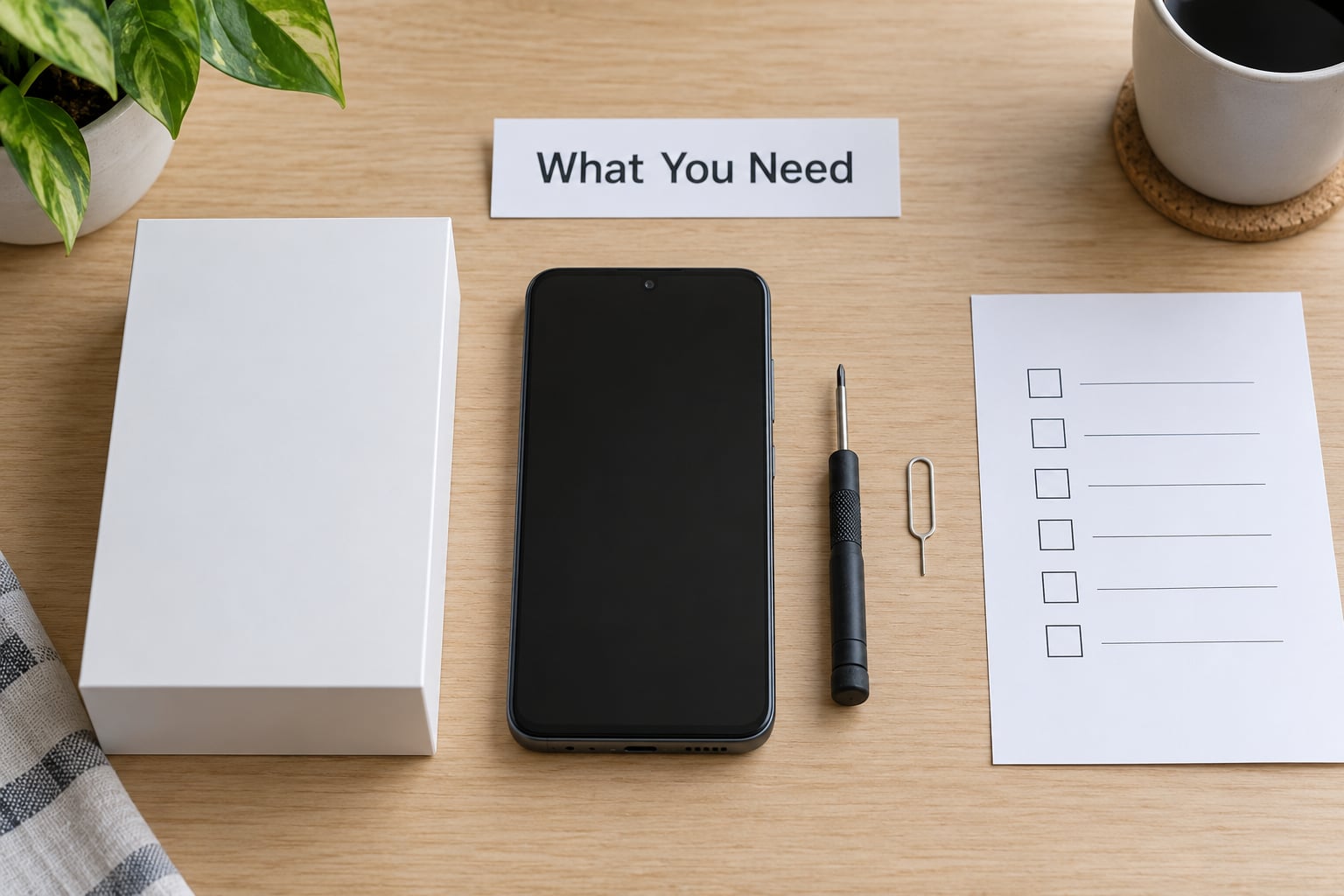
Gather this before you look at the phone, not after. Arriving with the paperwork in hand changes the conversation with the seller.
- The exact listing wording. Model name, storage capacity, colour, and the seller’s own condition claim, saved or screenshotted.
- The IMEI or serial number before payment, not after delivery. Dial *#06# on the handset, or read it from the box label and the settings menu, then compare all three.
- Battery information read from the phone itself rather than quoted from the listing.
- Written warranty and return terms from the seller, not a verbal reassurance.
- The original accessories claimed in the listing, so you can check whether they are actually there.
- Access to a carrier or manufacturer lookup so you can run the IMEI yourself rather than trusting a screenshot.
Bring your own SIM, a charging cable and a wall plug if you can. Half the useful checks happen in the ten minutes after the phone boots.
Step-by-Step
1. Confirm the exact listing and seller claim
Read the listing twice and pull out every claim that can be checked. Model number, storage capacity, colour, box contents, and the words used for condition are all verifiable or not.
Vague labels carry no verification value. “Renewed,” “open-box,” “excellent condition,” and “brand new sealed” describe a seller’s confidence, not the phone’s history, and local sellers do polish used handsets until they look untouched.
Check whether the how to tell refurbished from used checklist below turns up anything the listing actively contradicts. If it says sealed box but no unboxing video exists, that gap is the conversation to have before money changes hands.
2. Ask for the IMEI and service or purchase history
Request the IMEI or serial number in writing, before payment. A seller who declines, or who sends a blurry screenshot instead of a live photo of the number in the dialer, has given you an answer.
Run that number yourself through the manufacturer’s coverage or device-check page and, where a carrier is involved, the carrier’s account or blacklist tools. What you are looking for is a device that is still linked to someone else’s account, still carrying a financing balance, or flagged as lost or stolen.
Also compare the activation date with the manufacturing date encoded in the identifier. A phone manufactured well before it was first activated has a story behind it, and you deserve to hear that story from the seller.
3. Identify signs of professional refurbishment
Official refurbishment usually leaves paperwork and a warranty behind. Look for manufacturer refurbishment packaging, a written warranty from the company rather than the individual seller, matching documentation, or a parts record.
On Apple hardware, genuine replacement components are flagged in the operating system, and a calibrated battery shows a recent service date. Matching exterior finishing matters too, since panels and frames that have been swapped often differ slightly in sheen or colour under bright light.
None of this is proof on its own. Appearance is the weakest evidence a seller can offer, because refinishing a phone is cheap and quick.
4. Inspect the phone in person or through a verified return window
If you are learning how to tell refurbished from used when buying a phone, the physical pass is where refurbishment and neglect reveal themselves. Do it in person if you possibly can, and never hand over payment first.
Work through the phone in this order:
- Screen. True black pixels, no dead zones, no green or purple tint, no light leak at the edges, and identical brightness across the panel when a white image fills it.
- Camera lenses. Look for dust, haze or micro-scratches under the lens, then take one photo in a dim room.
- Charging port and speakers. Lint packed into the port, a loose or rattling connector, crackling on a call, muffled speaker output.
- Buttons and glass. Rattle, a stiff volume key, a back that flexes, or a front glass with a faint halo from a replaced panel.
- Screws and adhesive. Bottom screws with bright, chewed or mismatched heads, residue around the seam, and a SIM tray with tool marks on the pinhole.
- Water indicators. Many models hide white or red liquid-contact indicators under the SIM tray or in the tray itself.
Any two of these together is a reason to walk away. A single cosmetic scratch on a hidden edge is normal for any pre-owned phone.
5. Verify battery, activation, warranty, and software status
Battery health is the strongest single signal you can get, because it cannot be made to look new by cleaning a phone.
| Battery health reading | What it means | What to do |
|---|---|---|
| 90% and above | Healthy cell, normal for a phone a year or two old | Buy with confidence if everything else passes |
| 80% to 89% | Noticeable wear, often still fine for daily use | Use it as a negotiation point or price in a battery replacement |
| Below 80% | The cell is close to the end of its service life | Walk away unless a battery replacement is included and documented |
Read it yourself: on iPhone, Settings > Battery > Battery Health & Charging gives maximum capacity and cycle count on iOS 15.2 and later. Recent Android models report cycle count in their battery settings, and several brands keep fuller usage history in a hidden service menu.
Then confirm the software side. An iPhone should show no activation lock, no unfamiliar accounts under Settings > your name, and Find My iPhone already turned off by the previous owner. On Android, make sure no previous account is signed in, since factory reset protection will demand that account’s password after a reset.
A clean factory reset is not the same as a clean device. Signing into your own account is the only way to be sure.
6. Compare the price with the phone’s actual risk
Discounts on pre-owned phones are real, so a lower number is not automatically suspicious. What matters is whether the discount matches the risk you are carrying: a 90-day seller warranty and a seven-day inspection return are worth paying for.
Decide this before you negotiate. Short warranty, missing accessories, uncertain history or an unknown repair all lower the number you should be willing to pay, while a documented battery replacement and an inspection-based return window raise it.
When a private sale offers no protection at all, the safer option is a manufacturer refurbishment programme or a carrier certified pre-owned unit, where the warranty is written and the parts are documented.
Common Mistakes
Most bad purchases trace back to one of six habits.
- Trusting the refurbishment label. “Refurbished” is what the seller chose to type. The fix is to verify with the checks above before the label means anything.
- Believing a screenshot. Battery health figures in listings are frequently copied, reset or invented. Read the number off the phone in front of you.
- Skipping the IMEI check. This is the fastest test in the whole process and the one most often skipped.
- Overlooking battery wear. Owners on hardware forums report phones landing in the 80 to 90% band and then failing soon after, so treat the figure as a rough proxy and judge the daily experience too.
- Treating new packaging as proof. A sealed box proves the box was sealed. Check that the box serial, the IMEI and the activation date all agree.
- Testing everything after the return window closes. Run the full pass while you still have the option to send it back.
Two more habits worth building: never let a seller talk you out of a check by calling it unnecessary, and never transfer money before you have seen the phone boot. Sellers who refuse an in-person or live video inspection are telling you something useful.
Frequently Asked Questions
Does an iPhone model number that starts with F always mean refurbished?
No. On iPhones the model number beginning with F is Apple’s designation for a factory refurbished or renewed unit, so it is a real signal rather than a myth. But it only covers phones Apple itself refurbished. A third-party repair shop can replace a screen on any model without the letter ever appearing, and region-specific model numbers can confuse buyers. Treat it as one clue among several, never the whole case.
Do refurbished phones come with 100% battery health?
Usually yes for manufacturer programmes, not always for independent sellers. When a cell is replaced the health figure returns to 100% because it is a new cell, and calibration can reset on some models. If the battery was left untouched, the number reflects genuine age and wear, which is often why a renewed device reads in the high 80s. Read the figure yourself and check the cycle count, not just the headline percentage.
Can a refurbished iPhone show no parts and service history?
Yes, and this is one of the most common worries buyers bring to hardware forums. The section only appears when genuine Apple parts and Apple processes were involved, so third-party repairs may leave no trace there. Absence of the section is therefore ambiguous, not proof of an untouched device. Cross-check it against the model number prefix, battery health and cycle count, and the physical inspection of panel seams and screw heads.
How do I check whether an Android phone was repaired or refurbished?
Start in Settings, then About phone, where the IMEI, model and manufacturing date sit. Look for battery cycle count under the battery settings, since most Android brands expose it there now, and check for an unlocked bootloader, which usually shows a warning at startup or wipes the device. Several Samsung models also carry a hidden service menu with fuller usage data. Brand menus move often, so expect to hunt a little.
Is 70% battery health acceptable on a used phone?
Below 80% the cell is near the end of its service life, and 70% is a weak position to buy into. You can use the phone normally, but expect shorter screen-on time, slower charging at low battery and possible shutdowns under load. Buyers on hardware forums treat anything under roughly 90% as a negotiation point, and most treat under 80% as a reason to pass unless a replacement battery is included.
Conclusion
The safest purchase happens in a fixed order: verify identity and history first, inspect the device second, and pay only when a written warranty or a real inspection-based return window is behind it. If any single check fails, that is your answer.
The moment you find a red flag, stop the purchase there and name it plainly to the seller. Ask for the IMEI photo, the parts record or the battery reading that would explain what you saw, and if the seller will not or cannot produce it, walk away without debating the price.
Updated for 2026.