You cannot repair a cracked screen temporarily. The only thing any temporary fix does is hold loose glass down and keep dust and moisture out of the crack so the phone or tablet stays usable while you arrange a real repair. That is a stopgap, not a cure, and treating it as one is how a small hairline crack turns into a full display replacement.
I have written this guide for anyone staring at a spiderweb crack an hour before a flight, or sitting on a tablet a child still needs for school. The process takes about 15 minutes once you have the supplies, needs no tools and no opening of the device, and works on iPhones, Samsung Galaxy phones, Pixels, iPads and most Android tablets.
Read the stop-signs list in the Common Mistakes section before you start. Some damage should not be covered up at all.
Table of Contents›
- What You Need
- How to Fix a Cracked Screen Temporarily
- Step 1: Back Up the Device and Assess the Damage
- Step 2: Choose the Right Temporary Protection for a Cracked Screen
- Step 3: Clean and Apply the Temporary Cover
- Step 4: Test Touch, Display, and Everyday Functions
- Common Mistakes
- Frequently Asked Questions
- Can I use a phone with a cracked screen temporarily?
- Will a screen protector hide a crack?
- How long does a temporary cracked-screen fix last?
- Is it safe to charge a phone with a cracked screen?
- Does Vaseline or toothpaste fix a cracked screen?
- When is a cracked screen not worth repairing?
- Conclusion
What You Need
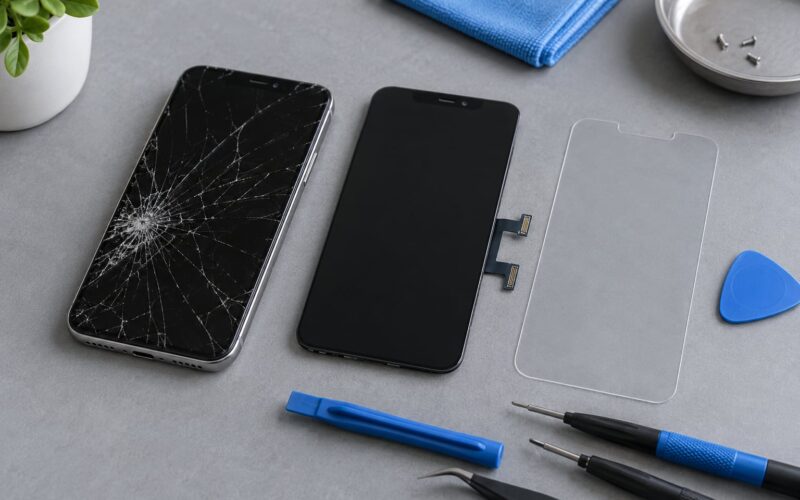
The essential kit is small and most of it is already in a drawer somewhere in your house.
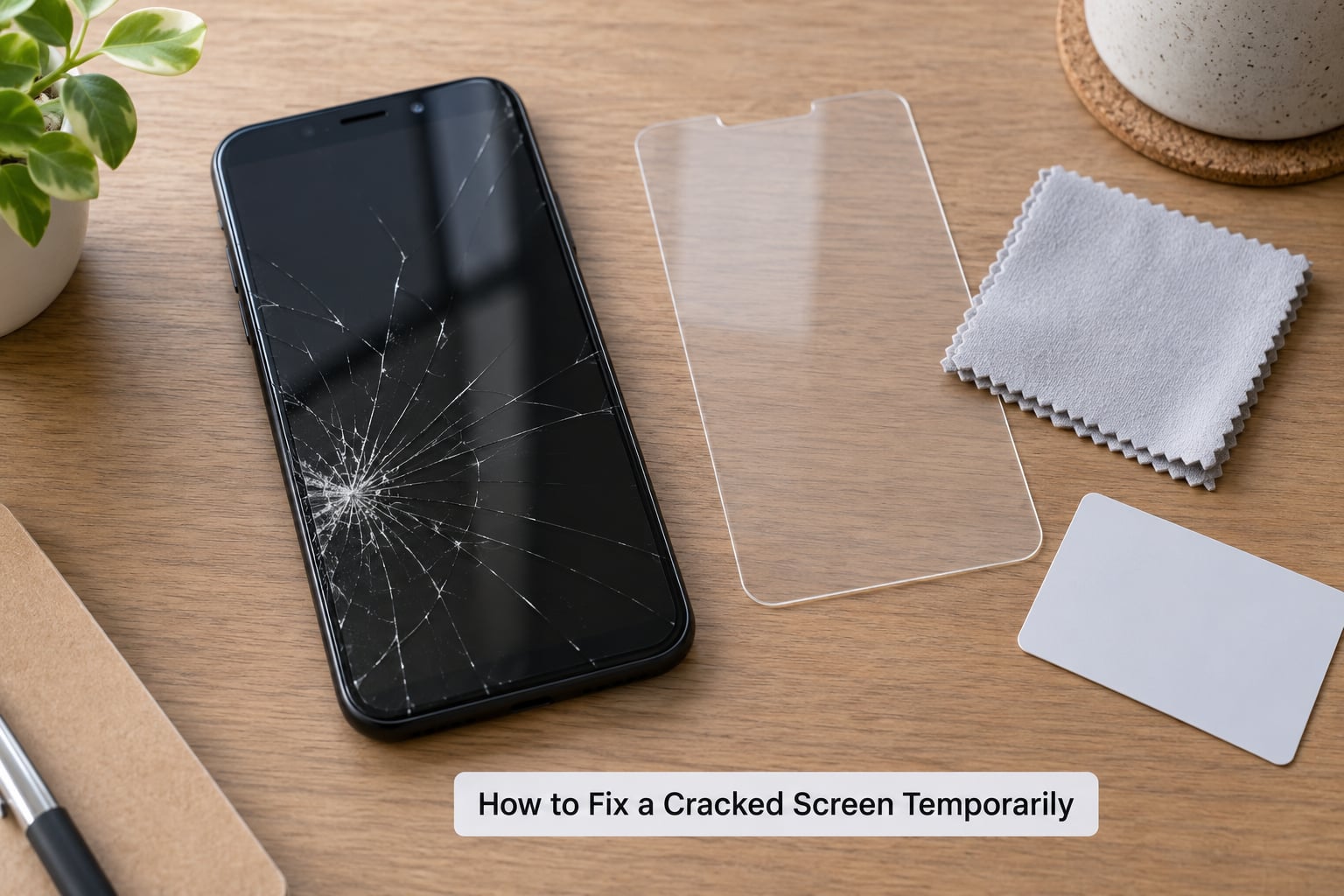
- Microfiber cloth or lint-free cloth. For cleaning the glass before you apply anything.
- 70% isopropyl alcohol and cotton swabs. To lift dirt and old adhesive from the surface. Damp, never dripping.
- Clear packing tape or a strip of clear adhesive film. The cheapest option and the safest one for a badly fractured screen.
- Plastic card, like a gift card or a squeegee. For pressing film down without pressing on the crack.
Optional extras, depending on which method you pick:
- A rigid screen protector slightly larger than the display, tempered glass or a flexible film.
- Fibreglass mesh repair tape, the same stuff sold for drywall.
- Compressed air and a paper mask, because glass dust is unpleasant to breathe.
- A USB OTG cable with a mouse or keyboard, which matters a lot if the touch layer is already dead and you need to back up the device.
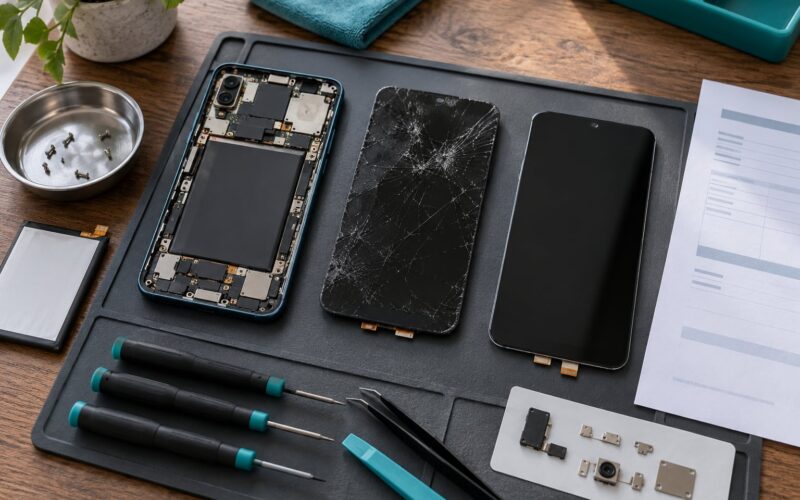
What not to use: cyanoacrylate glue, epoxy, liquid screen fillers, nail polish, petroleum jelly, toothpaste, or any tape you intend to put near a heat source. Do not open the device. The glass cover is glued down with a tight adhesive seal, and prying it off will very likely destroy the display panel underneath.
How to Fix a Cracked Screen Temporarily
Step 1: Back Up the Device and Assess the Damage
Back up before you touch the screen. Nothing you do to the glass should cost you photos or messages, and the backup is much harder once the touch layer dies.
On an iPhone, open Settings, tap your name at the top, choose iCloud, then Manage Account Storage to check that iCloud Drive and Photos are switched on, or connect the phone to a computer and choose Encrypt with Passcode under Finder or iTunes. On Android, the route is Settings, Accounts, Google, then Backup, and Samsung devices also have a Samsung Cloud backup under Accounts and Backup. Turn on both, plug the device in, and let it finish before you start.
Then work through the triage list, because it decides everything that follows:
- Does the display still show a full image? Colours, brightness and text are usually fine because the panel is a separate layer from the touch sensor.
- Does touch work everywhere? Test every edge and corner. Dead zones and phantom taps mean the digitizer is damaged.
- Are black or purple blotches spreading from the crack? That is ink spread on an OLED panel, and it does not stop. Move to the stop-signs list.
- Is any glass loose or lifting? If a shard can move, you need a cover tonight, not this week.
- Is the phone or tablet warm, or is the screen bulging? Stop. Do not charge it. Do not use it.
- Can you see any internal components? Exposed layers mean no temporary cover. Power it off and service it.
Understanding why the display and the touch layer fail separately saves you from wasted effort. A crack through the top glass is cosmetic until the shard travels. A crack reaching the flex cable or the digitizer layer kills touch even while the image stays perfect. No film or tape brings touch back.
Step 2: Choose the Right Temporary Protection for a Cracked Screen
Three options cover almost every case, and picking between them takes about a minute.
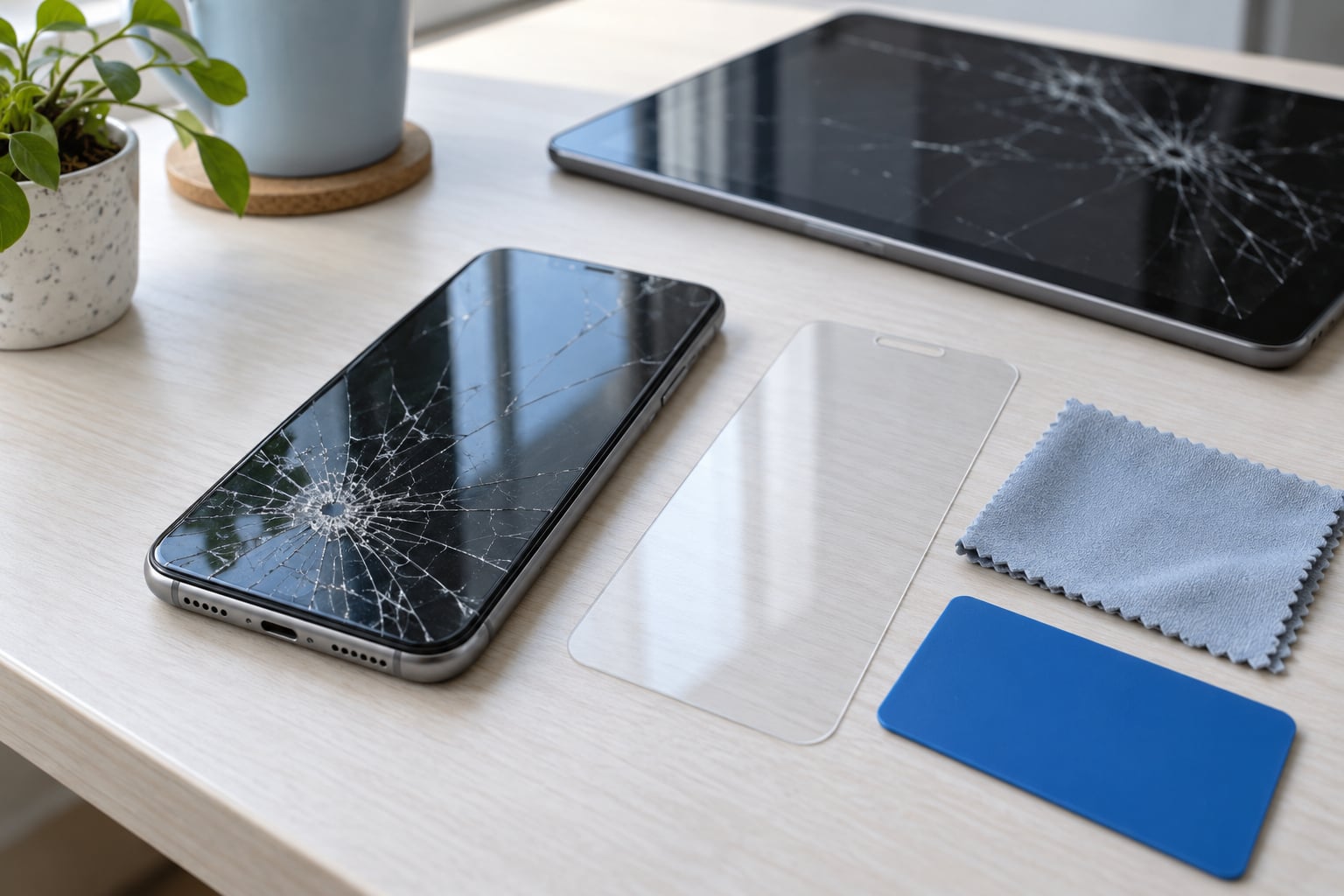
Clear adhesive film or packing tape suits spiderweb cracks, shattered glass and anything with loose shards. It flexes with the curve of the screen, needs no sizing to the millimetre, and can go over an existing protector. Its downside is cosmetic: it shows fingerprints, adds glare, and does not stop the crack being visible through it. Expect a few days to a couple of weeks, much less if a case goes over the top.
A rigid screen protector works well on a light hairline crack where the glass is still flat and firmly bonded to the display. A tempered glass protector spreads pressure and hides the crack better than tape because the crack is behind an opaque black border. It fails on a badly fractured screen, since the pressure of pressing it down can push loose shards inward. Buy one sized a few millimetres larger than the display if your device has a bezel to hide the overhang.
A temporary glass-digitizer cover, the cheap glass panel sold as a replacement part, is the closest thing to a real fix you can do at home. A strong suction cup and a bit of patience get it seated, and it restores the look and the touch response of an intact screen for a short while. It needs a steady hand and a device with a liftable glass edge, and any misaligned pressure can crack the panel underneath. I only recommend this when the digitizer is already gone but the display underneath still shows a clean image.
If your glass is severely cracked, the soft film beats the rigid protector every time. A protector adds downward force. Film only adds a skin.
Step 3: Clean and Apply the Temporary Cover
Turn the device off and unplug it. A powered-off screen gives you a static surface to clean and avoids accidental taps while you work.
- Wipe the glass with the microfiber cloth, then dab the crack area with alcohol on a cotton swab. Let it dry fully for a minute.
- Cut your film or tape slightly larger than the display so it has its own edge to grab later, and round off the corners so they do not curl.
- Lay it down from one edge, top or bottom, rather than dropping it flat from above. Dropping it flat traps air.
- Press it down with the plastic card, working outwards from the centre in short strokes. Press the film, not the glass underneath.
- Keep the earpiece slot, front camera, proximity sensor, fingerprint reader, speaker grille and any buttons clear. Sound will muffle and focus will fail if you cover an opening.
- Check the charging port and cable alignment. Leave a gap at the bottom edge if the film would otherwise sit proud of the case lip.
If a case fits over the device, take it off while the film is wet and refit it only once the edges are secure. A case pressing on an unsealed edge is the number one reason tape peels off within days.
Two habits matter more than the method you choose. Never press directly on the fracture line, because that is where the crack extends. And never leave the device face down on a hard surface afterwards.
Step 4: Test Touch, Display, and Everyday Functions
Test before you put the device back in your pocket. Swipe through every screen, including the notification shade and the keyboard. Open a text thread and type a full line. Then place a call, take a photo with the rear and front cameras, play something with sound, and check that the buttons and fingerprint reader respond.
Plug it in and confirm charging starts and keeps going. Some cables need a couple of tries because the film raised the port slightly, so angle the cable rather than forcing it.
Watch for two failure signals in the first day. Ghost touches, where the phone opens apps or dials contacts on its own, mean the digitizer is going and no cover will slow it down. Lifting film at the edges means the glass underneath is still moving, so either reapply with less tension or escalate to a repair shop.
A cracked but readable display is usable in the ways that matter most: reading messages, navigation, boarding passes and photos. Long typing sessions, outdoor use in bright light and anything where a dropped phone would be costly are the situations where a temporary fix starts to cost you more than it saves.
Two situations sit outside the normal flow. If the touch layer is dead and the display is black or unreadable, you can still rescue your data: connect a USB mouse or keyboard through an OTG adapter, since those inputs are read by the firmware rather than the digitizer, unlock the device, and transfer to a computer. If OTG fails, use the remote unlock in your manufacturer account to wipe the device, which triggers a backup on the next device that signs in. Technicians agree that replacing the display assembly is the only real fix.
Tablets follow the same method with one difference in scale. A 10-inch screen has more surface to clean and more chance of a trapped bubble, so work in small sections rather than laying the whole sheet at once. Leave the front camera and any ambient light sensor uncovered, and expect a rigid protector to be harder to size for a tablet with thin bezels, which makes clear film the better default. Laptops are a different animal: the panel sits under a bezel, so you cannot lay film over it, and the fix that actually works there is a sheet of acetate taped over the bezel opening to keep fingers off the fracture until a panel replacement.
Common Mistakes
Almost every one of these comes from a well-meaning forum post or a short video, and all of them make the situation worse. Here is what each mistake costs you and what to do instead.
Household tape from the kitchen drawer. Duct tape and electrical tape leave adhesive residue that only comes off with solvents strong enough to attack the oleophobic coating, and they press hard enough to spread the crack. Use proper clear packing tape, applied thin, as a one-way option you are prepared to peel off later.
Superglue or epoxy. It cures cloudy, yellows, seeps under the glass edge, and permanently marks the display. Nothing in the repair world recommends it. There is no safe way to reverse it.
Liquid glass and UV resin kits sold for phones. The ones made for windshields do not bond to a phone’s display stack. Resin that runs under the bezel can reach the flex cables, and UV kits sold for phone screens are unverified marketing. If a kit exists for your exact model, treat it as cosmetic only, work in a ventilated space, and accept that it will not fix touch or a spreading panel.
Shrink film or heat-shrink over a spiderweb crack. Heat is the one thing a crack cannot survive. Warmth and a hair dryer make the glass and adhesive expand, which extends the fracture every second the device is hot. This is the single most destructive shortcut people try, and it is why cracked phones end up with black panels.
Pressing on the crack to test if it moved. Pressure drives cracks further, especially near a corner or the earpiece. Check by looking at it in a mirror under a lamp, not by prodding it.
Covering sensors, speakers or the camera. A film across the earpiece slot makes calls muffled, a covered proximity sensor can keep the screen awake during calls and cook the battery, and film over the front camera ruins selfies. Cut back for every opening and route the film around them.
Vaseline, cooking oil, or toothpaste. Neither seals anything. Petroleum jelly is greasy, gathers dust, and creeps under the glass edge. Toothpaste is mildly abrasive and leaves a hazy film that cuts brightness. Clean glass responds to alcohol and a cloth, nothing else.
Keeping the device on when it is hot, swollen or hissing. A swollen battery is a fire risk, not a cosmetic problem. Power it off, move it away from anything flammable, and get it to a service centre. If there is any chemical smell, treat it as urgent.
Prying the glass off to see what is underneath. You will lift the panel with it. Every phone and tablet service manual warns about this, and the outcome is a display assembly that cannot be reused.
To stop it re-cracking while the temporary cover is in place, use a case with raised edges, keep the device in a padded pocket rather than loose in a bag, and stop using it as a bedside object. People on repair forums accept a cracked screen for months when the touch and panel still work, and that is a reasonable call when the crack is not moving.
Frequently Asked Questions
Can I use a phone with a cracked screen temporarily?
Yes, if the display still shows a full image, touch works across most of the surface, and the battery behaves normal. Back up first, cover the glass with clear film or a screen protector, and avoid dropping it again. Stop using it the moment you notice heat, swelling, spreading ink blotches, dead touch zones or phones calling people on their own.
Will a screen protector hide a crack?
A little, not completely. A rigid protector with a black bezel hides a hairline crack reasonably well because the edge masks it. Clear tape and clear film do the opposite, they make the crack more visible under glare and fingerprints. What a cover really does is hold shards down and stop the crack extending, which matters far more than how it looks.
How long does a temporary cracked-screen fix last?
Clear packing tape typically lasts a few days to two weeks, and it shortens fast if a case presses over the edge. A properly fitted screen protector on a hairline crack can hold for a month or more. A temporary glass cover might last a few weeks if the digitizer underneath is intact. None of these outlast a proper replacement, so book the repair rather than reapplying film every week.
Is it safe to charge a phone with a cracked screen?
Charging is usually fine when the crack is cosmetic and the device is not already warm. Heat is the real danger, not the charger. If the phone gets hot while idle, if the screen bulges, if it smells chemical, or if the glass is lifted enough to expose inner layers, stop charging entirely, power it down and get it to a service centre as a priority.
Does Vaseline or toothpaste fix a cracked screen?
No. Petroleum jelly and cooking oil are greasy, attract dust and creep under the glass edge without sealing anything. Toothpaste is mildly abrasive and leaves a haze that reduces brightness and smears at every touch. Both make a crack more obvious, not less. Use isopropyl alcohol on a lint-free cloth to clean the glass, then cover it with clear film to stop the crack spreading.
When is a cracked screen not worth repairing?
Repair stops making sense when the quote comes close to the value of a replacement device, when the frame or back glass is bent or shattered, when water damage has reached the logic board, or when the panel shows spreading ink blotches and coloured lines. Check your manufacturer or carrier damage coverage first, and compare the quote against a trade-in value before deciding.
Conclusion
To fix a cracked screen temporarily, back the device up first, stop pressing or flexing the glass, then apply the cover that matches the damage: clear film for a shattered surface, a screen protector for a hairline crack. After that, test touch, calls, cameras and charging, and book a professional repair if the touch layer, panel, battery condition or outer seal has been compromised. A temporary cover buys you time, nothing more.