If you’re wondering how much RAM does a phone really need, the short answer is that 6GB handles calls, texting and casual browsing, 8GB is the sweet spot for almost everyone, and 12GB or 16GB only matters for heavy gaming, video editing, on-device AI or phones kept for five years or more.
Most of the confusion around this comes from two things: marketing that treats a bigger number as automatically better, and people confusing working memory with storage. Neither helps you pick a phone. This guide breaks down what phone RAM actually does, how much each type of user needs, and how to check what your own phone is doing right now.
Updated for October 2026, and written for phones and tablets rather than laptops, where the same numbers mean something completely different.
Table of Contents›
- How Much RAM Does a Phone Really Need?
- RAM vs Storage: What the Difference Matters
- How Much RAM Do Different Users Need?
- How Much RAM Each Phone Type Really Needs
- Do More Gigabytes Always Make a Phone Faster?
- How to Check the RAM on Your Phone
- How Much RAM Is Worth Paying Extra For?
- Frequently Asked Questions
- Is 8GB RAM enough for a phone?
- Is 12GB RAM necessary for a smartphone?
- Does more RAM improve battery life?
- Why does my phone show less RAM than the advertised amount?
- Can I add more RAM to a phone later?
- Is 128GB storage better than 8GB RAM?
- Conclusion
How Much RAM Does a Phone Really Need?
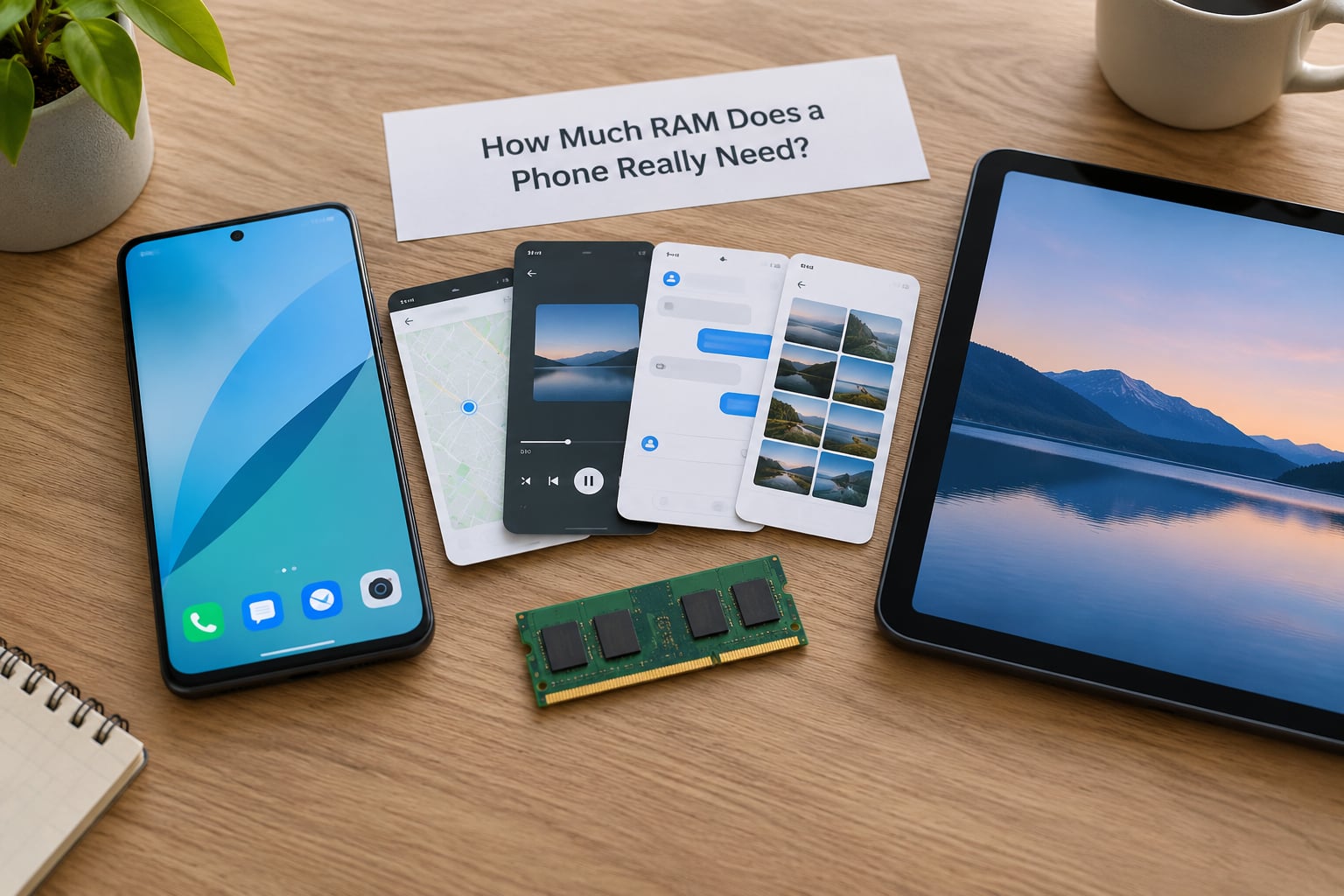
Eight gigabytes is the answer for the vast majority of people. Six gigabytes is workable for light use, and anything above 12GB only pays off if you game heavily, edit video on the device, run AI features locally, or keep the phone for a very long time.
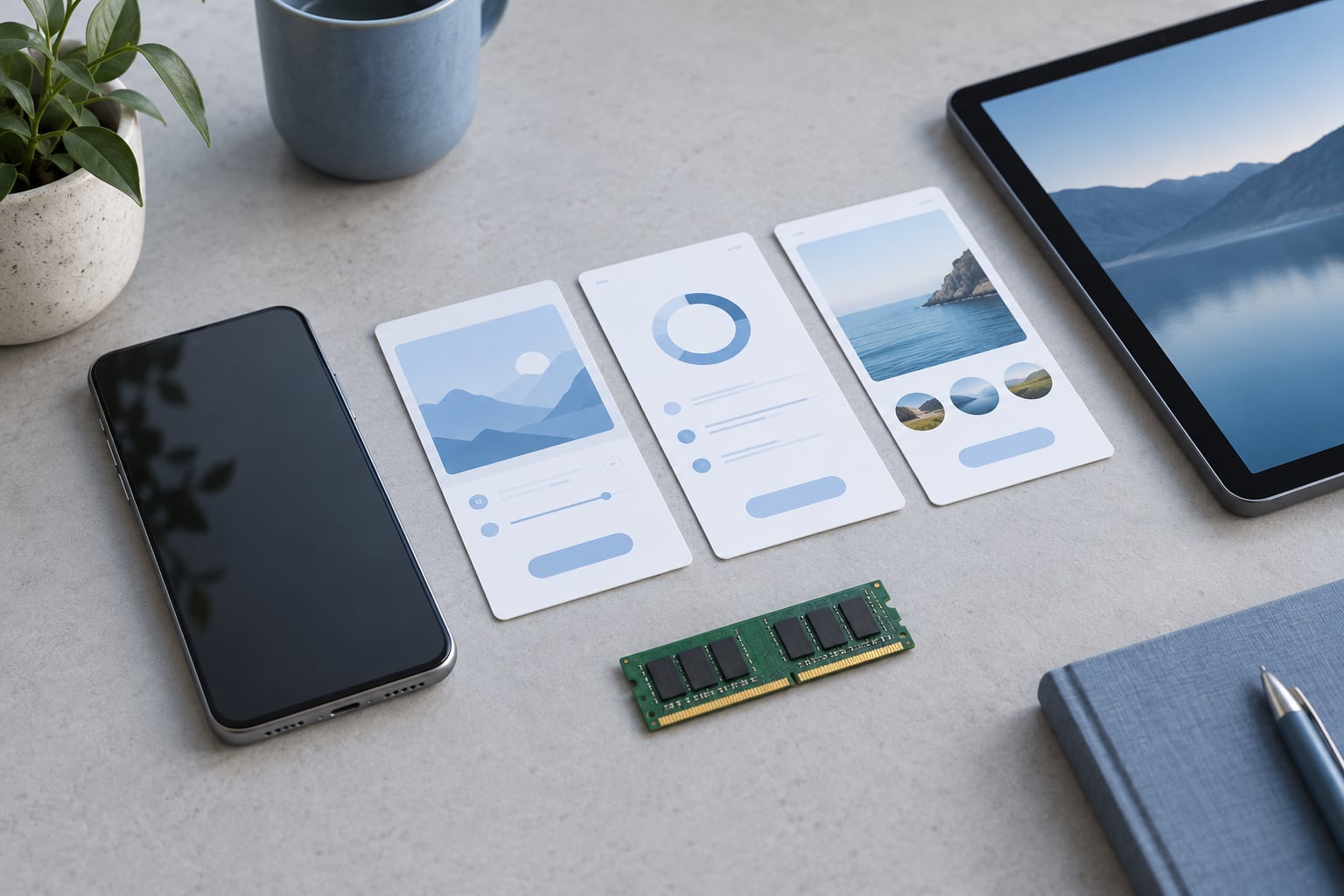
RAM is your phone’s working memory. It holds the apps you’re using right now plus the ones you left a minute ago, so you can switch back instantly instead of watching a splash screen. When that memory fills up, the operating system evicts the least recently used apps and you get the reload loops everyone complains about.
There’s a catch that spec sheets never mention. A phone advertising 8GB doesn’t give you 8GB. Roughly 512MB to 1GB is permanently reserved for the kernel, display drivers, radios and other system services before you install anything. On a 4GB phone that reserved slice is a much bigger bite of the pie, which is why two phones with the same printed RAM can behave very differently.
Manufacturer software is the other variable. A heavily loaded Android skin with duplicate apps, preinstalled games and a store that runs in the background will eat a gigabyte of memory all by itself. That overhead, more than the silicon, is why phone RAM figures aren’t comparable across brands.
RAM vs Storage: What the Difference Matters
RAM is temporary and storage is permanent, and the two get mixed up constantly in search results and spec sheets alike. A phone with 128GB doesn’t have 128GB of memory. It has 128GB of storage where your photos, apps, videos and downloads live.
You can check what’s happening with a simple comparison. RAM empties and refills constantly and affects whether an app opens instantly or reloads. Storage fills up slowly and eventually makes everything on the phone slow, including the operating system itself.
Buying more storage does not fix a memory shortage. If your phone is dropping apps because it runs out of RAM, a larger storage card changes nothing. What extra storage does help is leaving headroom on the drive, since a nearly full storage volume makes app installs and system updates slower.
A practical rule: keep at least 15 to 20 percent of your storage free, and stop worrying about the RAM number if the phone feels fine day to day.
How Much RAM Do Different Users Need?
Match the tier to what you actually do rather than to the highest number a brand offers. The table below covers the common cases.
| User type | Recommended RAM | Where more is unnecessary | Where more helps |
|---|---|---|---|
| Calls, texts, music, occasional browsing | 6GB | Any use beyond two or three open apps | Heavy browser tab use |
| Social media and browser multitasker | 8GB | Nothing in normal daily use | Ten or more persistent tabs |
| Mobile gamer | 12GB | Casual puzzle or card games | Open-world titles with large asset packs |
| Photo and video creator | 12GB or more | Shooting stills only | 4K editing, large timelines, camera app plus editor |
| Business and work-from-phone users | 8GB | Email and calendar only | Many chat apps, VPN, remote desktop |
| Long-term keeper (5+ years) | 12GB or more | Nothing, extra headroom is the point | Heavier apps and AI features over time |
| Tablet or foldable | 12GB or more | Single-task reading and streaming | Split-screen, desktop mode, external display |
Community consensus lines up with this too. A lot of practical advice settles on 6GB for light users and 8GB for gaming, with no real reason to jump to 12GB. Gaming buyers are the opposite camp: plenty of them treat the memory number as the first spec they check, and a premium phone that ships with 8GB gets criticised for it.
Both camps are right, just for different people. A messaging-and-music user gains nothing from 16GB. A player running a demanding title while streaming on Discord feels the difference immediately.
How Much RAM Each Phone Type Really Needs
Entry-level and Android Go phones ship with 4GB, sometimes less. That tier works for calls, maps, streaming and light browsing, and Google’s Go edition is built to compensate by trimming background services. What you give up is the ability to keep many apps alive at once, so expect more reloading once a few dozen apps are installed. Longtime owners are blunt about this tier: 4GB wasn’t enough years ago and it isn’t enough now.
Mainstream Android phones cluster around 6GB to 8GB. This is where the 8GB sweet spot lives, and it holds up well for several years of typical use. Mid-range chipsets are efficient enough that memory capacity matters more than raw memory speed.
Flagships ship 8GB to 16GB. The jump from 12GB to 16GB rarely changes day-to-day speed, but it gives comfortable headroom for on-device AI models, which need a large permanent slice of memory, and for owners who keep a device five years or more.
iPhones deserve separate mention because they ship less memory and feel just as fast. Apple tightly controls the OS, so memory is reclaimed aggressively and apps are reloaded from compressed snapshots rather than from scratch. A 6GB iPhone and an 8GB Android phone in the same price bracket can deliver a nearly identical experience, so cross-platform spec comparisons are misleading.
Tablets and foldables run larger screens, split-screen multitasking and sometimes desktop modes, which is why they justify 12GB or more more easily than a standard slab phone does. Buyers tend to split between 12GB and 16GB for foldables, treating the extra memory as a hedge against a form factor whose software demands are still settling.
Do More Gigabytes Always Make a Phone Faster?
No. Extra RAM makes a phone feel faster only in one specific situation: when the phone was previously out of memory and killing or compressing an app. If there was no reload happening, the extra gigabytes are sitting idle.
Speed comes from other parts of the machine. The processor and graphics chip decide how fast an app renders. Storage type matters enormously, since a phone with slow storage stutters when it has to pull data from disk. Memory speed (LPDDR4X versus LPDDR5X) affects throughput but rarely what a person notices day to day.
There’s also the virtual RAM trick you may have seen in Android settings. It carves space out of storage and treats it as extra memory. It’s genuinely useful for keeping a few more background apps alive, but it’s storage wearing a memory costume, so it does not raise the real figure and it can slow things down when the drive is busy.
One more thing worth clearing up: more RAM does not improve battery life. An idle gigabyte of RAM costs almost nothing, so the honest answer to that question is no, with rare exceptions around aggressive background processing.
How to Check the RAM on Your Phone
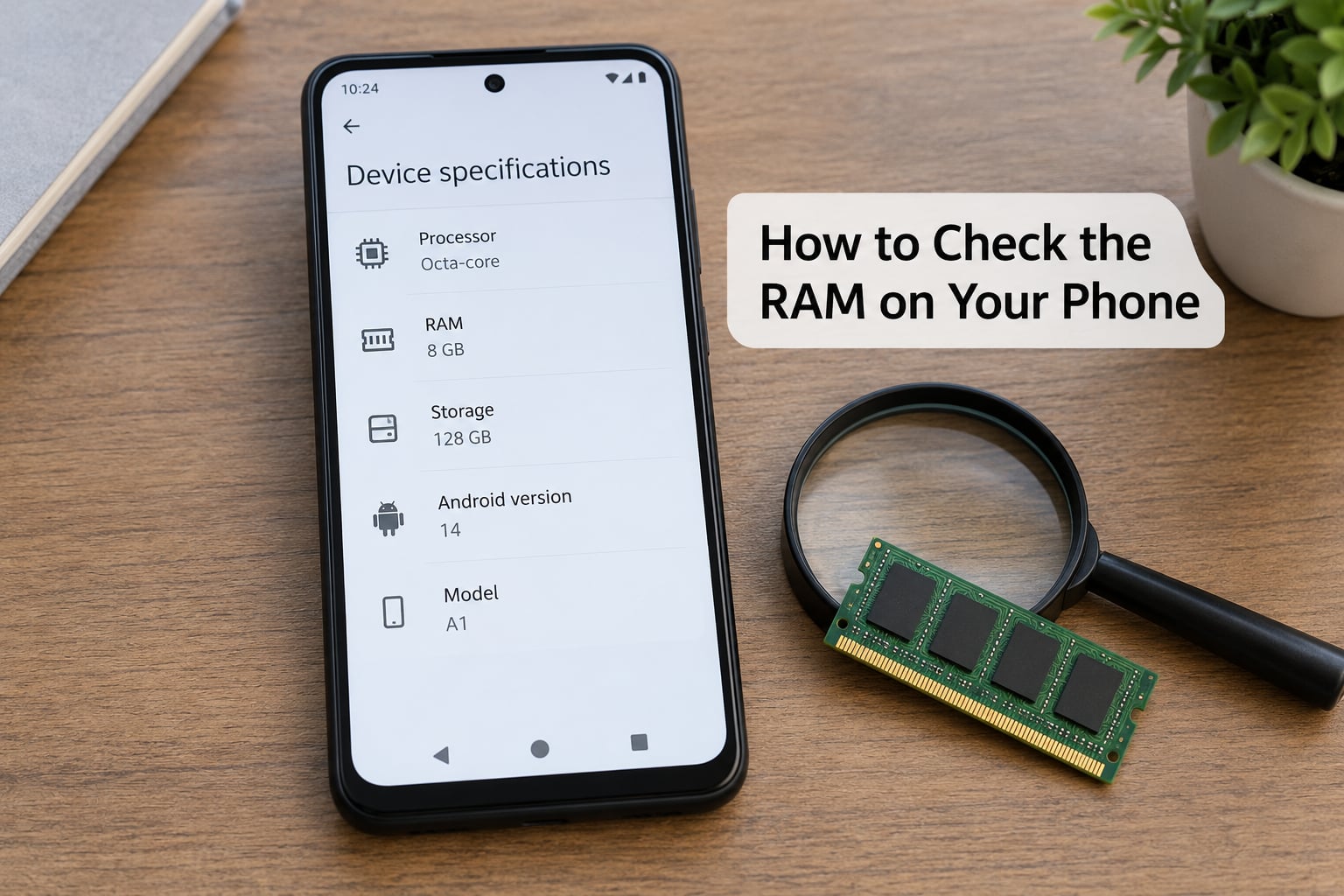
Menu names shift between manufacturers and software versions, so look for the closest equivalent on your model.
On modern Android phones, open Settings, then search for “memory” or “About phone” and choose the entry that reports memory. Depending on the skin you’ll see RAM used, RAM available and sometimes total RAM plus a per-app breakdown. Samsung’s current versions split this into Memory under Device Care and a fuller report under About phone, Software information. Pixel-style and stock builds tend to put it under About phone then Memory.
Tablets run the same path. If your tablet hides the memory report behind a developer setting, enable Developer options in About phone and look for a process or memory monitor entry.
On iPhones and iPads, Apple doesn’t expose RAM totals in Settings. The reliable route is the device model number, then the tech specs for that model on Apple’s site. Third-party apps and macOS Catalina or later will report memory through the iTunes or Finder device summary.
Reading the numbers matters. Total RAM is what was manufactured, RAM available is what the OS is willing to hand to apps, and the gap between them is the system, the manufacturer’s software and the reserved slice. That gap being large isn’t necessarily a problem, but a small available figure while you’re actively using several apps is a clear sign you’re on a device that’s out of memory.
Signs of a memory-starved phone are easy to spot: apps reopening to a blank screen, music stopping when you switch apps, split-screen dropping a pane, and heavy games taking several seconds to draw their first frame.
One correction for anyone diagnosing a problem: dropped calls are almost always a network, SIM or modem issue, not a memory one. Troubleshooting threads on dropped calls tend to end the same way, back at coverage or carrier settings long after the app count was blamed.
How Much RAM Is Worth Paying Extra For?
Work through four questions before paying for a higher tier. How heavy is your workload, how long will you keep the phone, how much more does the upgrade cost, and what else does the extra money buy you?
That last question is the useful shortcut. On mid-range phones, moving from 128GB to 256GB of storage usually helps more people than moving from 8GB to 12GB of RAM, because storage fills up for everyone while extra memory only matters for specific workloads. On flagships the tier is usually bundled with the chipset and camera anyway, so the premium buys more than memory.
Then weigh longevity. A phone receiving five years of updates will accumulate heavier apps, more background services and more on-device AI over that span. If you buy once and keep it, 12GB or 16GB is cheap insurance. If you upgrade every two or three years, 8GB is plenty and you’d never notice the difference.
A quick rule I use: if you never edit video on the phone and you don’t run demanding games, 8GB is the right purchase. If either of those is true, go to 12GB. Go to 16GB only when you also keep phones for a long time or you genuinely want headroom for features that don’t exist yet.
Frequently Asked Questions
Is 8GB RAM enough for a phone?
Yes, 8GB is the sweet spot for almost everyone. It comfortably handles messaging, streaming, social apps, many browser tabs and casual gaming without constantly reloading apps. You would only need more for demanding games, on-device video editing or a phone you plan to keep for five or more years.
Is 12GB RAM necessary for a smartphone?
Not necessary, but useful. 12GB mainly matters for mobile gamers, people editing video on the phone, split-screen users, and anyone keeping a device for many years. On-device AI features also reserve extra memory permanently. For calls, photos, music and browsing, 8GB remains entirely adequate.
Does more RAM improve battery life?
Rarely, and usually not at all. An unused gigabyte of RAM costs almost nothing in power. Extra memory can occasionally reduce battery drain by cutting down on repeated app reloads and background restarts, but screen size, processor efficiency, network signal and app quality have a far bigger effect on how long a phone lasts.
Why does my phone show less RAM than the advertised amount?
Because the operating system reserves part of it before you install anything. The kernel, display drivers, radios and system services typically take 512MB to 1GB permanently, and manufacturer software adds more. On a 4GB phone that reserved slice is proportionally much larger, which is why low-RAM devices feel constrained sooner.
Can I add more RAM to a phone later?
No, not in any practical sense. Phones solder their memory to the board, so RAM cannot be upgraded after purchase. The virtual or expandable RAM option in Android settings only borrows storage space as temporary memory, which does not raise the real installed amount and can slow the phone when the drive is busy.
Is 128GB storage better than 8GB RAM?
They do different jobs, so the better choice depends on your habits rather than one being superior. 128GB of storage holds your photos, videos and apps, while 8GB of RAM decides whether open apps stay alive. Aim to keep at least 15 to 20 percent of storage free, and buy more storage before worrying about extra memory.
Conclusion
Start at 6GB or 8GB. For most people answering how much RAM does a phone really need, 8GB is the correct purchase and it will outlast the phone it ships in. Move to 12GB only if you game hard, edit video on the device, or keep phones for years, and treat 16GB as optional headroom rather than a requirement.
Before you pay for a higher tier, spend a minute checking how much memory your current phone actually uses. That number will usually tell you more than any spec sheet.