To check phone IMEI, open the Phone app and dial *#06#. The 15-digit International Mobile Equipment Identity number appears on screen immediately, with no app and no internet needed. You can also read it in Settings on iPhone and Android, from the SIM tray, or from the original box label.
It takes under a minute, and it is worth doing before you buy any used phone. A clean-looking device can still be reported stolen, locked to another carrier, or carrying an unpaid balance, and none of that shows up in a listing photo.
Updated for 2026. Menu paths below cover current iOS and Android versions; manufacturers rename some menus, so I note where the wording shifts.
Table of Contents›
- What You Need
- How to Check Phone IMEI: Step-by-Step
- How to Check Phone IMEI on Android
- How to Check Phone IMEI on an iPhone
- How to Check Phone IMEI With a Phone Dial Code
- Every Method Side by Side
- Why Checking Your Phone IMEI Matters
- It exposes blacklisted and stolen devices
- It separates carrier lock from activation lock
- It supports claims and unlock requests
- It catches financing still being paid off
- What an IMEI Reveals — and What It Does Not
- How to Use and Protect Your IMEI Safely
- Common Mistakes
- Frequently Asked Questions
- What is the *# code for IMEI?
- Does an Android phone have an IMEI number?
- Why would an IMEI get blacklisted?
- What happens if an IMEI number is blacklisted?
- How can I check the IMEI of a used phone before buying it?
- How do I find the IMEI on a lost phone without the box?
- Conclusion
What You Need
Almost nothing. You do not need an app, an account, a SIM card, or a network connection. The phone itself holds the number in its firmware, which is why it stays available even with no service and even on a device you have never set up.
What helps is having a few details ready before you start:
- The exact model name and the operating system version, so you pick the right Settings path.
- A second source of the same number, such as the retail box label, the SIM tray, or your carrier’s account page. Two matching sources is the standard a trustworthy seller hits without being pushed.
- For a used purchase, the seller’s IMEI in writing before money moves, so a mismatch can be disputed later.
Keep a note of which number you read, and where you read it from. That small habit saves a lot of confusion when a carrier or buyer asks for it later.
How to Check Phone IMEI: Step-by-Step
There are three reliable routes, and the first one works on almost every phone made in the last decade. Use the dial code first, fall back to Settings, and keep the physical locations as a last resort.
How to Check Phone IMEI on Android
On Android, open Settings and search for “IMEI” in the search bar at the top. Most builds jump straight to the right page, which saves scrolling through nested menus.
If you prefer the manual path, the common route runs through the About page:
- Samsung Galaxy: Settings > About phone > Status information > IMEI information.
- Google Pixel: Settings > About phone > IMEI, with a separate line for each SIM slot on dual-SIM models.
- OnePlus, Xiaomi, Oppo, Vivo and many others: Settings > About device or About my device > Status > IMEI.
- Tablets follow the same pattern, usually Settings > About tablet > Status > IMEI.
The words change between brands and software versions. Some say About phone, others About device or My device, and a few bury it under Status information. The search bar is the reliable path because it cuts through all of that. If nothing shows, dial *#06# instead.
How to Check Phone IMEI on an iPhone
On iPhone, go to Settings > General > About and scroll down. The IMEI is listed as “IMEI” followed by 15 digits. Keep scrolling and you will also see a Serial Number, which is a different identifier and is not accepted for carrier or blacklist checks.
On dual-SIM models you will see two entries, one IMEI per physical SIM and one for the eSIM. A US iPhone 14 or later has no SIM tray at all, so the box label and this Settings page are the routes that work; some of those models also need the call button pressed when you dial *#06#.
You can reach the same page from a browser at account.apple.com under your device list, which helps if the phone is already set up and you want the number without picking it up.
How to Check Phone IMEI With a Phone Dial Code
Open the Phone app, not Messages, and type *#06# on the keypad. On most devices the number appears the instant you press the final hash. On some, nothing happens until you tap the call button, so press it once and wait a second.
Two alternative codes help when the first returns nothing: *#*#4636755*#*# shows the IMEI and the request code, and *#0228# lists network and SIM related values on some Android builds. If a dual-SIM phone appears twice, that is the two-slot design, not a fault.
Check the result before you copy it. A complete IMEI is 15 digits with no spaces or dashes, so anything shorter means a digit got dropped. If your carrier’s site shows 17 digits, the carrier has appended two digits of its own and the underlying IMEI is the first 15.
Every Method Side by Side
This is the table I wish I had when a device would not stop acting strange. Check the column that matches what you are holding.
| Method | iPhone | Android phone | Android tablet | Windows device |
|---|---|---|---|---|
| Dial *#06# | Yes, may need the call button | Yes, usually instant | Yes | Not reliable |
| Settings menu | General > About > IMEI | About phone > Status information > IMEI | About tablet > Status > IMEI | Settings > Network > Mobile plan |
| SIM tray | Not on tray-less models | Laser printed inside the tray | Varies by model | Not applicable |
| Original box label | Barcode sticker, side panel | Barcode sticker | Barcode sticker | Usually not present |
| Battery compartment | No, sealed design | Only removable-battery models | Rare | Not applicable |
| Account page | account.apple.com device list | Find My Device, carrier account | Carrier account | Carrier account |
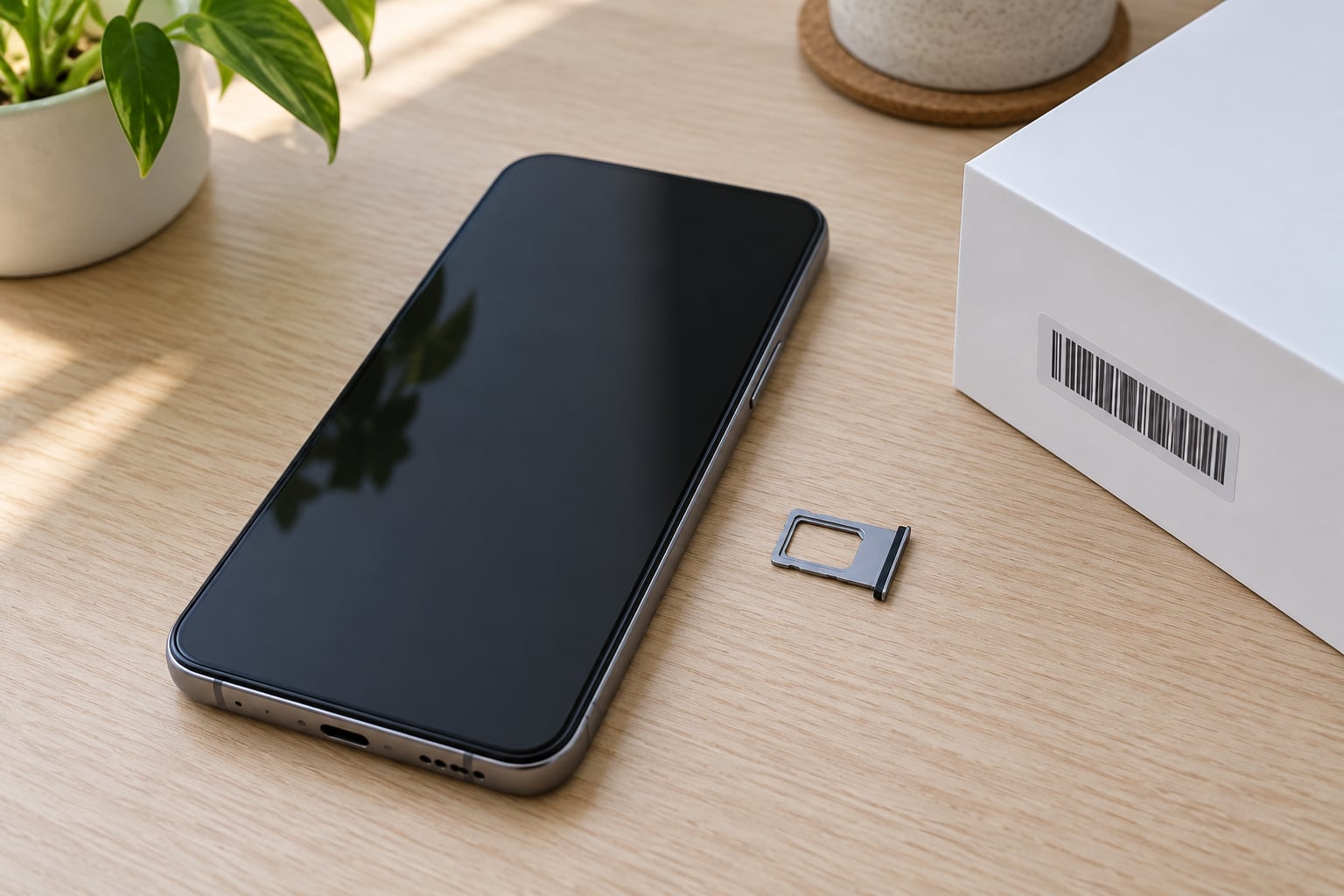
The SIM tray is the most overlooked source. A paper clip or a SIM eject tool pops the tray, and the 15 digits sit in tiny print inside it or engraved on the tray frame.
Why Checking Your Phone IMEI Matters
An IMEI check tells you whether a device can legally and practically get cellular service. That single answer covers most of the reasons people look it up.
It exposes blacklisted and stolen devices
When an owner reports a phone lost or stolen, the carrier passes the identifier to industry blacklist bodies: CTIA in the United States, CWTA in Canada, and ICTA in the United Kingdom. Networks consult those lists, and a listed device stops registering for calls, texts, and data. The phone still turns on, Wi-Fi still works, and it looks completely normal until a SIM goes in.
It separates carrier lock from activation lock
These are different problems with different fixes. A carrier-locked phone is tied to one account or carrier and clears once the balance is paid or the carrier approves an unlock. An Apple Activation Lock or Google account lock is tied to somebody’s cloud account and only that account holder can remove it. A clean IMEI check proves nothing about either lock, so ask about both before you pay.
It supports claims and unlock requests
Manufacturers verify warranty status by IMEI, insurers need it to process a lost or damaged device claim, and carriers ask for it on every unlock request. If you cannot produce it quickly, all three get slower.
It catches financing still being paid off
A device bought on instalments can be reported for non-payment and blocked later, even though it works fine on day one. People in carrier forums describe exactly this, and some say the block lifted once the balance cleared. The exposure is real whether or not it ever comes to that.
Forum buyers are consistent about one behaviour. Resellers in the phone-flipping communities describe running two independent lookups before payment, because “not blacklisted” and “not reported stolen” are separate database checks. When a seller hesitates or deflects, other posters treat that as the strongest negative signal in the whole transaction.
What an IMEI Reveals — and What It Does Not
The number itself is readable. The first 8 digits are the Type Allocation Code, which identifies the manufacturer and model. Digits 9 to 14 are the serial portion assigned to that unit. The final digit is a check digit computed from the rest, which is why a mistyped or fabricated number often fails validation.
| Identifier | Assigned by | Identifies | Where to find it |
|---|---|---|---|
| IMEI | Device manufacturer | The device on cellular networks | *#06#, Settings, SIM tray, box |
| Serial number | Device manufacturer | The manufacturing unit, warranty and repair | Settings, box, back of device |
| MEID | Device manufacturer | CDMA network equivalent of an IMEI | Settings, often labelled near the IMEI |
| ESN | Older CDMA carriers | Legacy network identifier, largely retired | Legacy paperwork and older devices |
Here is the limit worth being clear about. An IMEI does not contain your messages, photos, browsing history, or your name. It does not tell a stranger who you are or where you live. What it does is identify one specific device, and anyone holding that number can query databases with it.
It also does not tell you that a phone is in good condition. It does not reveal a failing battery, a replaced screen, water damage, an unpaid insurance claim, or whether the device has been recycled. Treat it as one verification step, not a verdict.
How to Use and Protect Your IMEI Safely
Sharing your IMEI is normal and mostly harmless in the right hands. Your carrier needs it to process an unlock or a port. The manufacturer needs it for a warranty claim. An insurer needs it for a claim, and a genuine buyer needs it before they pay.
The risk is handing it to the wrong site. Plenty of free IMEI checker pages work as data collection operations, quietly logging every number submitted and sometimes reselling the list. Phones in that kind of list get targeted with fake support calls, phishing texts, and account-recovery attempts, because the number confirms exactly which device to name.
A few habits cut the exposure:
- Use your carrier’s own lookup page or a checker you reached by typing the domain yourself, never through a link in a social post or marketplace message.
- Do not paste your IMEI into a public post, a listing, a screenshot, or a support forum. Mask all but the last four digits if you need to show it as an example.
- Verify who you are talking to before sharing. A real carrier agent can confirm your account details first; a scam caller never can.
- Revoke and replace nothing based on the number alone, but do act quickly if a stranger already knows it and claims a support case.
Before entering a used phone’s number into a third-party checker, ask yourself whether your carrier or the manufacturer’s own site would do the same job. Usually they would.
Common Mistakes
- Reading the serial number instead. It sits near the IMEI on both iOS and Android and looks equally official. The serial number is 12 characters on an iPhone and cannot be used for a blacklist check.
- Following an outdated menu path. Guides written for older Android versions say “About device” where current builds say “About phone”. Search for “IMEI” in Settings instead of guessing.
- Copying 14 digits. A complete IMEI has 15, including the final check digit. Read it twice before you paste it anywhere.
- Using the wrong dual-SIM number. A dual-SIM phone has two. The seller quotes one; ask which slot their carrier registers, and check the one you are actually activating.
- Trusting one lookup. A single clean result from one database is not a full history. Run a second, different check.
- Assuming clean means safe. Activation lock, cloud account lock, a financed balance, and a worn battery are all invisible to an IMEI check.
- Paying before receiving the number. Ask in writing, in advance. Sellers who cooperate instantly are the normal case; hesitation is the exception worth walking away from.
Frequently Asked Questions
What is the *# code for IMEI?
Dial *#06# in the Phone app. The 15-digit International Mobile Equipment Identity number appears on screen straight away, usually without needing to press the call button. If nothing happens, tap the call button once and wait. On some Android builds, *#*#4636755*#*# shows the same number alongside a request code. Tablets respond the same way.
Does an Android phone have an IMEI number?
Yes. Every Android handset with a cellular modem has an IMEI, usually two on dual-SIM models. Open Settings and search for IMEI, or follow Settings u0026gt; About phone u0026gt; Status information u0026gt; IMEI information on Samsung devices. Other brands label the same page About device or My device. If the Settings route is missing, dial *#06# or read the number from inside the SIM tray.
Why would an IMEI get blacklisted?
The usual reasons are a lost or stolen report filed by the owner, an insurance claim where the insurer takes ownership of the device, unpaid device financing that goes to collections, or an unpaid carrier bill. A phone can also be blacklisted after being reported as fraud during a purchase dispute. Once listed with a blacklist body, networks block it and the phone cannot register for service.
What happens if an IMEI number is blacklisted?
The phone still powers on and Wi-Fi still works, so nothing looks wrong on the surface. It fails when a SIM is inserted, because networks refuse to register a listed device. Calls, texts and mobile data all stop. In practice buyers notice this days or weeks after buying, once the return window has closed, which is exactly when the delayed-blacklist problem hurts most.
How can I check the IMEI of a used phone before buying it?
Ask the seller for the number in writing before paying, then run it through your carrier’s lookup and one independent checker. Confirm the number on the device matches the number in the listing by dialling *#06# in front of them. Also confirm the phone is factory unlocked, has no activation or cloud lock, and is free of carrier financing. Pay with a method that offers buyer protection rather than cash.
How do I find the IMEI on a lost phone without the box?
If the phone is set up, sign in to account.apple.com or your Google Find My Device account and open the device list, where the identifier is shown alongside the model. Your carrier’s account page also lists devices on the account with their identifiers. With neither, check whether the phone appears in a Find My iPhone or Find My Device location session. Without any account access, the number is not retrievable remotely.
Conclusion
Start with *#06#. It takes ten seconds, works on nearly every phone, and gives you the number you need for any support, claim, or purchase conversation.
Then use it properly: one lookup through your carrier, one through a different independent database, and a written confirmation from the seller before money changes hands. That is how to check phone IMEI properly, and it is the difference between a phone that works on day one and one that stops receiving calls a month later.