A phone’s refresh rate is how many times per second its screen redraws, measured in hertz (Hz). A 60Hz display redraws 60 times every second and a 120Hz display redraws 120 times, and that shorter cycle is the whole reason scrolling and animation look smoother. That is screen refresh rate explained for phones in one line.
The rest of this guide unpacks what the numbers actually mean in your hand, what they cost in battery, and where the setting lives on your specific phone. Updated for 2026.
Table of Contents›
- What Is a Phone’s Screen Refresh Rate?
- How Do 60Hz, 90Hz, and 120Hz Screens Feel?
- Does a Higher Refresh Rate Make a Phone Faster?
- What Is Adaptive or Variable Refresh Rate?
- Does a Higher Refresh Rate Drain Your Battery?
- How to Choose the Right Refresh Rate for Your Phone
- screen refresh rate explained for phones for everyday use
- screen refresh rate explained for phones for gaming
- Frequently Asked Questions
- Is a 120Hz refresh rate worth it on a phone?
- Does a high refresh rate damage the screen or drain the battery faster?
- Does a higher refresh rate improve gaming frame rates?
- Is 90Hz noticeably different from 120Hz?
- How do I check or change my phone’s refresh rate?
- Conclusion: Start with Adaptive Refresh Rate
What Is a Phone’s Screen Refresh Rate?
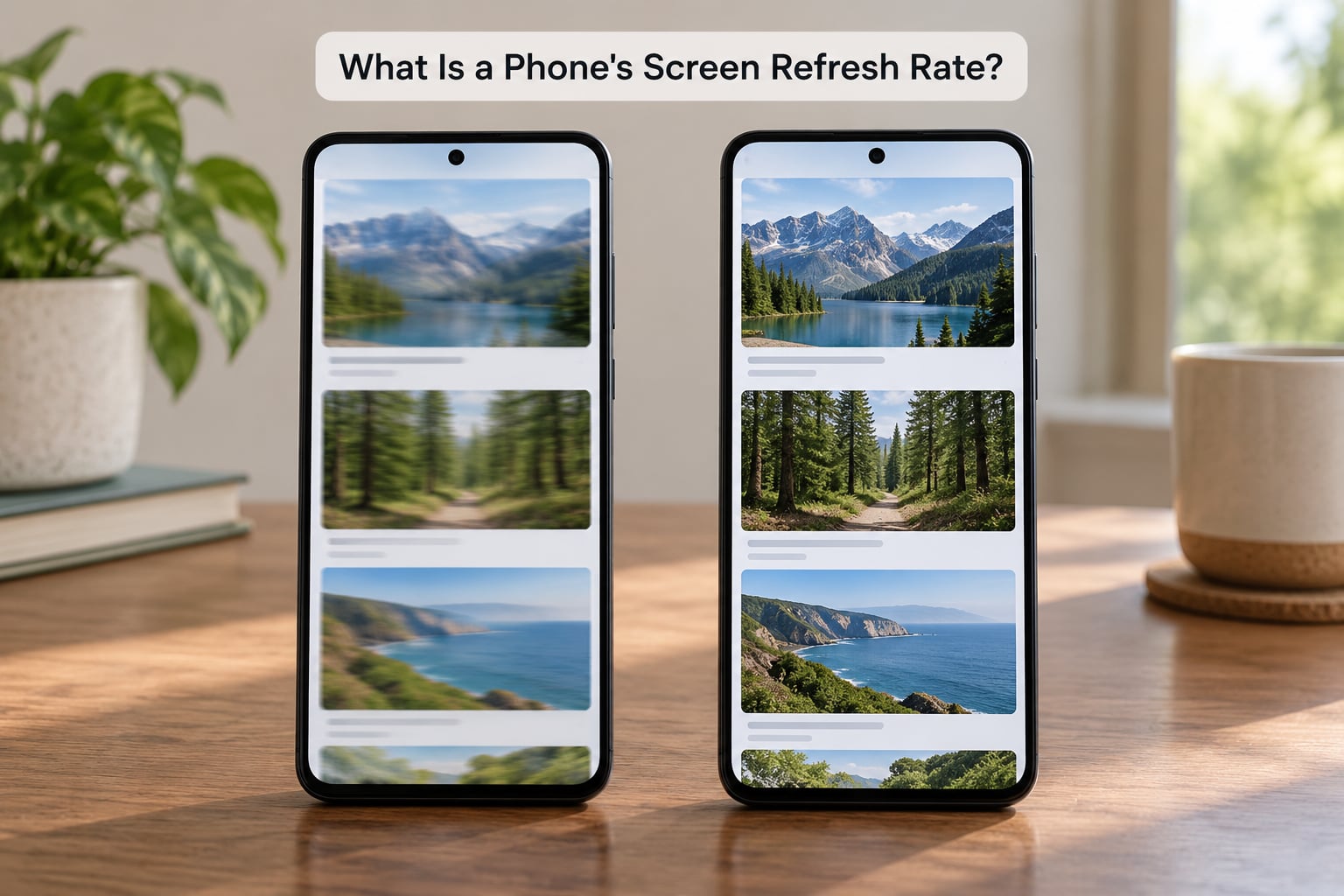
Refresh rate is a count of how often the panel can produce a complete new image, and hertz is simply the unit for that count. It says nothing about brightness, colour accuracy or processor speed. It only tells you how many chances per second the screen has to change what you see.
One refresh is not an instant flash across the glass. The panel drives its pixel rows in sequence, top to bottom, and the screen only counts as one completed update after the last row finishes. Shoot a fast flick of a finger with a slow-motion phone camera and you can catch that scan as a faint band, which is why the full event is called a cycle.
Divide 1000 by the hertz figure and you get the length of one cycle: roughly 16.6ms at 60Hz, 11.1ms at 90Hz, 8.3ms at 120Hz and 6.9ms at 144Hz. Those four figures are the practical difference between the rates, and they are the numbers worth carrying around in your head.
A second measurement often gets quoted beside it and causes most of the confusion. Touch sample rate, commonly 240Hz or 360Hz, is how many times each second the screen checks where your finger is. One number describes what the display draws, the other describes what it listens to, and a phone can have a 120Hz panel with a 360Hz touch sampler without contradiction.
How Do 60Hz, 90Hz, and 120Hz Screens Feel?
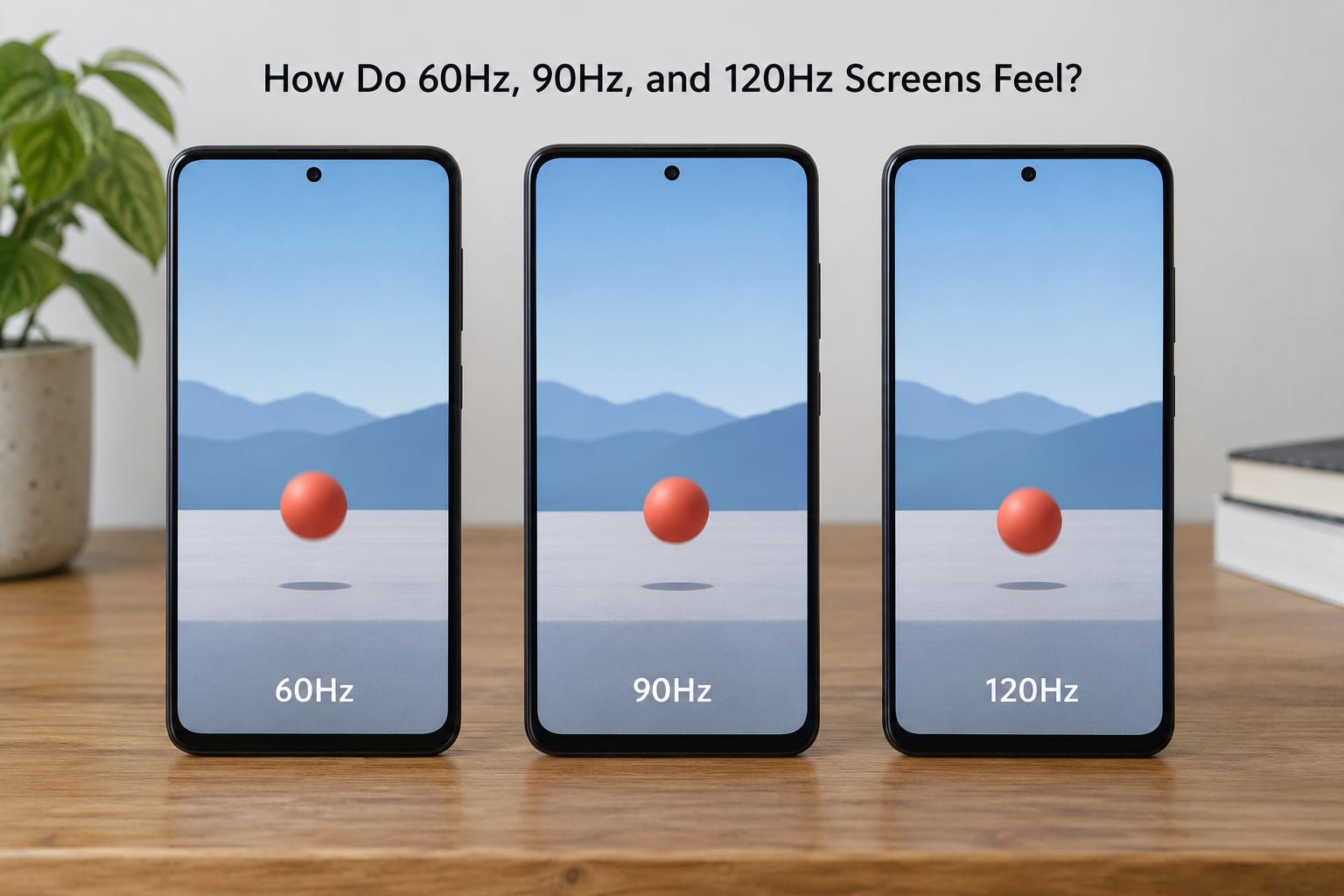
60Hz is perfectly usable until you have spent an hour on a 120Hz screen, at which point 60Hz starts to look like a slideshow in comparison. 90Hz sits between the two and is the hardest rate to identify by feel alone. What you notice most is not frame quality but motion: text and images slide instead of stutter, and fast animations stop flickering into steps.
| Refresh rate | Cycle time | Redraws per second | Scrolling | Gaming | Battery |
|---|---|---|---|---|---|
| 60Hz | 16.6ms | 60 | Slight stepping on fast scrolls | Fine below 60fps games | Lowest draw |
| 90Hz | 11.1ms | 90 | Smoother, close to 120Hz | Below the 90fps mark | Middling draw |
| 120Hz | 8.3ms | 120 | Clean, the common upgrade reason | Matches 30/60fps titles | Higher draw |
| 144Hz | 6.9ms | 144 | Marginal gain over 120Hz | Only if a title unlocks it | Highest draw |
These are technical comparisons, not promises that two phones behave identically. A handset may cap the rate inside a particular app, drop back to 60Hz when the screen dims or the battery drops below a threshold, and on many models never reach its advertised maximum outdoors.
One detail rewards a second look. Video is shot at 24, 30 or 60 frames per second, and 120 divides evenly into all three, so a 120Hz screen can show each video frame for a whole number of refreshes. That is why 90Hz and 144Hz panels can introduce a slight uneven pulse, often called judder, on certain filmed content.
Does a Higher Refresh Rate Make a Phone Faster?
No. A higher refresh rate changes how often the screen can redraw, not how quickly your phone thinks or how quickly a page loads. An older processor driving a 120Hz panel can feel more sluggish than a fast chip driving a 60Hz panel, because the extra redraws eat power the processor could have used elsewhere.
It also does not create frames. A game rendering 60 frames per second still renders 60 frames per second on a 120Hz screen, and the leftover redraws have nothing new to show. Plenty of mobile titles cap themselves at 30 or 60fps for battery reasons, which is why a 165Hz phone frequently behaves like a 60Hz one in practice.
What you genuinely gain is perceived latency. Input-to-display delay drops because the panel updates sooner after your finger lands, and animation timing tightens up. That is a smoothness improvement, not a processing speedup, and it is the honest description of what the number buys you.
What Is Adaptive or Variable Refresh Rate?
Adaptive refresh rate is how modern phones get the smoothness of a high rate without paying full-time for it. The display drops to a low rate, sometimes 1Hz, when the picture on screen is static and climbs towards 120Hz or 144Hz the moment you scroll, scroll back, or open an animation.
LTPO, short for low-temperature polycrystalline oxide, is the backplane technology that makes this possible, because its transistors can switch refresh behaviour efficiently. Many LTPO panels move between roughly 1Hz and 120Hz, and some newer ones reach 144Hz at the top end. Older LTPS AMOLED panels usually have a higher floor, often around 40Hz to 60Hz.
The logic is simple. A photo of a receipt on a table looks identical whether it is redrawn once a second or 120 times a second, so there is no reason to burn power redrawing it. Games, video and scrolling are the opposite, which is why the rate rises exactly when those are on screen.
The common complaint is the switching itself. Threads on r/Android and r/Smartphones frequently describe the jump between a static 1Hz screen and a fast 120Hz one as distracting, and some users switch the mode off entirely to see whether the jumping is what bothers them. Others do the opposite and lock the rate high because they find variable behaviour less irritating than a slow phone. Worth testing both ways for a few days on your own device.
Does a Higher Refresh Rate Drain Your Battery?
Yes, a fixed high refresh rate uses more power than a fixed low one, mainly because the panel and its driver keep working during the whole cycle. Published testing has put the cost in the region of a few percent of screen-on time rather than a dramatic drop, with one widely reported test finding roughly a 9% reduction on a Galaxy S20 Ultra when 120Hz was locked on, and a much larger gap on an older handset pushed to 90Hz.
How much you notice depends on everything around the panel. A brighter screen uses more power, and the display driver is already working harder at high brightness. Battery capacity matters, processor efficiency matters, and so does what you do with the phone, since scrolling a feed continuously at 120Hz is a different workload from reading a document at 60Hz.
This is exactly the problem adaptive refresh rate exists to solve. A phone on 1Hz-120Hz variable mode can idle cheaply and still hit 120Hz during a scroll, so many people who worried about battery gave up the high rate permanently and then found adaptive mode made the concern largely disappear.
How to Choose the Right Refresh Rate for Your Phone
Start with adaptive if your phone offers it, then adjust from there. The choice comes down to what your phone spends most of its waking hours doing.
screen refresh rate explained for phones for everyday use
For messages, browsing, photos and video, 120Hz is the sweet spot and the difference from 60Hz shows up most in long scrolling sessions. 90Hz is a reasonable compromise on phones that only offer the two lower rates, and 60Hz costs you very little if you mostly read and tap rather than scroll.
Older or budget phones with smaller batteries are the group that gains most from staying lower or using adaptive mode. On a phone you have to charge overnight, a few percent of screen-on time is a real part of the day.
screen refresh rate explained for phones for gaming
For mobile gaming, the useful number is the frame rate the game actually renders, not the panel maximum. A 120Hz screen is a solid match for 30fps and 60fps titles, 144Hz only helps if a game unlocks a 90fps or 120fps mode, and anything above 165Hz is largely wasted unless you play a specific high-frame-rate competitive title.
People often upgrade hoping for a performance gain and end up disappointed. Check whether your games support high frame rates before deciding that a faster panel matters to you.
One more factor for some readers: comfort. Posts in r/PWM_Sensitive and elsewhere attribute headaches on some phones to how the display dims rather than to the refresh rate itself, so if high Hz makes your eyes uncomfortable, the dimming behaviour is the thing to investigate first, not the frame rate.
Where to find the setting, since the naming is inconsistent:
- iPhone – Settings, Display and Brightness, then True Tone area-adjacent ProMotion toggle on Pro and Plus models; standard and mini models run at 60Hz with no setting.
- Samsung Galaxy – Settings, Display, Motion smoothness, then pick Adaptive or a fixed 120Hz / 90Hz / 60Hz.
- Google Pixel – Settings, Display, Smooth Display, with Adaptive or a fixed 60Hz / 90Hz / 120Hz.
- Other Android – usually Settings, Display, then Refresh rate, Motion smoothness or Screen refresh rate.
- To see what is really running – developer options on Android include a refresh-rate peak readout, and third-party apps report the live rate.
Frequently Asked Questions
Is a 120Hz refresh rate worth it on a phone?
For most people, yes. The jump from 60Hz shows up first in scrolling, where text and images stop stepping, and it stays visible for anyone who uses their phone for more than an hour a day. If your phone has adaptive refresh, use it and stop thinking about the number. On a small battery or an older handset the saving matters, so 60Hz or adaptive mode is a reasonable choice there.
Does a high refresh rate damage the screen or drain the battery faster?
It does not damage the screen, since all these panels run at their rated rate continuously in normal use. It does draw more power when locked high, typically costing a few percent of screen-on time rather than hours. Adaptive and variable modes exist precisely to limit that cost, dropping to a low rate when the screen is static and rising only when you interact with it.
Does a higher refresh rate improve gaming frame rates?
No, not on its own. A 120Hz panel can show more redraws per second, but the frame rate a game delivers comes from the game, the graphics settings and the processor. A title capped at 60fps looks identical on a 60Hz and a 120Hz screen. Higher panels help only when a game unlocks a matching high frame rate mode, which many mobile titles still do not offer.
Is 90Hz noticeably different from 120Hz?
Less than most people expect, and it depends on what you are doing. In side-by-side scrolling the two look close, with 120Hz slightly cleaner on very fast flicks. For video the difference is arguably in favour of 120Hz, because 120 divides evenly into 24, 30 and 60 frames per second while 90 does not, which can introduce a small uneven pulse on filmed content.
How do I check or change my phone’s refresh rate?
On iPhone, look in Settings, Display and Brightness for ProMotion on supported models. On Samsung, Settings, Display, Motion smoothness. On Pixel, Settings, Display, Smooth Display. Most other Android phones use Settings, Display, Refresh rate or Motion smoothness. To confirm the rate in real time, enable developer options on Android and read the peak refresh-rate figure.
Conclusion: Start with Adaptive Refresh Rate
Turn on adaptive or variable refresh if your phone has it. That mode gives you the smooth scrolling and animation timing people actually notice, and it lowers the rate whenever the screen is still, so the battery argument against high refresh mostly stops applying.
Choose 60Hz when battery life, a small battery or an older phone matters more than polish, since you lose smoothness but very little else. Pick 90Hz or 120Hz when scrolling, video or gaming is where your phone spends its day.
Above 144Hz, expect diminishing returns on a phone-sized panel unless you play high-frame-rate games that unlock the extra rate. Turn the setting off and on for a few days with real use, and keep whichever one you stopped noticing.