To recycle an old phone responsibly, back up what matters, encrypt the device, factory reset it, pull the SIM and memory card, then hand it to a certified recycler, trade-in program, or charity. It takes 30 to 60 minutes for a working phone. Never put a phone in household trash, and never ship it before the data wipe.
Most of the hesitation here is reasonable. People worry that a factory reset leaves their photos and passwords recoverable, that the recycler will resell a phone still linked to their account, and that a lithium battery in the mail is a safety risk. Those are the three things this guide sorts out, in the order that matters.
Get the value estimate from any trade-in or buyback program before you wipe, since some estimators check the device’s storage and activation state. Last updated: October 2026. Menu paths change between iOS and Android versions, so read the wipe section for your specific phone before you start.
Table of Contents›
- What You Need
- How to Recycle an Old Phone Responsibly: Step-by-Step
- How to back up and protect the phone before recycling
- How to remove the SIM, eSIM, and accessories
- How to wipe an old phone securely
- How to choose a responsible recycling or trade-in option
- How to document and hand off the old phone
- Common Mistakes
- Frequently Asked Questions
- Can I recycle an old phone at a household hazardous-waste site?
- What should I do if my old phone has a swollen or damaged battery?
- Is a phone trade-in program the same as recycling?
- How long does it take to recycle an old phone?
- Can I recycle an old phone without removing the SIM card?
- What if I cannot turn on my old phone to erase it?
- Why the Small Details Matter
What You Need
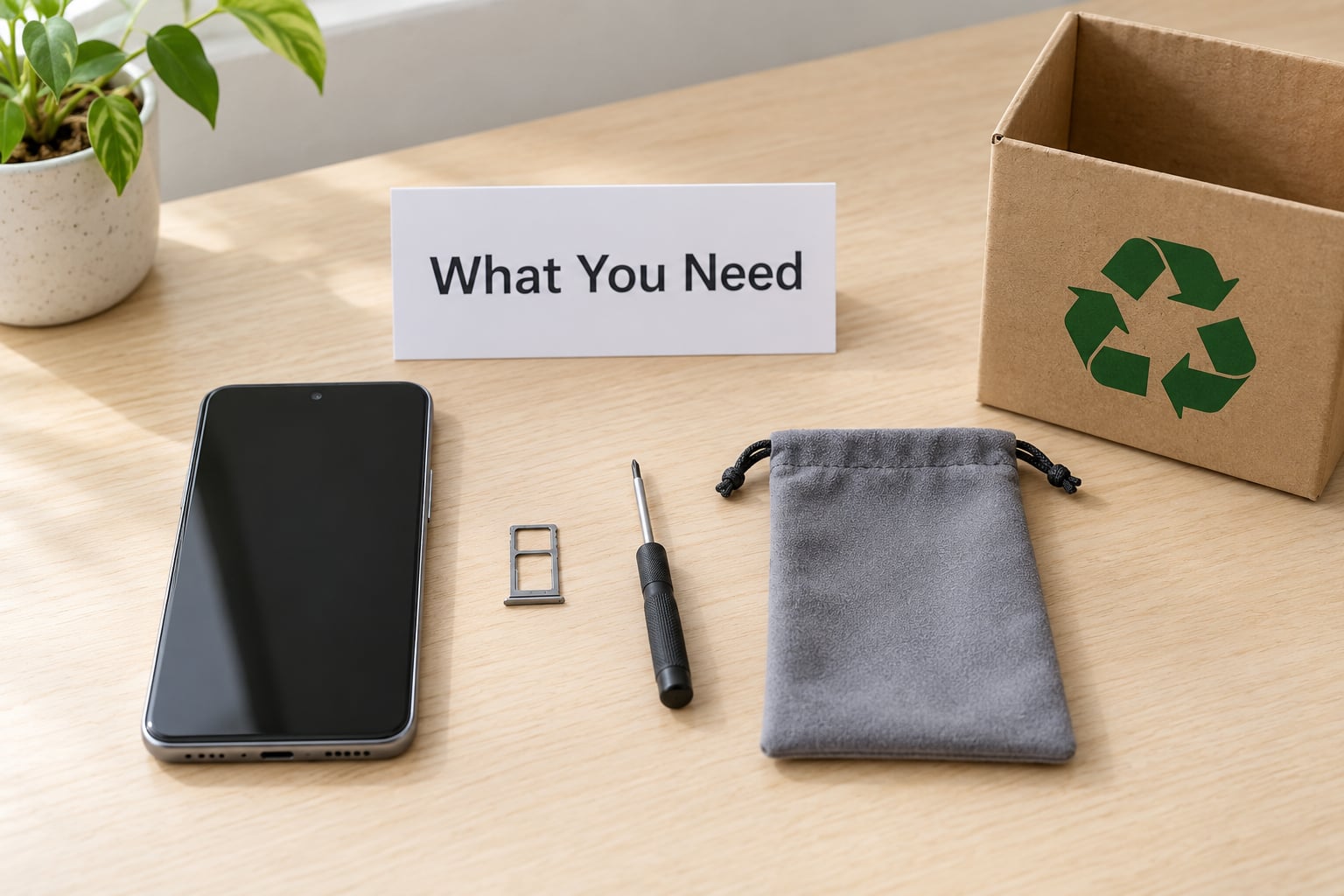
The list is short, and most households already have everything except the pouch and the box.
- The phone, charged to at least 50 percent, plus its passcode
- Your Apple ID or Google account password, and a computer or a second phone for verification
- A working internet connection for cloud backup
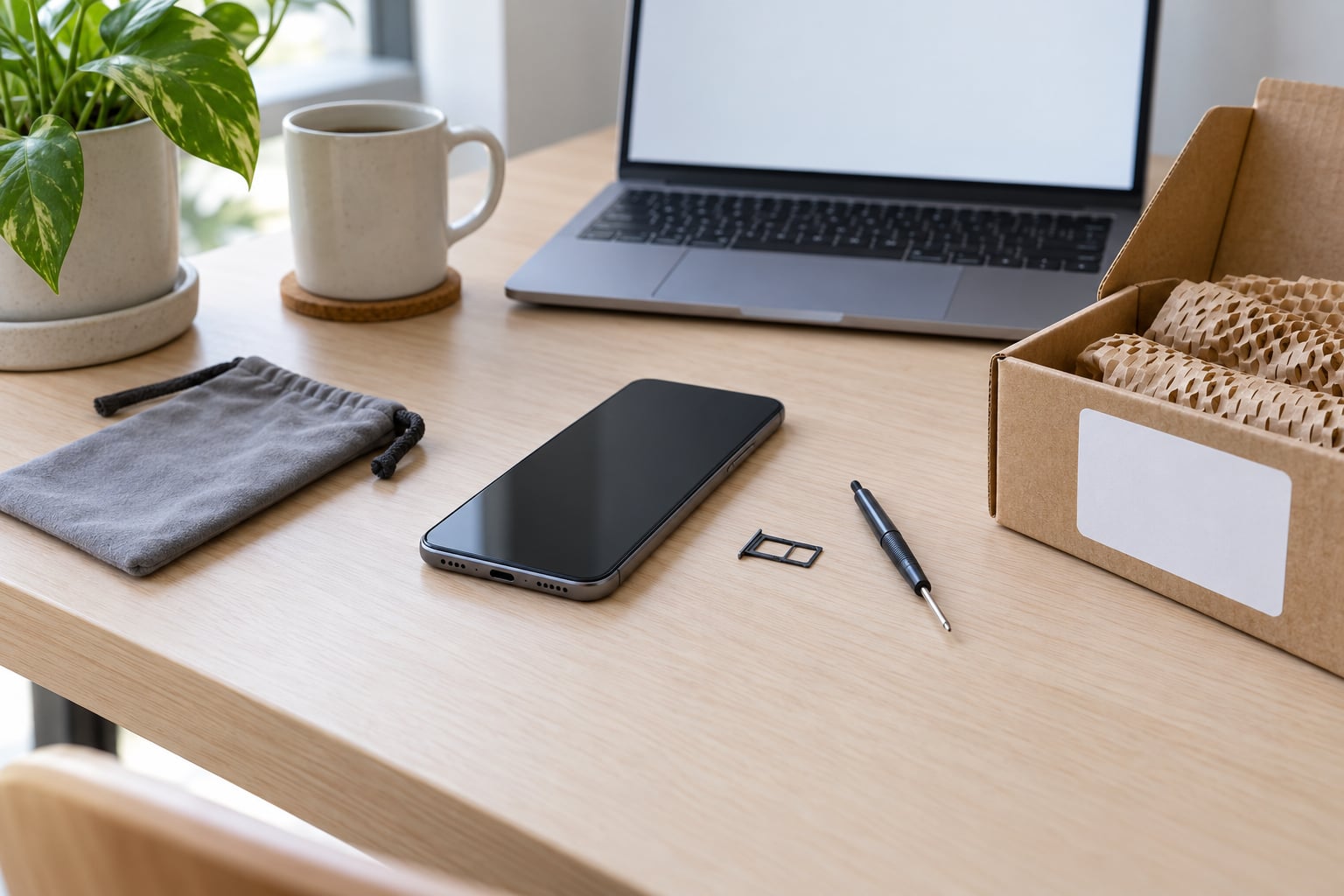
- A SIM eject tool or small screwdriver, a microfiber cloth, and an anti-static pouch
- A microSD card if the phone has a card slot
- A sturdy box with cushioning, plus a pen and a printed label
- A chosen destination: a carrier store, retailer, manufacturer take-back page, municipal e-waste site, or certified recycler
The pouch matters more than it looks. A phone with no SIM card and no passcode is what recycling fraud looks for, so keeping the wiped device physically sealed until you hand it over removes most of the temptation.
How to Recycle an Old Phone Responsibly: Step-by-Step
Work through these in order. Each step depends on the one before it, and skipping ahead is how account lockouts happen.
How to back up and protect the phone before recycling
Back up before you change anything, because the reset takes the backup tools with it.
- On iPhone: Settings, then your name at the top, then iCloud, then iCloud+ or Find My, then Back Up to iCloud. Confirm the last backup shows today’s date.
- On Android: Settings, Accounts, then Google, then Backup, then Back up now. Check the backup history to see what actually uploaded.
- Copy photos and videos to a computer manually as well. Cloud backups fail quietly when storage is full.
- Export authenticator apps one at a time. Turn on two-factor authentication on your email account first, since losing an authenticator without a backup code can lock you out of everything else.
- Save any banking or password manager data, and confirm you can sign into your email from the computer.
Then set a strong six-digit passcode if the phone does not have one. That passcode is what makes the encryption step work, so do it before the reset, not after.
How do you know the backup worked? Open two or three photos from the backup on the computer. A backup screen that says “last successful” but has nothing recent is not a backup.
How to remove the SIM, eSIM, and accessories
Take the SIM out early because it identifies the phone on the mobile network regardless of what is on the screen.
Power the phone down, find the SIM tray on the edge, and press a SIM eject tool or a small pin into the hole. Older iPhones and many Androids take a paperclip-sized pin, newer iPhones ship with a tray tool. Slot the tray back in empty or leave it out.
With eSIM there is nothing to pull. Open Settings, Cellular or Mobile Data, then Manage eSIM, then Remove eSIM, and confirm with your carrier afterwards that the line was deactivated. Snipping a physical SIM does nothing to an eSIM profile, so this step matters more on newer phones than on older ones.
If the phone has a microSD slot, power it down, remove the card, and treat it as separate storage. Format it only if you are not keeping it. An unformatted card sitting in a recycler bin still holds years of photos.
Decide about accessories before they get mixed up in a drawer. Chargers and cables are copper and plastic and go to a separate e-waste stream. Cases and screen protectors are plastic and may go in curbside recycling where your local program accepts rigid plastics. Earbuds, smartwatches, tablets, and e-readers all hold storage and need their own wipe, not a quick dip in the same box.
How to wipe an old phone securely
Here is the part most guides get wrong. A factory reset on its own deletes files, but on flash storage it marks blocks as available rather than overwriting them, and specialist recovery tools can read through that gap. Encrypt first, then reset.
On iPhone: Settings, then Face ID and Passcode, set a six-digit or longer passcode you intend to forget, wait for the encryption to finish, then Settings, General, Transfer or Reset iPhone, Erase All Content and Settings, enter the passcode, then confirm Erase All Content and Settings. If Find My iPhone is on, you will be asked for the Apple ID password. That is the step that disables Activation Lock, and skipping it is what leaves the next buyer staring at a lock screen.
On Android: Settings, then Security or System, then Reset, then Erase all data or Factory reset, then Erase all data or Factory reset phone. Most current Pixels and Samsung phones keep files encrypted by default with the screen lock. On older Android devices that predate always-on encryption, open Settings, Security, Encryption, then Encrypt phone first, wait for it to finish, then do the reset.
Once the phone is erased and shows the setup screen, the wipe worked. If you get a verification prompt for a Google password during setup, Factory Reset Protection is still active. Go back to the phone’s setup screen, choose Add a Google account, sign in with the account that was on the phone, and follow the on-screen remove-device steps. Doing that from a computer is easier: open the Google Find My Device site, pick the device, choose Erase device, then Remove device from account.
After the wipe, remove your accounts from Apple’s or Google’s account settings on another device so the device disappears from your device list.
How to choose a responsible recycling or trade-in option
Pick the route that matches what you want back: money, a working phone for someone else, or simply a verified clean handoff.
- Carrier or manufacturer trade-in: quickest for a phone worth trading in, usually store credit or a gift card. Check the estimate on the provider’s site first, because the final offer depends on condition and storage.
- Retailer take-back: many electronics and big-box stores run drop-off programs, and some accept any working phone for free. Call the specific store, since hours and acceptance rules vary by location.
- Manufacturer buyback: Apple, Samsung, Google and others run trade-in pages that mail you a box. Follow the packaging instructions exactly, because a lithium battery shipped outside the approved packaging can be refused.
- Charity donation: charities such as Goodwill, the Salvation Army and local shelters often accept working phones and sell them to fund programs. Wipe it the same way; most do not wipe for you.
- Municipal e-waste site: the safest free option for broken, dead, or swollen phones. Many cities run them year-round and some run weekend collection events.
- Certified recycler: the right choice for corporate fleets, damaged devices, or anything you need documented.
To vet a private recycler, look for R2v3 or e-Stewards certification, or a state or EPA-approved program, and ask in writing whether they will issue a certificate of destruction with the serial number on it. Treat a company that cannot answer that question as a company to avoid. Reviewers on privacy and zero-waste forums repeatedly report that free municipal drop-offs are easier than mail-in programs, while mail-in pays best when you want cash or credit.
How to document and hand off the old phone
Write the record down before the device leaves your hands.
- Photograph the wiped screen showing the setup or hello page, and photograph the device’s back or label with the serial or IMEI number visible.
- Note the date, the route you chose, and the tracking number if you mailed it.
- Use a tracked service when you mail a device, and keep the receipt.
- Ask the carrier or recycler to confirm receipt by email, and request the certificate of destruction.
A serial number on paper is what lets you prove later that your phone, and not someone else’s, was destroyed. Keep the record with your device paperwork for at least a year.
Common Mistakes
These are the failures that show up again and again, with the fix for each.
Recycling without wiping. A reset deleted your photos, so the phone looks empty to you. Someone at the recycler can still pull credentials, photos, and saved documents off the storage chip. Back up, encrypt, then reset, and confirm the setup screen appears.
Ignoring activation locks. If Find My or Factory Reset Protection is still on, the device is a paperweight for whoever receives it, and your account may get flagged later. Remove the device from your Apple ID or Google account before it leaves your possession.
Putting electronics in household trash. Household bins are not designed for lithium batteries or circuit boards, and local rules often fine it. Use a municipal e-waste site or a certified recycler, and check whether your city runs a separate battery drop-off.
Sending a damaged or swollen battery through the mail. A swollen screen or a punctured cell is a fire risk, and couriers refuse or mishandle it. Take it to a household hazardous-waste or e-waste site and tell the staff the battery is damaged.
Selling to a buyer you found online. Meet in a public place, wipe the phone yourself first, and use a platform with buyer protection. Never hand over an unlocked phone and wipe it later, because once it is gone you have no control.
Leaving accessories behind. Chargers, cables, earbuds, watches, and memory cards each hold data or hazardous material. Sort them before the phone goes, so nothing ends up back in the drawer.
Believing a factory reset makes data unrecoverable. It reduces the risk substantially on a modern encrypted phone, but encryption before the reset is what closes the gap. The order is the whole point.
Smashing or drilling the phone first. Physical destruction helps only after the recycler has assessed the device, and doing it early can reduce or erase your trade-in value. If you want it destroyed, ask for that in writing after the value check.
Frequently Asked Questions
Can I recycle an old phone at a household hazardous-waste site?
Yes, and for a broken or swollen phone it is often the safest route. Most household hazardous-waste and municipal e-waste sites accept phones, batteries, and chargers at no charge, and staff can point you to the right bin. A few sites only take batteries separately from devices, so call ahead or check your city site before driving over. Never leave a device in a general trash bin at the facility.
What should I do if my old phone has a swollen or damaged battery?
Treat it as a fire risk and keep it out of your trash, your recycling bin, and the mail. Do not charge it, press on the screen, or try to puncture or pry it open. Take it to a household hazardous-waste site or an e-waste collection event and tell staff the battery is swollen, because it may need to go into a separate container. Retailers and recyclers that ship devices usually cannot accept a damaged cell.
Is a phone trade-in program the same as recycling?
Not quite. Trade-in means a company takes your working phone, refurbishes or resells it, and gives you credit or cash. Recycling means the device is dismantled and its materials, including metals from the circuit board, are recovered. Many trade-in programs route non-resellable phones to a recycling partner, so both often happen in one visit. Either way, wipe the device yourself and ask what happens to anything they cannot resell.
How long does it take to recycle an old phone?
The prep work takes 30 to 60 minutes for a phone that still powers on: backup, encryption, reset, SIM removal, and packing. After you hand it over, a drop-off is immediate, while a mail-in program usually takes several days to arrive at the facility and a few more weeks to send your credit or to process the components. Ask the program for a timeline before you mail it, and keep the tracking number until you see confirmation of receipt.
Can I recycle an old phone without removing the SIM card?
You can hand it over, but you should not. The SIM card holds your phone number and can be used for SMS fraud or to intercept two-factor codes. Even a locked phone with the SIM still inside is worth stealing. Remove the physical card and deactivate an eSIM profile in your carrier settings before packaging the device. If you cannot power the phone on, call your carrier and ask them to terminate the line, then send the device without the card.
What if I cannot turn on my old phone to erase it?
You can still remove the risk from a distance. Sign in to Apple’s Find My or Google’s Find My Device page from a computer, remove the device from your account to clear Activation Lock or Factory Reset Protection, and trigger a remote erase. Then remove the SIM card and microSD, and hand the device to a municipal e-waste site or recycler for component recovery. If the screen is dead but the phone has power, connect it to a computer and check whether the manufacturer desktop software can erase storage.
Why the Small Details Matter
The Global E-waste Monitor recorded about 62 million tonnes of electronic waste in 2022, with roughly 22.3% collected and formally recycled. Most household phones are not in that fraction. They sit in a drawer, or go out with household trash, which is exactly the outcome the rule against putting electronics in your bin is meant to prevent.
The other half of the job is yours. A phone holds saved logins, recovery email addresses, photos, and payment cards. CISA advises wiping an old device with the manufacturer’s guidance before selling or recycling it, and the UK’s Information Commissioner’s Office has reported that a large share of adults do not know how to remove personal data from a device they are getting rid of. That gap is why a factory reset alone leaves a residue of risk.
Start tonight with the backup. Set a six-digit passcode, encrypt, reset, pull the SIM, and photograph the serial number before anything leaves your hands. The rest takes another half hour.