How to tell if a phone battery needs replacing comes down to two numbers: your maximum capacity and the charge level where the phone gives up. Below about 80% maximum capacity, or a phone that dies at 20-30% remaining, and you are looking at a replacement rather than a tweak in settings. The whole check takes ten minutes and needs no tools.
I have swapped batteries in enough old phones to know the odd part: most people who think they have a battery problem have a rogue app eating charge overnight, or a charger that has stopped delivering current. Both feel exactly like a dying battery until you rule them out. Work through the steps below in order and you will know which one you have.
Table of Contents›
- What You Need
- Step-by-Step: How to Tell If a Phone Battery Needs Replacing
- 1. Check for sudden shutdowns or rapid battery drops
- 2. Look for swelling, lifting or screen separation
- 3. Test charging behaviour, since charge time is another way to tell if a phone battery needs replacing
- 4. Check for overheating during ordinary use
- 5. Review battery health on Android and iPhone
- 6. Rule out the usual suspects before blaming the battery
- 7. Decide whether repair, replacement or monitoring is right
- Common Mistakes
- Frequently Asked Questions
- How do I know if my phone battery is genuinely bad?
- What are the warning signs of a swollen phone battery?
- Why does my phone battery drop so fast even when I am not using it?
- Can I check battery health on my Android phone or iPhone?
- How long should a phone battery last before it needs replacing?
- Can I replace a phone battery myself?
What You Need
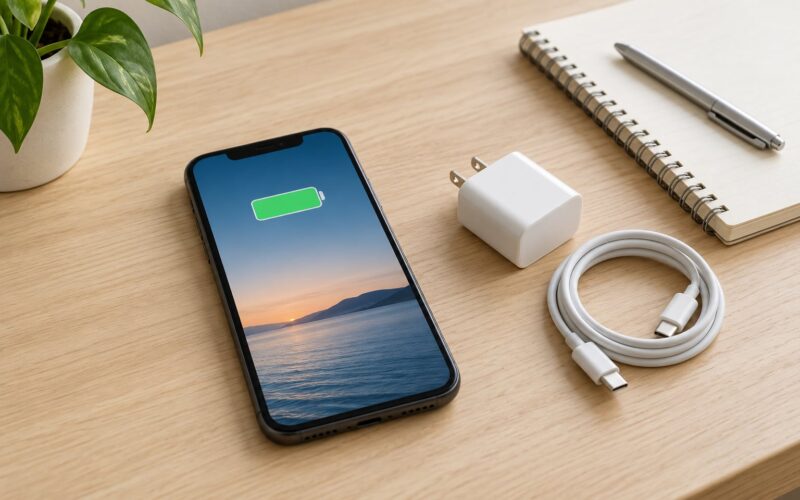
You need four things, and none of them are tools. First, the exact model of your phone, because battery health screens differ between iPhone, Samsung, Pixel and other Android devices. Second, access to your settings and the passcode. Third, a charger and cable you know work on another phone, which is your control sample. Fourth, a dry, well-lit surface if you have to look at the back panel or screen for signs of swelling.
Worth writing down first: the month you bought the phone or the date of your last battery service, and roughly how long a full charge lasts on a normal day. Without those two data points you will not know whether anything has changed.
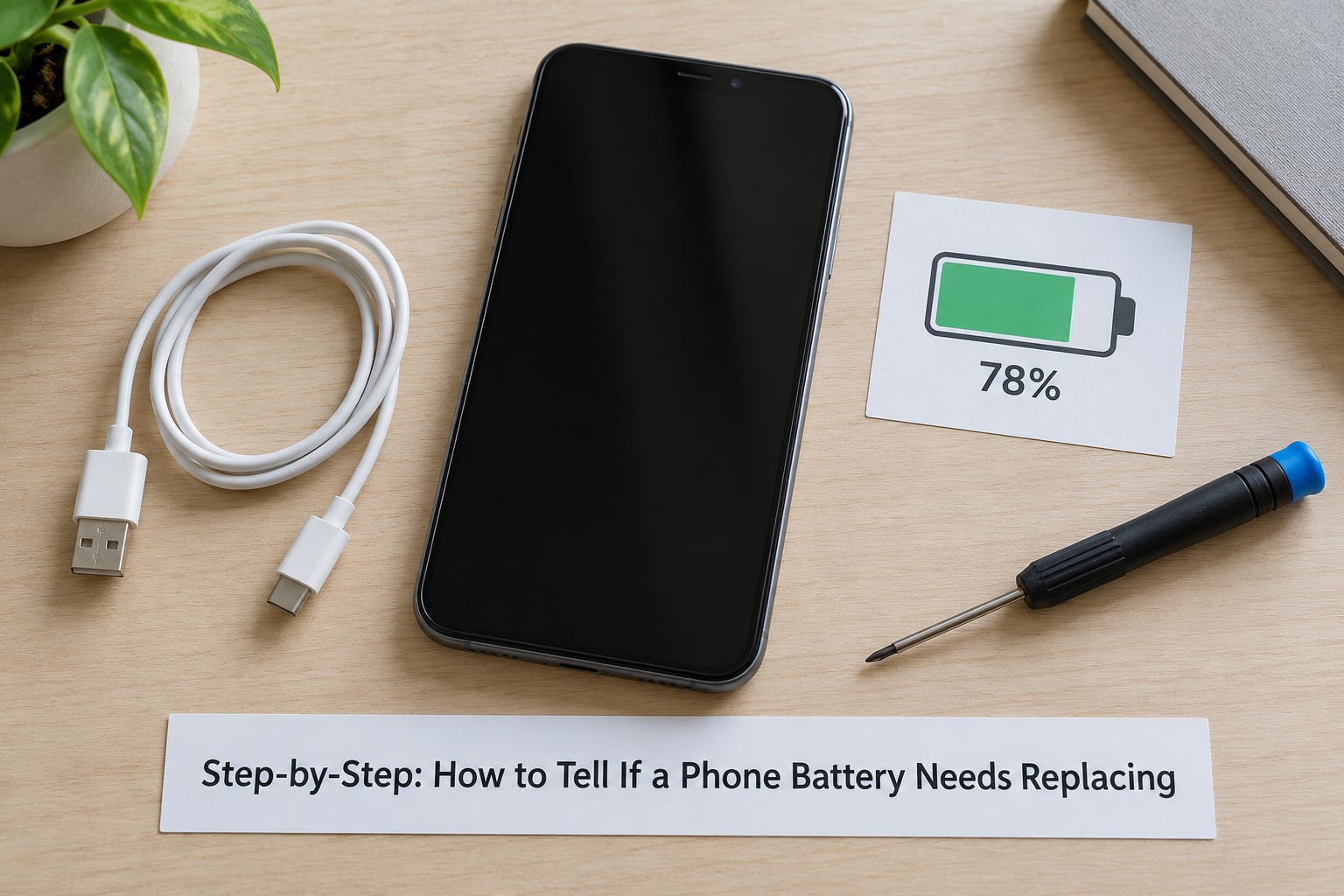
Step-by-Step: How to Tell If a Phone Battery Needs Replacing
1. Check for sudden shutdowns or rapid battery drops
This is the strongest single signal. A healthy lithium-ion cell holds its voltage under load, so the percentage on screen tracks reality. A worn cell cannot, and the phone shuts down at a reading of 20% or 30% while still holding real charge. The screen goes black, you plug it in, and it boots straight back up at 30-something percent.
Large unexplained drops count too, such as losing 15% or more in half an hour of ordinary scrolling. To tell this apart from an accidental restart, watch what happens during a single task. Restarting once after a fall or a software glitch is normal; restarting three times in a day while you are simply reading messages is not.
2. Look for swelling, lifting or screen separation
Swelling is the one sign that means stop using the phone now rather than monitor it. Gas builds up inside a failing cell and the battery expands inside the chassis. You will see a gap opening between the screen and the frame, a back panel or camera glass that no longer sits flat on a table, or a screen that rocks when you press a corner.
If you see any of that: power the phone off, stop charging it, and do not press it back down, do not puncture it, and do not leave it in a car or a hot room. Put it somewhere non-flammable and take it to a service centre or a battery recycling point. Pushing a swollen battery flat is how a bad day becomes a dangerous one.
3. Test charging behaviour, since charge time is another way to tell if a phone battery needs replacing
Note how long a full charge takes from the phone’s own battery screen, not the adapter. Start at 20% or lower, keep the phone screen off and unwatched, and time it. On a healthy phone, a flat-to-full charge typically takes 60 to 90 minutes with a normal fast charger. A phone that takes far longer, or one where the percentage creeps up in jumps and stalls, is showing you reduced peak power delivery.
Also watch for the reverse case: the charge reading jumping around, sitting at 60% for ten minutes, then suddenly reporting 90%. Erratic reporting usually means the battery’s charge sensor is out of step with the cell.
4. Check for overheating during ordinary use
Some warmth is normal. Fast charging, heavy gaming, video recording, a hot room and a case trapping heat all raise temperature without anything being wrong.
The diagnostic version is warmth during light work: scrolling, taking photos, or a call that leaves the back of the phone uncomfortably warm after twenty minutes. Heat under low load points to internal resistance in the cell rather than to anything you are doing with it. Pair it with drain and you have a solid case.
5. Review battery health on Android and iPhone
iPhone: Settings, then Battery, then Battery Health andamp; Charging. The Maximum Capacity percentage sits at the top, and tapping the information icon next to it shows the cycle count on recent versions. Below 80% is the widely used replacement threshold.
Pixel and recent Android versions: Settings, then Battery, then Battery Health, which reports a health percentage and, on Android 16 and later, Battery Health Assistance. Older Android builds often show no percentage at all. Samsung phones: open Samsung Members, tap Battery diagnosis, and the result appears there. No percentage on your handset? An app such as AccuBattery estimates capacity loss from charge cycles, though it needs a few weeks of use before the figure means anything.
6. Rule out the usual suspects before blaming the battery
Run the phone in airplane mode overnight and check the drop in the morning. More than 10% overnight is worth explaining; a bad cell often manages 20% or more. Then look at Settings, Battery, and the list of apps by power use. A single app sitting far above everything else is your answer, and this is the single most common cause of a phone people swear is dying.
Weak cellular signal is the other big one, because the radio works harder to hold a connection. A recent operating system update can also reset battery statistics, which makes everything look worse for a day or two. Test with a second charger and cable before you spend anything. If behaviour changes when you swap them, your phone is fine.
7. Decide whether repair, replacement or monitoring is right
Bring the evidence together: the health percentage, the cycle count, and whether shutdowns happen at a healthy-looking level. One weird reading plus one symptom is not a diagnosis. Two independent signals pointing the same way, such as 79% health and dying at 25%, is.
Also weigh what the phone is still worth. A battery service makes sense on a device that still receives security updates and that you like using. On a phone past its supported-update window, the same money buys more toward a newer device. Where water damage or a drop bent the frame, a battery alone may not fix the phone, so get a full assessment before paying.
Make sure you know how to read the health figure. Anything from 100% down to 90% is normal wear. Between 89% and 80% you are in serviceable territory but heading toward trouble. Below 80% means replace it. Under 70% means the phone will feel unpredictable day to day.
Common Mistakes
Treating one bad charge as proof. A single dead evening is noise. Look for a pattern across several days, or use the airplane mode test, before you conclude anything.
Ignoring swelling. This is the mistake that carries real consequences. A swollen cell does not heal, and pushing it back down or continuing to charge it risks a puncture. Power off and get it serviced.
Buying a cheap charger and blaming the phone. Underpowered or worn cables cause slow charging, odd shutdowns at low percentages and heat at the charging port. Test with a known-good set first.
Updating software before checking the hardware. An update right after a complaint often resets the statistics and muddies the picture. Do the diagnostics on a settled system.
Opening a sealed phone yourself. Most modern phones use adhesive and heat to hold the back panel. Opening one risks the screen, the seals and your warranty, and a swollen battery makes it worse. Manufacturer service or a reputable repair shop is the sensible route.
Frequently Asked Questions
How do I know if my phone battery is genuinely bad?
You need two independent signals, not one. Below 80% maximum capacity, or dying at 20-30% remaining, counts. Sudden shutdowns, a battery that will not hold a charge above 50% on the charger, or heat during light use all support the case. Before you conclude anything, rule out a faulty cable, a power-hungry app and a recent software update.
What are the warning signs of a swollen phone battery?
Look for a gap opening between the screen and the frame, a back panel or camera lens that rocks or no longer sits flat on a table, and a screen that lifts at one corner. Power the phone off, stop charging it, and do not press it back into shape or puncture it. Store it somewhere non-flammable and take it to a service centre or battery recycling point.
Why does my phone battery drop so fast even when I am not using it?
Usually something is running in the background rather than a worn cell. Check Settings, Battery, and the list of apps by power use, then restrict or update whatever sits far above the rest. Weak cellular signal also drains charge as the radio works harder to hold a connection. An airplane mode overnight test gives you the cleanest baseline to compare against.
Can I check battery health on my Android phone or iPhone?
On iPhone, open Settings, Battery, then Battery Health and Charging for maximum capacity and cycle count. Pixel and recent Android builds show a percentage under Settings, Battery, Battery Health. Samsung phones report through the Samsung Members app under Battery diagnosis. Older Android versions show no percentage, so an app such as AccuBattery can estimate capacity loss from your charge cycles.
How long should a phone battery last before it needs replacing?
Manufacturers rate cells for roughly 800 full charge cycles, and most phones reach that point between two and three years of ordinary use. Heat and heavy gaming shorten that span, while a phone kept cool and rarely at full charge lasts longer. Cycle count often tells a clearer story than the percentage, since 500 cycles on a phone used hard matters more than 500 gentle ones.
Can I replace a phone battery myself?
On older phones with removable backs and user-replaceable batteries, yes, with the correct tools and a battery rated for your model. On anything sealed or glued shut, treat it as a job for manufacturer service or a reputable repair shop. Never work on a swollen battery yourself. Expect a non-genuine battery to disable battery health tracking on iPhone, which is worth knowing before you choose a cheaper option.
The decision is simpler than most guides make it sound. Check the maximum capacity, note the percentage where the phone actually dies, and rule out the cheap explanations first. Below 80% capacity, or shutdowns at 20-30% with no software or accessory cause, means get the battery serviced or replaced. If the screen or back panel is lifting, stop using the phone today.