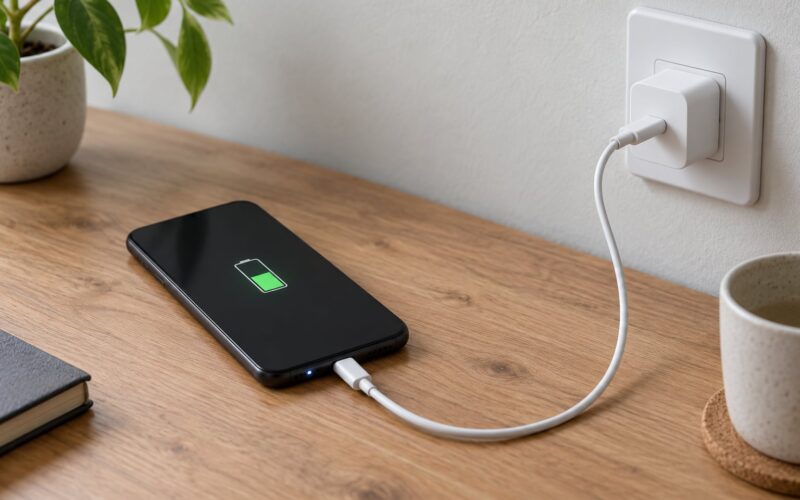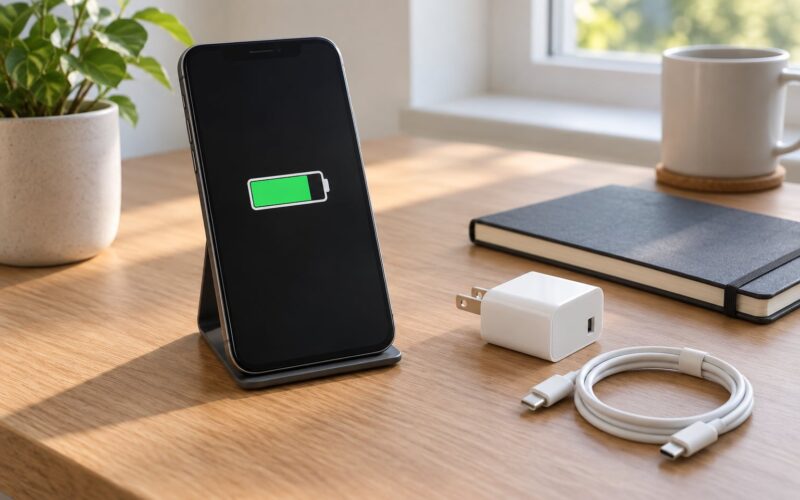
To charge a phone so the battery lasts longer, keep it between roughly 20% and 80% for daily use, keep it cool while it charges, and turn on the charging limit or optimized charging feature your phone already has. Rarely let it sit empty for days or parked at 100% for hours. That combination slows the long-term loss of capacity more than any charger trick people sell.
One thing worth clearing up first, because it trips up most readers: battery health and battery life are not the same thing. Health is how much capacity the cell has left compared with when it left the factory, and it is measured in a percentage or cycle count. Life is the number of hours you get between charges. Everything below is about health.
If you want the short version to save, do these three things today: find the charging limit setting and switch it on, take the case off if the phone feels warm while charging, and stop using the phone heavily while it sits on the charger. Everything else below is detail.
Table of Contents›
- What You Need
- Step-by-Step: How to Charge a Phone to Make the Battery Last Longer
- Use a Compatible, Quality Charger
- Keep the Phone Cool While Charging
- Avoid Keeping the Battery at Extreme Levels
- Use the Phone’s Battery-Protection Features to Make the Battery Last Longer
- Store and Recharge the Phone Sensibly
- Common Mistakes
- Tips
- Frequently Asked Questions
- Is it bad to charge a phone overnight?
- Does fast charging damage the battery?
- Should I charge my phone to 100% every time?
- Is wireless charging worse for battery health?
- How do I know when my phone battery needs replacing?
- Conclusion
What You Need
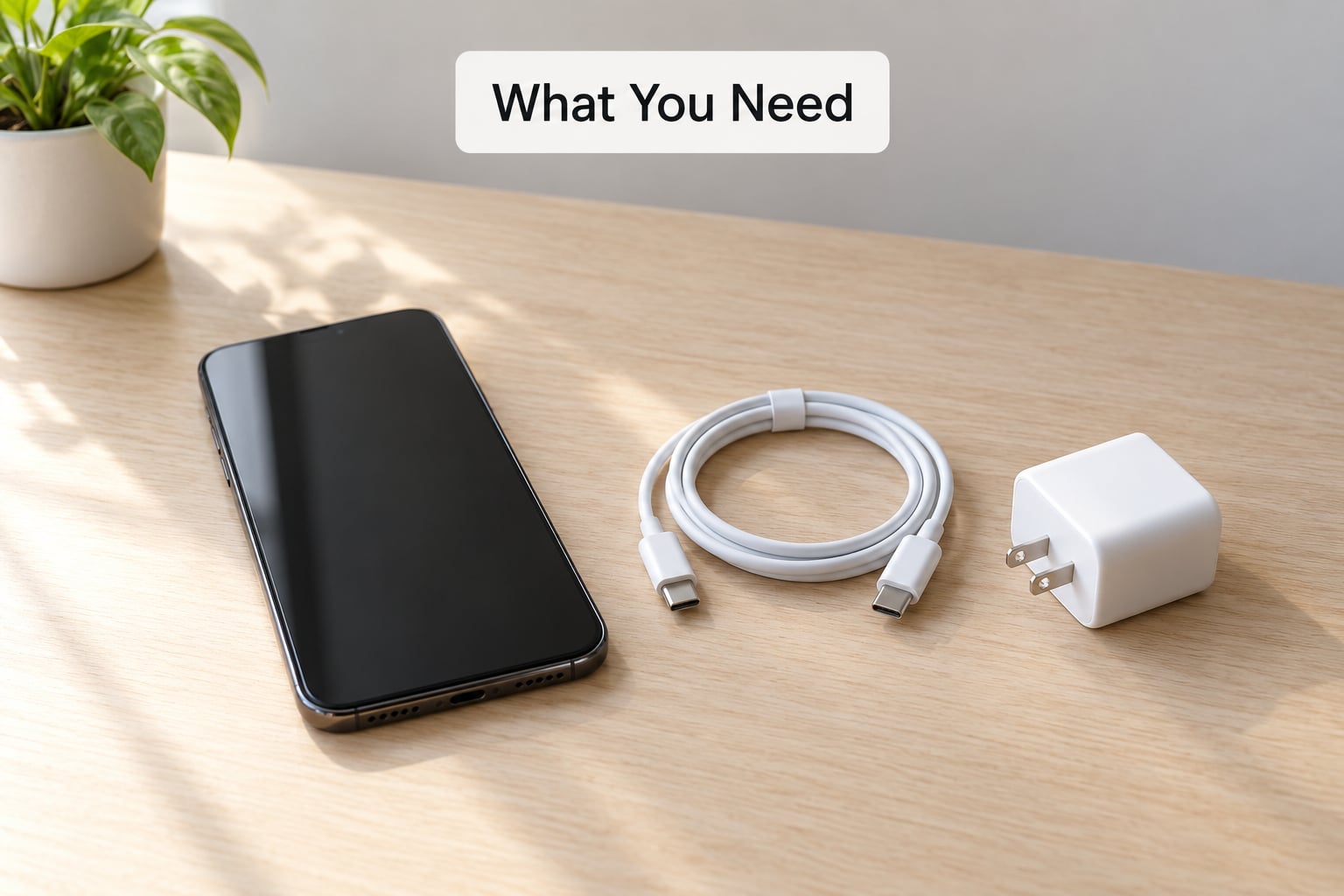
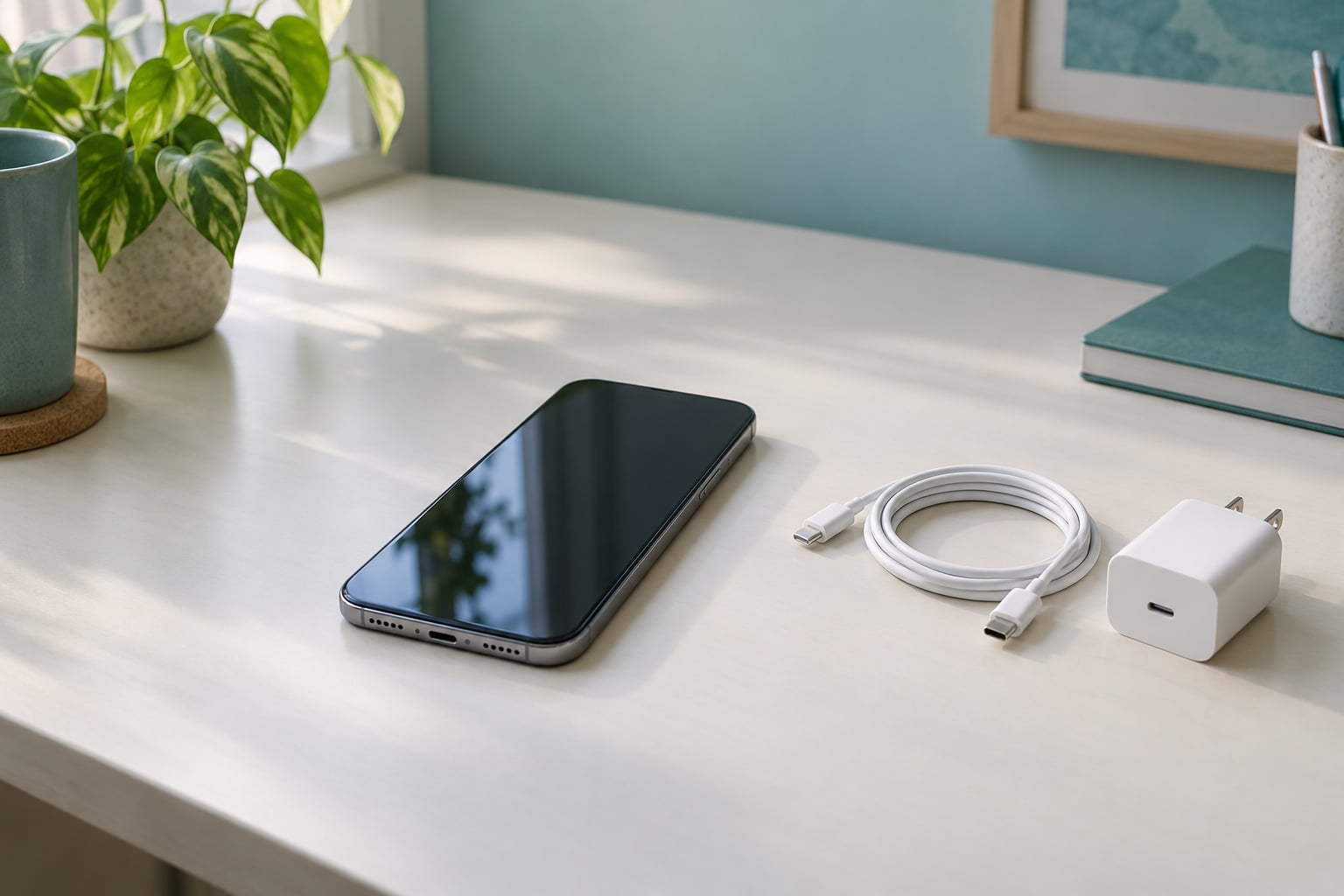
Not much, honestly. You need the charger and cable that came with the phone, or a certified replacement from the manufacturer or a reputable accessory maker. Anything that negotiated the charging handshake properly will do. You do not need a special charging pad, a timer app or a battery calibrator.
You also need somewhere flat, hard and ventilated to charge. A nightstand or desk works. A bed, a pillow, a sofa cushion or a soft blanket does not, because the phone cannot shed heat while it is half buried.
Lastly, spend two minutes finding the battery settings on your phone before you plug anything in. On most iPhones that is Settings > Battery > Battery Health & Charging, and on recent iPhone models Settings > Battery > Charging, where the 80% limit toggle sits. Samsung puts its equivalent under Settings > Battery and device care > Battery > Battery protection, and most other Android phones bury something similar under Battery or Charging preferences. Names shift between models and software versions, so look for a toggle that mentions 80%, charging limit, battery protection or optimized charging.
Step-by-Step: How to Charge a Phone to Make the Battery Last Longer
Use a Compatible, Quality Charger
A phone draws only what it can safely take, so the charger you plug in does not dictate the charge rate the way people think. The phone and the cable negotiate a rate the charger offers. What a weak or badly made charger does contribute is heat, and heat is the single biggest accelerant of battery wear.
Two failure modes are worth knowing. The first is a cable that has frayed at the connector or a port full of lint, which makes the phone draw more current to push the same charge through a bad connection. The second is a charger that pushes more power than the phone wants near the end of a charge, where the phone is already throttling and turns the excess into warmth.
The fix is boring: use the supplied or a certified replacement, keep the connector clean, and replace a cable the moment the sheath cracks near the plug. Third-party chargers are not automatically a problem. Certified chargers from reputable accessory makers negotiate the same handshake as the original and are fine.
Keep the Phone Cool While Charging
Heat is what actually shortens battery life, more than any charge level rule. Lithium-ion cells age faster at higher temperatures, and the phone’s charging circuit is already working near its limit when it tops off, which is the hottest stage of the cycle.
Four habits cover most of it. Charge on a hard surface, not on fabric. Keep the phone out of direct sun, including a car dashboard in summer. Take the case off if the phone is warm to the touch while plugged in, since cases trap heat at the back where the battery sits. And skip video, gaming and navigation while it charges if you can, because all three add heat that has nowhere to go.
Wireless charging pads add their own heat because the phone sits flat against a warm surface for longer. That is a reason to use a pad selectively, not a reason to never use one. MagSafe-style magnetic charging adds less heat than a plain coil pad in most cases because alignment is better and the phone can lift away more easily.
Avoid Keeping the Battery at Extreme Levels
The middle of the range is where lithium-ion cells are happiest. Holding a cell at a high state of charge for long periods puts chemical stress on it, and repeatedly running it down to empty puts stress on it from the other end. Neither is dangerous, both are just harder on the cell than topping up from 30%.
That is the origin of the 20 to 80 percent rule, and it is not folklore. The useful way to rank the factors runs heat first, time spent sitting at 100% or near empty second, and the charge limit third. So the biggest wins come from keeping the phone cool and from not leaving it full for hours, not from obsessing over the exact stop point.
Occasional full charges are fine. A long flight, a camera day, a power cut. What does little good is the habit of topping the phone back to 100% the moment it dips below 90, then letting it sit there plugged in until morning.
If your phone has a limit toggle, a workable compromise is to run 90% or 95% on days you need the GPS or the camera, 80% as the default, and a full charge only before travel. People who try an 80% limit, find it irritating within a week and abandon it, end up worse off than people who never enabled it at all.
Use the Phone’s Battery-Protection Features to Make the Battery Last Longer
Both major platforms ship scheduling features that already do the hard part for you. On iPhone, Optimized Battery Charging learns when you usually plug in and typically holds the phone at 80% overnight, finishing the charge shortly before your usual wake-up. iPhone 15 and later models add a user-adjustable charging limit with 80% and 90% options. The path is Settings > Battery > Battery Health & Charging on older models, or Settings > Battery > Charging on newer ones.
On Samsung Galaxy phones, Battery protection offers a similar 80% limit under Settings > Battery and device care > Battery > Battery protection, and Adaptive Charging delays the final stretch of a fast charge if the schedule suggests you will not need the phone for a while. Google Pixel phones label the equivalent Adaptive charging in their battery settings, and other Android makers use their own wording, often including bypass charging that powers the phone directly from the cable while keeping the battery topped up.
Menus move between models and software releases, so if the exact label is missing, search the settings app for “charge” or “battery” and look for a limit, protection or optimized option. Enabling one of these does more for long-term wear than any habit change, because it removes the overnight dwell at full charge entirely.
Store and Recharge the Phone Sensibly
When a phone sits unused, aim for roughly half a charge and a cool, dry place. A lithium-ion cell left at 100% in a warm cupboard loses capacity even with zero cycles, which is why a sealed box ages worse than a phone on a shelf. Check the battery every few months and top it up if it has drifted well below half.
Never charge a phone that has come in from very cold conditions while it is still cold. Let it come to room temperature first, since charging a cold cell at the maximum rate creates condensation risk and heat stress at the same time.
Common Mistakes
Leaving the phone plugged in for days. Modern phones stop drawing meaningful power at full, but the cell still sits at a high state of charge and still warms up. A week-long desk connection is worse for the battery than a week of unplugged use.
Charging under a pillow or blanket. The phone cannot cool down, and phones have a real history of thermal shutdowns and damage in this situation. Hard surface, always.
Letting it run to 0% once a week to “calibrate” it. This advice comes from rechargeable nickel-cadmium cells and it does not transfer. Modern phones estimate remaining charge from the cell itself, and weekly deep discharges just add stress. It is the single most common piece of bad advice still circulating online.
Reaching for 100% every time. Not dangerous, and occasional full charges are fine. But topping back to full the moment you dip below 90, and leaving it there, is the pattern to break.
Using the phone heavily while it fast charges. Fast charging adds heat, and gaming or filming adds more. Combined, they are the most common reason a phone gets uncomfortably warm on the charger.
Trusting battery cleaner apps. These apps report numbers they cannot actually measure and, in some cases, encourage background activity that drains the battery further.
Tips
Set a reminder to check your battery health twice a year. On iPhone, Settings > Battery > Battery Health & Charging shows maximum capacity and cycle count, and iPhones below 80% are flagged as service recommended. On Samsung and most other Android phones, the diagnostic tools live under Settings > Battery and device care > Battery diagnostics or in the Samsung Members app, and third-party tools such as AccuBattery can supply a cycle estimate on devices that hide one.
Small top-ups beat long sessions when you have a choice. Two ten-minute charges at a desk are far gentler than one overnight run from 5% to 100%.
If your phone supports bypass or bypass charging, use it for long sessions at a desk. The phone runs from the cable while the battery holds a steady level instead of cycling.
And once every couple of months, give the charging port and the connector a quick clean. A dusty port causes slow, hot charging, and the fix takes a wooden toothpick and ten seconds.
The real-world evidence is messier than the rules suggest, which is worth knowing before you buy into a strict routine. Long-running owner threads show iPhones held at an 80% limit reporting anywhere from the low 90s to near full capacity after a year at roughly 300 cycles, and phones with no limit at all reporting similar numbers over a similar cycle count. The heavier use, gaming and video cases landed noticeably lower. Limits help. They are not magic, and heat is where the consistent story sits.
Frequently Asked Questions
Is it bad to charge a phone overnight?
No, overnight charging is fine on a modern phone. It stops drawing full power at 100% and trickle-charges to top up small losses. The mild concern is not overcharging but heat and the hours spent sitting at full charge, which is why Optimized Battery Charging and Android battery protection exist. Turning one on makes overnight charging a non-issue.
Does fast charging damage the battery?
Fast charging adds heat, and heat is what wears a battery out, so it is not free. Used occasionally for travel or an emergency it will not matter. Used daily while the phone also runs games or video, the extra warmth compounds. If your phone has a battery protection or optimized charging setting, leaving it on gives you the speed when you need it and a gentler overnight top-up the rest of the time.
Should I charge my phone to 100% every time?
There is no need to, and no benefit either, for day-to-day use. Sitting at a high state of charge is one of the main sources of long-term wear, alongside heat. Occasional full charges are perfectly fine, so charge to 100% before a trip or a long day out. For everyday use, an 80% or 90% limit costs you very little and keeps the cell in a healthier range.
Is wireless charging worse for battery health?
Slightly, mostly because of heat rather than the charging method itself. A phone lies flat against a warm pad for the whole session, so it runs hotter than on a cable and generates its own heat on top. Magnetic alignment helps because the coil sits where it should and the phone lifts off more easily. Wireless charging once in a while is fine; leaving it on a pad all day in a warm room is the pattern to avoid.
How do I know when my phone battery needs replacing?
Check the health screen first. On iPhone, Settings u0026gt; Battery u0026gt; Battery Health u0026amp; Charging shows maximum capacity and cycle count, and Apple flags the battery for service below 80%. On Samsung, Battery diagnostics sits under Settings u0026gt; Battery and device care. The practical signs are a full charge lasting far less than it used to, the battery dropping several percent while idle overnight, or the phone shutting down at 20% or higher.
Conclusion
Start with three changes. Turn on the charging limit or optimized charging feature your phone already ships with, keep the phone cool and uncovered on a hard surface while it charges, and stop topping it back to full the moment it dips below 90%. Those three habits cover the parts that matter most, and the rest of the advice is a variation on them.