If you need to know how to stop a phone from overheating in the car, start with three moves: unplug the charger, take the phone out of direct sunlight, and put it somewhere with moving air. A car stacks heat sources on top of each other, so the fix is about removing sources rather than fighting them one at a time. Most of this takes under five minutes.
The awkward part is that the heat usually builds quietly. A phone on a dashboard mount, running navigation, charging in a case, inside a parked car in July, can be well past the temperature where it should be operating before you notice anything. You notice the dimmed screen, the lag, or the warning icon, and by then the damage is already accumulating in the battery.
Nothing below requires special tools or a repair shop. If the phone is already hot, you will be reading this in a parking lot somewhere, so each step is written for that situation.
Table of Contents›
- What You Need
- Step-by-Step
- How to stop a phone from overheating in the car immediately
- How to change phone settings to reduce heat while driving
- How to keep the phone cool in a parked car
- How to tell whether the phone has cooled enough
- Common Mistakes
- Frequently Asked Questions
- Why does my phone get so hot in the car?
- Where should I put my phone in the car so it doesn’t overheat?
- My car wireless charger is overheating my phone. What can I do to fix this?
- Is there a phone cooling pad that can be used in cars?
- Why is my phone overheating while using CarPlay or Android Auto?
- Conclusion
What You Need
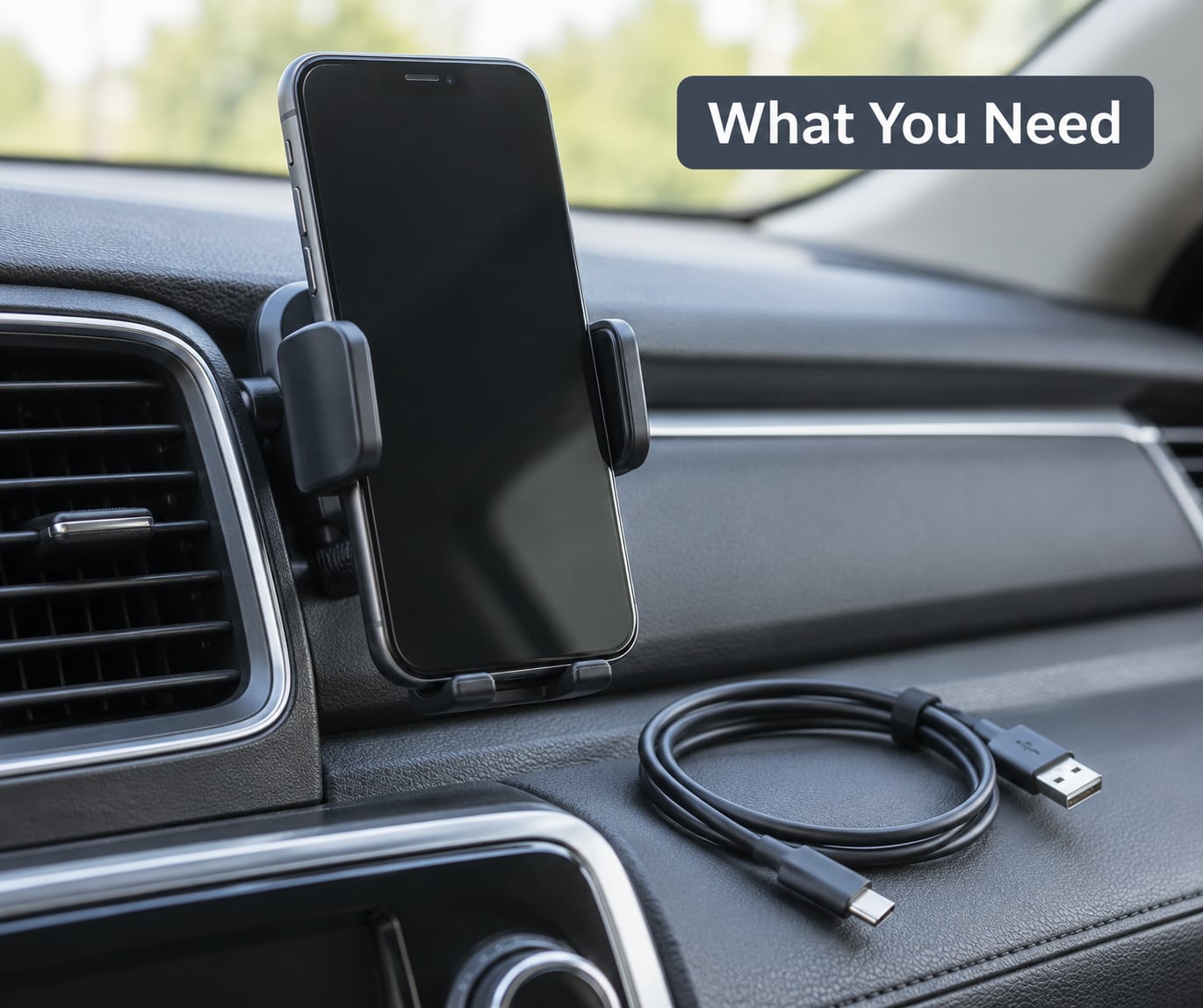
A working phone, the cable or charger you normally use in the car, and a mount or holder that lets air move around the device. That is the whole kit.
Beyond that, you want somewhere with moving air in the cabin. A dashboard air conditioning vent with the louvers pointed at the phone holder does more than any app setting. If the cabin is parked and still, an open window or a door lets heat escape faster than anything inside the car.
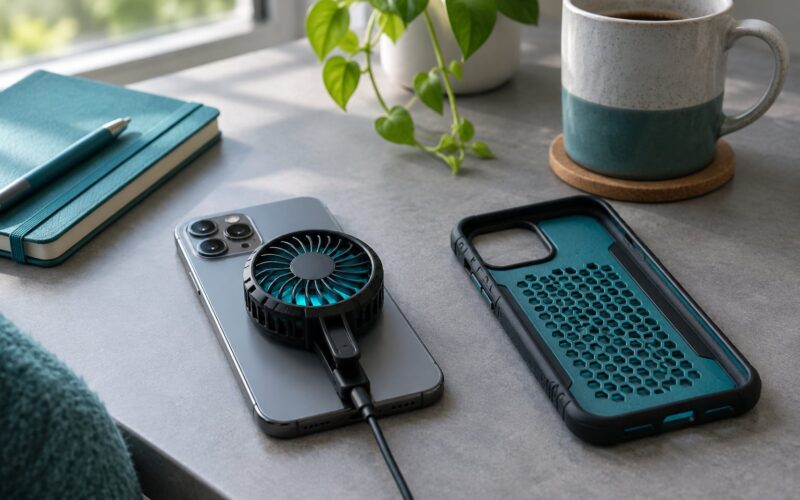
A thin case helps here. Thick rubber, leather or glitter-filled cases trap heat against the back of the phone, and while you are cooling the device, take the case off and leave it off until things settle. You do not need a cooling pad, a fan accessory or a specialty tool to fix this, so try the free steps first.
Step-by-Step
How to stop a phone from overheating in the car immediately
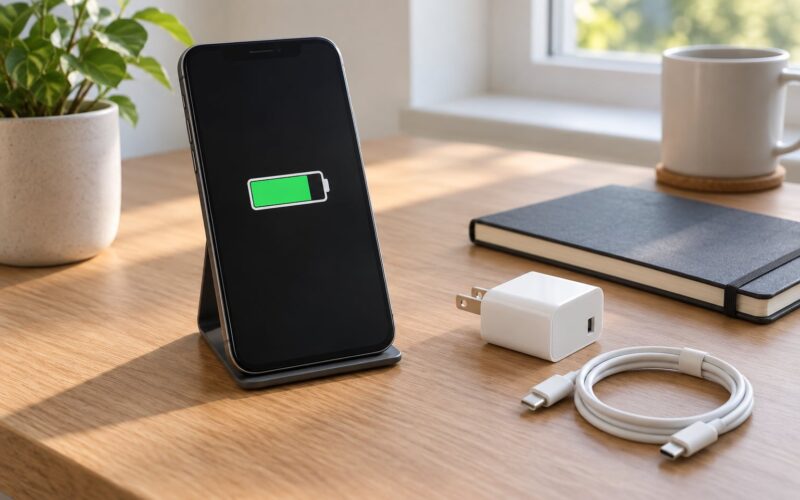
Unplug the charging cable first. Charging is electrical heat generated inside the phone, and adding it to an already hot device is the single most common way people push a phone into thermal shutdown.
Next, disconnect accessories: a car charger, a USB hub, a dashcam adapter, a second cable if you are using a wireless connection. Then move the phone out of direct sunlight and off the dashboard surface, which can get far hotter than the air around it.
Give it moving air. Point a vent at it, crack a window, or hold it near the face vents for a minute or two. The phone has no fan of its own, so airflow is doing all of the work.
Turn the screen off and close navigation, maps and CarPlay or Android Auto. Processor heat comes from those apps, and a locked phone is a phone that stops generating it.
Finally, leave it alone. Do not use the phone while it cools. Once the case is off and the phone is dark and disconnected, give it ten to twenty minutes in moving air before you touch it again. Charging the phone from 100 percent or dropping it somewhere cold adds two different problems to the one you already have.
How to change phone settings to reduce heat while driving
Settings do less than people expect, but they help most on a long trip where the phone is under steady load rather than in a one-off spike.
Turn brightness down, or turn on auto-brightness and let the screen sit lower than you would at home. On iPhone, that is Settings then Display and Brightness. On Android, it is Settings then Display then Adaptive brightness.
On iPhone, Low Power Mode lives in Settings then Battery. On Android it is Settings then Battery then Battery Saver or Adaptive Battery. Both cut background activity, which matters because apps that keep checking location or syncing work in the background even with the screen dark.
Bluetooth: Settings then Bluetooth on both platforms. Turning it off when you are not using car audio saves a little power, and it removes one radio that keeps working near your head.
Location services is the one people forget. On iPhone, Settings then Privacy and Security then Location Services, and switch the apps you do not need to Never or While Using. On Android 12 and later, Settings then Location then App location permission.
Background app refresh: Settings then General then Background App Refresh on iPhone. On Android, vendor names differ, so look under Battery for a restricted or optimised apps list and limit the ones you never check while driving.
Navigation is the real heat driver on a long trip. Turn off voice volume, use fewer screen transitions, and download maps for the route before you leave so the phone spends less time hunting for a signal in poor coverage. If you are parked, planning the route on a cooler device first makes a noticeable difference.
On Android, watch for Performance and Battery settings, since some phones have a high performance mode that is the opposite of what you want. On iPhone, there is no such toggle to worry about.
Airplane mode helps if you are parked and waiting. It kills the radios that draw power and generate heat with the screen off, and you lose nothing while the engine is off.
How to keep the phone cool in a parked car
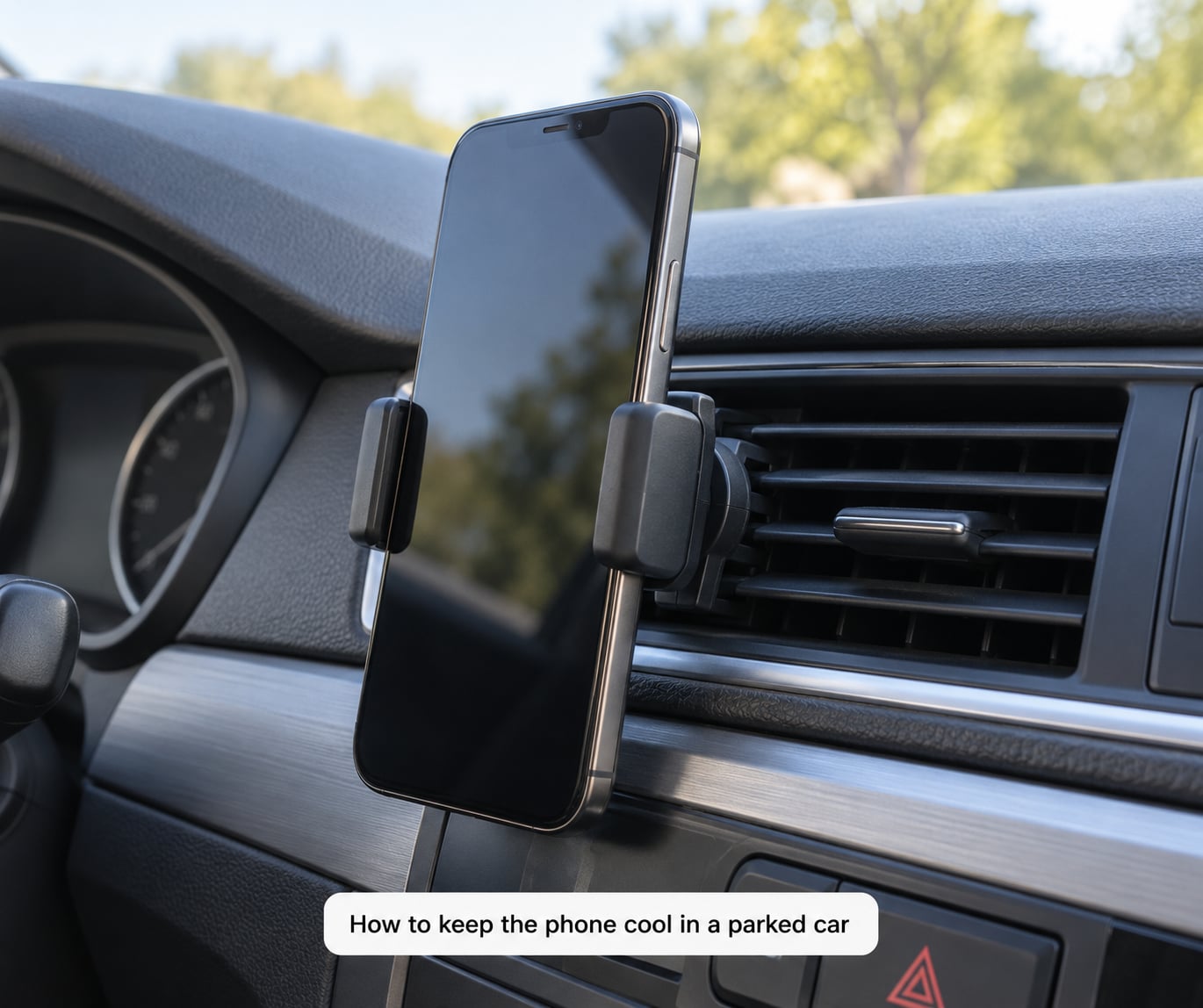
Where you put the phone in the cabin matters more than most settings. Placement decides how much solar load it absorbs and whether air can reach it.
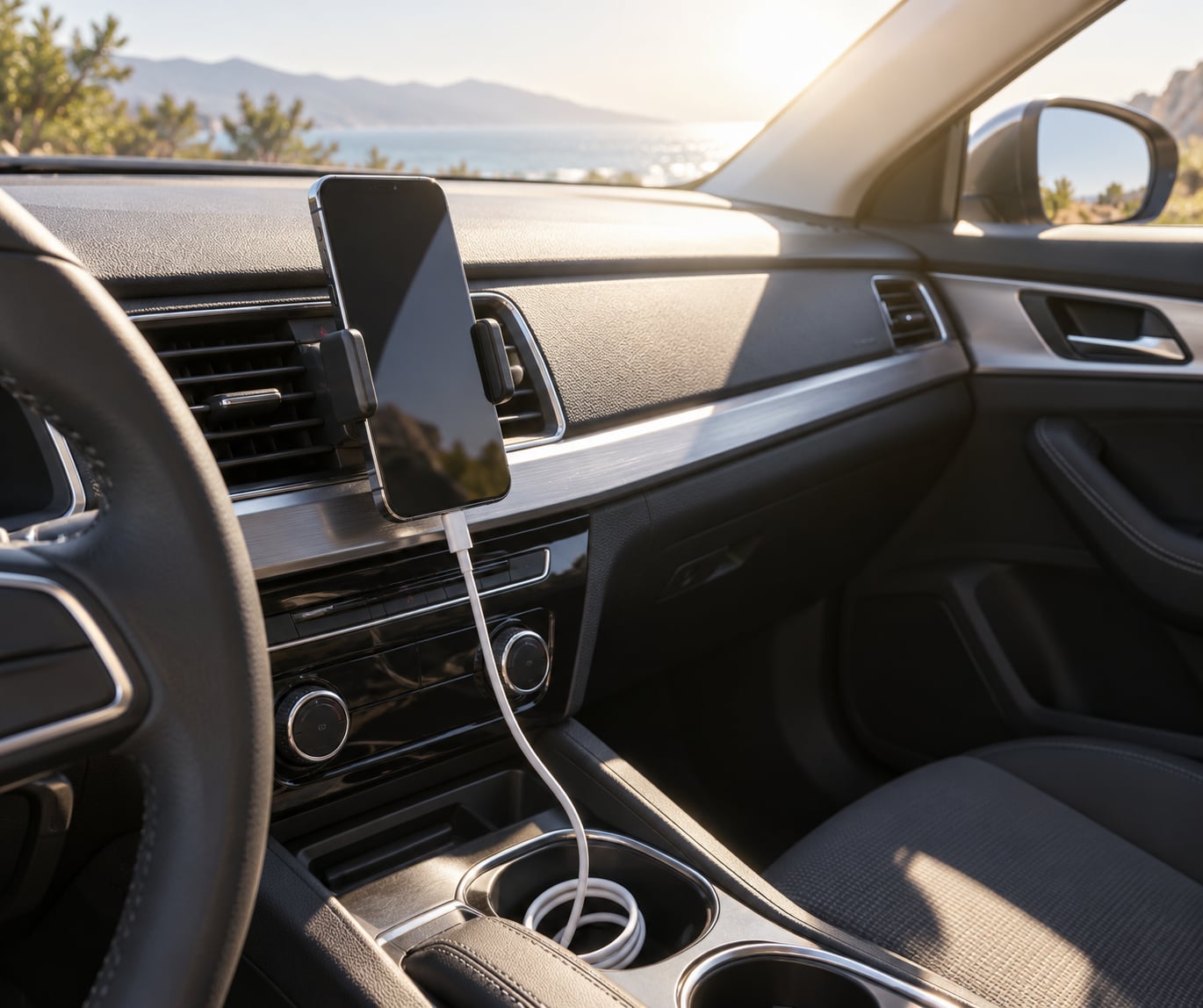
A dashboard in direct sun is the worst realistic spot. The dash surface gets much hotter than the cabin air, and the phone sits right above it in a clear line to the windscreen. If your mount is there, move it to the centre console or a shaded spot, or use a sun shade over the windscreen while the car is parked.
The sun visor is better than the dashboard for a parked phone, since it blocks direct light and shades the device, though it is still a warm enclosure. A door pocket or centre console in the shade beats the dash.
Avoid the glovebox and any sealed bin in the cabin. Those compartments trap heat with no airflow at all, and a phone that was fine when you shut the door can be sitting in a small oven.
For a mount, a vent-style holder that clamps to the air conditioning louvre works well in summer. It gets cool air directly, and drivers report it solving summer overheating entirely on long trips.
A magnetic or vibration-damped mount also helps, for a different reason. A phone that buzzes constantly from road vibration works harder than it needs to, and a damped mount cuts that off. One rider on a motorcycle forum fixed six hours of overheating that way, on a handlebar mount of all places.
If your car has a built-in wireless charging pad, treat it as a heat source rather than a convenience. Leave the case off, keep the phone aligned on the pad, and if the pad has a cooling fan, make sure its airflow is not blocked. If the phone is too hot to touch within a few minutes of laying it down, that pad is doing more harm than good in that weather.
How to tell whether the phone has cooled enough
A phone that is too hot usually tells you. It dims the screen on its own, animation stutters, scrolling lags, the camera app warns that it cannot record video, or you get a temperature warning and the phone shuts down. Shutting down is the phone protecting itself.
Thermal throttling is the quieter version. The chip lowers its speed to control temperature, so navigation stutters, the map lags behind your car, and the phone feels sluggish even though nothing looks wrong on screen. It is a warning, not a fault.
Check battery information where your phone keeps it. On iPhone, Settings then Battery then Battery Health and Charging gives cycle count and maximum capacity. On Android, the path varies by maker, so look under Battery, About phone or Care, and some models show a battery status or health reading there.
The practical test is simple. Once charging is disconnected, the screen is off and the phone has been in moving air for fifteen minutes, it should feel like room temperature. If it is still noticeably warm to the touch, it is still too hot to use or charge.
Stop using it and get it looked at if you notice a swollen or lifted screen, a screen that lifts at the edges, a case that no longer fits flat, or a phone that overheats every time you plug it in even on a mild day. Those point to the battery, not the weather.
Common Mistakes
Putting a hot phone in a fridge, freezer or ice water is the big one. Local news advice segments about summer phone overheating say it plainly: never refrigerate a hot phone. Water condenses on the inside of the case when you bring it back into warm air, and that moisture sits against the electronics.
Cooling it with ice or a freezer bag is the same idea with a faster shock to the glass. Phones are designed to manage their own warmth, and forced cooling shatters that design.
Leaving it in a hot parked car to cool on its own does not work either. A sealed car keeps gaining heat from the sun, so the phone and the cabin rise together. Move it to shade, or take it with you.
Using a cheap or uncertified car charger adds heat and adds risk. On car forums, the recurring suggestion for chronic overheating on charge is a lower-current charger rather than a fast one, because less current means less heat in the phone.
Continuing to use a phone that is swollen or overheats repeatedly is how a small problem becomes a broken device. Heat degrades battery capacity permanently, and a swollen battery is a reason to stop using the phone, not to keep it running.
Chasing an accessory before trying the free fixes is the other common mistake. A cooling pad only helps if the phone is already out of the sun, unplugged and off the dashboard. Fix the placement first, then decide whether you need hardware.
One more: stacking heat sources without realising it. Wired charging plus wireless charging plus a thick case plus a dashboard mount plus running navigation adds up to more than the phone can shed. Pick one source and remove it rather than trying to optimise all five.
Frequently Asked Questions
Why does my phone get so hot in the car?
A car stacks three heat sources at once: solar heat absorbed by the cabin and dashboard, electrical heat from charging, and processor heat from navigation, CarPlay or Android Auto. A parked car in sun traps that heat with no airflow, and a phone on a dashboard mount sits above the hottest surface in the cabin. Any one of those is survivable; all three together is what pushes a phone into thermal throttling.
Where should I put my phone in the car so it doesn’t overheat?
Use a shaded, ventilated spot: a vent-style mount clamped to an air conditioning louvre, the centre console, or a door pocket, rather than the dashboard in direct sun. Avoid the glovebox and any sealed bin, since those trap heat with no airflow. On a hot day, leave the case off and cover the windscreen with a sun shade while the car is parked.
My car wireless charger is overheating my phone. What can I do to fix this?
Wireless charging generates more heat than a wired cable because part of the energy is lost to electromagnetic induction, and many built-in pads sit in enclosed console slots with little airflow. Fixes that help: remove the case so the coil makes contact properly, centre the phone on the pad, switch to a wired cable when one is available, use a lower-current charger, and check that any cooling fan on the pad is not blocked. If the phone is still hot within a few minutes, skip that pad in hot weather.
Is there a phone cooling pad that can be used in cars?
Yes, and they come in two forms: vent-style mounts that clamp to an air conditioning louvre and blow cool cabin air across the phone, and small powered cooling pads or fan mounts. Both help, but only after you remove the bigger heat sources. A cooling fan on a phone sitting in direct sun on a charging dashboard pad will not keep up with the heat being generated.
Why is my phone overheating while using CarPlay or Android Auto?
Navigation keeps the processor busy for the whole drive, with the screen on at full brightness, location services running constantly and a data connection that struggles in poor coverage. Add wired CarPlay plus wireless charging plus a case and the phone is generating and trapping heat at the same time. Wired CarPlay with wireless charging is a combination users report makes overheating noticeably worse on long trips.
Conclusion
If you take one thing from this, it is the first four steps: unplug the charger, move the phone out of direct sun, turn the screen and apps off, and put it somewhere with moving air. Ten to twenty minutes of that does more than any setting.
After that, stop the heat coming back. Mount the phone out of the dashboard sun or on a vent louvre, drop the brightness and background activity before a long drive, and remember that the case plus charging plus navigation is a stack rather than three separate things.
And leave the fridge and the freezer alone. If the battery looks swollen, the case no longer sits flat, or the phone overheats every time it charges, stop using it and have the battery looked at.