Knowing how to tell if a phone repair shop used genuine parts comes down to three things: the part grade written down before the work starts, physical proof such as labels or packaging, and a software check after you pick the phone up. On iPhone that last step takes under a minute. On Android there is no equivalent screen, so your documentation does all the work.
Most disputes are not about whether a cheap screen is bad. They are about a phone that looked fine at the counter and then showed an unfamiliar warning a day later. This guide walks through the checks in the order that settles arguments fastest, starting with what to collect and ending with what to do when something does not match.
Table of Contents›
- What You Need
- Step-by-Step
- How to Tell If a Phone Repair Shop Used Genuine Parts Before Service
- Ask for the Parts List and Packaging
- Compare the Replacement Part With the Original
- Check the Phone for Parts and Diagnostic Warnings
- Review the Final Report and Warranty
- Common Mistakes
- Frequently Asked Questions
- Can I tell if my repair shop used genuine parts just by looking at the phone?
- Do genuine replacement parts always have the original manufacturer logo?
- Is an authorized repair shop more likely to use genuine parts?
- Can an aftermarket screen or battery work perfectly and still be non-genuine?
- What should I do if I suspect my phone was repaired with counterfeit parts?
- Conclusion
What You Need
Gather this before you drop the phone off, not after. Repairs move fast at the counter, and the technician has usually opened the phone before anyone thinks about paperwork.
- An itemized estimate. Every component named separately, with its part grade written out, plus labour and tax broken down.
- Your model and serial numbers. The IMEI or MEID from the dialer code *#06# and the serial number from the box, the back of the phone, or the settings screen.
- Photo access. Your phone camera, so you can photograph labels, tamper seals and packaging on the spot.
- The removed part. Ask for it back. It is your property and it is the easiest piece of evidence you can hold.
- A written warranty. Part grade and workmanship length, on the invoice, with a phone number.
- A way to compare. The old part and the new part side by side under good light, before you leave.
Different shops use different words for the same thing, so pin down the grades before you compare. These four labels are not interchangeable.
- Genuine / OEM. Made by or for the brand and sold through its authorized channel. Ask: is it new, or pulled from a donor unit?
- Used genuine. A real brand component taken from another device. Not a fake, but not new either. Ask: was it pulled from a donor phone, and was it calibrated?
- OEM-equivalent / aftermarket. Made by a third party to match the original specification. Ask: which features will I lose?
- Refurbished / reclaimed. A repaired or recovered component, sometimes re-shelled. Ask: what was replaced inside it, if anything?
Step-by-Step
How to Tell If a Phone Repair Shop Used Genuine Parts Before Service
The cheapest verification happens before anyone touches a screwdriver. Ask for the estimate in writing and require that it name the part grade for each component. A shop willing to state “genuine” or “OEM” on paper is a different shop from one saying “we use quality parts” out loud.
Insist on this before the repair starts, not after you collect the phone. Once the old part is gone and the phone is sealed, your options shrink fast. Get the part grade on the estimate, ask whether the component is new or pulled, and have them initial the change if they downgrade anything mid-job.
You know this step worked when you hold a written estimate listing each part with its grade, and the shop confirms in advance that they will call you before installing anything different.
Ask for the Parts List and Packaging
Request the parts list, the invoice, and a look at the component before it goes in. On the invoice you want a part number, not just a description like “screen assembly.”
For anything that carries a serial number — batteries, cameras, displays on newer phones — photograph the number on the part itself. Photograph the box, the tamper seal, the barcode, and the pull tab if the part came sealed.
Packaging is supporting evidence, not proof. A genuine component can arrive in plain brown packaging from a distributor, and a convincing box can hold a copy. What settles it is the serial number checked against the brand’s own records, plus the on-device history.
You know this step worked when you have photographs of the label and the seal, and the invoice shows a number you can quote later.
Compare the Replacement Part With the Original
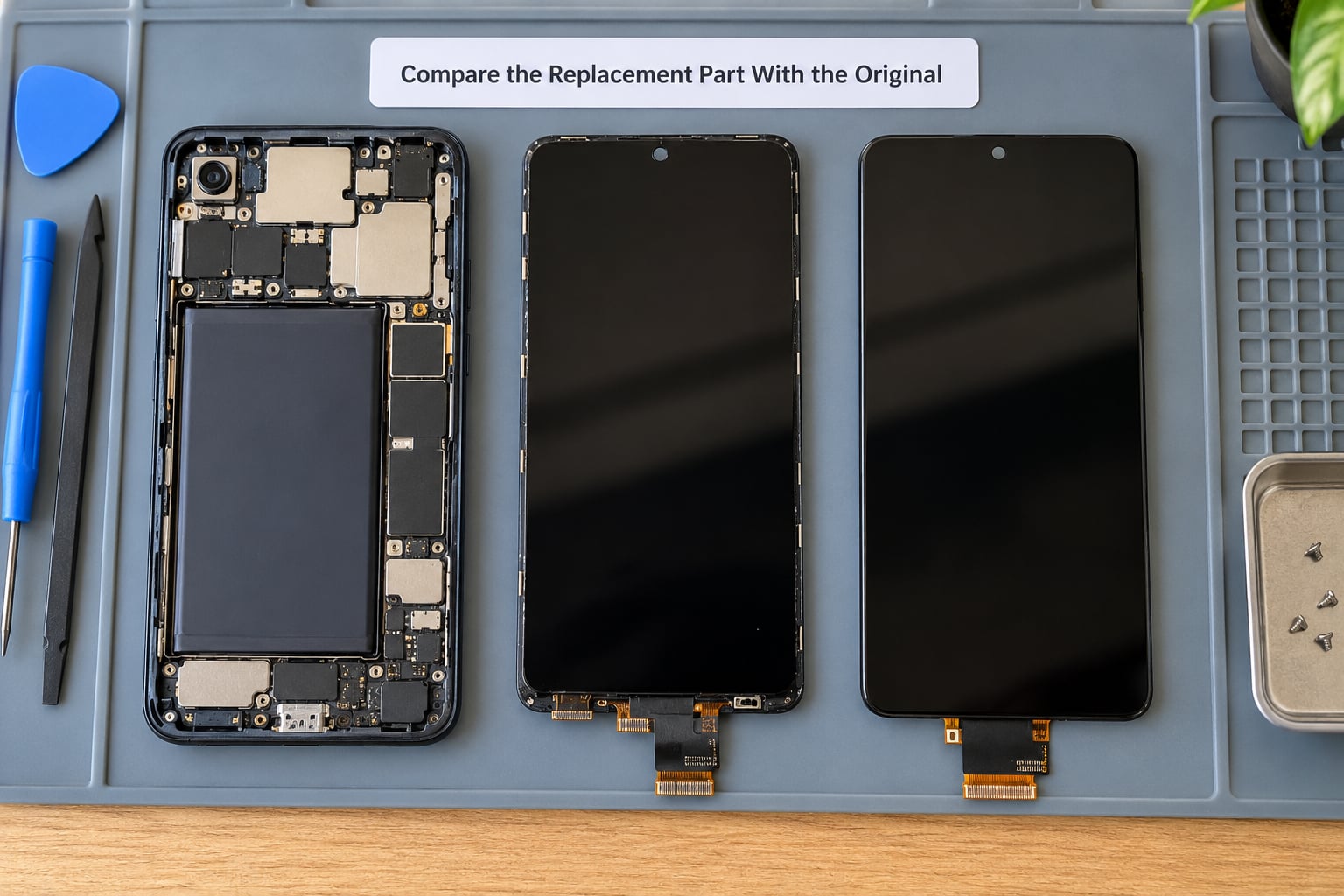
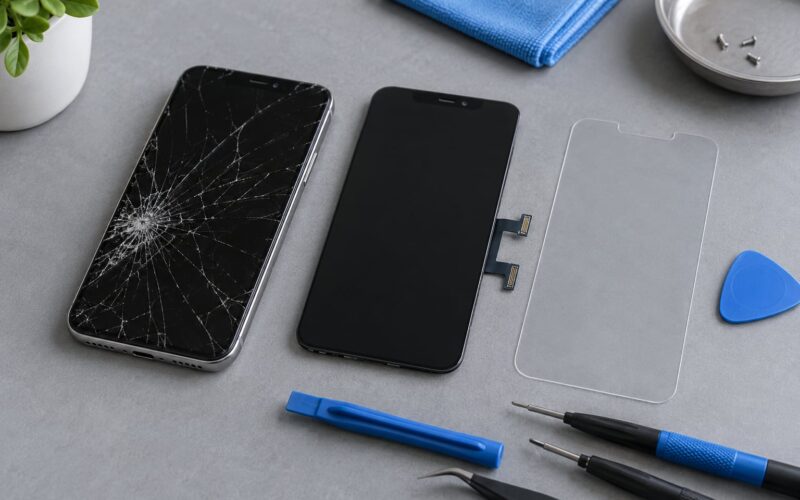
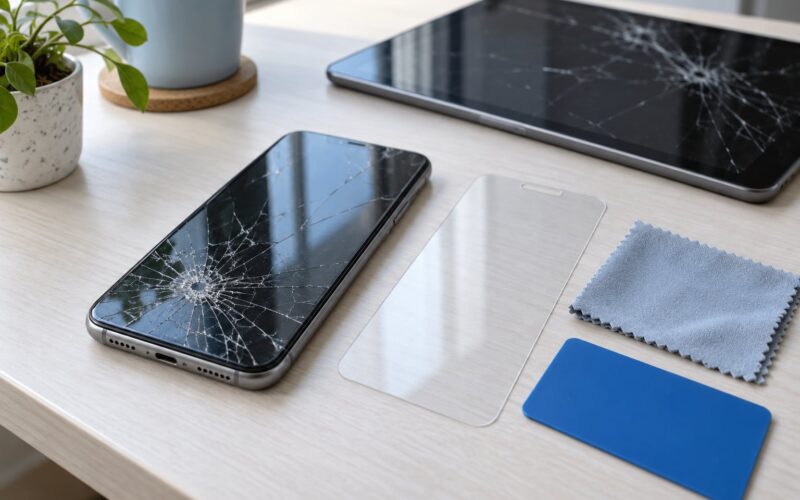
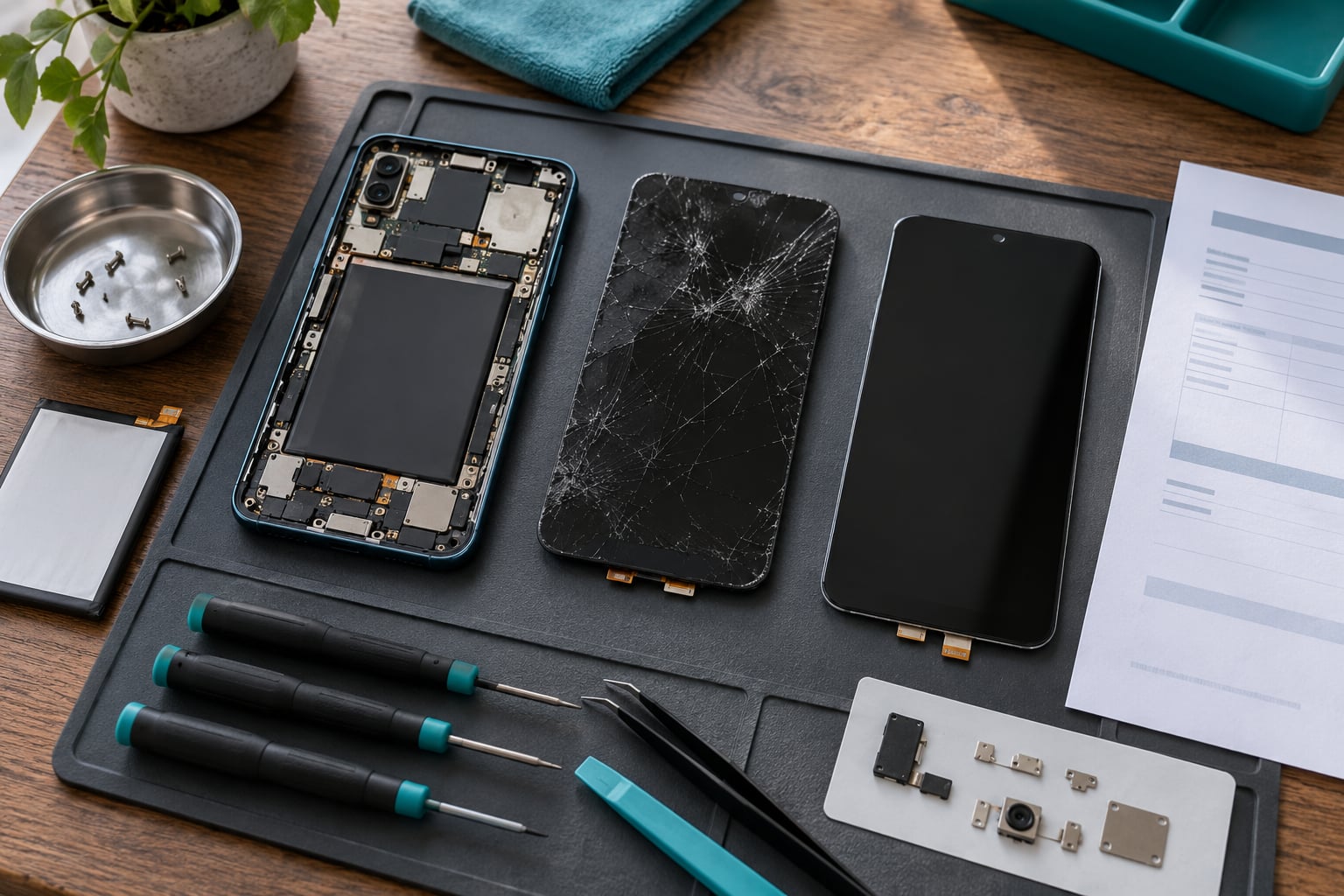
A side-by-side comparison catches more than people expect, provided you do it before you leave the shop. Hold both parts at the same angle under the same light.
Look at the printed markings first. Genuine components carry dense, sharp manufacturer text with a part number. Aftermarket parts often carry sparse print, wrong fonts, or a brand name spelled with a slightly different trademark.
Check the physical details: cable routing and connector shape, screw bracket placement, edge thickness, and whether protective films are still on. Then check features. A genuine display restores True Tone, Night Shift, and the brightness behaviour you had before. A replacement without True Tone is not proof of a fake on its own, since calibration sometimes needs time, but it is worth asking about.
For batteries, compare the printed label text and the tab seal, and note the stated capacity. A cell that arrived unsealed, or sealed with a printed tab instead of a pull tab, deserves a question.
You know this step worked when the two parts look consistent in print, connectors and finish, and any difference has an explanation the shop gives you on the spot.
Check the Phone for Parts and Diagnostic Warnings
On iPhone, open Settings > General > About > Parts and Service History. This screen is the closest thing to proof the phone gives you. A component installed through the manufacturer’s own network appears there with its serial number, labelled as a genuine part and marked as new or used. A part fitted outside that network shows up as unknown, or triggers a notice instead.
Two messages cause most of the confusion. “Unknown Part” means the phone could not verify the component it is paired with — usually an aftermarket screen, battery or camera. “Unable to Verify” messages about a display or battery carry the same meaning in plain language.
Understand what those notices do and do not affect. They are informational, not a fault code: the phone still works. What can be affected is feature pairing and resale value. True Tone and calibration data may not work with a non-genuine display. On some models a non-genuine battery removes the battery health percentage and cycle count entirely, which buyers and trade-in services treat as a deduction later.
For a battery, open Settings > Battery > Battery Health & Charging and note the maximum capacity and cycle count. If that panel is blank or missing, ask why before you pay. Repairers most often cite a third-party desktop utility reading the manufacture date, which exposes reused cells that the phone itself will not flag.
Android phones have no iOS-style parts history screen, so verification depends on documentation. Note the IMEI from *#06#, check whether the manufacturer’s service app shows any repair record, and keep the itemized invoice. On Samsung, community advice is to ask to see the new battery before it is fitted, inspect the tamper seal, photograph both cells, and take the old one back.
Test every function the repair touched: touch across the whole display including corners, all cameras, microphones, speakers, sensors, charging, and any biometric unlock. Watch for ghost touches or a dead zone that appears only under light pressure.
You know this step worked when the phone reports no part warning, the history screen shows the part you paid for, and everything you test behaves as it did before the repair.
Review the Final Report and Warranty
Match the completed invoice line by line against the estimate. Same parts, same grades, same price. If a line changed, the shop should have told you before the work, and the invoice should show the difference.
Get the part-grade warranty in writing: how long the parts are covered, how long the labour is covered, and what voids it. Thirty days is common. Ninety days or a year is better. A verbal promise that expired the moment you reach the car is worth nothing.
Ask for the old component back, and take it. Some shops quietly refuse, and that refusal is itself information. Photograph the invoice while you are still at the counter, and keep every receipt.
You know this step worked when you leave with a written warranty, a matching invoice, and the removed part in your pocket.
Common Mistakes
These are the errors that let a non-genuine part pass unnoticed.
- Treating the logo as proof. Anyone can print a logo. Serial verification and on-device history are what carry weight.
- Believing functionality settles it. An aftermarket screen can work perfectly and still be non-genuine. Working is not the same as original.
- Accepting a vague receipt. “Screen, labour” tells you nothing. Demand a part number and a stated grade.
- Confusing used genuine with a fake. Genuine components are often pulled from donor devices. Used genuine is not theft; a missing new/used label is the real problem.
- Skipping sensitive features. Face ID, True Tone and the battery health panel are the first casualties of a lower-grade part.
- Skipping older models. Genuine stock for a discontinued model runs out roughly five years after the model ends, so a clean check is not automatically proof.
- Paying in full without documentation. Settle the balance only after the invoice, the warranty and the old part are in your hands.
Frequently Asked Questions
Can I tell if my repair shop used genuine parts just by looking at the phone?
Only partly. Physical inspection catches clues — sparse or misspelled part markings, wrong connectors, missing True Tone, a battery without a factory seal — but a convincing copy looks genuine in the hand. Treat appearance as supporting evidence and rely on the written part grade, the photographed serial number and, on iPhone, Parts and Service History to decide.
Do genuine replacement parts always have the original manufacturer logo?
Almost always, but the logo is not the test. Genuine parts also carry a serial or part number that the manufacturer can verify, plus proper manufacturing print and packaging. A logo alone proves nothing because printing a brand name costs almost nothing. What settles a dispute is the number checked against official records.
Is an authorized repair shop more likely to use genuine parts?
Yes, and there is a reason. Authorized channels receive serial-numbered parts through the manufacturer’s supply chain, and the repair is logged in the device’s service history. That is a stronger position than a verbal promise from an independent shop. Authorization reduces risk; it does not remove it, so check the history and the invoice either way.
Can an aftermarket screen or battery work perfectly and still be non-genuine?
Yes. Working is not the same as original. An aftermarket display can respond to touch, look bright and last for months while costing you True Tone, calibration data and resale value. A non-genuine battery can run the phone normally with no visible warning at all, which is why documentation matters more than the phone’s behaviour.
What should I do if I suspect my phone was repaired with counterfeit parts?
Do not pay the balance yet. Photograph the invoice, record the warning messages and part history, and ask the shop in writing to supply the part number and grade. If they cannot, request a refund in writing and keep the removed part. For larger bills, a consumer protection or small claims route is available depending on where you live.
Conclusion
Knowing how to tell if a phone repair shop used genuine parts is mostly a paperwork problem with a software check on top. Most shops will state the part grade in writing if you ask before the job starts, and most will hand over the old part if you request it.
Three things to do first. Get the proposed part grade in writing before you hand over the phone. Compare the replacement with the removed part while you are still at the counter. And settle the balance only once you hold a written warranty and the invoice, because that paperwork is what makes every later check possible.
Last reviewed in October 2026.