If you want to know how to tell if a phone is unlocked, the fastest route is to open the settings and look for the lock status, then confirm with the carrier or a SIM from another network. An unlocked phone is simply not tied to one carrier, so it accepts SIM cards or eSIM profiles from any compatible provider. A carrier-locked phone does the opposite: it will reject everything except the carrier it was sold through.
Each check below takes a minute or two, and three of the four need no extra hardware. Order matters, though. The settings screen tells you what the phone believes, the carrier tells you what its records say, and only a different-network SIM proves the phone will actually work elsewhere.
Table of Contents›
- What You Need
- Step-by-Step
- Check the Phone’s Network or Carrier Lock Setting
- Look for a SIM-Related Label or Warning
- Use the IMEI or Serial Number Check
- Test the Phone with Another SIM or Network
- Common Mistakes
- What To Do If the Phone Is Still Locked
- Frequently Asked Questions
- What does *#6 do to your phone?
- How long does it take to unlock an iPhone?
- Are Mint Mobile phones unlocked?
- What is the best way to unlock a phone?
- How do I know which carrier my locked iPhone is locked to?
- Can I unlock a SIM lock myself?
- Conclusion
What You Need
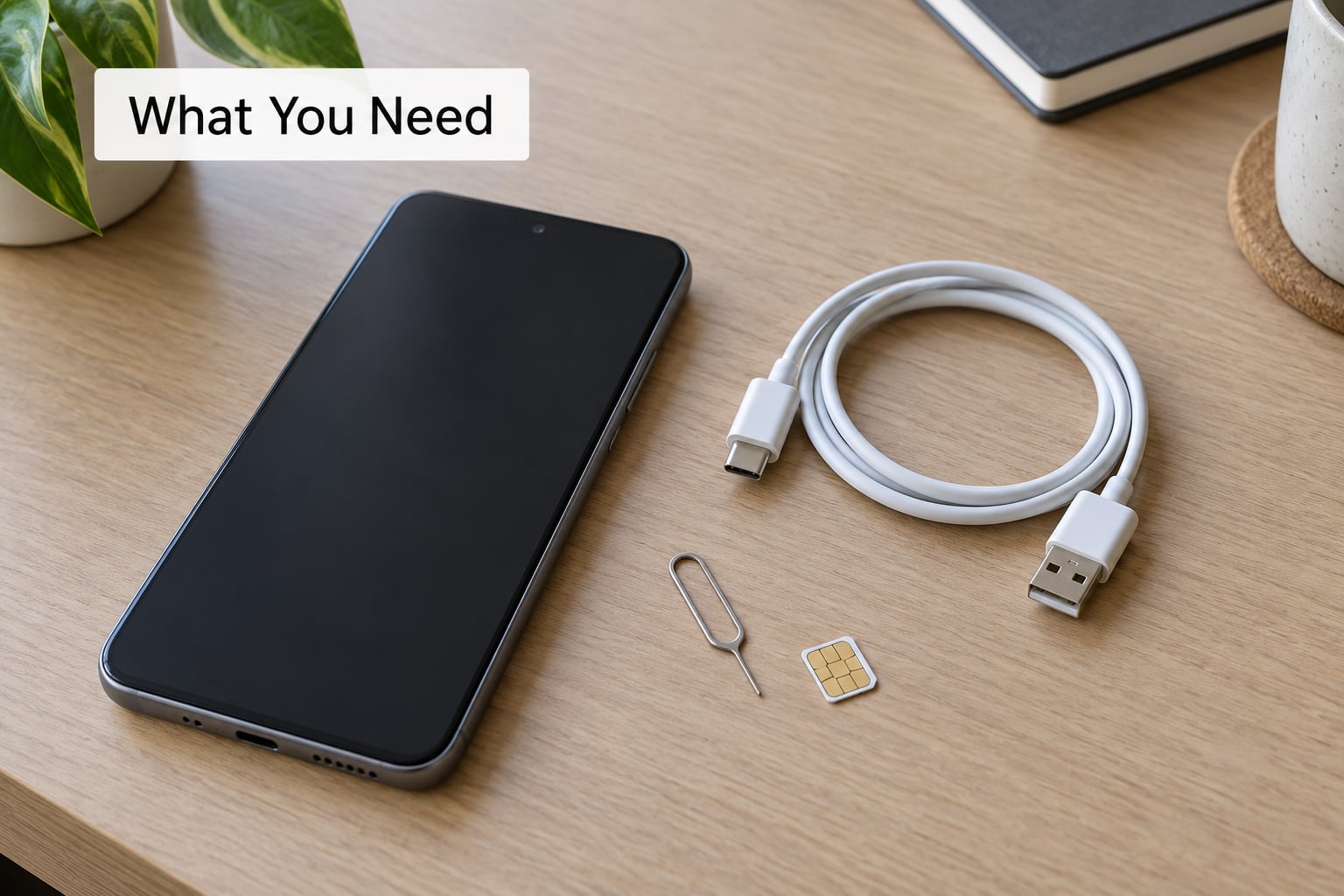
You need the phone itself and its passcode, since every lock-status screen sits behind authentication. Have the original account details handy when you can, especially the carrier login and the Apple ID or Google account that was on the device when it was new.
For the definitive test, grab an active SIM or eSIM from a different carrier. Any cheap prepaid SIM works, and a friend’s phone on another network is even better because you can make a real call with it.
You will also want the phone’s IMEI, which is the 15-digit number that identifies the device to the carrier. You do not need to look it up yet. Just know where it lives.
Step-by-Step
Check the Phone’s Network or Carrier Lock Setting
On an iPhone, open Settings, tap General, then About, and scroll down to a field called Network Provider Lock. If it reads No SIM restrictions, the phone is carrier unlocked. If a carrier name appears there instead, that name is the carrier it is locked to.
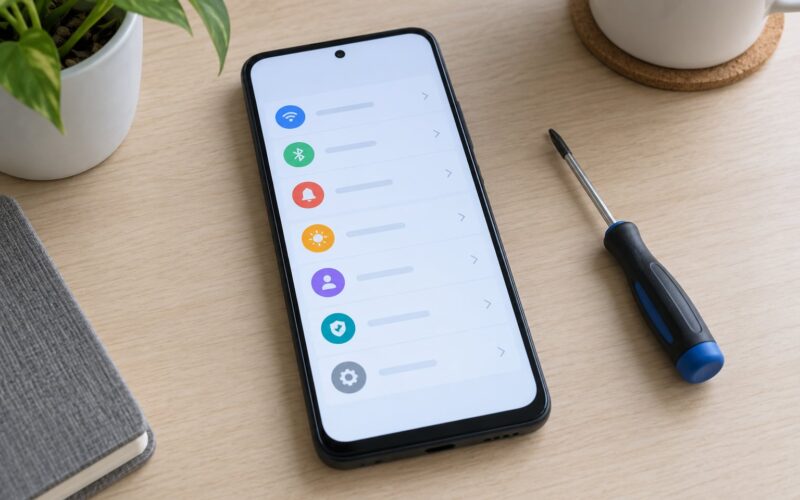
On Android, the equivalent check lives under network settings. Turn off Select Automatically under Network Operators and watch what happens. An unlocked phone lists several networks from different carriers. A locked one either greys the toggle out or offers a single option.
Menu labels differ more than most guides admit, which is why generic Android instructions frustrate people:
- iPhone: Settings > General > About > Network Provider Lock
- Samsung One UI: Settings > Connections > More connection settings > Network unlock status
- Google Pixel: Settings > Network & internet > SIMs > Network operators
- Motorola: Settings > Network & internet > Mobile network > Network operators
- OnePlus and Oppo: Settings > Network & internet > Network selection
Some Android builds hide the manual scan entirely and never show a lock status screen. That absence means nothing either way, so move on to the next check rather than reading into it.
Look for a SIM-Related Label or Warning
Warnings about the SIM are easy to misread, so it is worth being precise. No SIM card inserted simply means there is no SIM. SIM not supported means the phone cannot read that particular SIM, usually a band or card-format mismatch rather than a carrier lock.
A message that says the SIM is locked or that the phone is locked to a carrier is different. That one is about carrier restriction, not about hardware.
Inactive SIM and no service are about a line of service, not about the phone. A phone with no SIM inserted can still be fully unlocked, and plenty of unlocked phones show No SIM card inserted until you put one in.
Use the IMEI or Serial Number Check
Dialing *#06# on an Android phone brings up the IMEI and the serial number right on screen. On an iPhone, both sit in Settings > General > About, and the IMEI also appears on the box and in Settings > General > About on the original packaging.
Give that number to the carrier the phone was bought from and ask them to check the lock status. Users on carrier forums report this working when the device is in the carrier’s system, which is why it is the most reliable answer available to you.
Be careful with third-party IMEI lookup sites. They scrape whatever data they can find, so they are often stale, sometimes wrong, and they quietly collect the number you enter. Use them only as a rough signal, never as a basis for a purchase.
Test the Phone with Another SIM or Network
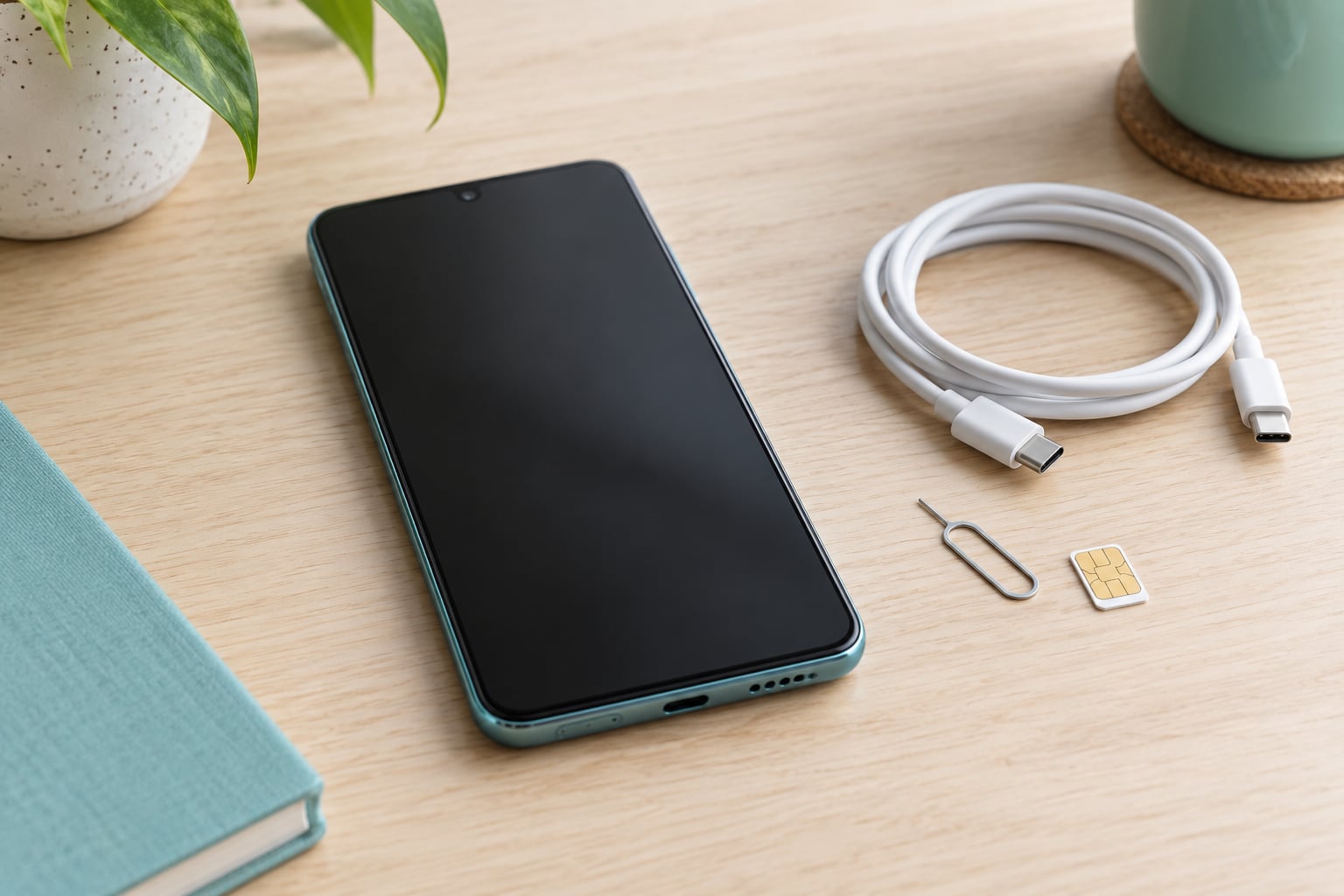
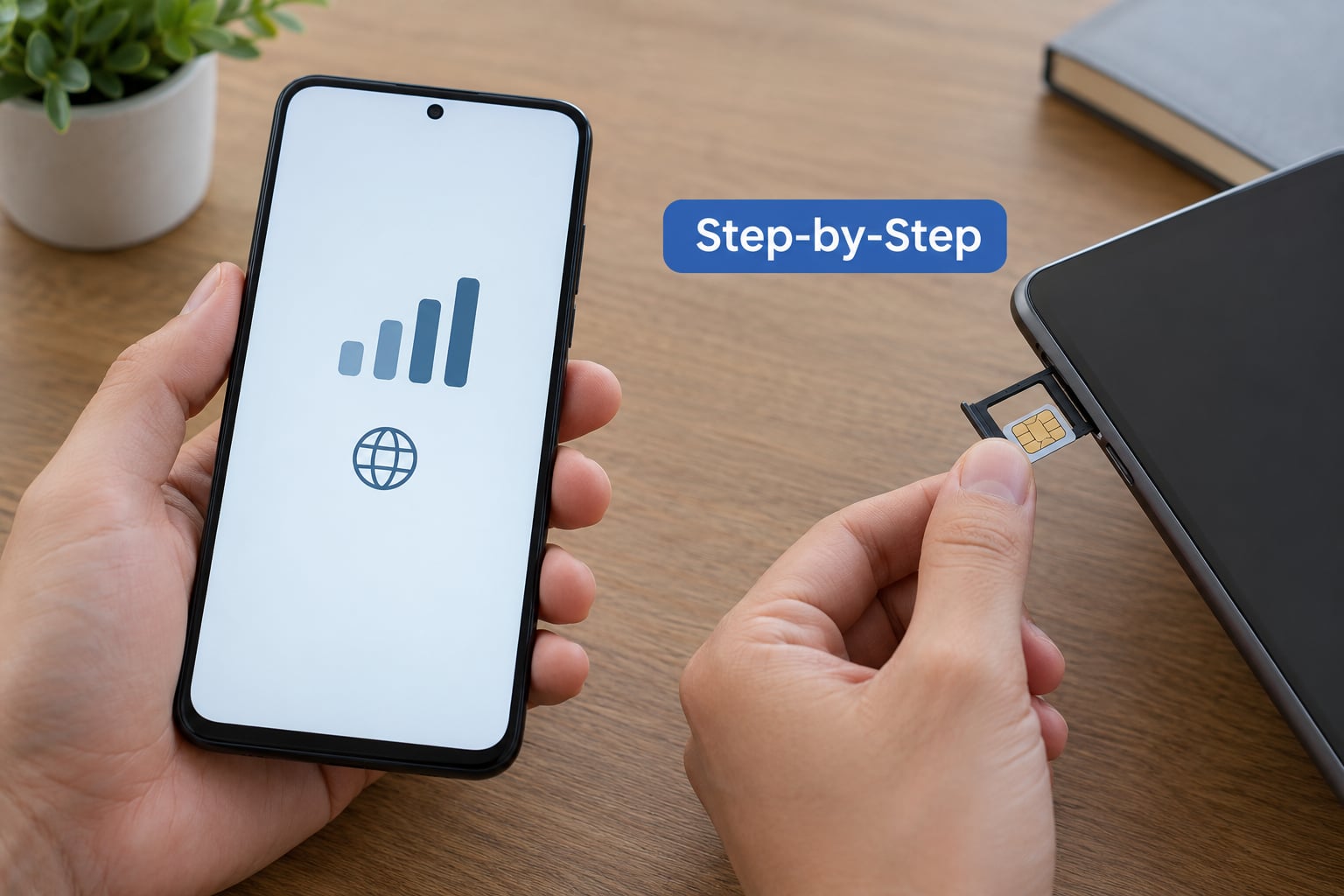
This is the only test that proves the phone will actually work somewhere else. Power the phone down, pull the SIM tray with the ejector tool, drop in an active SIM from a different carrier, and boot it up.
If the new carrier’s name appears in the status bar and the phone finds service, the phone is unlocked. If you get SIM not supported, a network lock error, or the phone asks for a network unlock code, it is locked.
Before you swap, confirm the phone makes a call and uses data with its current SIM. Otherwise a dead line can look like a lock, and you will waste an afternoon chasing the wrong problem.
An active eSIM from a different carrier works as a test too, and it needs no tray. Community members on Google Pixel forums use it as a quick check: if a second carrier’s profile installs and shows service, the phone was not locked. One catch worth knowing, and users have hit it with Pixels, is that a completed unlock request sometimes does not propagate to eSIM provisioning right away. If the eSIM fails but the carrier confirms the device is unlocked, restart the phone and give it a few hours.
Band compatibility is a separate failure mode. A GSM-only phone cannot talk to a CDMA network, or the reverse, and no amount of unlocking will change that. Older Verizon and Sprint-era devices are the usual offenders.
Common Mistakes
The most common mistake is treating a missing SIM as evidence of a lock. It is not one, and it is the source of a lot of wasted worry when buying a used phone.
The second is confusing carrier lock with the other locks. An iCloud Activation Lock stays on until the Apple ID is signed out, and Android Factory Reset Protection stays on until the previous Google account is removed. Neither one cares whether the phone is carrier unlocked, and neither one is fixed by a carrier unlock code.
The third is assuming a phone that has been rooted or jailbroken is unlocked. Those are separate modifications with separate purposes.
The fourth is trusting an unofficial IMEI site over the carrier or over a physical test. Check the seller before you check a lookup tool.
What To Do If the Phone Is Still Locked
Start with the carrier that applied the lock. Carriers will consider an unlock request when the device is fully paid off, the account is in good standing, and the line has been active for a required period. Prepaid devices usually need a set number of days of service before the carrier will oblige, and the waiting period varies by carrier and by state law.
If the phone is still being financed, the unlock request goes through the account that owes the payments rather than through the person holding the device. That means the previous owner, not you, has to act.
Watch for the stolen-device case. If the phone was reported lost or stolen, the carrier may refuse the request outright, and no amount of settings checking will change that answer.
For a used phone you have already bought, the more urgent problem is usually account removal rather than the carrier lock. Have the seller sign out of iCloud and Settings > General & Device Management on iPhone, and of the Google account and any work profile on Android, in front of you. Then do a factory reset yourself and confirm the phone reaches the hello screen. If it asks for a password you do not have at that moment, walk away.
Frequently Asked Questions
What does *#6 do to your phone?
Dial *#06# on an Android phone to display the IMEI and serial number. It is a read-only code built into the phone’s firmware, so it changes nothing and cannot damage the device. On an iPhone, this code does nothing useful, so read the IMEI from Settings, General, About instead.
How long does it take to unlock an iPhone?
Most carriers process an unlock request within a few days once a device qualifies, and the phone usually accepts the new carrier after a restart. Some carriers take longer when the request comes from a new account rather than the account that financed the phone. Financed devices can take much longer because the request has to come from the paying account.
Are Mint Mobile phones unlocked?
Phones sold by Mint Mobile are generally sold unlocked, since Mint runs on the T-Mobile network and does not need to lock devices to keep customers in. Confirm on any handset by checking Settings, General, About on iPhone, or the network operators menu on Android. Carrier policy can change, so check the current listing before buying.
What is the best way to unlock a phone?
The reliable route is the carrier. Find the IMEI, make sure the phone is fully paid off and the account in good standing, then submit an unlock request to the carrier that locked it. Some Android brands also have an OEM unlock toggle, but that only removes bootloader restrictions and has no effect on carrier lock.
How do I know which carrier my locked iPhone is locked to?
Open Settings, General, About and look at the Network Provider Lock field. When a phone is locked, that field shows the carrier name rather than No SIM restrictions. If the field is missing or the phone was purchased outside your region, ask the original carrier to look up the IMEI, which usually reveals both the lock and the responsible account.
Can I unlock a SIM lock myself?
A SIM PIN lock is different from a carrier lock, and you can clear a SIM PIN yourself by entering the default code or by asking your carrier to reset it. A carrier lock cannot be removed by any code you enter yourself. That one has to be released by the carrier, using the IMEI, after the device meets its unlock requirements.
Conclusion
Start in Settings. On an iPhone, Network Provider Lock reads No SIM restrictions when the phone is free; on Android, a manual network list with more than one carrier means the same thing. Then confirm with the original carrier using the IMEI, because a carrier-side check settles anything the screen leaves vague.
If both of those point the same way and you still want proof, drop in a SIM from another carrier and make a call. That test catches everything the menus miss, including activation locks and band mismatches that look like a carrier problem but are not one.