If you know how to remove lint from a headphone jack, the fix usually takes five minutes and no tools beyond a wooden toothpick and a can of compressed air. Power the device off, blast the port with short bursts of air, then work a taped paperclip or wooden toothpick around the inside at a shallow angle to lift the plug out. Finish with a cotton swab barely dampened with isopropyl alcohol, wait 30 to 60 minutes, and test.
Pocket lint is a compacted plug of fabric fibre and dust that builds up inside a 3.5mm port over months of carrying a phone in a jeans pocket. It blocks the metal contacts, so audio crackles, goes one-sided, or the phone insists headphones are connected when nothing is plugged in. Lint is the single most common cause of a headphone jack that people assume is broken.
Table of Contents›
- What You Need
- Step-by-Step: How to Remove Lint from a Headphone Jack
- Identify the Debris Before Removing It
- Use a Soft Brush or Compressed Air
- How to Remove Lint Without Pushing It Deeper
- Check the Jack and Test Your Headphones
- Common Mistakes
- Frequently Asked Questions
- Can I use a toothbrush to remove lint from a headphone jack?
- Is it safe to use compressed air in a headphone jack?
- What should I do if lint is stuck deep inside the port?
- Can liquid cleaner be used to remove lint from a headphone jack?
- Why does my headphone still sound muffled after cleaning the jack?
- How can I prevent lint from getting into my phone or tablet headphone jack?
- Conclusion
What You Need
Turn the device off completely before you touch the port, and unplug any headphones. Working on a live jack risks pushing debris past the contacts and onto the detection circuitry.
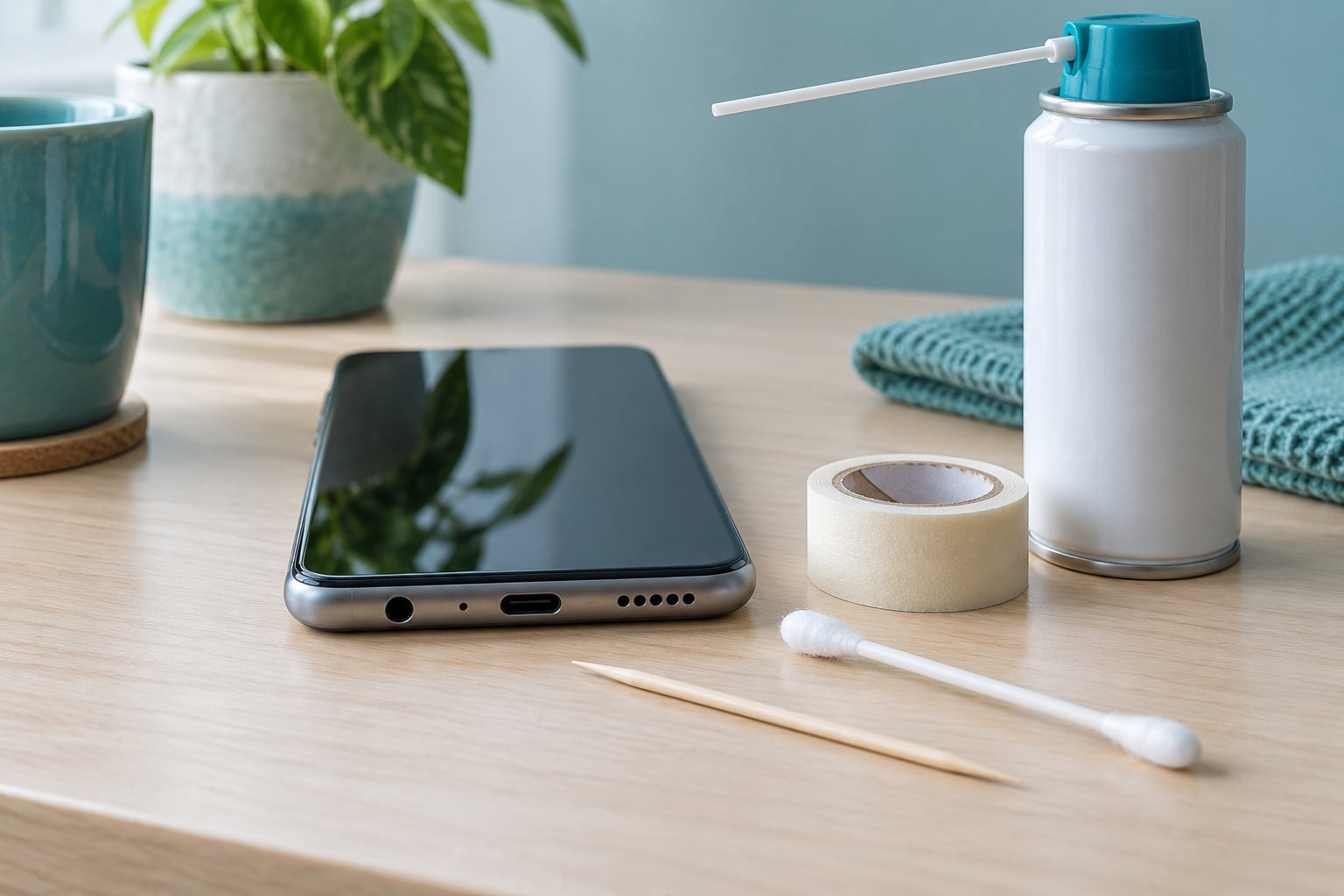
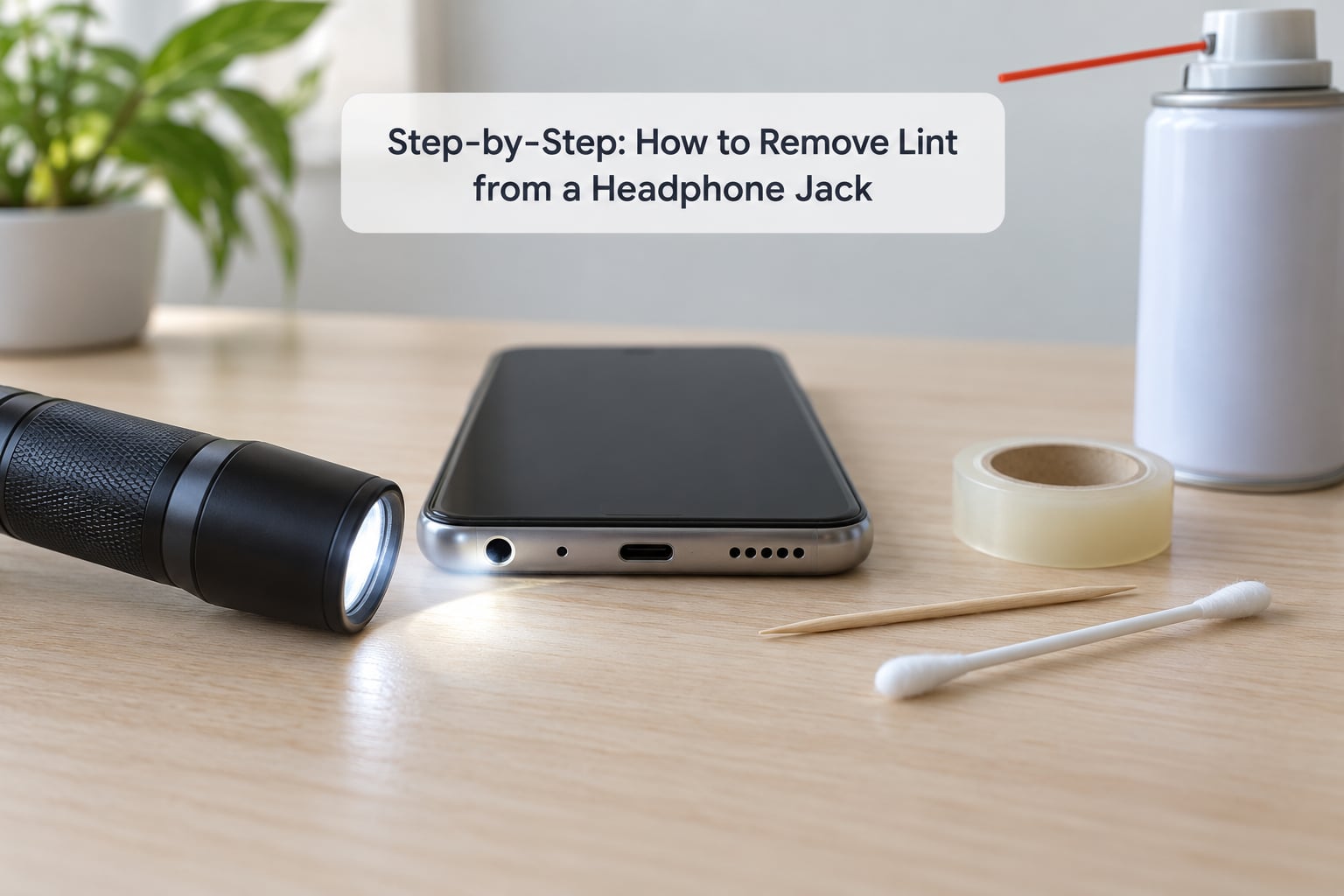
- A flashlight or phone flashlight to see what’s actually in there. Most people guess wrong about what they’re looking at.
- Compressed air in a can, the electronics-cleaning kind, never an aerosol hairspray or compressed gas.
- A clean, soft-bristled brush such as a makeup brush or an unused toothbrush with soft bristles.
- A wooden toothpick or a plastic opening pick. Wood and plastic flex slightly if you touch the bottom of the port. Metal does not.
- Low-tack tape for making a lint roller out of a paperclip.
- Cotton swabs and 90% or higher isopropyl alcohol for the contacts and residue.
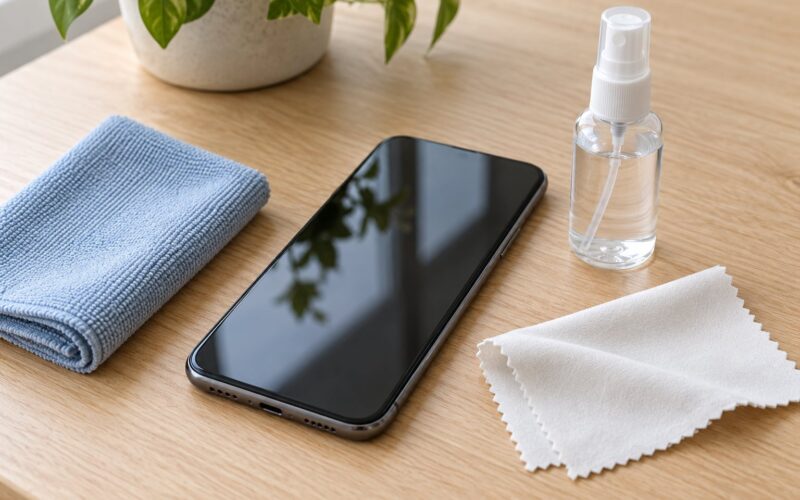
- A soft cloth and a hair dryer on cool, if you use any liquid at all.
Everything plastic or wooden is safer than metal. A bent paperclip is metal too, so it only earns a place if its tip is wrapped in tape and you never let it touch the contacts.
It also helps to know the symptom vocabulary before you start. Muffled audio, static, crackling that changes when you wiggle the plug, one side going silent, an earbud microphone that stopped working, and a phone stuck in headphone mode all point to the same thing.
Step-by-Step: How to Remove Lint from a Headphone Jack
Identify the Debris Before Removing It
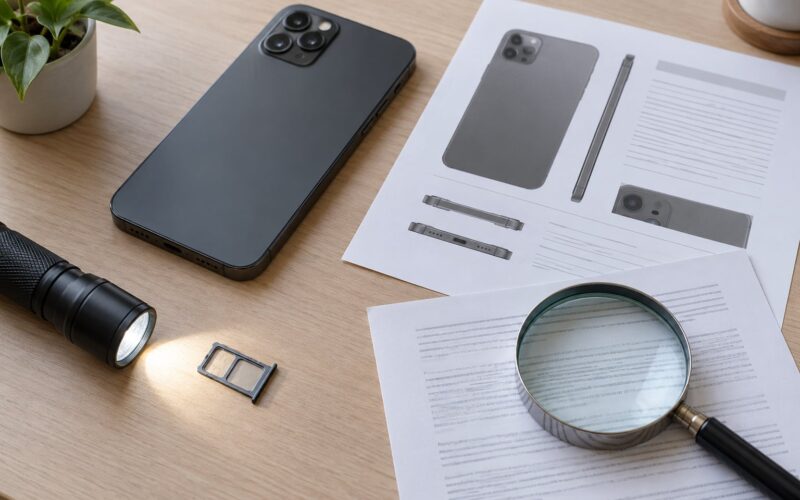
Shine the light straight into the port and take a proper look. Debris sitting in the outer rim or clinging to the case lint comes off in one pass and means nothing is wrong inside. Debris that fills the bottom of the barrel and sits below the plug’s tip is the problem, and it needs lifting rather than blowing.
Loose fuzz, a wisp of fabric, or a soft grey plug usually lifts easily. Hard grey-green or rust-coloured residue that clings to the contacts is oxidation, and lint removal will only partly help. A bent pin or a contact pushed out of alignment will not budge at all, and that is a hardware issue.
Use a Soft Brush or Compressed Air
Hold the device steady, port facing slightly downward, and use short bursts of air. Five or six one-second bursts with a pause beats one long blast. Overpressure can drive a compacted plug deeper instead of lifting it, which is why air alone so often fails on old, packed lint.
After each burst, glance into the port with the light. If nothing moves, the debris is packed tight enough that air cannot move it, and you need the next step. A soft brush works the same way: light strokes at the mouth of the port, working fluff outward, never jamming the bristles in.
How to Remove Lint Without Pushing It Deeper
Roll a small loop of low-tack tape onto the end of a straightened paperclip, sticky side out. Insert it at a shallow angle, push gently until you feel the tape grab, and pull straight back. That sticky loop pulls out a plug in one pass, and forum readers on r/LifeProTips and Apple Discussions describe exactly this result.
For loose fibre, wrap a wooden toothpick in a thin layer of tape and roll it slowly against the inside of the barrel, the way people on r/ipad do it. The point is a gentle turning motion that gathers lint onto the wood, not a stabbing motion.
Stop the moment the debris moves. Any tool that touches the bottom of the jack with force can bend the detection pin, and bent pins cause the phone-stuck-in-headphone-mode problem that sent people looking for cleaning advice in the first place.
Check the Jack and Test Your Headphones
Look inside once more under good light and make sure no wood splinter or cotton fibre remains. A bare cotton swab can shed fibres that cause a second blockage, so if you use one, pull the cotton tip off first and use the wooden stem.
Lightly dampen that bare stem with 90% isopropyl alcohol and wipe the inside walls to remove residue and any corrosion film. Keep liquid out of the port; if a drop gets in, let the device sit for 30 to 60 minutes, or longer in cold weather, before powering on.
Plug the headphones back in and test music playback and the microphone. If sound returns on both sides and stays clean while you wiggle the plug, you are done. If nothing changed, clean once more with an interdental brush instead of repeating the same method, then move to the hardware checks below.
To rule out lint, test your headphones in another device. If they work fine elsewhere and the phone still complains, check Bluetooth, which auto-reconnects and steals the audio, and confirm the media volume is up on the device rather than the headphones. Long-time users on Bogleheads and ToM’s Hardware forums report finding years of pocket buildup during unrelated repairs.
Common Mistakes
Bare metal pins, needles and tweezers. This is the most repeated piece of bad advice on the internet, and it is the one most likely to cause damage. A needle can slide off the contacts, bridge them, or snap inside the port. Some forum advice still recommends it, which is exactly why it is worth saying plainly: non-metal only.
Forcing the tool deeper. If the debris does not lift with gentle pressure, it is either packed or it is not debris. Pushing harder shoves it toward the detection switch at the back of the jack.
Blowing by mouth. You are pushing moisture and saliva onto contacts that already have a corrosion problem, and you have no pressure control.
Pouring liquid in. Alcohol on a cotton swab is fine. Alcohol poured into the port, or a wet fingertip or wet toothpick, risks corrosion that outlasts the lint by years.
Cleaning while the device is on. Power off first, always.
Leaving fluff behind. A full cotton swab head can push fibres deeper rather than removing them. Strip the tip and use the stem.
Prevention is simpler than cleanup. Use a dust plug or a small port cover, keep the device out of the bottom of tight jeans pockets, and give the port a quick look with a flashlight every few months. If the phone has no jack at all, a USB-C or Lightning adapter keeps you out of this entirely, though wireless earbuds skip the problem completely.
Frequently Asked Questions
Can I use a toothbrush to remove lint from a headphone jack?
Only the outside. A soft-bristled toothbrush is useful for sweeping fuzz off the rim of the port and the case around it, where you can see what you are doing. Never push the bristles into the barrel, because they bend forward, break off, and pack the port worse than the lint did. For anything inside the port, use a wooden toothpick or a taped paperclip instead.
Is it safe to use compressed air in a headphone jack?
Yes, with the device powered off and the can held upright. Use short one-second bursts with a pause, and tilt the port downward so debris falls out rather than sliding deeper. Electronics-cleaning compressed air is non-conductive and evaporates cleanly. Avoid spray cans of any other kind, and never hold the can upside down, which can spit liquid instead of gas.
What should I do if lint is stuck deep inside the port?
Switch from air to a mechanical method. Roll low-tack tape onto the end of a straightened paperclip and pull it straight back out at a shallow angle, or roll a taped wooden toothpick against the inside of the barrel. Interdental brushes of the smallest size also work well, pushed in until they meet resistance and twisted gently. Stop if it does not lift easily.
Can liquid cleaner be used to remove lint from a headphone jack?
Only in a controlled way. Dampen a bare cotton swab stem with 90% or higher isopropyl alcohol and wipe the inside walls to dissolve residue and light corrosion. Never pour liquid into the port or use a wet swab on electronics. If moisture gets inside, leave the device powered off for 30 to 60 minutes, longer in cold weather, before testing it.
Why does my headphone still sound muffled after cleaning the jack?
Three usual reasons: lint remains below the plug tip where you could not reach it, the contacts have oxidised rather than being dirty, or the jack hardware is worn. Clean once more using an interdental brush rather than repeating the same method, and test the headphones in another device to confirm they are fine. Persistent muffling after a good clean usually means a hardware repair.
How can I prevent lint from getting into my phone or tablet headphone jack?
Cover the port. A soft dust plug or a silicone port cover costs almost nothing and blocks the fibre that causes most blockages, and you should replace it rather than let it get grubby. Also stop keeping the device in a jeans pocket, since that fabric generates the bulk of the lint, and give the port a quick flashlight check every few months.
Conclusion
Power the device off, look into the port with a flashlight, loosen the lint with a soft brush or short bursts of compressed air, then lift it with a taped paperclip or wooden toothpick. Keep metal and poured liquid out of it entirely, and stop the moment the debris stops moving easily. If a careful clean changes nothing and the headphones work fine elsewhere, have a technician inspect the jack for internal damage rather than pushing harder.