To dry out a phone that got wet, turn it off right away, unplug everything, blot the outside dry, and let it air dry with the ports facing down for at least 24 to 48 hours before you power it back on or charge it. The first five minutes decide whether the phone survives, and what you do in those minutes matters far more than anything you do afterward.
Water damage kills phones slowly and quietly. A phone can work fine for hours after a soaking, then shut off days later when corrosion creeps across the board. That delayed failure is why the boring advice — power off, do not charge, wait — keeps working long after the panic has passed.
This guide covers phones and tablets in every state, from a quick splash in the sink to a full drop into a toilet. Manufacturer names come up because iPhone, Samsung Galaxy and Google Pixel all ship the same warning in their own support pages: rice is not a solution.
Table of Contents›
- What You Need
- Step-by-Step
- 1. Remove the Phone from Water and Turn It Off
- 2. Disconnect Accessories and Remove Removable Parts
- 3. Blot the Exterior Gently
- 4. Let the Phone Air-Dry in a Safe Position
- 5. Wait at Least 24 to 48 Hours
- 6. Check the Device and Accessories Carefully
- 7. Charge or Restart Only When Everything Looks Dry
- Common Mistakes
- When to Get Professional Repair or Replacement Help
- Frequently Asked Questions
- Does putting a wet phone in rice actually work?
- How long should I wait before turning my phone back on?
- Can I charge my phone after it got wet?
- My phone still works after getting wet. Should I keep using it?
- What should I do after my phone gets wet in saltwater or a pool?
- Does a water-resistant rating like IP67 or IP68 stop this from happening?
- Conclusion
What You Need
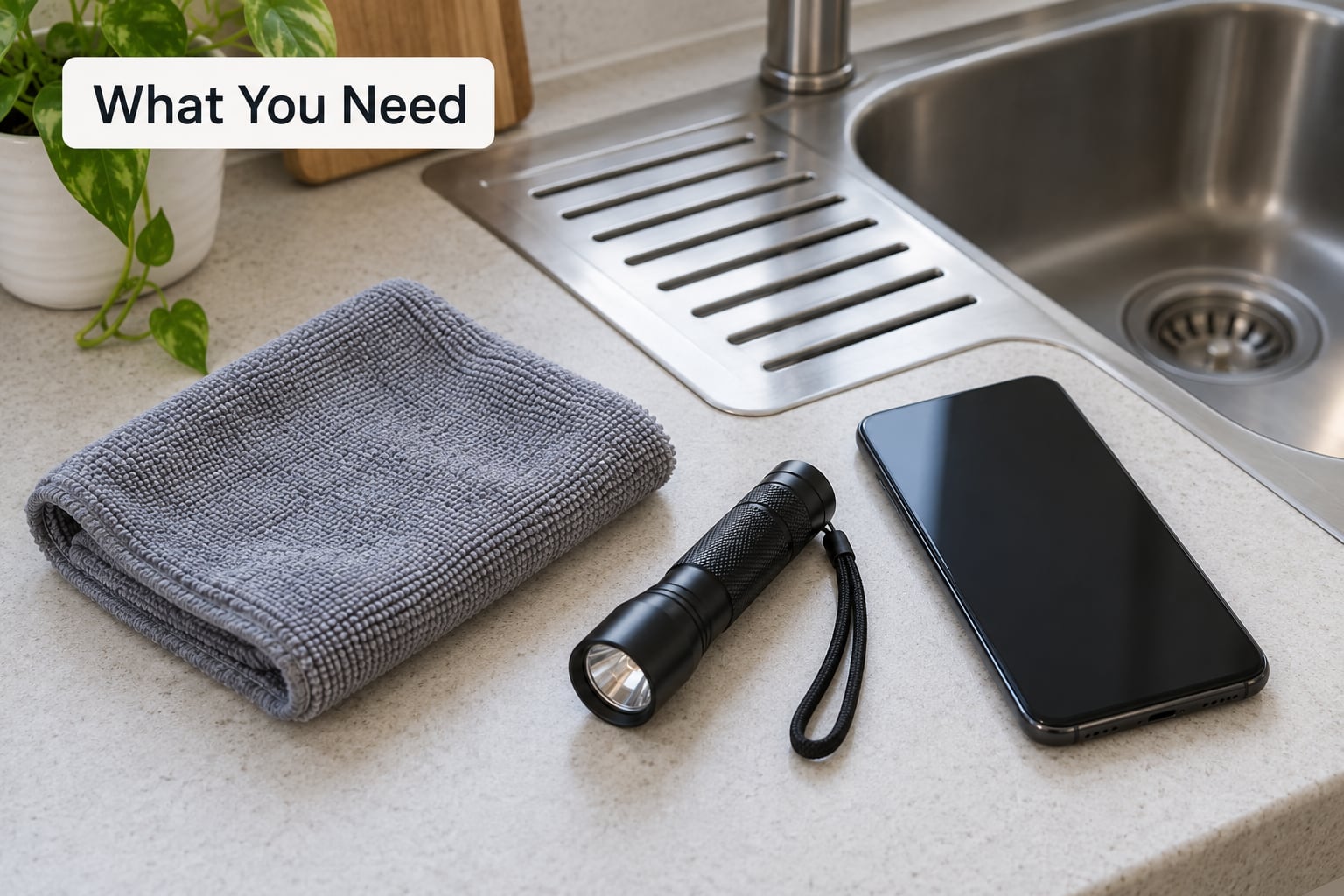
You need very little, and most people already own all of it.
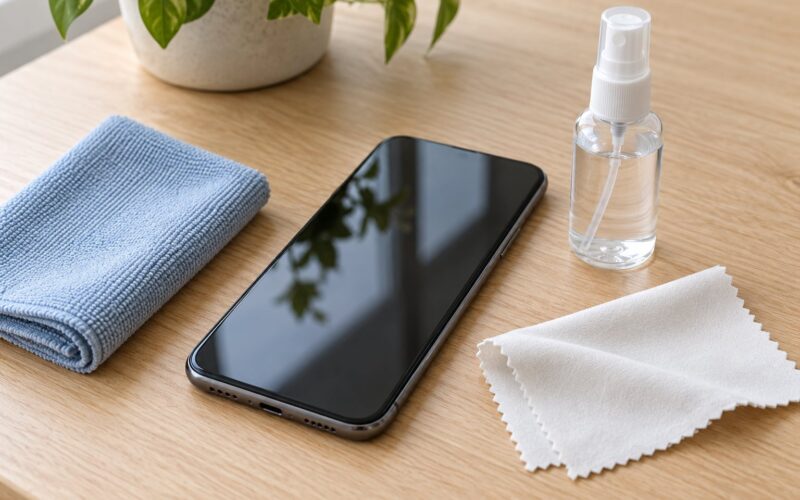
- A dry microfiber cloth or soft lint-free cloth for blotting the exterior. Paper towels shed lint, so they are a poor substitute.
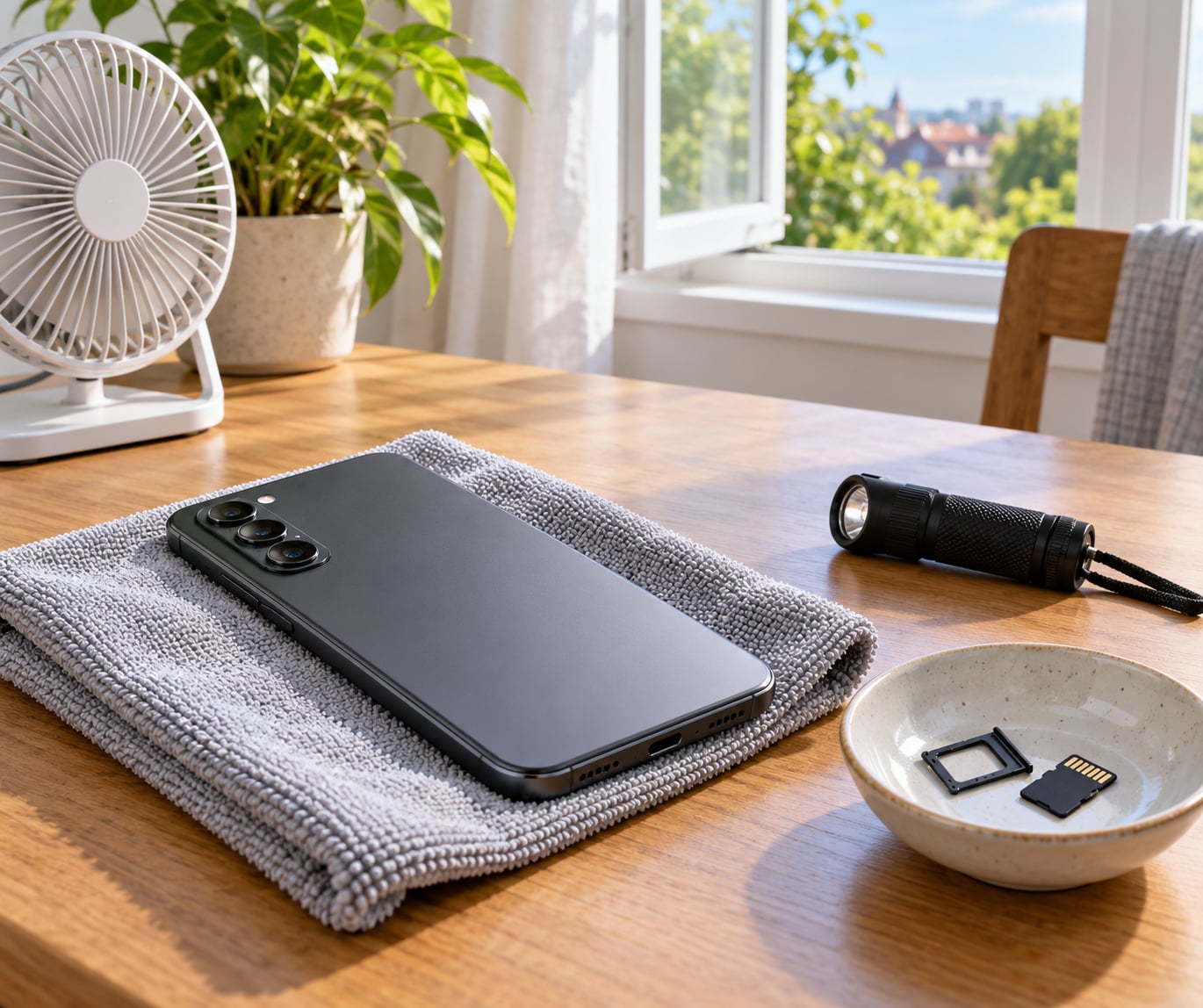
- A ventilated, dust-free spot with moving air. A desk near an open window works. A closed bathroom counter does not.
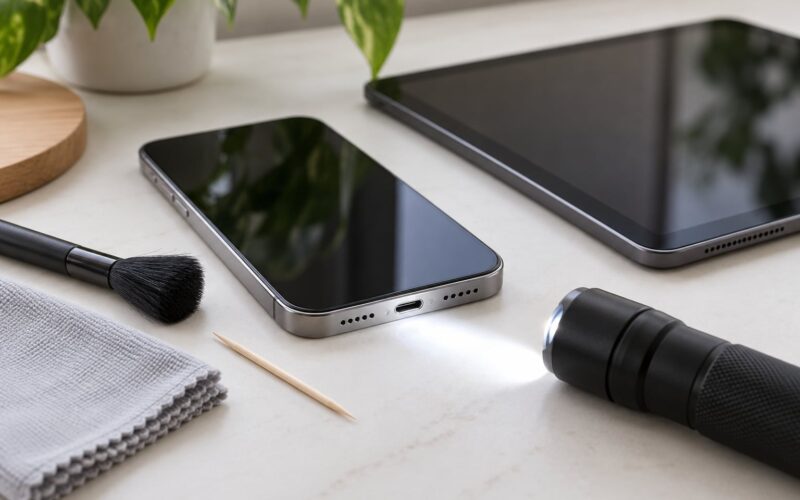
- A small flashlight to check ports and speaker grilles for moisture you cannot see.
- A bowl or container for the SIM tray, memory card, case and any accessories you remove.
- Silica gel packets if you can get them. They are cheap, and they draw moisture out of the air around the phone.
Two things are not on that list. Do not plan to open the phone, and do not plug anything into it while it dries. Modern phones are sealed with adhesive strips, and opening one voids the seal that keeps water out in the first place. If your device manual explicitly says a battery is user-replaceable, follow that manual and nothing else.
Step-by-Step
1. Remove the Phone from Water and Turn It Off
Take the phone out of the water and power it down immediately. Do not wipe the screen with your fingers if there is grit or sand in the water — that scratches the glass while it is wet and much softer than usual.
If the phone is already off, leave it off. Do nothing else after pulling it out of the liquid and you have already worked out the most important part of how to dry a water-damaged phone.
2. Disconnect Accessories and Remove Removable Parts
Unplug any charger, headphones or watch strap. Pop off the case, pull out the SIM tray and remove the SIM and any memory card. Take them out gently — a bent SIM tray pin or a tray forced shut under pressure is damage you did not need.
Put the small parts in the bowl and dry them separately. A wet charging cable or adapter left plugged into a wall is a real shock risk.
3. Blot the Exterior Gently
Dab the body, ports, buttons, speaker openings and camera area with the dry cloth. Blot, do not rub. Then hold the phone with the charging port, speaker grilles and headphone jack facing downward and let gravity do what a cloth cannot reach inside.
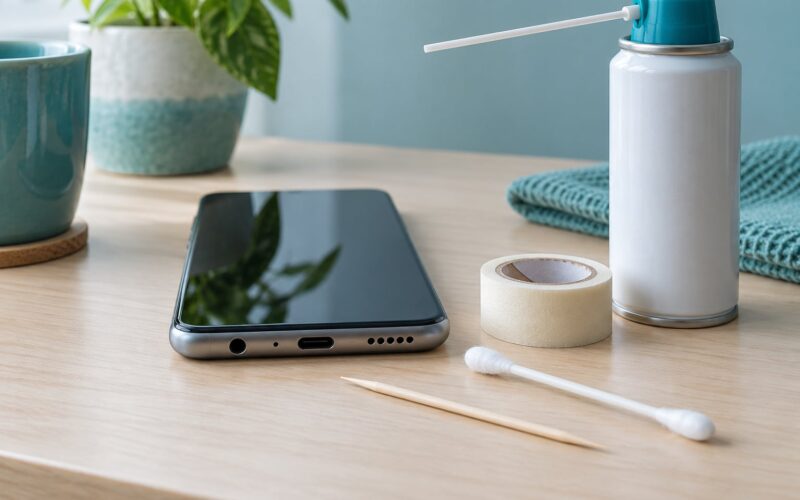
Stop there. No shaking, no compressed air, no cotton swabs pushed into the port. Those all move water further in rather than out.
4. Let the Phone Air-Dry in a Safe Position
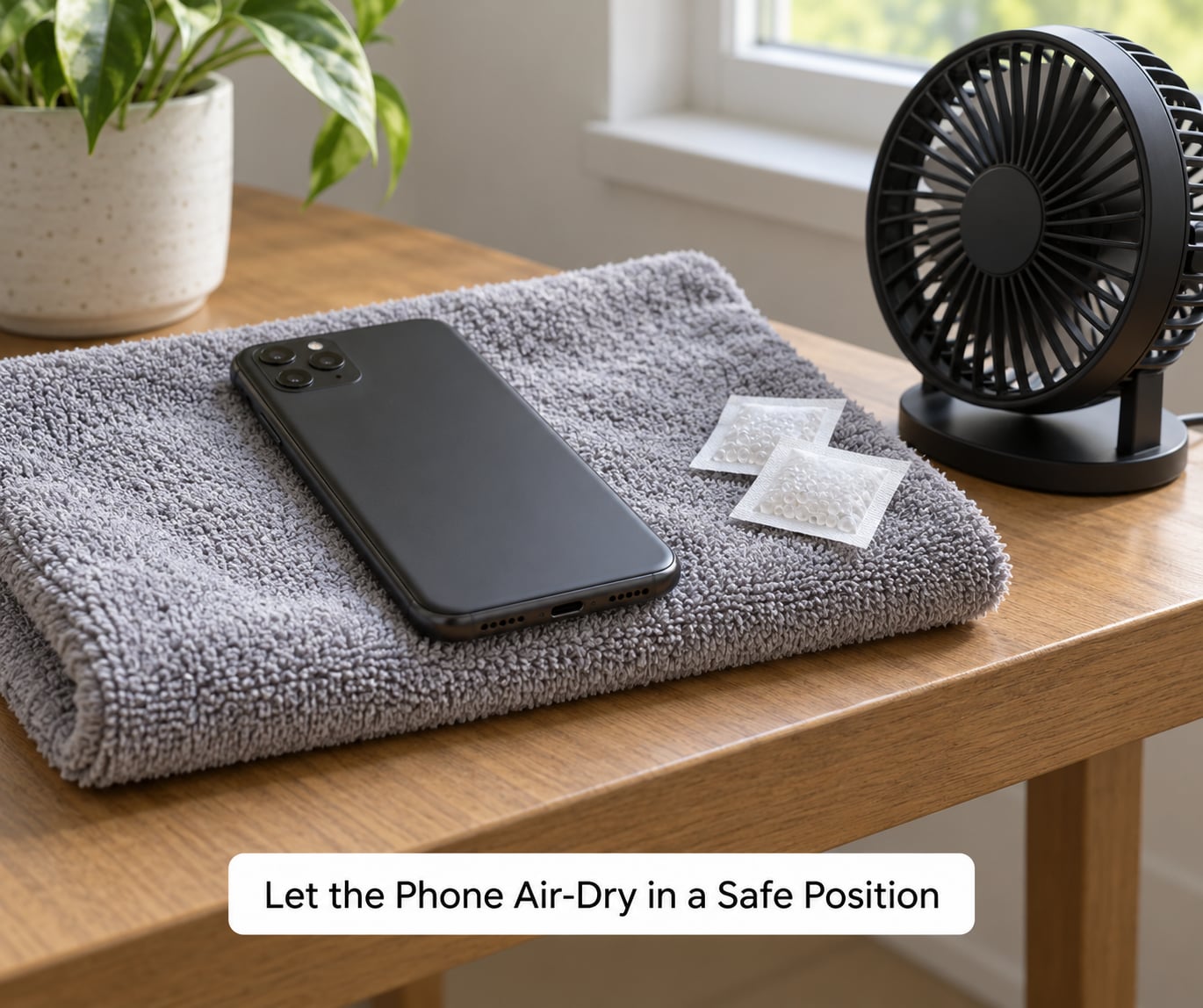
Set the phone on a dry surface with the ports angled down, in a ventilated room with air moving around it. A small fan on low is the single most useful thing you can add.
Leave it undisturbed. Do not wrap it in rice, bury it in a towel, or seal it in a plastic bag with nothing inside the bag — trapped moisture with no desiccant just sits there.
5. Wait at Least 24 to 48 Hours
This is where people get impatient, and impatience is what ruins the phone. Wait a full 24 hours as a minimum for a splash, and 48 hours if the phone was submerged, soaked, or dropped in saltwater or a pool. Silica gel in a sealed bag buys you more time, up to 72 hours.
What the liquid was changes the waiting period:
- Fresh water, rain or condensation — no rinse needed. Wait at least 24 hours.
- Salt water or pool water — brief rinse, then 48 to 72 hours.
- Sugary drinks, juice or soda — brief rinse, then 48 to 72 hours.
- Soapy or dish water — brief rinse, then at least 48 hours.
- Full submersion — depends on the liquid. Wait 48 hours or longer.
Salt and sugar are the reason for the rinse. A phone that fell in the sea or a sweet drink gets a brief rinse with fresh water while the ports face down, because both leave corrosive or sticky residue behind once the water evaporates. Keep that rinse short and do not submerge the phone.
A dry-looking exterior proves nothing. Condensation forms inside the sealed chassis where you cannot see it, and it can still be sitting on the board on day three.
6. Check the Device and Accessories Carefully
After the waiting period, use the flashlight on the charging port, speaker grilles, headphone jack and camera lens. Look for a sheen, a droplet, or a fogged lens. Then check the SIM tray: many phones have a liquid contact indicator sticker, a small white or red strip that turns red or white when it has been in contact with liquid. A triggered indicator is the manufacturer’s own signal that liquid got past the seals.
Check the charger, cable and headphones too. A damp adapter left on the wall is a hazard, not a spare part.
7. Charge or Restart Only When Everything Looks Dry
Work in this order. Inspect it first. If it is off but undamaged, restart it and watch closely. Test calls, speakers, camera and touchscreen in dry conditions. Only when all of that behaves normally should you connect a compatible charger, on a hard nonflammable surface, with nothing flammable nearby.
Stop immediately if it heats up, throws a charging or moisture warning, smells chemical, or shuts down on its own. Any of those means moisture or a damaged battery is still in play, and a repair shop is the next step rather than another charge.
Once it works, back up your photos and contacts right away, then keep an eye on it for a few days. Corrosion is slow, and a phone that dies quietly on day ten was probably never dry on day one.
Common Mistakes
Rice does not dry a phone. It absorbs a surprising amount of water, but it does not pull moisture out of a sealed enclosure, and the starch and dust it leaves behind can get into ports. Manufacturer guidance and independent testing both point the same way: air drying with airflow beats rice in every comparison.
Heat makes it worse. Hair dryers, radiators, ovens and microwaves can deform screen adhesives, warp the display and, worst case, cook a lithium battery. Cooking a phone in a microwave also means metal in a microwave. Skip all of it.
Shaking and compressed air spread the problem. Both drive water deeper into the chassis, past the seals you were counting on.
Powering on or charging too early causes corrosion. This is the mistake that actually kills phones. Current through water on the board burns contacts, and that burn is permanent. A phone that was on when it got wet and kept working is not proof it is fine — it is the setup for a delayed failure.
A few smaller ones worth knowing. Do not use a vacuum cleaner, and do not put the phone in a dishwasher. Water resistance on a phone is a rating against a brief, still, fresh-water exposure, not permission to rinse it under a tap, and an IP68 phone can still be destroyed by two minutes of heavy rain.
If you do want a chemical option, experienced repair hobbyists sometimes soak a fully powered-down phone in high-percentage isopropyl alcohol to displace water from the board. That is outside what to try at your kitchen counter: the alcohol needs to fully evaporate, and it will not if it is still pooled inside. If your phone is worth more than a hundred dollars to you, this is a job for a technician.
Two practical things to do while you wait. Photograph the liquid damage and file a claim with your insurer or phone plan if you have accidental damage cover, because standard manufacturer warranties exclude liquid. And check whether your photos and contacts are already backed up to a cloud account, so a dead phone is an inconvenience rather than a loss.
When to Get Professional Repair or Replacement Help
Some situations are past a home drying job, and pushing past them wastes the phone.
- You can see corrosion, green or white crust on the charging port or motherboard area.
- The battery is swollen, hot to the touch, or the back is lifting.
- There is a chemical or burnt smell.
- The display stays black, flickers, or the touchscreen drops touches.
- The camera stays foggy long after the outside is dry.
- The charging port refuses a cable after 72 hours of drying.
- The phone was submerged for more than a minute, or dropped into salt water and left there.
- A liquid contact indicator has triggered and the device behaves oddly.
A repair shop can open the device, clean the board ultrasonically, replace a corroded charging port or battery, and tell you honestly whether the board is salvageable. That is worth more than another day of hoping.
Do not attempt to open the phone yourself unless you have done it before. The screen adhesive alone will likely tear on the first pull, and a torn seal means the next splash goes straight to the board. Take it to the manufacturer, an authorized service center, or a reputable repair shop. Ask for an assessment before agreeing to work, and get any data you want off it first.
Frequently Asked Questions
Does putting a wet phone in rice actually work?
No. Rice absorbs surface moisture from the air, not water trapped inside a sealed phone, and the loose starch and dust it sheds can lodge in ports and buttons. Air drying with airflow, ideally alongside silica gel packets in a sealed bag, does more and leaves less behind. Manufacturer guidance from Apple, Samsung and Google does not recommend rice.
How long should I wait before turning my phone back on?
At least 24 hours for a splash, and 48 hours if the phone was submerged, soaked through, or exposed to saltwater, pool water or a sugary drink. Condensation forms inside the sealed chassis where you cannot see it, so a dry exterior does not mean a dry interior. Waiting longer costs nothing. Testing early costs the board.
Can I charge my phone after it got wet?
Not until you are certain it is completely dry, which means after the full waiting period and a visual check of the port with a flashlight. Charging forces current through any remaining moisture, and that is the single most common way a recoverable phone dies. If a moisture or liquid warning appears, stop and give it more time.
My phone still works after getting wet. Should I keep using it?
Power it off and start the drying process anyway. A phone that works can still be wet inside, and corrosion develops over hours and days rather than minutes. Users on tech forums regularly report phones that ran fine for hours and then shut off permanently. Dry it first, back up your data, and treat the first few days as a monitoring period.
What should I do after my phone gets wet in saltwater or a pool?
Rinse it briefly with fresh water while the ports face downward, then dry the exterior and let it air dry for at least 48 hours, ideally 72. Salt crystallises as the water evaporates and eats into contacts, and pool water carries chlorine. Keep the rinse short, do not submerge the phone, and do not use a hair dryer afterward.
Does a water-resistant rating like IP67 or IP68 stop this from happening?
No. Those ratings cover brief, still, fresh water at a stated depth and time, tested in a lab under controlled conditions. A forceful jet from a tap, soap, salt water, a drop onto soapy tiles or two minutes of heavy rain can all defeat them, and a worn case seal makes it worse. Water resistant is not the same as waterproof.
Conclusion
To dry out a phone that got wet, the sequence is short: turn it off, disconnect everything, blot the outside, and leave it in moving air with the ports facing down for at least 24 to 48 hours before you test it. No rice, no heat, no charging until you have checked the port with a flashlight and the device has behaved normally on battery.
If you find corrosion, a swelling battery, a chemical smell or a screen that will not come on after 72 hours, stop at home and get an assessment from a repair shop. Waiting a couple more days costs nothing. Losing the phone to impatience usually does.