The honest answer to how to tell if a phone is really water resistant is that no consumer can test a seal from the outside. What you can do is confirm the factory rating for your exact model, check the liquid contact indicator for any history of liquid exposure, and look for physical or repair evidence that the seals are no longer intact. Five checks, about ten minutes, no water required.
The word “really” is doing a lot of work in that question, and it deserves a straight response. Manufacturer water-resistance claims are not invented. They come from lab testing to the IEC 60529 standard, on a pristine sample, in controlled conditions. What they fail to tell you is whether your particular handset still meets that standard today, after a year of drops or a screen replacement in a third-party shop.
So here is the short version before we go step by step.
- Find the exact model number and look up its official ingress protection rating on the manufacturer’s own site.
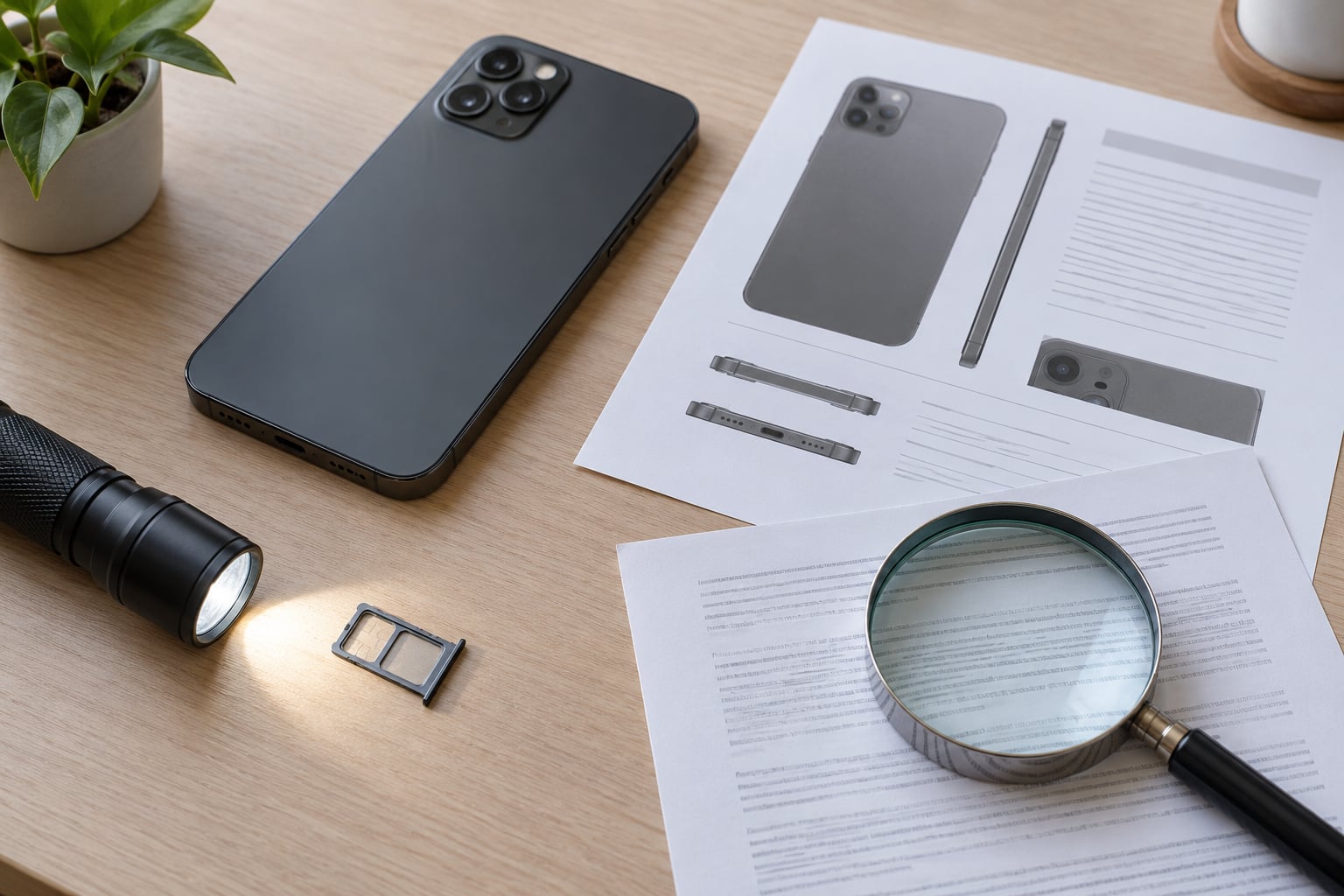
- Shine a flashlight into the SIM tray area and read the liquid contact indicator colour.
- Decode the IP digits and check what the tested conditions actually covered.
- Inspect the phone for cracks, gaps, warped glass or signs of a previous repair.
- Read the warranty terms for liquid damage, and accept that only a manufacturer or a properly equipped repair shop can test live seals.
If you only do one thing, do the first one. Almost every “is my phone waterproof” argument I have seen online comes down to someone quoting IP68 for a model that was never rated IP68 in the first place.
Table of Contents›
- What You Need
- Step-by-Step: How to Tell If a Phone Is Really Water Resistant
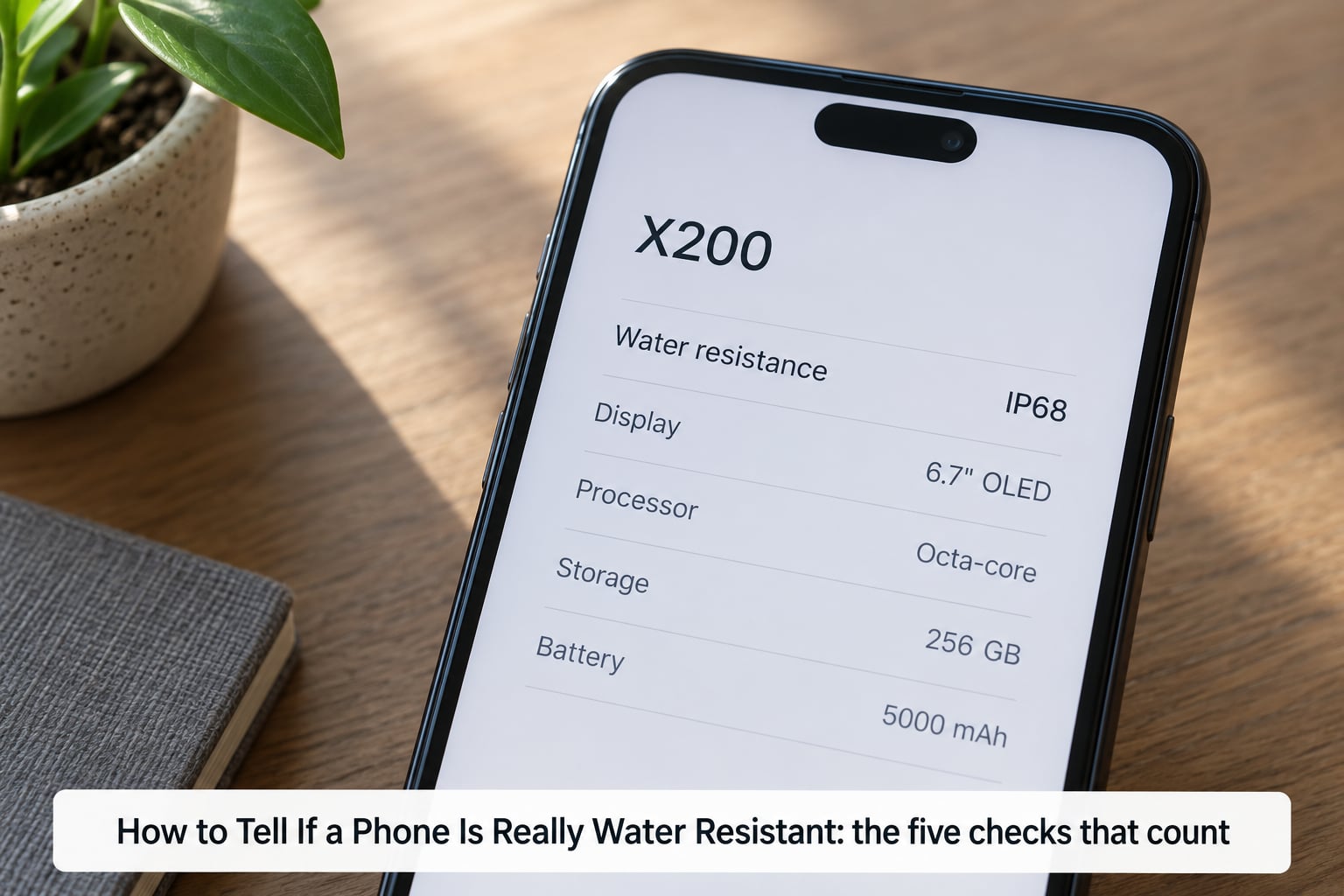
- How to Tell If a Phone Is Really Water Resistant: the five checks that count
- Check the exact model and manufacturer specifications
- Decode the IP rating and review the test conditions
- Confirm the warranty and manufacturer limitations
- Inspect the phone for physical and repair evidence
- What You Genuinely Cannot Check at Home
- Common Mistakes
- Frequently Asked Questions
- How do I check my phone’s IP rating?
- What does the liquid contact indicator on an iPhone mean?
- Where is the water sensor on an eSIM-only iPhone?
- Does a red liquid damage indicator mean my phone is dead?
- Is IP68 the same as waterproof?
- Can water resistance wear off after a repair or screen replacement?
- Conclusion
What You Need
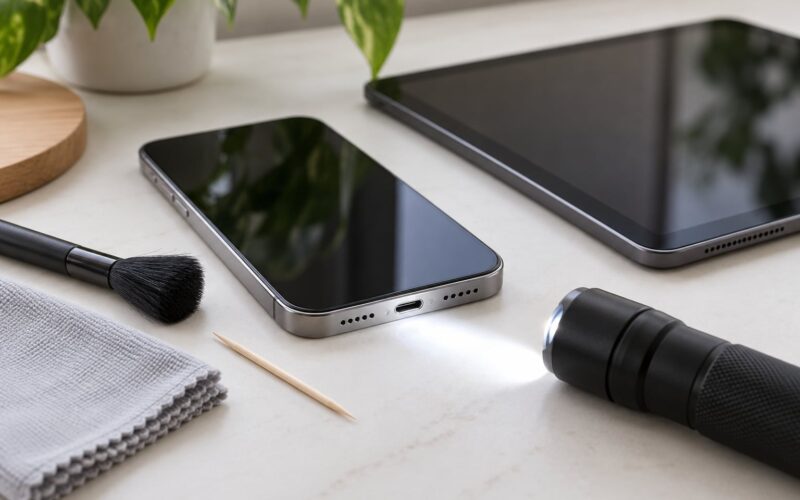
Verification here means reading documents, not handling a device. You need the phone itself, a working internet connection, and a flashlight or a phone torch for the tray check.
Also useful: the original box or the paperwork that came with the phone, and a way to confirm the serial number or IMEI if the phone is second-hand. Serial numbers are printed in the dialer and in the settings, and manufacturers use them to look up the original specification of a specific unit.
You do not need a charging cable, a SIM ejector tool for most models, or any kind of waterproof case. More importantly, you do not need a bowl of water. Testing a phone at home is the one approach guaranteed to produce a ruined phone and an unhelpful answer, and the reasons why are covered under common mistakes below.
Step-by-Step: How to Tell If a Phone Is Really Water Resistant
How to Tell If a Phone Is Really Water Resistant: the five checks that count
Four kinds of evidence separate a genuine water-resistance claim from marketing. The first is a specific rating tied to a model number, such as IP68 or IPX8, rather than loose phrasing like “water resistant” or “splash proof”. The second is a description of the test conditions: the liquid, the temperature, the depth and the duration. The third is confirmation that the claim covers the exact variant in your hand, including carrier and regional versions. The fourth is the manufacturer’s own limitations, which are where the fine print lives.
On top of those four, there is one physical check only you can do. Every mainstream phone maker builds a liquid contact indicator into the device, usually as a small strip of paper or film near the SIM tray. It is a passive sticker that changes colour permanently when it gets wet. Samsung documents the colours precisely: solid pink, purple or red means liquid exposure, while white, or white with light pink or purple marks, means no exposure.
Here is the catch that almost every online explanation misses. A clean white indicator tells you the phone has probably never been submerged. It tells you nothing about whether the seals are intact right now. The sticker is a history check, not a seal-integrity test. Those are two different questions and they need two different answers.
That framing answers the head question honestly: the LDI rules out past damage, the model documentation tells you what the phone was rated for, and nothing available to a consumer confirms the present state of the gaskets.
Check the exact model and manufacturer specifications
Start by writing down the exact model number, not the marketing name. Model numbers hide variations that matter. Samsung suffixes such as SM-S928B, SM-S928U and SM-S928N are different regional or carrier variants. Repair status can differ, documentation differs, and in some families the water-resistance spec is not identical across the range.
Get the model number from the settings rather than guessing. On iPhone, it is in Settings > General > About. On Samsung and Google Pixel phones it is in Settings > About phone, and on Xiaomi devices the same path works. The serial number sits a few lines below it, and that is the number to quote when you contact support or check a used listing.
Then go to the manufacturer’s own support or specification page and search that model number. Retailer summaries and marketplace listings are where ratings get copied from one model to another and end up wrong. A carrier’s product page is a third source that sometimes lists the wrong variant, so treat it as a hint rather than proof.
Read the specification wording closely. A page that says “water resistant to IP68” is quoting a test. A page that says “water resistant” with no code is telling you the phone was tested for splash or rain exposure only, which is a much smaller promise.
Decode the IP rating and review the test conditions
An IP code has two digits under the IEC 60529 standard. The first digit rates protection against solids, from 0 up to 6. The second digit rates protection against water, from 0 up to 8, with additional designations beyond that for high-pressure jets. IP67 means dust-tight plus immersion to one metre for thirty minutes. IP68 means dust-tight plus a deeper or longer immersion, and the depth and duration are set by the manufacturer rather than the standard. IPX8 means the water digit is rated and the dust digit was not tested, which is why some foldables carry it.
| Rating | Solids digit | Water digit | What it means in plain English |
|---|---|---|---|
| IP53 | 5 | 3 | Dust protected, survives spray from any angle for up to three minutes |
| IP54 | 5 | 4 | Dust protected, survives splashing water from any direction |
| IP67 | 6 | 7 | Dust-tight, survives immersion to one metre for thirty minutes |
| IP68 | 6 | 8 | Dust-tight, survives a deeper or longer immersion set by the maker, usually around two metres |
| IPX8 | Not rated | 8 | Water rating only, no dust claim, common on folding phones |
| IP69K | 6 | 9 | Survives high-pressure, high-temperature water jets; rare on phones |
Now read the conditions. Standard lab immersion tests use fresh water at room temperature in still conditions. Real-world water is salt water, pool water with chlorine, soapy tap water with surfactants, and hot shower water. None of those are the test liquid.
| Liquid | Effect on the rating |
|---|---|
| Fresh water, room temperature | The condition ratings are actually based on |
| Rain | Within the spirit of the rating in normal use, subject to seal condition |
| Salt water | Beyond the tested condition; salt crystallises in ports and corrodes contacts |
| Pool water | Beyond the tested condition; chlorine attacks adhesives and gaskets faster |
| Soapy or soapy tap water | Surfactants help liquid wick past gasket edges where plain water would not |
| Hot water or steam | Heat softens adhesive seals; steam also condenses inside the chassis |
Two related standards sometimes appear next to an IP rating. MIL-STD-810H is a US military test method covering things like drops, vibration and temperature cycling, and it is not the same as a water immersion rating. IP69K, sometimes written IP69, describes resistance to high-pressure and high-temperature water jets and turns up on a small number of devices and cases. If you see both on a spec page, they answer different questions.
The size of the rating matters less than people assume. IP67 and IP68 differ by a metre or two of test depth, which is not the difference between surviving a sink and surviving a pool. The bigger difference in practice is seal condition, and no digit describes that.
Confirm the warranty and manufacturer limitations
Water resistance is a specification, not an insurance policy, and the warranty text is where that becomes clear. Samsung states plainly that liquid damage is classified as physical damage and is not covered by the limited warranty, even on phones with an IP rating. Other manufacturers use comparable language, and the specific terms live in the warranty document rather than on the product page.
Before you rely on a rating, find these exclusions in writing. Charging the phone while it is wet is excluded nearly everywhere, because that is how liquid gets driven into the board. Liquid beyond the tested conditions, including salt water and pool water, is normally excluded. A device that has been opened, had its display replaced, or carries third-party parts is often excluded too. Physical damage, including cracked glass that lets water past a seal, falls under the same heading.
Go to the manufacturer for this, not to the retailer. Retail warranty summaries are frequently shortened to the point of being wrong about what is covered, and a support agent will read you the actual exclusions for your model and region.
Inspect the phone for physical and repair evidence
Seals fail mechanically before they fail chemically, so the body of the phone is evidence. Look at the display for lift or gaps along one edge, a tell that the adhesive has let go. Check whether the glass is flat or whether it has a slight curve or ripple. Run a fingernail along the seam between the back glass and the frame, and note any part that flexes, clicks or sits uneven against the others.
Then ask the direct question. If the screen, battery, charging port or camera has been replaced, the seal around that part was broken and resealed by whoever did the work. Ask the shop what they used. Water-resistance restoration needs specific gaskets and calibrated seal testing, and a good shop will have documentation for it.
Repair forums are full of owners who learned this the hard way. In one account on Reddit’s repair community, a phone broke after five seconds in water following a repair, and the commenter’s note that Samsung routes repaired phones through a water-resistance test is exactly the standard to hold a local shop to. A shop that cannot tell you what it did to the seals cannot tell you whether the rating still holds.
What You Genuinely Cannot Check at Home
Some popular advice promises a home test that does not exist. The most widely shared one is the water resistance tester app, a third-party tool that presses against the screen and reads the barometer to detect pressure changes. A thread on r/Android about such an app pulled more than 190 comments, and the recurring conclusion is that users report it as unreliable and misleading.
The limitation is structural, not a bug. A barometer can tell you that something changed when you pressed on the sealed surface. It cannot tell you whether a gasket has hardened, whether a screw was omitted during assembly, or whether the display adhesive has crept. Pressure-based readings vary with temperature and altitude, which is why results swing between runs.
Other home methods are worse. A bowl of tap water cannot reproduce the controlled test the rating was based on, so a pass proves nothing and a failure costs you the phone. Rice does not draw moisture out of a sealed chassis, it just adds starch to it. A hairdryer pushes heat into the seals and can drive moisture further inside. Compressed air blows liquid deeper into ports rather than out of them.
Real testing needs calibrated equipment, controlled temperature and a defined pressure or depth. That is why the only honest answer to a genuine verification question ends at the manufacturer or a repair shop with a pressure tester.
Common Mistakes
Assuming every phone in a family shares the rating. The Galaxy A54 carries IP67 while other models in the same range do not, and budget lines often have no rating at all. A series name tells you nothing on its own, so always search the specific model number.
Treating IP68 as waterproof. IP68 is a laboratory immersion figure for fresh water at room temperature. No phone sold is waterproof, and every manufacturer says so in the fine print.
Testing the phone in a sink, a glass of water or a pool. This produces no reliable result and a very real repair bill. The rating exists for accidents, not for demonstrations.
Trusting a water resistance tester app. Barometer readings are affected by temperature and altitude and say nothing about gasket condition. The 190-comment Reddit thread on this app is worth reading precisely because it is the clearest example of people giving advice that does not hold up.
Counting the case instead of the phone. A waterproof case protects the phone completely and tells you nothing about the handset’s own rating. If you rely on a case, do not assume the bare phone is protected.
Ignoring carrier and regional variants. Different suffixes and region variants can carry different specifications and different warranty terms, particularly on carrier-sold models and on units imported from another market.
Assuming all liquids are covered. Salt water, pool water, soapy tap water and hot water all sit outside the tested condition, and salt water is the one most likely to leave a device working for a day before the corrosion shows up.
Believing the water resistance lasts forever. Every discussion on owner forums about this converges on the same point. A phone is sealed when it leaves the factory, and it is still effectively sealed only as long as the seals, adhesives and frame stay undisturbed. Drops, repairs and time all work against that.
Misreading a clean indicator. A white LDI is good news about the past and no news at all about the present. Plenty of owners on iFixit forums describe a phone that came out of a pool with a triggered indicator and worked perfectly afterwards, which is also why sellers panic over a red sticker and reject perfectly usable devices.
Frequently Asked Questions
How do I check my phone’s IP rating?
Open the settings on the handset. On iPhone the model number is under Settings, General, About. On Samsung, Google Pixel and Xiaomi devices it sits under Settings, About phone. Type that model number into your manufacturer’s support or specification page and the official ingress protection rating appears there. Ignore retailer summaries for the answer, since they often copy ratings between models.
What does the liquid contact indicator on an iPhone mean?
The liquid contact indicator is a small passive strip inside the phone that changes colour permanently when liquid reaches it. White, or white with light marks, means no exposure. A solid pink, purple or red colour means the phone has been in contact with liquid. Samsung documents those exact colour thresholds. On iPhones the indicator sits in the SIM tray area on models that have one, and its colour is what service centres check first.
Where is the water sensor on an eSIM-only iPhone?
There is no SIM tray to look inside, so the usual tray check is unavailable on eSIM-only iPhones. Apple places indicators in the tray area on models that have one, and on tray-less models you have to rely on symptom checks or a service diagnosis. Owners posting in iPhone help forums have asked whether to tear the device down for a look, and the practical answer is that opening it destroys the seals it is trying to test.
Does a red liquid damage indicator mean my phone is dead?
No. A triggered indicator means liquid reached the sensor, not that the phone is finished. Users on iFixit forums have described an iPhone that came out of a pool with a red indicator and worked perfectly afterwards. The indicator is a warning flag, and the phone can work for days or weeks before corrosion or a charging fault appears, which is why a triggered sticker on a used device means get it serviced before you buy it.
Is IP68 the same as waterproof?
No. IP68 means dust-tight plus an immersion rating of a deeper or longer soak than IP67, set by the manufacturer under IEC 60529, tested in fresh water at room temperature. It is not waterproof. Salt water, pool water, soapy tap water and hot water all fall outside the tested conditions, and a phone that survives a spill under a tap may still fail after a pool drop.
Can water resistance wear off after a repair or screen replacement?
In practice, yes. Opening the phone breaks the factory seal, and putting it back together relies on new gaskets and adhesive rather than the original moulded ones. Screen replacement, battery swaps and charging port work are the most common culprits. If the phone has been opened, treat the rating as void unless the shop used water-resistance gaskets and documented a pressure test afterwards.
Conclusion
Verify the exact model’s official IP rating on the manufacturer’s own site, read the liquid contact indicator in the tray, and read the warranty exclusions for liquid damage. Those three steps take ten minutes and tell you everything a consumer can honestly know.
Keep the rest in view. A water-resistance rating is a limited lab specification, not a guarantee, and it describes a phone as it left the factory. Drops, repairs and time all reduce it. If the phone has been wet, keep it off the charger until it is completely dry and skip the hairdryer and the rice.