What to do if you drop your phone in water comes down to three things: pull it out, power it off, and leave it alone for 24 to 48 hours before you try to turn it on. That first minute matters more than anything you buy afterwards, because current running through water kills logic boards fast.
Most phones dropped in water for a couple of seconds come back fine. The ones that die are usually the ones that got charged, cooked on a radiator, or shaken to get the water out. I have pulled enough drowned handsets out of repair bags to know that patience saves more devices than any gadget.
Menu names and water-resistance guidance change between manufacturers and models, so the manual for your exact phone takes priority over anything written here.
Table of Contents›
- What You Need
- What to Do If You Drop Your Phone in Water, Step by Step
- Step 1: Move the phone away from the liquid
- Step 2: Turn the phone off if it is still on
- Step 3: Disconnect cables and remove accessories
- Step 4: Remove the SIM card or tray if possible
- Step 5: Blot the outside without opening the phone
- Step 6: Let the phone air-dry in a safe position
- Step 7: Check the model’s water-resistance limits and service guidance
- Step 8: Power up cautiously and watch for warning signs
- Common Mistakes
- When to Get the Phone Professionally Checked
- Protect Your Data Before or After a Liquid Incident
- Frequently Asked Questions
- Can rice really save a wet phone?
- How long should I wait before turning my phone back on?
- My phone still works after falling in water. Should I keep using it?
- What happens if you drop your phone in salt water?
- Can I use silica gel to dry my dropped phone?
- Can a water damaged phone be repaired or is it ruined?
- Conclusion
What You Need
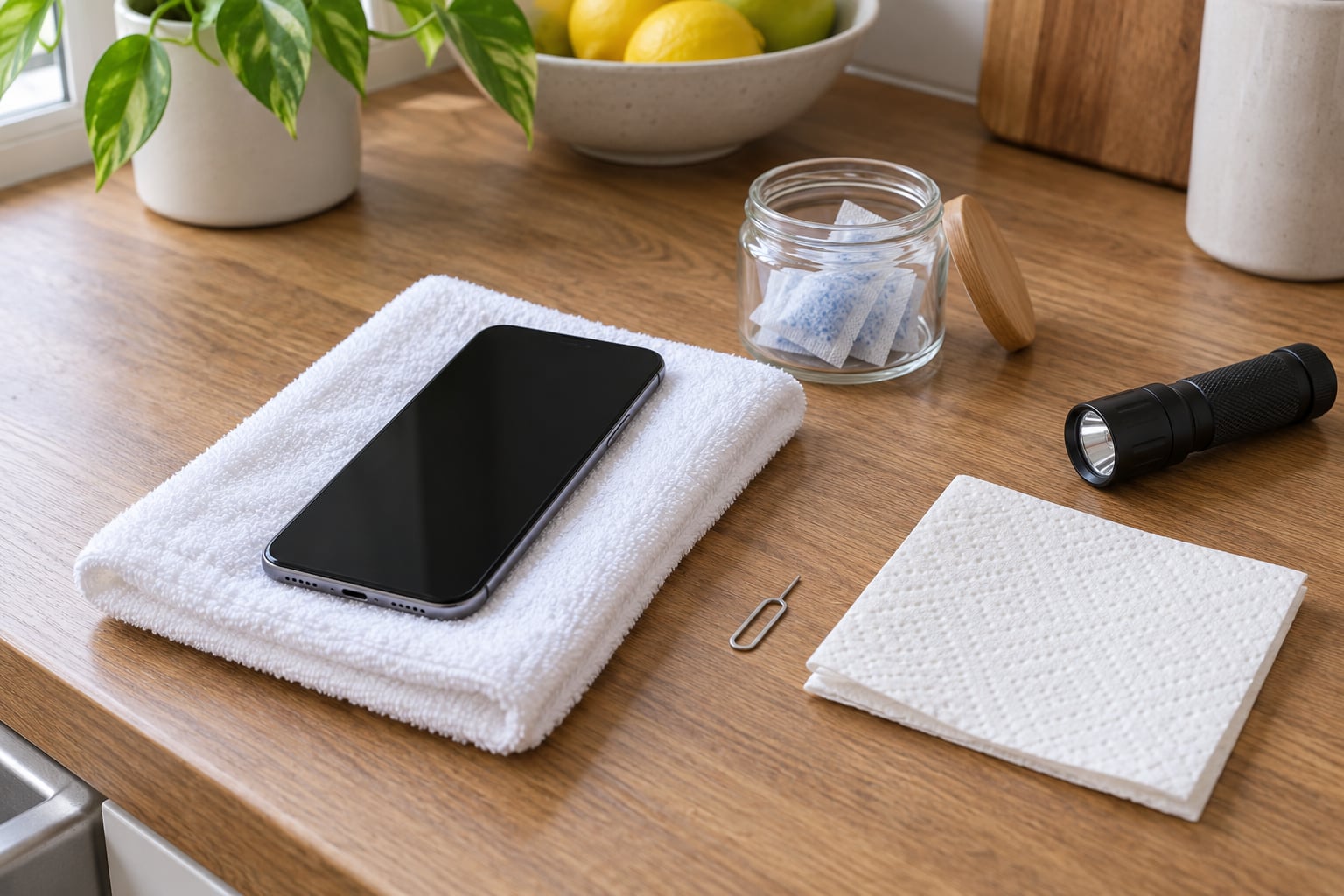
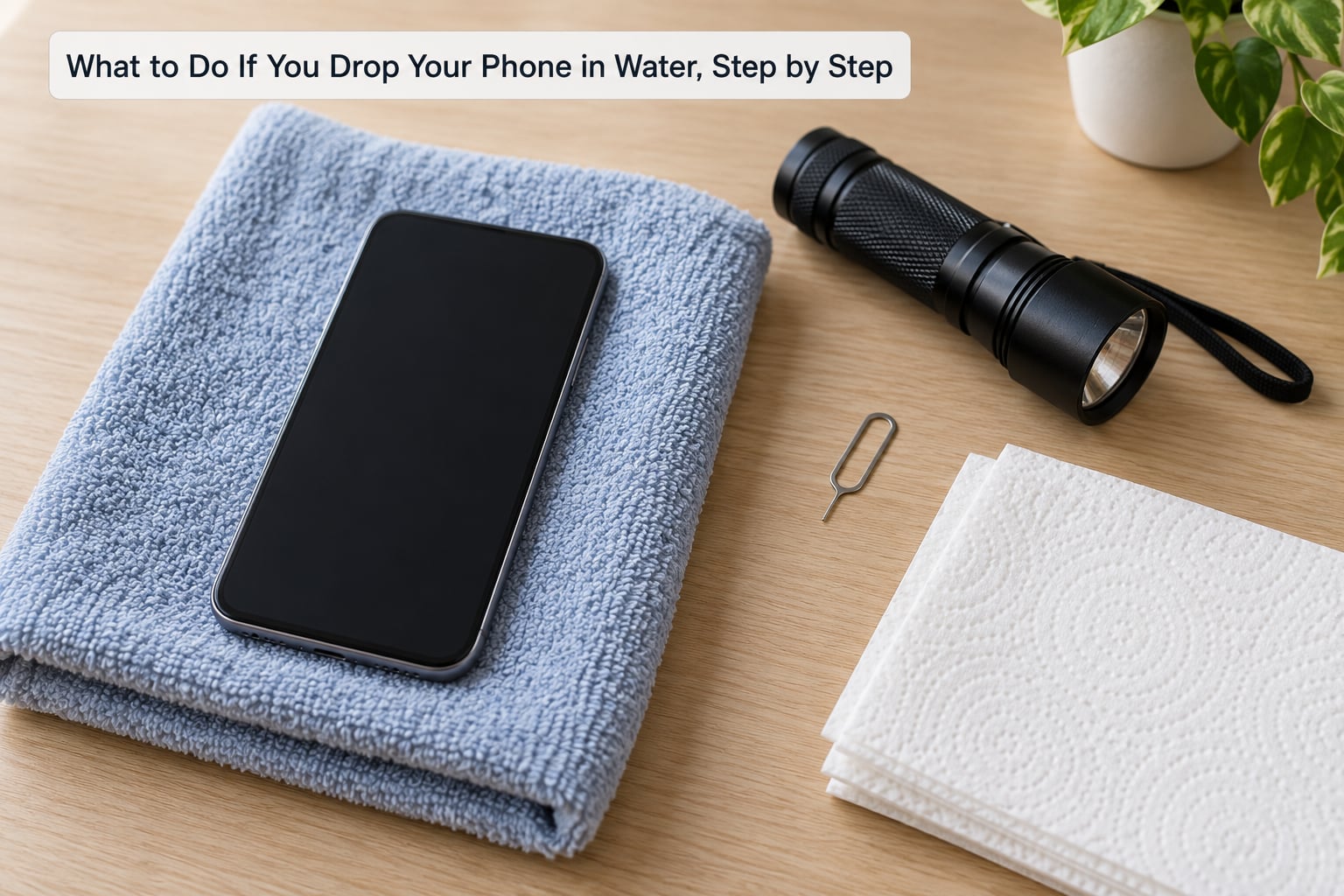
Gather this before you touch the phone, and keep every one of them away from any liquid you are still cleaning up.
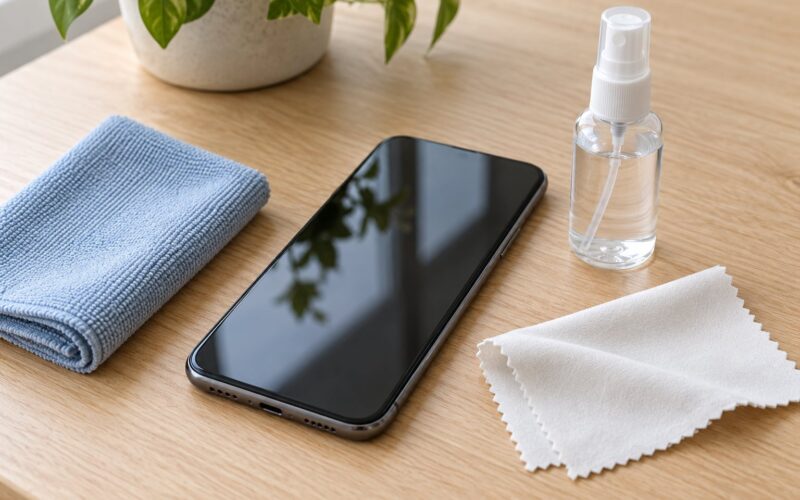
- A clean, dry towel or microfiber cloth to set the phone on.
- Dry paper towels or a lint-free cloth for blotting the exterior.
- A SIM-card ejector tool (a paperclip works, but a purpose-made pin is easier on the tray).
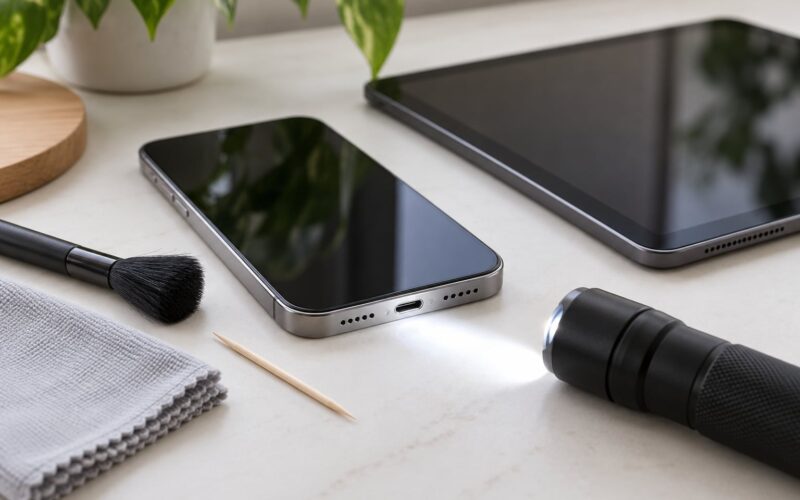
- A flashlight to check the charging port, speaker grille and the liquid contact indicator inside the SIM tray.
- Silica gel packets if you have them. They pull moisture out of the air faster than plain air alone.
- A safe, ventilated, dry surface to leave the phone on undisturbed.
Before you start, move the charger, cable and power bank out of reach. A phone that gets plugged in while damp is a phone you will probably be replacing.
What to Do If You Drop Your Phone in Water, Step by Step
Step 1: Move the phone away from the liquid
Pick the phone up only when you can do it safely, and lift it straight out without squeezing it or pressing buttons. Do not shake it on the way, because that drives water deeper into the openings.
Set it on the absorbent towel with the charging port and speaker grille angled downward so any water in the openings can drain out instead of sitting there.
How you know it worked: the phone is out of the water, resting on a surface that soaks up liquid, and nothing is plugged into it.
Step 2: Turn the phone off if it is still on
If the screen is alive, shut it down with its normal power control. On some phones you can say a wake phrase for the voice assistant and ask it to power off, which saves fumbling with a wet screen.
If the screen does not respond, assume the phone is not fully off rather than assuming it is. Stop trying to operate it and move on to drying. Waking a phone that has already shut itself down is a common and avoidable mistake.
How you know it worked: the display is black and stays black, and nothing is charging.
Step 3: Disconnect cables and remove accessories
Unplug any charger, headphones, smartwatch dock or case. Disconnect the cable by gripping the connector rather than the cord, so the phone is not yanked out of your hand mid-pull.
If the phone is tethered to a computer, disconnect it only when you can reach the port safely. Never work at a cable while liquid is still moving inside the port.
How you know it worked: no cable, case or accessory is attached to the device.
Step 4: Remove the SIM card or tray if possible
On a phone with a removable tray, power it off first, then push the ejector tool into the hole until the tray pops out. Pull the tray and SIM card free and keep both completely dry.
While the tray is out, shine the flashlight into the empty slot. A small white, pink or red strip near the tray is the liquid contact indicator, and it changes colour when the phone has been in liquid. It is a useful signal for the technician later, but it does not tell you the phone is ruined either way.
On a phone with a sealed tray or an eSIM, leave it alone. Do not pry at the edge of the device with a knife or a paperclip.
How you know it worked: removable hardware is out and dry, and you have not forced anything open.
Step 5: Blot the outside without opening the phone
Lift moisture off with a dry cloth or paper towel. Wipe the screen, the back, the edges, the camera area and the visible ports, pressing gently rather than scrubbing.
Tilt the phone with the openings facing down between passes so you are drawing water out rather than pushing it in. Skip hair dryers, radiators, and any other heat source.
How you know it worked: the exterior feels damp rather than dripping. The inside can still be full of water, which is exactly why the drying wait matters.
Step 6: Let the phone air-dry in a safe position
Leave it powered off in a dry, ventilated room for at least 24 hours, and give it 48 if the exposure was more than a quick dip. Silica gel packets in a sealed container or bag with the phone will speed this up; a fan pointed at the device is also fine.
Do not use rice, alcohol, compressed air, a microwave or an oven. Rice does almost nothing while adding starch to the openings, heat warps components and adhesives, and blowing can push water further inside.
How you know it worked: the device has been left completely alone for the full wait, and the outside is bone dry.
Step 7: Check the model’s water-resistance limits and service guidance
Look up your exact model in the manufacturer’s support pages. You are looking for three things: the water-resistance rating, whether liquid damage is covered by the warranty, and what the brand says to do after exposure.
IP67 and IP68 are ratings from controlled freshwater tests. IP67 usually means immersion to one metre, IP68 usually means deeper or longer immersion in the manufacturer’s own conditions, and both assume fresh water. Salt water, chlorinated pool water, soapy water and liquid thrown at pressure sit outside what the rating was ever tested for, and an IP-rated phone can still lose its warranty after a dunk.
How you know it worked: you have a decision, not a guess. Either the brand permits a careful power-up, or the phone is going to an authorised service centre.
Step 8: Power up cautiously and watch for warning signs
After the full wait, and only if nothing is visibly wet, power the phone on once. Watch it for a minute rather than immediately picking it up and starting a call.
Stop and send it for service if you see condensation under the display, unusual heat, a flickering or dead panel, buttons that do not register, distorted speaker or microphone audio, or a charging error. Do not charge it, do not attach accessories, and do not open the device while any liquid is visible.
Wipe the port dry before you ever plug anything in, and keep the charging cable out of the equation for a few days of normal use even if the phone seems fine.
How you know it worked: the phone either behaves normally, or you have a clear reason to stop and get it looked at.
Common Mistakes
- Rice. It does not pull water out of a sealed phone; it just leaves dust in the ports. Use silica gel or moving room air instead.
- Heat. A hair dryer, radiator, campfire or oven drives water deeper and softens adhesives. Air drying at room temperature is the safer route.
- Charging while wet. This is the fastest way to turn a survivable accident into a dead logic board. No cable, no power bank, no wireless charging pad.
- Shaking or blowing it out. Both push liquid further into the chassis. Tilt it downward and blot instead.
- Opening the phone yourself. Screen adhesive and proprietary seals are easy to ruin, and an unauthorised teardown can void the warranty and erase storage on some models.
- Repeatedly turning it on to check. Each power-up is another chance for a short. Test it once, properly, after the full wait.
One more thing that catches people out: liquid damage is not always immediate. A phone can work fine for weeks and then fail from corrosion on the board, so keep using it normally but stop charging it overnight for a couple of weeks and never charge it while the port looks or feels damp.
When to Get the Phone Professionally Checked
Some exposures are not worth managing at the kitchen table. Take it in, or send it to the manufacturer’s service centre, if any of these apply.
- Salt water, pool water or toilet water. Chlorides and other dissolved solids corrode copper traces and connectors quickly, and the damage accelerates while the phone is powered.
- The phone was on, charging or playing audio while wet. Power through liquid is what kills logic boards.
- Liquid is visible under the display or in the camera lens. That moisture is between layers you cannot reach from outside.
- Heat, corrosion, a swollen battery or a port that will not charge. A bulging battery is a safety issue, so stop using the device and keep it away from anything flammable.
- Frequent unexpected shutdowns or a screen that flickers or dims. Intermittent power faults mean the board is already compromised.
Technicians usually clean the board in an ultrasonic bath, remove corrosion, and test under magnification. A phone that needed a full teardown is often not economically worth repairing, so ask for a quote and a diagnosis before agreeing to anything, and ask what happens to your data either way. Home insurance and extended plans vary widely, and most standard manufacturer warranties treat liquid damage as accidental damage rather than a defect.
Protect Your Data Before or After a Liquid Incident
The best time to think about your photos is before anything goes wrong. Turn on automatic encrypted cloud backup if you have not already, and confirm that your email, password manager and two-factor authentication are reachable from another device.
If the phone still works after drying, check your photo library, contacts and message threads straight away, and upload anything you would not want to lose. Verify that two-factor codes still arrive on your watch, tablet or another phone, because a failing SIM tray or network modem can lock you out of your own accounts later.
Back up only while the device is operating safely and is not hot or damp. If the phone is dead, a technician may need to strip storage, and anything not already synced can be lost with it.
Frequently Asked Questions
Can rice really save a wet phone?
No. Uncooked rice barely absorbs moisture from inside a sealed phone, and the starch it leaves behind clogs speaker grilles and charging ports. Moving air and silica gel packets do far more. If the phone is only slightly damp, blot it, leave it in a ventilated spot for 24 to 48 hours, and resist the urge to speed things up with heat.
How long should I wait before turning my phone back on?
Wait at least 24 hours after a brief dunk and 48 hours if the phone was submerged, powered on or soaked in salt or chlorinated water. Powering on while moisture is still inside is what causes most permanent damage, because current through liquid corrodes the board. If you cannot wait that long, a technician with an ultrasonic cleaner can dry it properly in under an hour.
My phone still works after falling in water. Should I keep using it?
Back it up right away, then treat it as a suspect device. Corrosion can show up days or weeks later, and the phone will not warn you before it fails. Keep it out of chargers and wireless pads, avoid charging it overnight for a couple of weeks, and stop using it immediately if it gets hot, the screen flickers or it starts shutting down on its own.
What happens if you drop your phone in salt water?
Salt water is far worse than fresh water. Dissolved salt conducts electricity and leaves chloride residue that corrodes copper traces and connectors, so damage keeps progressing even after the phone dries. Do not power it on, do not charge it, and get it to an authorised service centre as soon as you can, ideally the same day. Board cleaning works far better in the first 24 hours than a week later.
Can I use silica gel to dry my dropped phone?
Yes, and it is one of the better options. Put the powered-off phone with several packets of silica gel in a sealed plastic bag or airtight container and leave it for 24 to 48 hours, adding more packets than you think you need. Silica gel draws moisture out of the trapped air rather than absorbing it directly, so the amount of gel and a tight seal matter more than the brand.
Can a water damaged phone be repaired or is it ruined?
Often, but not always. A phone that is only slightly wet, came out of fresh water quickly and was powered off straight away has a good chance of surviving a professional ultrasonic board clean. Salt water exposure, a powered-on phone and months of corrosion mean a much lower chance, and a teardown plus parts often costs more than a replacement. Ask for a diagnosis and a quote before you commit to either path.
Conclusion
If you drop your phone in water, get it out, power it off, pull the cables and case, blot the outside and let it sit untouched for 24 to 48 hours. No rice, no heat, no charging while it is damp. After a serious exposure, especially in salt or pool water, a professional inspection is the safest next step, and it is the only one that can tell you whether the board underneath is still healthy.