The safest way to clean a phone screen without damaging it is to power the device off, take the case off, and wipe the display with a soft, lint-free microfiber cloth lightly dampened with water or 70% isopropyl alcohol. Never spray liquid straight onto the phone. The whole routine takes about two minutes.
Most screen damage does not come from a drop. It comes from a paper towel, a shot of window cleaner, or a thumbnail trying to lever off a speck of grit. Glass tolerates far less sideways pressure than people assume, and the factory coating that makes a screen feel smooth is thin, chemical, and gone for good once stripped.
So this guide walks through the tools worth using, the ordered steps, and the mistakes that actually cause harm. I have watched people scrub a phone with a sleeve cuff and wonder why the smudges spread. It is a two-minute job once you know the order of operations.
Table of Contents›
- What You Need
- Step-by-Step: How to Clean a Phone Screen Without Damaging It
- Step 1: Turn Off the Phone and Remove Accessories
- Step 2: Use a Microfiber Cloth, Not Paper Towels
- Step 3: Dampen the Cloth Lightly to Clean a Phone Screen Without Damaging It
- Step 4: Wipe Without Scrubbing or Pressing Hard
- Step 5: Clean the Edges and Dry the Screen
- Common Mistakes
- Frequently Asked Questions
- Is it okay to use alcohol wipes on a phone screen?
- Does cleaning a phone screen damage the oleophobic coating?
- Can I use isopropyl alcohol to clean my screen protector?
- Can I clean my phone while it is switched on?
- How often should I clean and disinfect my phone?
- How do I get hairspray or makeup off a phone screen?
- Conclusion
What You Need
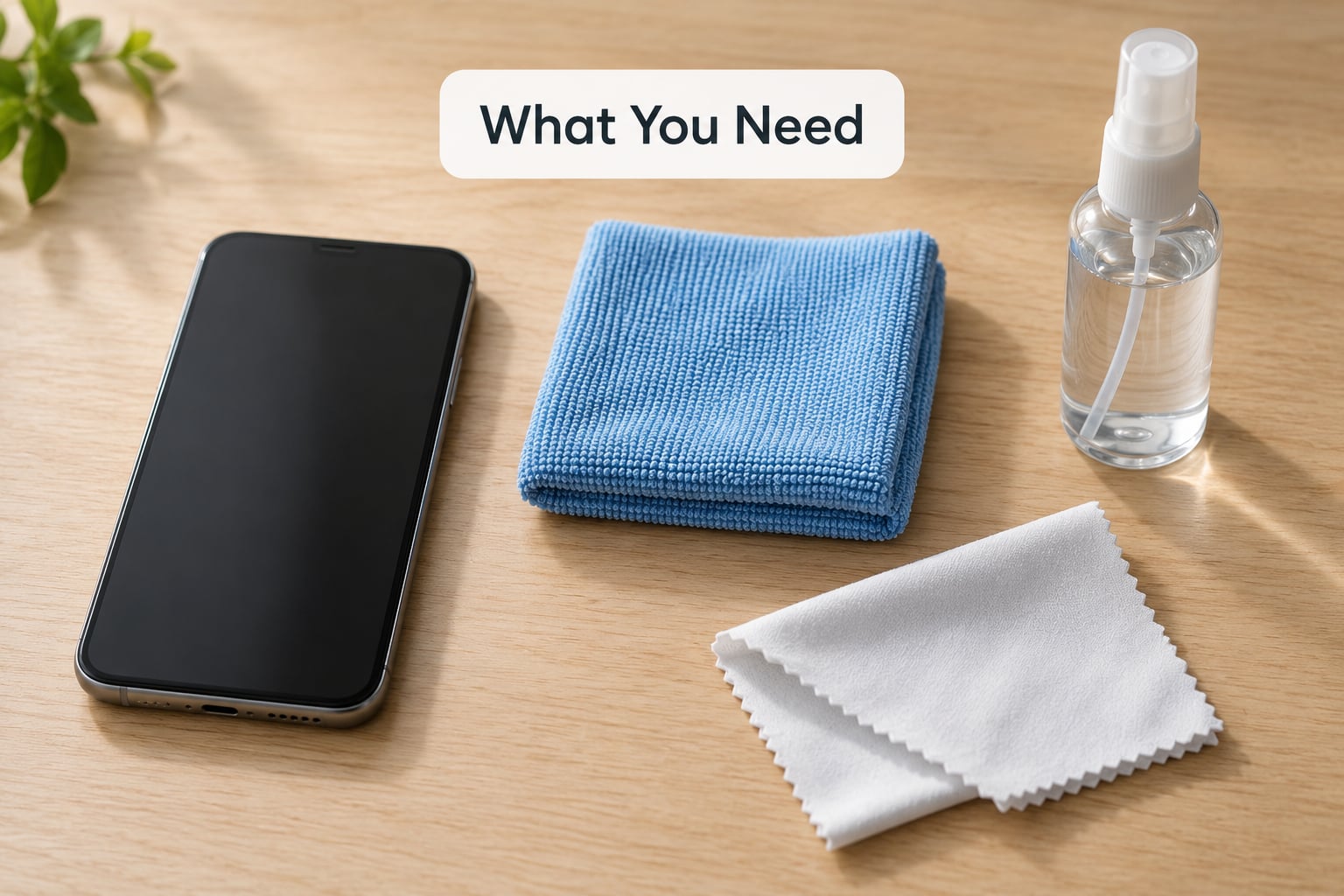
A good phone screen clean needs less kit than most people buy. Here is the short list.
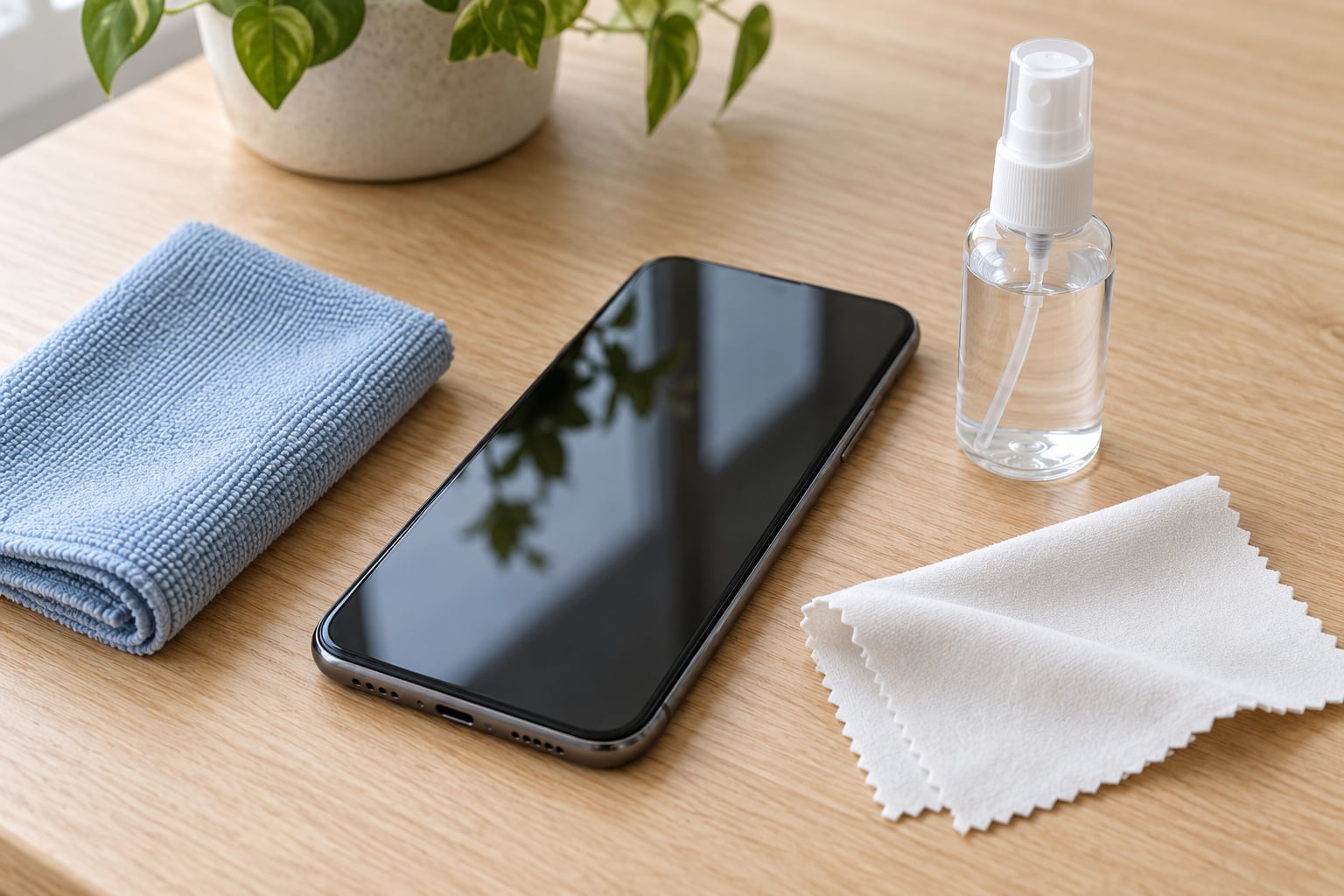
- A lint-free microfiber cloth. This is the one non-negotiable item. The fibres are roughly 50 to 100 times thinner than a human hair, so they lift dust and skin oil by static charge rather than by rubbing hard against the glass. A cheap lens cloth works in a pinch; a fraying shirt does not.
- Distilled or plain water. Water alone handles fingerprints, smudges and pocket dust, and it is the gentlest option available. Most everyday cleaning needs nothing more.
- 70% isopropyl alcohol (optional). Use it for disinfecting, or for sticky residue. Apple, Samsung and Google all name 70% isopropyl or 75% ethyl alcohol in their own care instructions, which is why it is the alcohol concentration worth trusting. Avoid 90% and 99% versions, which evaporate slowly and concentrate as they go.
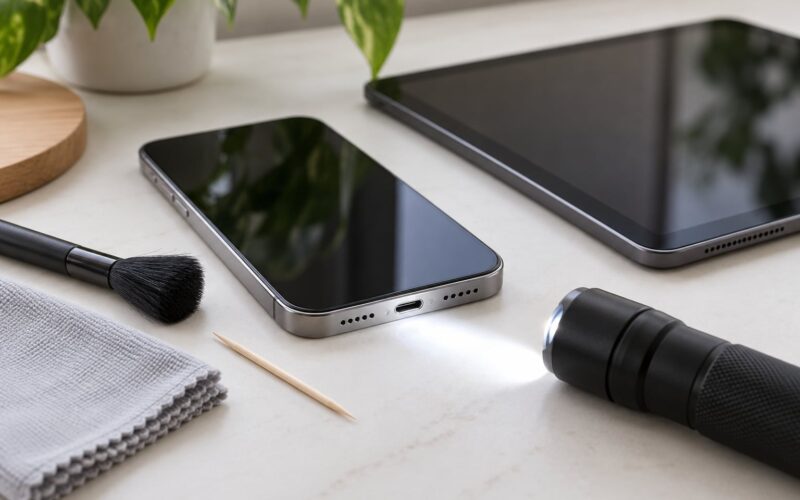
- A soft-bristled brush (optional). An old, clean makeup or camera brush shifts grit out of speaker grilles and around the camera bump without touching glass.
- A wooden toothpick (optional). Good for lint in a charging port. Not cotton swabs, which leave fibres behind, and not metal picks, which scratch.
Now the avoid-list, which matters more than the kit above. Skip paper towels, tissues, toilet paper and cotton sleeves, all of which shed fibres and can grind grit into the glass. Skip window cleaner such as Windex, bleach, ammonia, hydrogen peroxide, vinegar, and household glass cleaner, several of which etch or haze the oleophobic coating. Skip compressed air, which drives grit into crevices and can strip pastel colour off textured backs. Skip metal picks and fingernails.
Hand sanitizer is a common shortcut and a bad one. It is often 60 to 70% ethanol, but it contains additives, and repeated use leaves a filmy residue that takes more rubbing to shift than the smudges you started with.
Step-by-Step: How to Clean a Phone Screen Without Damaging It
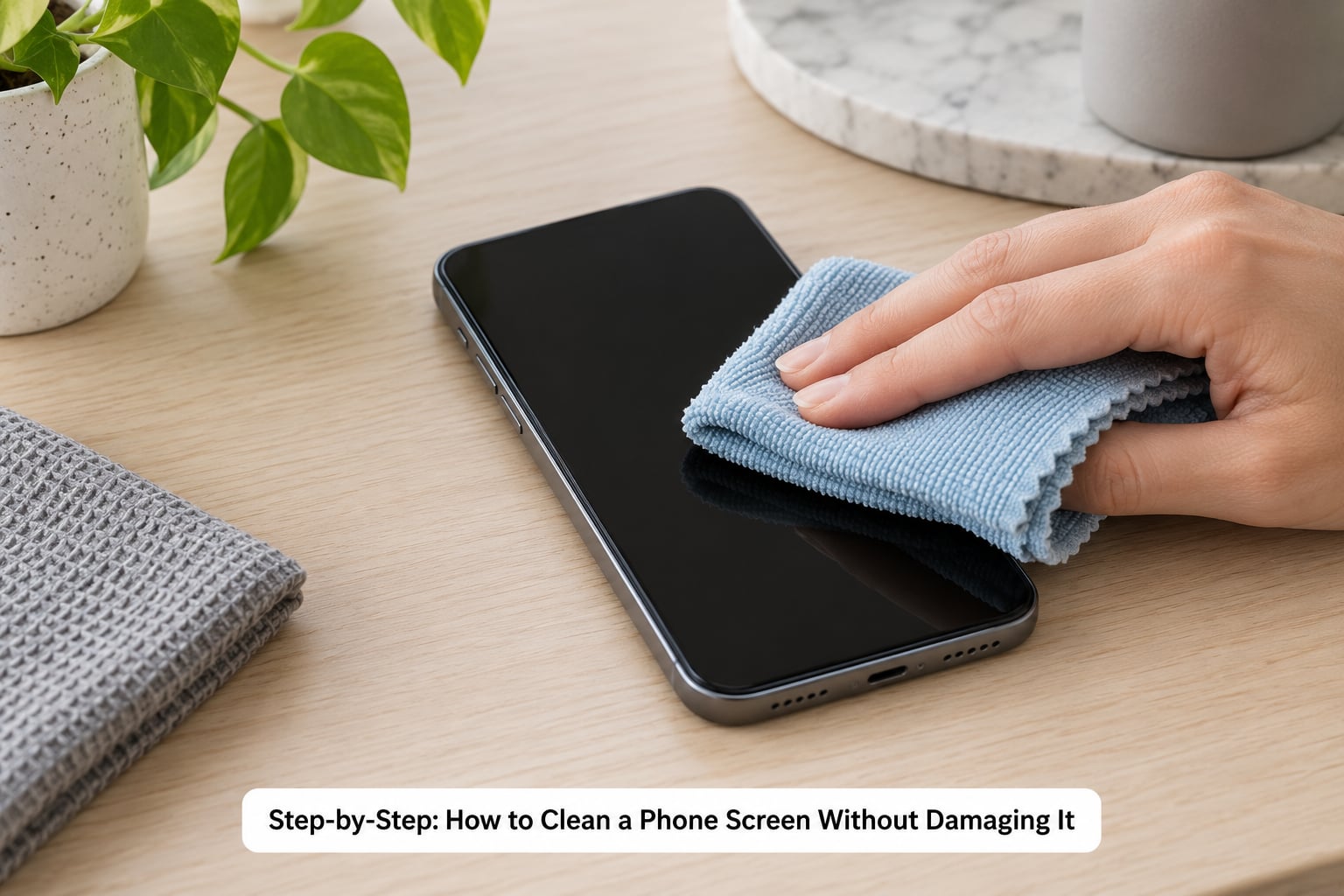
Step 1: Turn Off the Phone and Remove Accessories
Power the device down fully, unplug it, and take the case off. Screen-off is not just about protecting the display: a live screen can register the wipe as a touch, open an app or trigger a brightness crank in direct light. Unplugging means a wet cloth cannot meet a live charging port.
Taking the case off is the step people skip, and it is the one that makes the job easier. Removing it opens the seam between the display and the frame, where grime and dust collect and where a microfiber cloth can actually reach. Set the phone face-up on a flat, dry surface you can wipe down afterwards.
Step 2: Use a Microfiber Cloth, Not Paper Towels
Start dry. Most smudges and dust lift with a plain dry microfiber pass, and dry wiping is the safest option for the oleophobic coating because it introduces no liquid at all. Hold the cloth by the edges so your fingerprints do not land back on the glass.
Test the cloth first. Rub it briskly on your forearm; if it feels scratchy or sheds fuzz, bin it. A chewed-up microfiber cloth is not better than nothing. Retired cloths pick up grit, and grit under a cloth is exactly how micro-scratches happen.
Step 3: Dampen the Cloth Lightly to Clean a Phone Screen Without Damaging It
If grime survives the dry pass, dampen the cloth. The correct level is damp, not wet: it should feel cool and leave no drip when held up. If you can squeeze water out of it, it is too wet.
Spray the cloth, never the phone. Hold the phone away from you and mist the microfiber in the air or spray directly onto the fabric. Liquid sprayed onto a screen runs under the bezel, into speaker grilles and down toward the charging port, and that is how water resistance gets tested in ways it was never rated for. An IP rating covers accidental splashes, sweat and rain, not deliberate liquid applied to an open port.
For disinfection, dampen the cloth with 70% isopropyl alcohol instead of water. Apply it lightly, wipe, and let it evaporate fully before powering on. It evaporates in a few seconds on glass, which is the physical reason it is considered low-risk.
Step 4: Wipe Without Scrubbing or Pressing Hard
Use light pressure and small movements: short side-to-side strokes, or gentle circles in small areas. Begin near the centre of the display and work outward so you are not dragging accumulated dirt across the last clean section.
Two habits cause most of the damage. The first is leaning on the phone while wiping, which puts the glass into a shallow curve under concentrated load. The second is attacking one stubborn spot with repeated hard strokes. Move to a soft-bristled brush instead, or accept that a mark needs a second damp pass rather than more force. Around the camera bump, speaker grille and corners, lighten up further; those edges are where pressure concentrates and where the display meets the frame.
Step 5: Clean the Edges and Dry the Screen
Use a fresh, dry section of the cloth to go around the display perimeter, along the frame, into the speaker grille, and across the case-contact area. These zones hold the fingerprints, because that is where your hand actually grips the phone.
Finish with a dry polish and let the phone sit powered off for a minute so any remaining moisture evaporates. Then turn the brightness up in normal indoor light and look for streaks. If you see haze or lines, a second dry pass usually clears it. If haze remains after a proper clean, the coating itself has likely worn down, which is a different problem than dirt.
Common Mistakes
Here are the errors that show up most often, each with the correction. Any one of them can undo everything the step-by-step above protects against, so it is worth reading this list once before you start.
- Spraying cleaner onto the phone. Liquid runs under the bezel and into ports. Spray the cloth instead, lightly, in the air or on the fabric.
- Using window cleaner, bleach or ammonia. These are designed for glass with no coating and no openings. On a phone screen they haze the oleophobic layer permanently. Windex and glass cleaner are the single most common cause of dull, patchy displays.
- Saturating ports and grilles. A soaked cloth pushes water into the speaker mesh and charging port. Dampen it; a sealed port is not a closed port.
- Paper towels, tissues and cotton swabs. Paper towels shred and leave lint; cotton swabs push fibres deeper into grilles. Use microfiber and a wooden toothpick.
- Cleaning over an oily surface. Wiping grease first spreads it across the whole display and works grit into the coating. Degrease with a lightly damp cloth first, then follow with a dry pass.
- Abrasive toothpaste. Whitening toothpaste contains fine abrasives meant to polish enamel. On a screen it is a sanding tool. Use toothpaste only on the back of certain textured-glass models, never the display.
- Pressing hard on a scratch. A scratch is not a surface to clean, it is one to avoid. Pressure deepens it and can crack the digitizer underneath. Leave it alone or replace the protector.
For specific grime, the method changes only slightly. Hairspray and makeup: dampen the cloth with 70% isopropyl alcohol, let it sit on the spot for a few seconds, then wipe once with light pressure. Adhesive or sticky label residue: the same approach, repeating short passes rather than scrubbing. Pocket grit and dust: a dry pass with a soft brush first, then the damp cloth, so you are not grinding particles across the glass. Grease around the home button or fingerprint reader: a dry cloth with a couple of firm circular motions usually beats a wet one.
Water resistance deserves one more note. The rating on the back of the phone describes survival in a lab under specific conditions, and it degrades over the life of the device as the seals age. Treat a phone as water-resistant, not waterproof, and keep liquid away from any opening while the screen is wet.
Frequently Asked Questions
Is it okay to use alcohol wipes on a phone screen?
Yes, if you use the right concentration and apply it to a cloth rather than the phone. Apple, Samsung and Google all name 70% isopropyl alcohol or 75% ethyl alcohol in their official care instructions. Avoid 90% and 99% alcohol, which evaporate slowly and leave residue. Squeeze the wipe out first so it is damp, not dripping, and let it dry fully before powering on.
Does cleaning a phone screen damage the oleophobic coating?
Light, occasional use of 70% isopropyl on a soft cloth will not noticeably damage the coating. Frequent heavy scrubbing with paper towels, abrasive cloths or window cleaner is what wears it down, and that damage cannot be reversed. If your screen already feels matte in patches or smears will not lift, the coating has likely worn through and only a protector or a screen replacement restores the feel.
Can I use isopropyl alcohol to clean my screen protector?
For glass and tempered glass protectors, yes: dampen a microfiber cloth with 70% isopropyl alcohol and wipe lightly. Skip alcohol on film protectors, matte or oleophobic-coated films, and anything the protector maker warns against, since solvents can cloud the adhesive layer and lift the film edges. When grime sits under the surface instead of on it, no cleaner will help and the protector needs replacing.
Can I clean my phone while it is switched on?
You can, but switching it off is safer. A powered screen can register the cloth as touch input, which may open apps, change settings or leave the display stuck at maximum brightness. More importantly, power off means no chance of liquid meeting a live charging port or speaker circuit. Give the phone a minute to air dry before you power it back on.
How often should I clean and disinfect my phone?
Wipe the screen daily with a dry microfiber cloth, spot-clean whenever smudges build up, and disinfect about once a week or after handling raw food, a sick person or a public surface. Daily alcohol use is more than most screens need. If you disinfect after every phone call or every use, switch to water for routine cleaning and reserve alcohol for genuine hygiene moments.
How do I get hairspray or makeup off a phone screen?
Lightly dampen a microfiber cloth with 70% isopropyl alcohol and hold it against the spot for a few seconds so the alcohol dissolves the residue. Wipe once with light pressure, then follow with a dry section of the cloth to remove any haze. Never scrub hard at a dried hairspray spot, and never use makeup remover, which contains oils and fragrances that will leave a film.
Conclusion
Start with the safest step: power the phone off, unplug it, and take the case off. Then use a clean, lint-free microfiber cloth, dry first, dampened only as much as it needs to be, and wipe with light pressure rather than pressure at all. Dry it off immediately with a clean section of the cloth and let the phone sit for a minute.
That is the whole routine for how to clean a phone screen without damaging it, and it costs almost nothing. Finally, check the manufacturer’s own care instructions for your model. Unusual coatings, textured backs, film screen protectors and specialty cases can carry specific restrictions that generic advice will not cover, and following them keeps any warranty question off the table entirely.