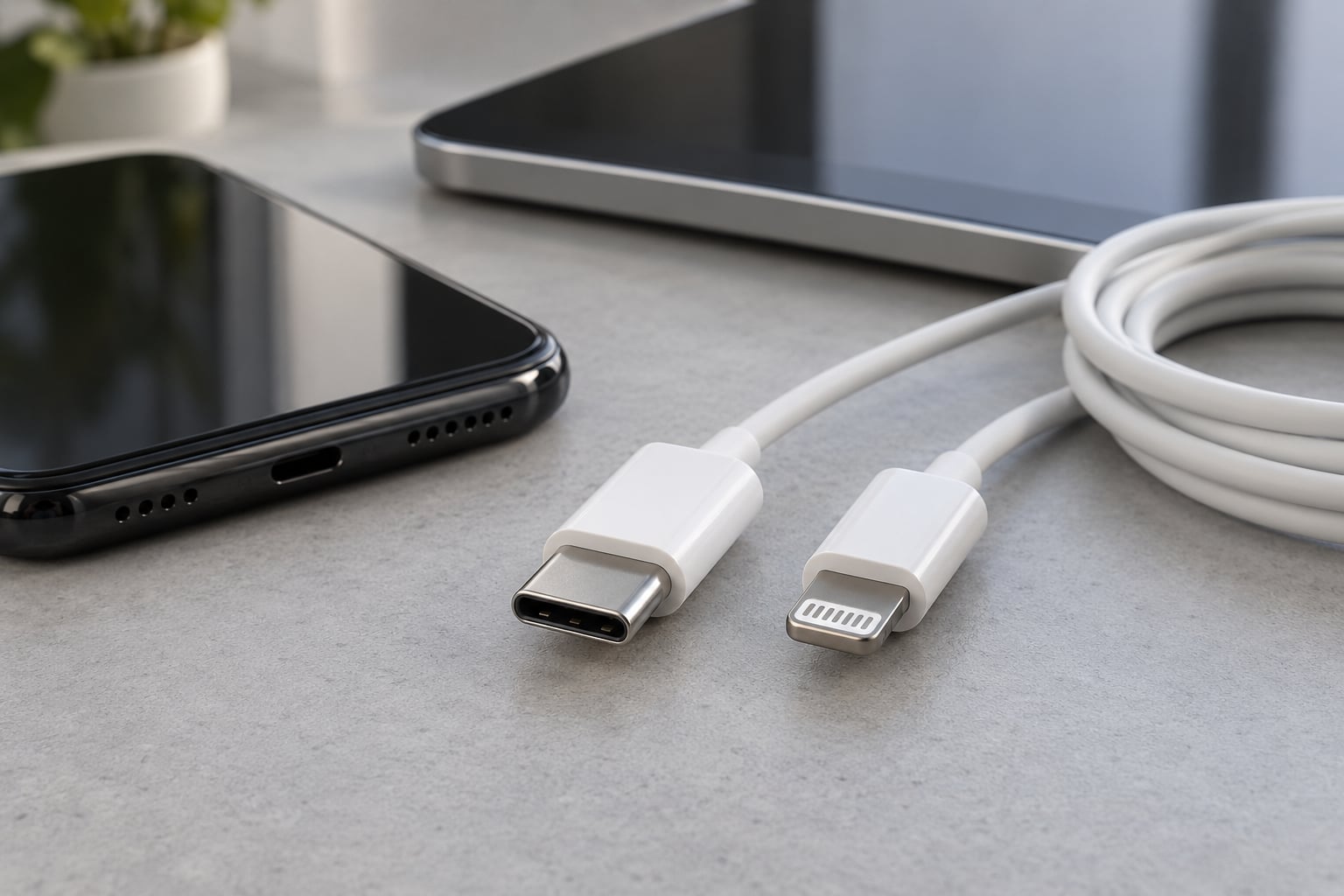
If you are choosing between phones, tablets or accessories, the short version of USB C vs Lightning comes down to this: USB-C is an open industry standard that most modern devices share, while Lightning is Apple’s smaller proprietary connector that only fits Apple hardware. USB-C wins on accessory choice and flexibility. Lightning still wins if your house is full of Apple gear and you have no plans to leave.
The confusing part is that the connector on the end of the cable tells you far less than most people expect. A USB-C port on a phone can run at the same data speed as the Lightning port it replaced, and a Lightning cable can deliver exactly as much power as a USB-C one. What actually determines performance is the cable spec, the charger, the charging protocol and the phone itself.
I have swapped between both ecosystems more times than I care to count, and the pattern is consistent. People do not notice the port. They notice that the cable they packed for the phone does not fit the laptop, or that the car charger in the glovebox is dead weight. That is the difference that matters day to day.
Last reviewed October 2026.
Table of Contents›
- USB C vs Lightning: What the Difference Means at a Glance
- What Is USB-C?
- Why one connector became universal
- What Is Apple Lightning?
- USB-C vs Lightning for Charging Speed
- Does USB-C charge faster than Lightning?
- Does a 60W charger damage an iPhone battery?
- USB-C vs Lightning for Data Transfer
- Why is my phone’s USB-C port slower than my laptop’s?
- Why does my USB-C cable only charge and not transfer data?
- USB-C vs Lightning for Accessories and Compatibility
- Can you plug USB-C into a Lightning port?
- USB-C vs Lightning for Durability and Reversibility
- USB-C vs Lightning for Gaming and Mobile Performance
- Which Should You Choose?
- Frequently Asked Questions
- Is USB-C actually better than Lightning?
- Why is Apple getting rid of the Lightning cable?
- Can I plug USB-C into a Lightning port?
- Is a 60W charger too much for an iPhone?
- Will my Lightning cables work with a USB-C iPhone?
- Does the connector affect battery health?
- The Connector Difference in One Sentence
USB C vs Lightning: What the Difference Means at a Glance
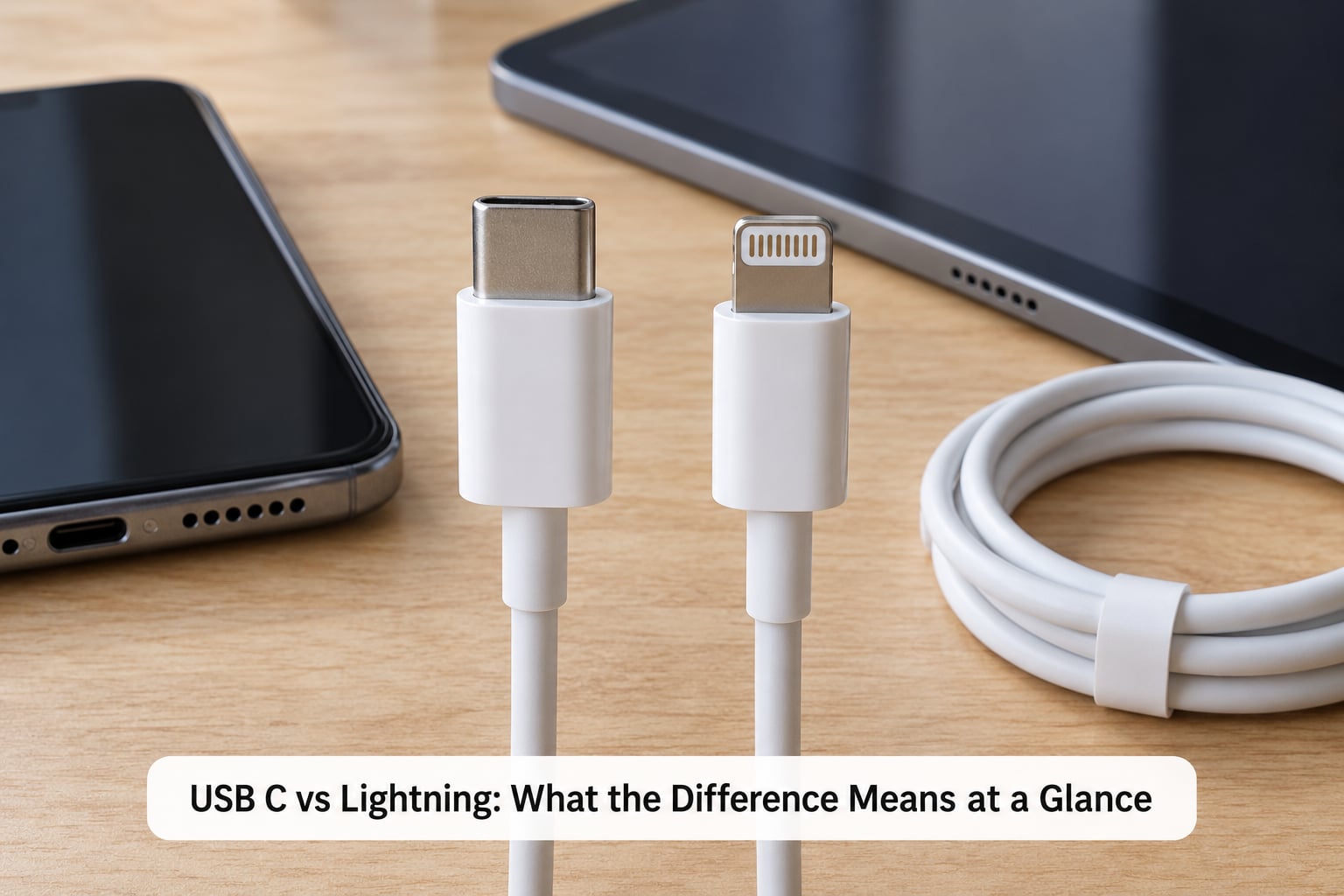
Here is the honest comparison. USB-C is the more open and more widely adopted connector, while Lightning remains tightly integrated with Apple’s ecosystem.
| Criterion | USB-C | Lightning |
|---|---|---|
| Connector design | Symmetrical 24-pin oval plug, no wrong way up | Symmetrical 8-pin plug, narrower and physically smaller |
| Device compatibility | Android phones, tablets, laptops, cameras, power banks, car kits and most new accessories | iPhones, many iPads, AirPods cases and MFi-certified Apple accessories |
| Charging | Up to 240W in the USB Power Delivery 3.1 specification; the phone takes what it supports | Fast Charge up to roughly 20W on modern Lightning iPhones with a USB Power Delivery charger |
| Data transfer | 480 Mbps on USB 2.0 devices, 5 Gbps or 10 Gbps on USB 3.x devices | 480 Mbps (USB 2.0) on every Lightning iPhone |
| Video output | DisplayPort Alt Mode on supported phones and tablets | Not supported on iPhones |
| Accessory support | Wide and cross-platform; no MFi licence needed | Narrow; accessories are made for Apple devices only |
| Durability risk | Loose centre tongue inside the port is a common repair | Exposed contacts collect pocket lint and can charge intermittently |
| Reversibility | Yes, inserts either way | Yes, inserts either way |
| Future adoption | The direction the whole industry moved in | Being retired on new Apple phones |
Read that table carefully and you will notice the connector name appears nowhere in the performance rows. That is the single most useful thing to understand about this comparison.
What Is USB-C?
USB-C is a symmetrical connector shape with 24 pins arranged around a hollow centre. It was designed as a single connector that could replace older rectangular USB-A and USB-B ports, and it is now the default on Android phones, tablets, laptops, cameras, handheld game consoles and a growing list of accessories.
The part that trips people up is that USB-C is a shape, not a performance standard. A port can be USB-C physically and still run at USB 2.0 speeds internally. The same cable in the same port can carry 60 watts of power or 240 watts depending on what both ends negotiate.
USB-C also carries protocols beyond power and data. DisplayPort Alt Mode turns a USB-C port into a video output, which is why a single USB-C cable can connect a tablet to a monitor, a laptop to a dock, or a phone to an external drive. Thunderbolt sits on top of the same connector, adding even more bandwidth.
Why one connector became universal
The industry got tired of shipping three incompatible cables for one product box. A single reversible shape meant a manufacturer could put the same port on a phone, a tablet, a camera and a monitor, and consumers could reuse the cable that came in the box. Once enough devices shipped with it, USB-C became the path of least resistance for accessory makers too.
What Is Apple Lightning?
Lightning is Apple’s proprietary connector, introduced with the iPhone 5 in 2012 and still fitted to iPhones, many iPads and a large catalogue of certified accessories. It is symmetrical like USB-C, but physically narrower and it exposes its eight contacts on the outside of the plug where they can pick up pocket debris.
Accessories sold for Lightning generally carry MFi certification, which means Apple has approved them. That programme exists because Lightning was never a published open standard, so certification was the only way for third parties to guarantee compatibility. The connector stayed on the iPhone for about a decade after it launched, because swapping it meant changing every cable, dock, car kit and case in circulation.
Apple retired the port on the iPhone 15 generation and everything after it. Lightning is not being phased out gradually; it is simply gone from new hardware, while older iPhones keep working exactly as before.
USB-C vs Lightning for Charging Speed
Charging speed has almost nothing to do with the connector. It comes down to four things: the charger you plug in, the cable you use, the protocol the two negotiate, and the charging circuitry inside the phone. USB-C does not automatically charge faster than Lightning, and Lightning does not automatically charge faster because of its connector alone.
Does USB-C charge faster than Lightning?
On the same phone generation, no meaningful difference exists. Both connectors negotiate over USB Power Delivery, the same protocol, and the phone pulls the wattage it was designed for. Where the difference shows up is when you share one charger between devices, because a USB-C charger can also charge a tablet or a laptop, while a Lightning cable cannot.
Roughly 20W is the practical ceiling for fast charging on a Lightning iPhone. The iPhone 15 and later models use the same USB Power Delivery approach on USB-C, with the same headroom above the baseline wired charge speed. Some newer Pro models accept more, but the phone still controls the draw.
Does a 60W charger damage an iPhone battery?
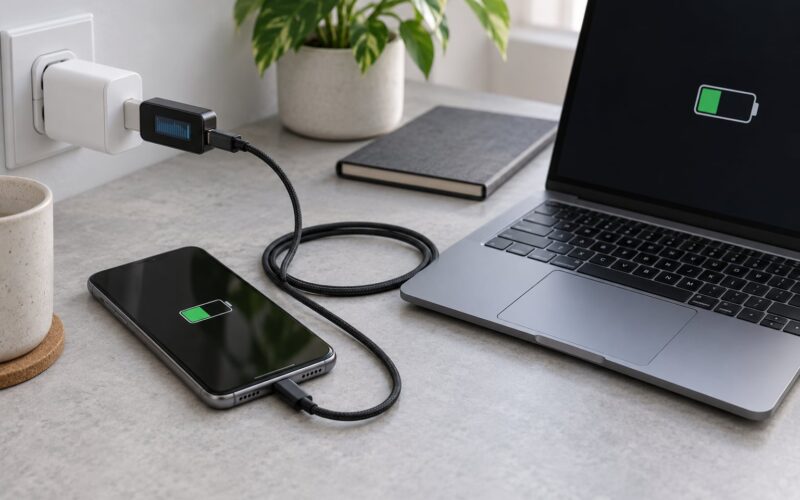
No. The phone and the charger negotiate, and the phone takes only the power it was built to accept. A larger charger with a USB Power Delivery profile simply hands over what is asked for. Heat and long periods spent at a high state of charge matter far more for long-term battery health than the wattage printed on the brick.
On the r/Chargers and r/USBC communities this question comes up constantly, and the answer handed around is consistently reassuring for the same reason. What people regret is leaving a phone plugged in at 100 percent overnight every night, not using a 60W adapter.
USB-C vs Lightning for Data Transfer
Both connectors can move files. How fast depends on the USB generation negotiated inside the phone, the spec of the cable, the port on your computer and the software doing the transfer.
Every Lightning iPhone runs at USB 2.0 speeds, which is 480 Mbps in theory and a good deal less in practice. This is where a lot of the disappointment comes from, because the new USB-C port on a standard iPhone 15 or 16 model also runs at USB 2.0. Pro models get the faster radio, up to 10 Gbps, which is noticeable when offloading a large ProRes clip to an external SSD.
So the honest answer to is USB-C faster than USB-A for data transfer is yes on the connector standard, and often no on the phone that has it. If you own a standard iPhone and are waiting for twenty times the transfer speed, that is not what the port change delivered.
Why is my phone’s USB-C port slower than my laptop’s?
Because the port shape is shared and the hardware behind it is not. A laptop USB-C port might be Thunderbolt 4 with 40 Gbps available. A phone USB-C port might be USB 2.0 at 480 Mbps. The connector on the outside is identical in both cases, which is why the mismatch confuses so many people.
Why does my USB-C cable only charge and not transfer data?
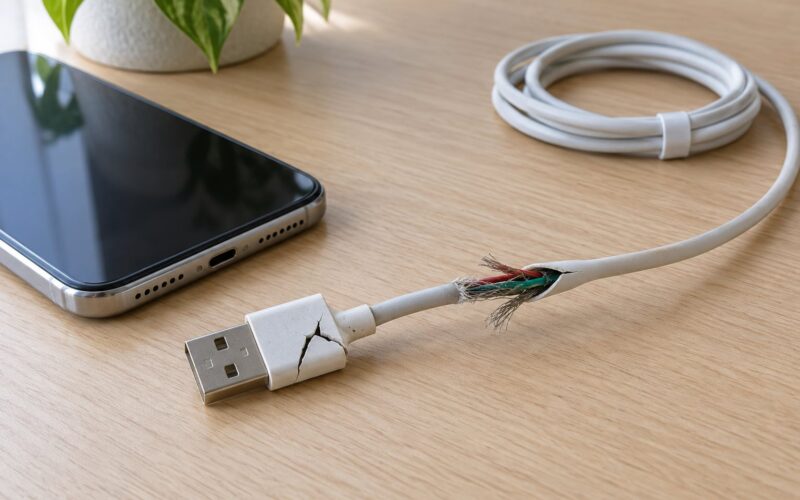
It is probably a charge-only cable. USB-C cables that look identical come in USB 2.0 and USB 3.x versions, and plenty of cheap ones carry power only. USB 3.x cables usually have an E-marker chip, so a cable rated for 5 Gbps or 10 Gbps is a reasonable marker for a cable that will actually transfer data at those speeds.
USB-C vs Lightning for Accessories and Compatibility
This is where the two ecosystems genuinely diverge. USB-C accessory choice is broad and cross-platform: headphones, speakers, keyboards, car chargers, power banks, game controllers and displays from any manufacturer. Lightning accessories are made for Apple devices, and they are much less useful the day you switch to a phone with a different port.
The payoff shows up when you travel. One USB-C cable can charge a phone, a tablet, a laptop and a pair of earbuds, and one USB-C charger can power all of them. That consolidation is the reason most long-time Lightning owners end up happy with the change even when the charging numbers look identical.
The cost is that a drawer of Lightning gear stops working overnight. Car chargers, bedside docks, lavalier microphones, card readers and older battery banks all need replacing or dongling. Users on r/apple describe this as the most annoying part of switching, and the fix is unglamorous: an adapter cable for the accessories you use weekly, and replacements for the rest.
Can you plug USB-C into a Lightning port?
No. The two are physically different and an adapter is required in either direction. A USB-C to Lightning cable or adapter will charge and sync an older iPhone, and it is the standard way to keep Lightning accessories working with a USB-C phone. A USB-C to Lightning adapter will not run high-speed data on a USB 2.0 phone, so it will not unlock USB 3.x speeds.
One community complaint worth knowing about: budget USB-C to Lightning cables often fit loosely and stop making solid contact. r/iphone and audio forums see this repeatedly, and a replacement cable from a known brand is usually cheaper than troubleshooting a flaky connection.
For audio, the quality question comes up often with headphone dongles. The consensus on r/iems and r/headphones is that a decent adapter is transparent and a poor one adds noise, and the culprit is usually the DAC in the cheap adapter rather than the connector.
USB-C vs Lightning for Durability and Reversibility
Both connectors are reversible, so neither has a wrong way up. The difference is how they behave once they have been in a pocket for a year.
USB-C plugs have a thin tongue in the middle of the port. A case that presses on that tongue, or a cable that gets yanked sideways, can bend it, and once it is loose the phone will not charge reliably until the port is replaced. It is the most common hardware complaint with USB-C.
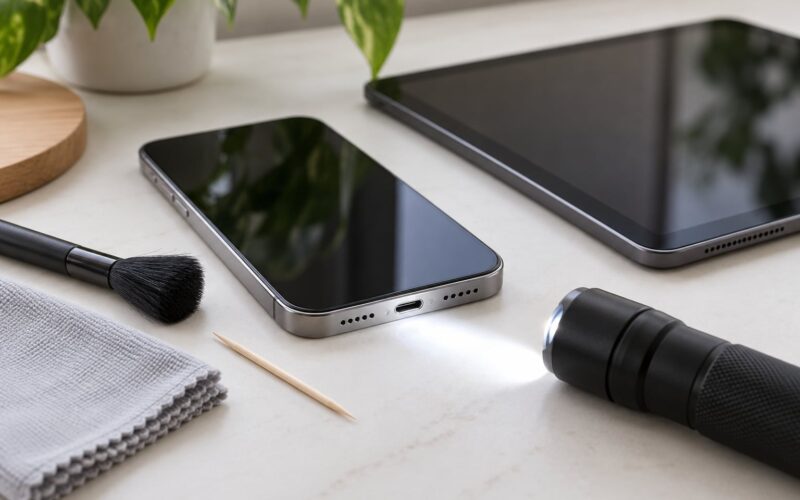
Lightning has its own failure mode. Its contacts sit exposed on the plug, so pocket lint and grit collect on them, and the charging connection starts and stops unpredictably. Several owners describe a Lightning connector dying from dust sooner than any USB-C cable they owned. A wooden toothpick and a light clean fixes most of it.
Fit is where the two get compared most often. On a Hacker News thread titled around Lightning being a superior physical design, the detail that comes up is how much deeper the smaller connector sits, with a narrower gap around the plug and no loose centre tongue. That is a fair description of how Lightning feels in the hand.
Connector design alone does not settle durability. Cable strain relief, the phone’s port construction and how the cable is treated all matter as much as the shape.
USB-C vs Lightning for Gaming and Mobile Performance
For mobile gaming, the connector itself has almost no effect on frame rates or load times. What matters is the processor, the storage and the network. Where the port does matter is everything you plug in during a session.
Game controllers: USB-C is now the default on modern pads from most major makers, and Bluetooth works regardless of port, so a Lightning phone has no real disadvantage here.
Controllers on iOS were historically restricted to MFi pads, but that has loosened over successive iOS releases. Anyone still stuck should check the current iOS compatibility list rather than an old thread, because those answers go stale fast.
External storage and capture cards: these need DisplayPort Alt Mode or USB 3.x data, and USB-C gives you access to a much wider range. A Lightning iPhone is limited to 480 Mbps and cannot output to an external display at all.
Streaming and capture setups that want an external drive or a display output are the clearest cases where the USB-C port earns its place. Anyone using a phone as a handheld console with a dock, a controller and a screen attached should check that the specific model supports display output before buying.
Which Should You Choose?
Choose USB-C if you want the widest accessory choice, use or plan to use more than one device brand, connect a display, offload video to external storage, or simply travel with fewer cables. It is also the only sensible option for a device you expect to keep for a few years.
Stay with Lightning if you own an iPhone that already uses it, your accessories are working, and nothing about your setup depends on display output or fast external storage. Replacing a working phone just to gain a different port shape is rarely worth it, which is the honest consensus in the r/apple buying threads.
Some specific situations worth calling out. If you shoot a lot of ProRes video and offload to an SSD, a USB-C Pro model changes your workflow meaningfully while a standard model barely changes it. If you are buying a used or refurbished phone, the port type decides which chargers you need to bring on a trip, and USB-C gives you more options there. If you are moving between an iPad with Lightning and one with USB-C, the connector change alone does not make them equivalent.
Before buying any cable or phone, check the full specification rather than the connector name. Ask three questions: what USB generation does the port support, what power delivery profile does the phone accept, and does the device support DisplayPort Alt Mode. Those three answers contain everything the connector shape does not.
Frequently Asked Questions
Is USB-C actually better than Lightning?
USB-C is better for almost everyone, because it works across phone brands, laptops and a much wider accessory range. Lightning is only the better option if you own Apple accessories that already work and have no plan to switch. Connector shape alone does not make charging or data faster, so the gains come from flexibility rather than speed.
Why is Apple getting rid of the Lightning cable?
Apple retired Lightning after more than a decade, largely because USB-C had become the universal connector across phones, laptops and accessories, and because the EU Common Charger Directive required a common charging standard. Keeping a proprietary port also meant licensing it through the MFi programme. Newer iPhones use USB-C, and Lightning accessories work through adapters.
Can I plug USB-C into a Lightning port?
No, the two shapes are physically different and a Lightning iPhone will not accept a USB-C plug, or the reverse. You need a USB-C to Lightning cable or adapter. It will charge and sync normally, but it cannot unlock the faster USB 3.x data speeds because the Lightning iPhone side runs at USB 2.0.
Is a 60W charger too much for an iPhone?
No. The charger and the phone negotiate, and the phone draws only the power it supports, so a 60W or 100W USB Power Delivery charger is safe. It will not charge faster than the phone allows. What affects long-term battery health more is heat and time spent sitting at a high state of charge, not the wattage printed on the adapter.
Will my Lightning cables work with a USB-C iPhone?
Not directly. You will need a USB-C to Lightning cable or adapter, which handles charging and syncing fine. Lightning accessories such as older car chargers, docks and microphones need the same adapter, or replacing with USB-C versions. AirPods cases that still use Lightning, such as first and second generation wireless cases, keep charging normally on a USB-C iPhone.
Does the connector affect battery health?
Not directly. Charging speed is set by the phone, the cable and the charger, not by the connector shape, so switching between Lightning and USB-C at the same wattage produces the same behaviour. Heat is the real factor in long-term battery wear, and a larger charger does not add heat because the phone limits what it takes. Charging cycles and time at full charge matter more.
The Connector Difference in One Sentence
USB-C gives you the widest accessory compatibility and the most room to grow, while Lightning only makes sense if you are already committed to Apple accessories that still work. Keep your Lightning gear if your current phone and cables do the job, pick USB-C when you want one cable for everything, and read the port specifications rather than judging by the connector name.