To use a power bank safely, inspect it before every charge, charge it on a hard surface with a cable and adapter you trust, keep it away from heat and soft bedding, and stop the moment it swells, hisses or smells odd. Nearly every incident traces back to heat, physical damage or a substandard cell, not to ordinary use. The whole routine takes about ten minutes a month.
That last part matters, because the honest answer is calmer than what you will read elsewhere. A power bank with a battery management system, reputable cells and overcharge, over-current and thermal cut-offs is a well-behaved device. The failure stories you have seen cluster around one habit: ignoring a warning sign for weeks because the bank still worked.
I keep three in the house and check all of them the same way, whether they cost little or a lot. Nothing about the routine changes between a 5,000 mAh pocket pack and a 24,000 mAh one that can top up a laptop. If you take one habit from this page, take the first step below — reading the label properly, because most people never do it.
Table of Contents›
- What You Need
- Step-by-Step
- How to Check Your Power Bank Before Using It
- Charge the Power Bank Correctly
- Connect Your Phone or Tablet Safely
- Monitor Heat and Charging Behavior
- Stop and Disconnect the Power Bank When Needed
- Store and Maintain It Between Uses
- Common Mistakes
- Frequently Asked Questions
- Can I charge my phone overnight with a power bank?
- How much power bank capacity do I need for my phone?
- Can I use a power bank to charge a tablet?
- Why is my power bank getting hot, and when is it unsafe?
- What should I do if my power bank is swollen, leaking, or damaged?
- Is it safe to leave a power bank in a hot car?
- Conclusion
What You Need
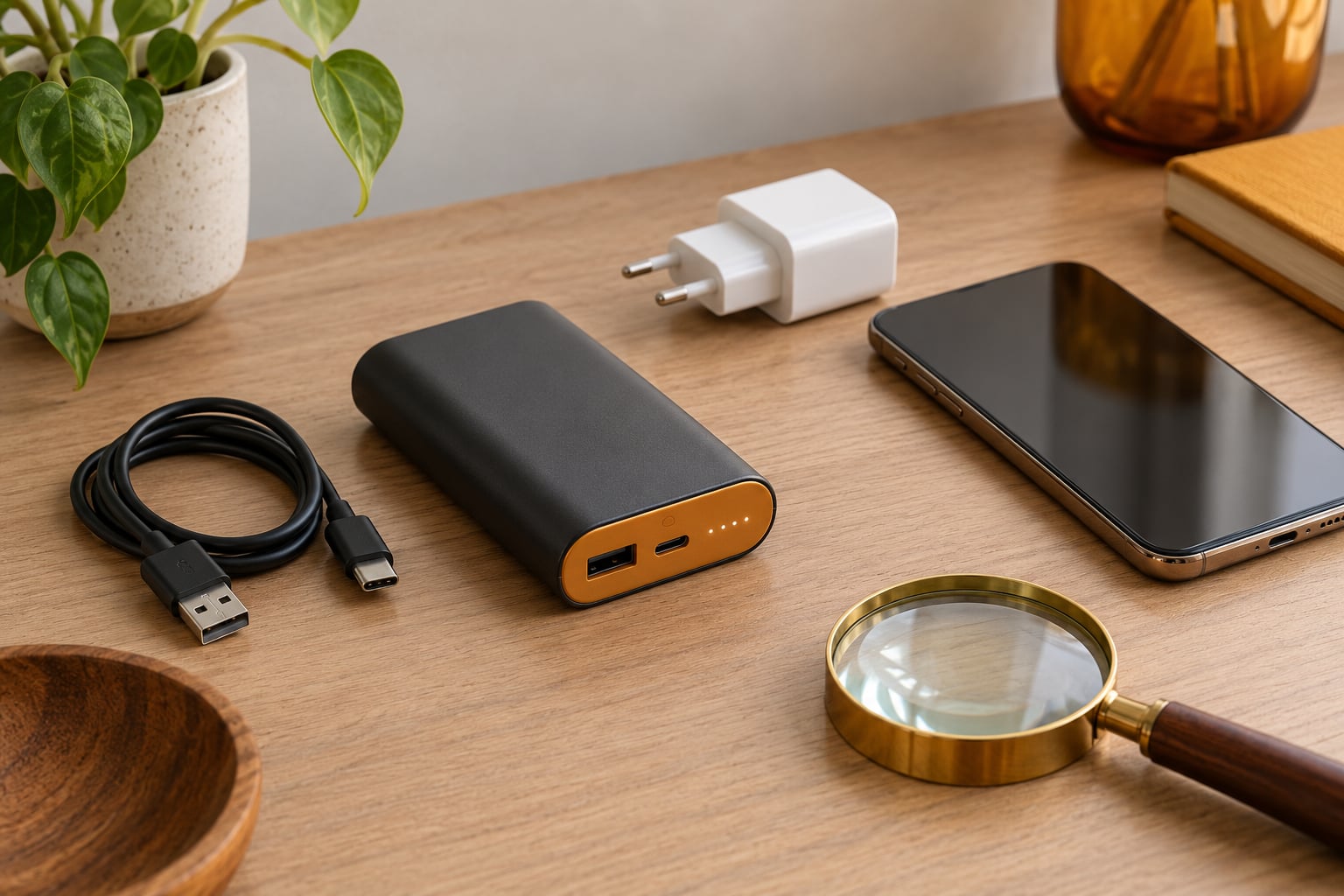
Gather these before you plug anything in: the power bank itself, its own instructions or the manufacturer’s safety page, the cable that came with it or a certified replacement, a wall adapter for recharging the bank, and a clear, hard, dry surface to work on.
Start by looking at the power bank rather than the phone. Check the casing for swelling, dents, cracks, discoloration or a soft spot along the seam where the shell meets the end cap. Listen for anything unusual when you set it down — a faint hiss, a click that repeats.
Smell is a real test here. A healthy lithium-ion pack should smell like nothing at all, or faintly like electronics. A sweet, solvent, or burnt-plastic smell means stop.
Look for corrosion or white-green crust around the ports. That usually means moisture got in and the electronics are no longer trustworthy. Puffy packaging, a bent connector, or a cable with a bulge near the plug means the bank is finished.
Clear a workspace away from fabric, bedding, paper and sunlight. Heat needs somewhere to escape, and most charging fires start because someone put a warm pack under a pillow.
Step-by-Step
Run these six checks in order. They take less time than most people spend deciding whether to trust a cable, and they catch nearly every problem that leads to a damaged battery.
How to Check Your Power Bank Before Using It
Turn the pack over and find the printed label. You are looking for two numbers: the battery capacity in milliamp-hours (mAh) and the output rating in volts and amps, sometimes shown as watts. Those two figures tell you whether the bank can safely charge what you intend to plug into it.
A phone usually accepts 5V at 1A to 3A, or a negotiated higher voltage under Power Delivery. A tablet or laptop may need 20V or more at 30W to 65W. Connecting a low-output bank to a high-demand device is not dangerous so much as useless — it will trickle charge or stall.
Then separate the label from reality. The mAh on the case is the capacity of the cells inside at their nominal voltage. What reaches your phone is lower, because power has to be converted from the bank’s voltage to the phone’s, and conversion loses heat. Real-world efficiency for a decent bank lands around 85 to 90 percent. A 10,000 mAh bank typically delivers roughly 8,000 to 8,500 mAh to a phone, so one full phone charge, occasionally two on a small handset.
Confirm the ports match your cable. USB-C in does not mean USB-C out on every pack, and some older banks carry USB-A only. Match the connector physically and check the output rating printed next to each port, not just the port shape.
Run a finger along the seams and press gently on the faces. A face that feels spongy, or a seam that no longer sits flush, is a swelling cell. Do not charge it to find out more.
Charge the Power Bank Correctly
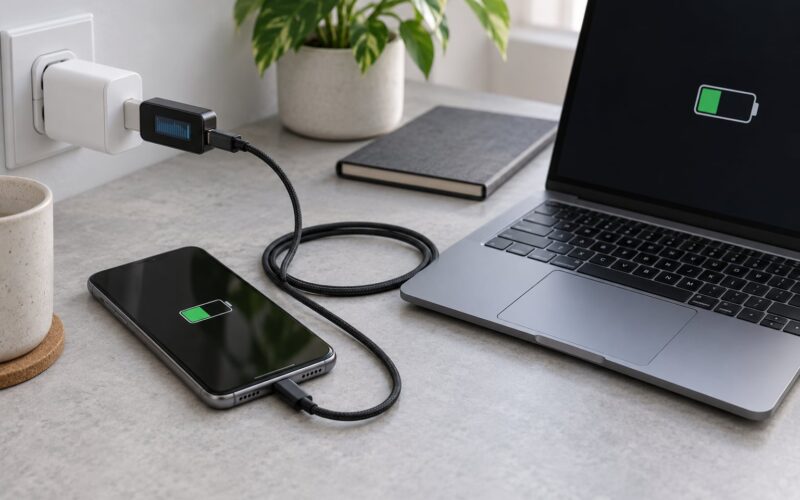
Recharge the bank from a wall adapter, not from a laptop. Laptop USB ports supply far less current, so the charge drags on for hours, sits at a trickle stage near full, and keeps the cell warm for longer than it needs to. Users routinely assume a slow laptop charge is the bank’s fault; usually the port is the bottleneck.
Match the adapter to the input rating printed on the bank. If the label says 5V 2A, use a 5V adapter at 2A or less. Plugging in a much faster brick will not force extra current into the bank — the protection circuit negotiates and draws what it needs — but it can still run the whole setup warmer than necessary.
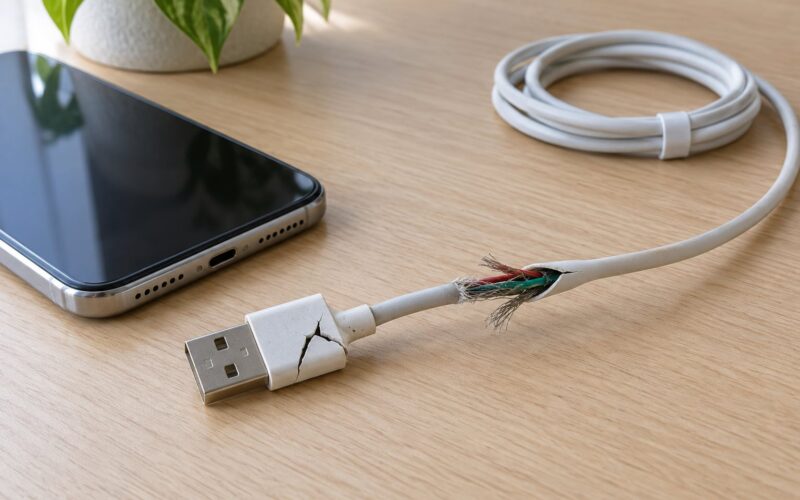
Use a cable that is intact from end to end. Any cable with a nick in the outer sheath, a connector that wiggles inside the socket, or a bend you can see through the plastic should go in the bin. Internal resistance in a damaged cable turns into heat right where it is least able to dissipate.
Charge on a hard surface with airflow around the pack. Not on a bed, not under a cushion, not inside a pocket or a bag that is zipped shut. Keep it out of direct sun and away from a heater or a hot car dashboard.
A new bank usually ships partly charged because shipping rules for lithium cells require it. There is no conditioning ritual: charge it straight to full once, then use it normally. After that, keep daily top-ups between about 20 and 80 percent if you want the cell to last as long as possible.
Connect Your Phone or Tablet Safely
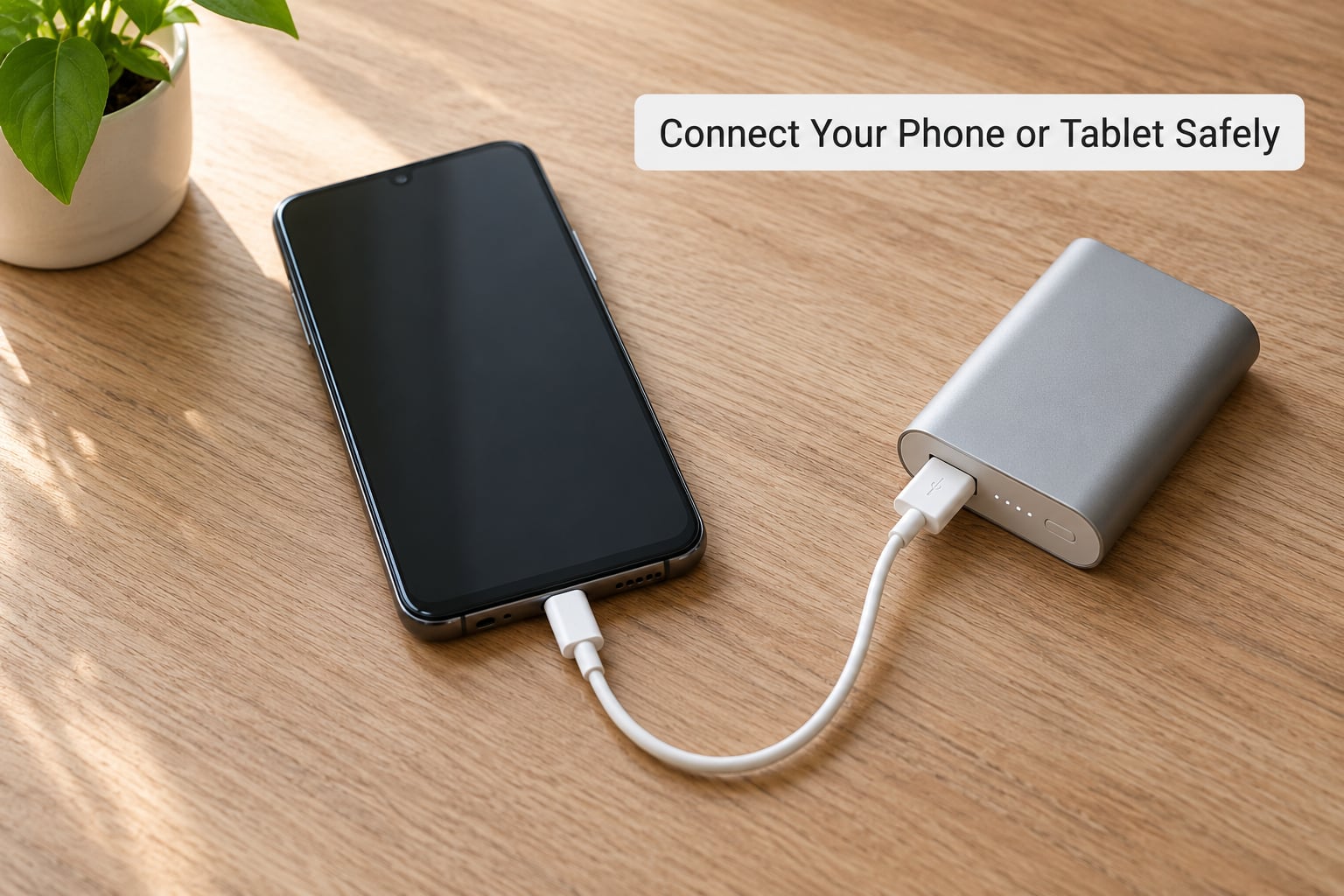
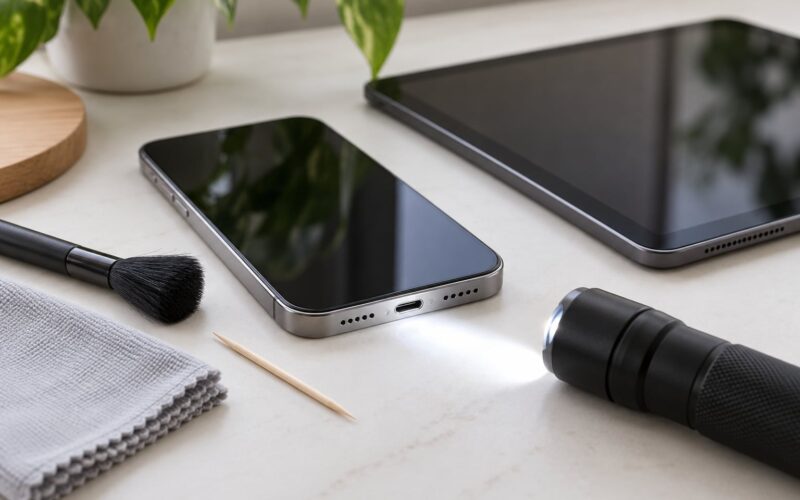
Check the phone’s charging port for lint before you connect. A compacted pocket fibre creates resistance at the contact point, and that resistance becomes heat inside the phone. Power down and check the port on both ends of the cable while you are there.
Plug the power bank into the wall first, wait for it to show a steady charge indicator, and only then connect the phone. That order keeps the phone’s charging circuit from negotiating against a bank that is still ramping up.
For a tablet or laptop, confirm the negotiated power profile before you rely on it. The phone or tablet has to support Power Delivery for the higher voltages to engage, and the cable has to be rated to carry that current — a 3A cable for 15W and up, 5A for the 45W and 65W profiles. An unmarked cable that thins out toward the connector is the weak link, and it is a common reason a big bank charges a tablet at a trickle.
When you unplug, grip the connector head rather than the cable. Yanking on the wire is how a good cable becomes a dangerous one, usually over months of use rather than in one moment.
Monitor Heat and Charging Behavior
Some warmth is normal and expected. A bank running 20W of Power Delivery converts a fifth of that power into heat, so it will feel warm to the touch during a fast charge, especially with two devices attached. That is the bank doing its job.
The warning signs look different. Heat while the bank is idle and unplugged, heat hot enough to be uncomfortable through a case, or a phone that is noticeably warmer than usual during a slow charge all point to a fault rather than load.
Also watch the charging pattern. Repeated starts and stops, a charge that sits at the same percentage for long stretches, or a bank that takes far longer than its rating suggests can mean a failing cell or a port with debris in it. Clean the ports with a dry, soft brush before blaming the battery.
If something smells sweet or burnt, if you hear hissing or popping, or if the pack is hot to the touch, disconnect it immediately. Move it to a hard, non-flammable surface away from anything that burns and let it cool there. Do not put it in a freezer, a sink, or a bag of rice — none of those help, and some make the outcome worse.
Stop and Disconnect the Power Bank When Needed
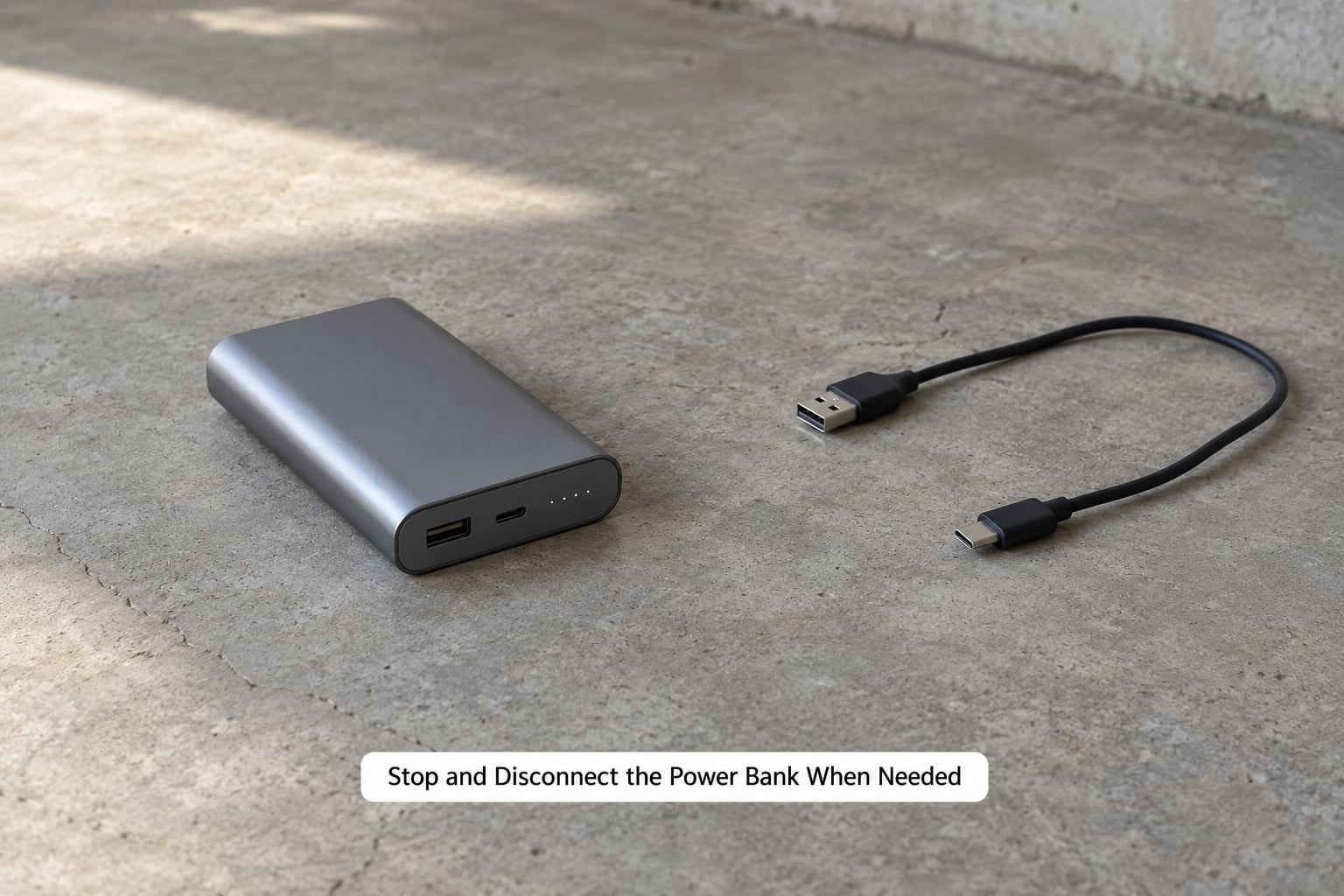
If the pack is hot, hissing, cracked, wet, or swollen, unplug it from the wall if that is safe to do. Disconnect any phone or tablet. Then move on foot to a hard surface such as a concrete floor, a metal tray or a ceramic tile, away from bedding, paper, clothing and pets.
Do not puncture, squeeze, press flat, or try to vent the pack. Gas inside a failing lithium cell is flammable, and squeezing the shell to make it look normal is the single worst thing an owner can do.
Once it is cool, handle it as little as possible. Do not charge it again, do not test it with a cable, and do not bundle it with other batteries or put it in a toolbox that travels through heat.
Take it to a proper collection point. In the US, Call2Recycle drop sites and most municipal e-waste facilities accept lithium-ion packs, including swollen ones, and Call2Recycle will tell you the nearest location. Elsewhere, look for your local battery take-back scheme or a retailer that collects e-waste.
Store and Maintain It Between Uses
Store the bank part-charged, roughly between 40 and 60 percent, in a dry place at normal room temperature. Avoid anywhere that swings between freezing cold and hot — a garage, an attic, a shed, a glovebox.
Keep it out of direct sunlight and away from radiators, cookers and cars. A parked car in summer can exceed the temperature at which a lithium pack should be stored or used, which is why leaving one in a vehicle is the most common preventable mistake.
Do not leave a bank plugged in and full for weeks at a time, or permanently empty in a drawer. Both extremes accelerate cell wear. If you only use it in emergencies, top it up every few months.
Give it a quick look each month: press the faces, check the seam, sniff it, and look at the cable. Check the ports for dust. A pack with no charge indicator, or one that no longer holds a charge between uses, has probably reached the end of its useful cycle life and should be recycled rather than trusted for an emergency.
When you fly, keep it in your carry-on, never in checked baggage. Airlines and aviation regulators generally cap spare lithium batteries at 100 watt-hours, roughly 26,800 mAh at a nominal 3.7V, and many carriers ask that you keep the pack uncovered and visible for screening rather than buried in a bag. Do not charge it during the flight. Rules vary by carrier and country, so check yours before you fly.
Common Mistakes
Almost every avoidable power bank problem comes from a short list of habits. Here is what goes wrong and what to do instead.
- Leaving a bank in a hot car. Heat is the single largest driver of cell degradation and of electrolyte breakdown that leads to swelling. Carry it with you, or accept that it stays at home.
- Charging through a damaged or unmarked cable. Resistance in a tired cable turns into heat. Replace any cable with a visible nick, a loose connector, or no amperage rating when you are pulling more than a couple of amps.
- Overloading an output port. A port rated for 1A will not deliver 3A safely, no matter how fast the plug seats. Use the port the label points you to.
- Packing a swollen bank in luggage. A swollen pack in a bag can be crushed, punctured by a key or a pen, or exposed to a heat source you forgot about. It gets recycled instead.
- Using a fast charger the bank was not designed for. Usually harmless on a decent unit, but on a cheap one it removes the margin that would have absorbed a fault. Match the input rating on the label.
- Keeping a leaking or dented battery in service. There is no safe way to make it last longer. The risk is one bad day away and the cost is low.
Three habits prevent most of the above. Buy listed capacity from a brand you can name and that prints real safety certifications, since an unbranded pack with no CE, FCC, RoHS or UL markings tells you nothing about its cells. Watch temperature, because warmth under load is fine and warmth at rest is not. Keep emergency charging kit — the bank, the cable, the adapter — in working order, checking it before you need it rather than during an actual outage.
Two more worth knowing. First, why a bank charges your phone fewer times than the label implies: it is conversion loss, not a defective unit, and no amount of troubleshooting fixes it. Second, whether a bank damages your phone battery. A quality bank with proper voltage negotiation is no worse for your phone’s cell than a wall charger, because your phone draws what it wants and controls what it accepts. Leaving either charging overnight is fine with modern protection circuits; the old advice about overcharging destroying a battery applies to devices without a management system, which no longer ships.
Frequently Asked Questions
Can I charge my phone overnight with a power bank?
Yes, with a reputable bank and an undamaged cable. Your phone draws only the current it accepts, and modern charging circuits stop at full, so the old warning about overcharging no longer applies to either device. Two caveats: charge the bank on a hard surface with airflow, not under a pillow or inside a bag, and do not leave it unattended if you have pets or small children around.
How much power bank capacity do I need for my phone?
A 5,000 mAh bank covers one full charge on most phones. 10,000 mAh covers roughly one and a half, and 20,000 mAh covers two or more plus a top-up for a tablet. Real output runs 10 to 15 percent below the label because of conversion loss, so size up if you rely on it for a long trip or an outage.
Can I use a power bank to charge a tablet?
Yes, as long as the bank’s output matches what the tablet accepts. Most tablets need at least 10W, and newer ones ask for 30W or more over Power Delivery, which means a USB-C port on the bank, a PD-capable tablet, and a cable rated for that current. A low-output bank will charge it very slowly or not at all, and force both devices to run warm doing it.
Why is my power bank getting hot, and when is it unsafe?
Warmth during a fast charge is normal, because roughly a fifth of the power becomes heat. Heat while the bank sits idle and unplugged, heat hot enough to feel uncomfortable, or any hissing, popping or sweet solvent smell is not normal. In those cases unplug it, move it to a hard non-flammable surface away from fabric, let it cool and recycle it through an e-waste collection point.
What should I do if my power bank is swollen, leaking, or damaged?
Stop charging it and stop using it immediately. Unplug it if that is safe, disconnect any device, and move it to a hard surface such as concrete or a metal tray away from anything flammable. Never puncture, squeeze or press it flat to make it look normal, since gas inside a failing cell is flammable. Once cool, take it to a Call2Recycle drop site or a municipal e-waste facility rather than household waste.
Is it safe to leave a power bank in a hot car?
No. A parked car in summer can exceed the temperature at which a lithium-ion pack should be stored or used, and sustained heat drives electrolyte breakdown, swelling and permanent capacity loss. It is not an instant danger every time, but it is the most common preventable cause of a damaged power bank. Bring it inside with you, or store the bank at home during hot weather.
Conclusion
Start with the pack in your hand, not your phone. Read the capacity and output rating, press the faces and the seam, smell it, and look at the cable. Then charge it from a wall adapter on a hard surface, keep it away from heat and soft fabrics, and treat warmth under load as normal while treating warmth at rest, swelling, hissing or any strange smell as a reason to unplug immediately.
That is the whole of how to use a power bank safely. Prevention beats troubleshooting every time, because a battery that has already started to fail cannot be made safe again. Check the pack and the cable monthly, replace anything that has been dropped, dented or left in heat, and take damaged units to an e-waste collection point rather than the household bin.