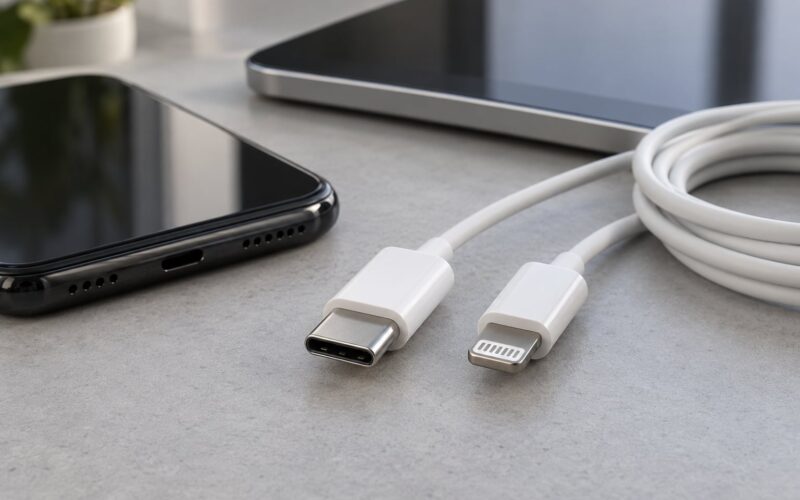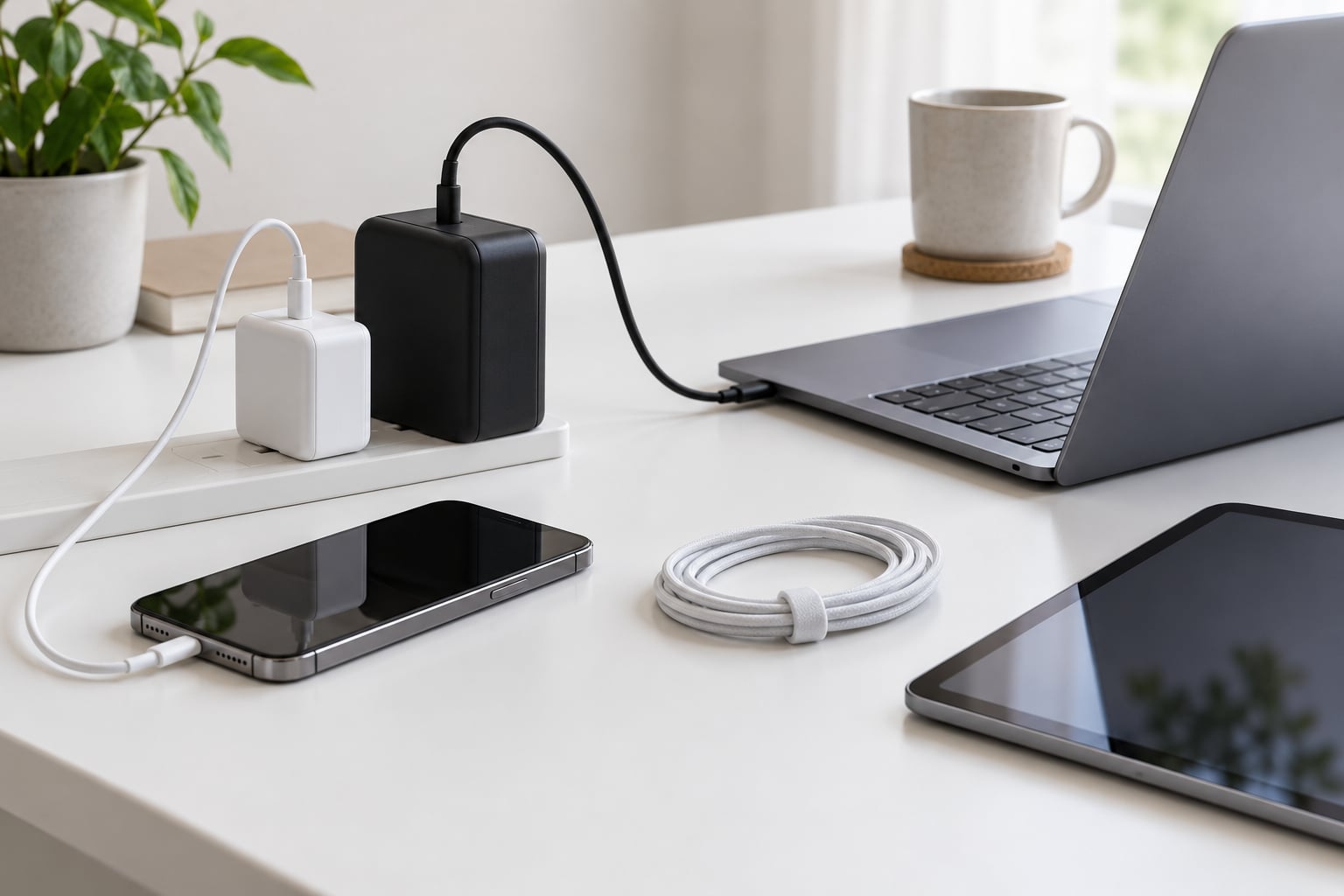
A GaN charger is a wall charger that uses gallium nitride semiconductors instead of traditional silicon, which lets it switch electricity faster and waste far less energy as heat. The result is the same charging power packed into a smaller, lighter brick that runs cooler. Below is what gan chargers are and why they matter, explained without the marketing fog.
Last updated: October 2026. No brand recommendations, no affiliate links, just the physics and the practical advice.
The short version
- GaN is the chip material, not the charging speed. It changes how efficiently power is delivered, not how fast your particular device accepts it.
- Smaller and cooler is the real win. Heat is what forces conventional chargers to be bulky. Remove most of it and the brick shrinks.
- Your device is the bottleneck, not your charger. A 100W charger connected to a phone that draws 20W will deliver 20W, and that is correct behaviour.
- Safety comes from certification, not from the material. Look for UL, ETL, CE, FCC and RoHS marks, plus over-current, over-voltage and thermal protection.
- It is not always worth it. If you own one phone and never travel, a basic USB-C charger does the same job.
Table of Contents›
- What GaN Chargers Are and Why They Matter
- Five practical benefits of gallium nitride
- How GaN Technology Works in a Charger
- What Makes GaN Different from Regular Chargers?
- Are GaN Chargers Faster Than Regular Chargers?
- Do GaN Chargers Get Hot or Damage Devices?
- What Devices Are GaN Chargers Compatible With?
- Why Are GaN Chargers Especially Useful for Travel?
- How to Choose the Right GaN Charger
- Frequently Asked Questions
- Does wireless charging use GaN?
- Is a 100W GaN charger better than a regular 20W charger?
- Do GaN chargers last longer than traditional chargers?
- Can I use a GaN charger with any USB-C phone or tablet?
- Should I replace a working non-GaN charger with a GaN model?
- The Bottom Line
What GaN Chargers Are and Why They Matter
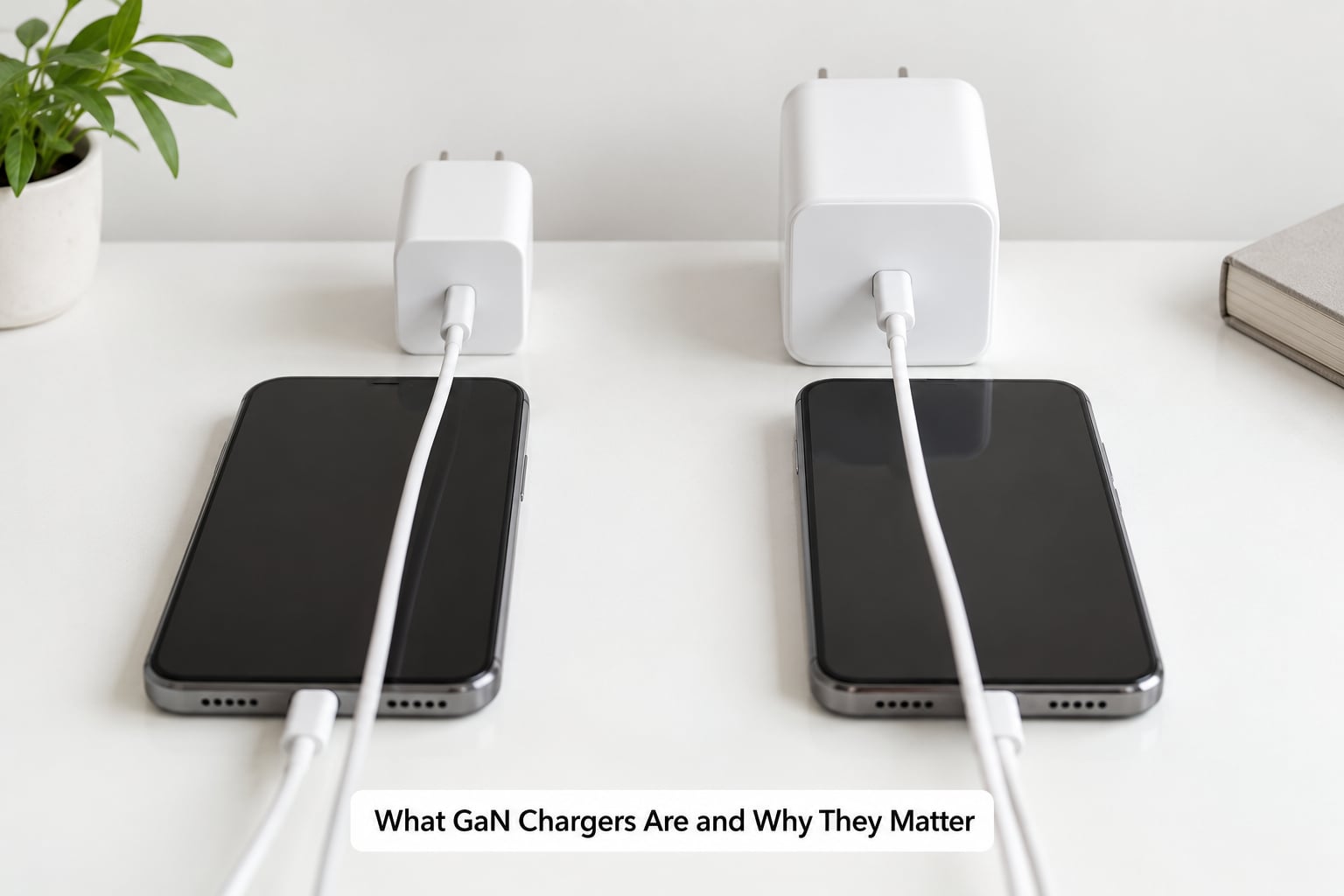
Every wall charger does the same job: it takes the high-voltage alternating current from an outlet and converts it into the lower-voltage direct current a phone or laptop wants. Inside the plastic brick are switches, coils and a small circuit board, and the switches are usually made of silicon, the same material in computer chips.
Silicon has limits. When a switch tries to change current direction very quickly, it burns energy, and that energy leaves the charger as heat. A silicon charger dealing with 65 watts has to shed a lot of that heat, so it needs a thick magnetic core, a decent heatsink and a lot of empty space. The size of the brick is a heat problem before it is anything else.
Gallium nitride, abbreviated GaN, is a different kind of semiconductor. It has a much wider band gap, roughly 3.4 electron volts compared with about 1.1 for silicon, and its electrons move through it more freely. In plain terms, a GaN switch can flip on and off far more often and survive the jump in voltage with much less energy lost each time.
Five practical benefits of gallium nitride
That gives five practical benefits, and they are the whole reason people buy these chargers:
- Smaller and lighter. Because less heat needs to be carried away, the components and shielding can shrink. A laptop-capable charger now fits in about the space of a phone charger.
- Cooler under load. Most of the power that a charger wastes leaves as heat. Losing less of it means a lower surface temperature and less heat conducted toward the battery inside your phone.
- More ports in the same footprint. The freed-up room is usually spent on a second or third port, so one brick can serve several devices.
- Less energy wasted overall. Conversion efficiency on good chargers sits in the high 80s to low 90s percent range at mid and high load. A more efficient brick draws a little less from the wall for the same job.
- Headroom for higher power. Running high power at high switching frequency in a small enclosure is hard with silicon. This is why GaN dominates above roughly 45 watts.
What GaN does not do is raise your charging speed. It is a delivery technology, not a protocol. If your phone draws a maximum of 20 watts, a 100W GaN charger will feed it 20 watts and no more, because the phone is the one negotiating and enforcing the limit.
It is also worth separating GaN from the term fast charger. A charger can be fast and silicon-based, or slow and GaN-based, because speed depends on the protocols it supports rather than the material of its switch. Readers who want the comparison in one place can jump to what makes GaN different from regular chargers below.
How GaN Technology Works in a Charger
A charger works by switching current on and off many thousands of times a second, a process engineers call pulse-width modulation. The faster the switching, the smaller the magnetic components can be, because each pulse is shorter and the transformer does not need to physically move as much material to move the energy.
A conventional silicon charger typically switches in the range of tens of kilohertz, and a good GaN design switches several times faster than that, in the hundreds of kilohertz or above. Because the pulses are shorter and the voltage step is handled more cleanly, the energy lost per switch drops sharply. Less energy lost means less heat, smaller transformers and smaller capacitors, and those smaller parts are what let the whole charger shrink.
Here is what that means in one concrete case. Charging a thin-and-light laptop through USB-C at about 45 watts leaves roughly 5 watts of loss in a decent silicon charger, which has to dissipate continuously and adds a fan in anything more powerful. A GaN version of the same charger might lose closer to 3 watts. That 2-watt difference is the difference between needing a heatsink and fins, and getting away with a quiet plastic brick.
GaN is not the only wide band gap material out there. Silicon carbide, or SiC, has similar advantages and shows up in higher-voltage applications such as electric vehicle chargers and solar inverters. In consumer power bricks, GaN won because it is easier to manufacture at the power levels and prices a phone charger needs.
What Makes GaN Different from Regular Chargers?
The differences fall into two groups: physical properties that come from the material, and everything else, which is just manufacturing and marketing. Here is the honest comparison.
| Factor | GaN charger | Conventional silicon charger |
|---|---|---|
| Switch material | Gallium nitride | Silicon |
| Typical switching frequency | Hundreds of kHz and above | Tens of kHz |
| Size for the same wattage | Notably smaller and lighter | Bigger, with heatsink and shielding |
| Heat at the same load | Lower surface temperature | Warmer, more airflow needed at high power |
| Efficiency at mid to high load | Typically high 80s to low 90s percent | Typically low 80s to high 80s percent |
| Usual power ceiling | 65W to 140W in a pocketable brick | 20W to 45W before size becomes a problem |
| Relative cost | Higher | Lower |
| Best use | Travel, desks, multi-device kits, high-power laptops | A single low-power device, budget desks |
One warning about the word GaN on a retail listing. It describes the switch material and nothing else. Two chargers both labelled GaN can differ in output, ports, thermal design and certification, and a cheap listing claiming GaN at an implausible price is often using the word as decoration. There is no consumer test that confirms a charger is genuinely GaN, so treat the label as a weak signal and the certification marks as the strong one.
Are GaN Chargers Faster Than Regular Chargers?
Sometimes, and the reason is usually the other end of the cable. Charging speed is the lowest limit in a chain that includes the charger, the cable, the charging protocol, the device’s maximum input, the battery’s charge curve and its temperature.
Your phone is normally the constraint. A phone that accepts 20 watts over USB Power Delivery will take 20 watts from a 20W charger or a 100W GaN charger and charge at the same rate. What a bigger charger buys you is the headroom to run a laptop, a tablet and a phone at once, and less heat when you do.
Protocols matter as much as wattage. USB Power Delivery, or USB PD, is the standard negotiation system over USB-C and covers fixed voltage steps plus variable ranges. Programmable Power Supply, or PPS, is a finer-grained extension that lets the charger step voltage in small increments, and several Android phones will pull noticeably more current with PPS available than they will on plain PD. Quick Charge, or QC, is a separate Qualcomm system that some Android phones support alongside PD.
The cable is the quiet failure point. A charge-only USB-C cable carries data but no high-current capability, so a laptop may charge slowly or refuse to charge at all on one. Look for a cable that supports the wattage you need, and for any run over roughly two metres, expect the phone to charge more slowly.
Your device also deliberately slows itself. Most phones taper charging as they approach full, especially once they warm up, so the last twenty percent always takes noticeably longer than the first. A charger that is too hot can trigger this thermal throttling earlier, which is one more reason a cooler brick is a real benefit.
Forum users on r/UsbCHardware run into this constantly. The most common complaint in those threads is a charger not reaching its advertised wattage, and the answer is almost always that the device capped the draw. The remaining wattage is not automatically handed to another device either, unless the charger supports per-port power balancing.
Do GaN Chargers Get Hot or Damage Devices?
Warm is normal, hot enough to be uncomfortable is a warning. A charger converting 45 watts of mains power into usable charging energy will always put some heat into the room, and a device still in use while charging adds more. The correct comparison is a GaN charger against an equivalent silicon charger, and the GaN unit is measurably cooler for the same job.
As for battery health, the mechanism is straightforward. Lithium-ion batteries age faster when they are kept hot, and the common way to shorten a battery’s life is to leave a phone in a hot car or under a pillow while it charges. A charger that runs cooler reduces the temperature the phone is sitting in during a long charge, which is mild but real. For the rest, a compliant charger never pushes more power than the device requested, so there is no overcharging to worry about.
Stop using a charger and replace it if you notice any of the following:
- It is too hot to hold for more than a few seconds at normal load
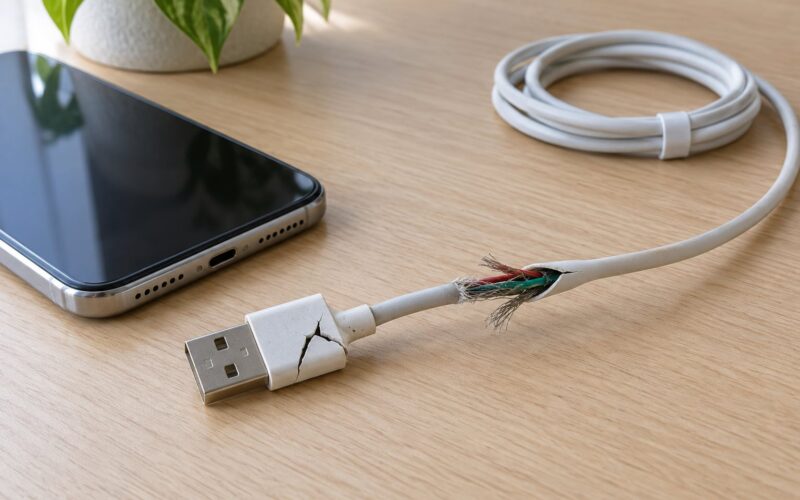
- The casing is cracked, discoloured, buzzing or smells burnt or sweet
- It has been wet, dropped or crushed
- It only works at a certain angle or with a certain cable, which points to damaged internals
- It has no manufacturer name, model number or certification marks at all
Certification is the safety argument, not the material. UL or ETL in North America, CE and FCC for market compliance and interference, and RoHS for restricted substances are the marks to look for on the body. Genuine over-current, over-voltage, short-circuit and thermal cut-offs are what actually stop a fault from reaching your battery, and those are product features, not promises attached to a material name.
Cheap marketplace chargers are where the risk concentrates. Forum discussions on no-name GaN listings come back to the same points: missing or fake certification marks, printed specifications that do not match measured output, and no manufacturer to contact when a unit fails. It is not that no-name units are automatically dangerous, it is that there is nothing behind them when something goes wrong.
What Devices Are GaN Chargers Compatible With?
Almost anything with a USB-C or USB-A port, with a caveat that matters more than it sounds: a plug that fits does not mean the connection will charge at full speed.
- Phones. Recent iPhones, Samsung Galaxy S-series models, Google Pixel handsets and most other modern Android phones use USB-C. The first step is matching the protocol, so check that the charger supports USB PD, and PPS if you have a phone that uses it.
- Tablets. iPads and Android tablets generally want 30W to 45W, more than a basic phone charger offers.
- Laptops. Thin-and-light machines often need 45W or 65W, and higher-power workstations need 100W or more. The wattage printed on the laptop’s charger is the number to match.
- Older USB-A devices. A GaN brick with a USB-A port and Quick Charge can still fast-charge many older phones, cameras, power banks and game controllers, at whatever the device itself allows.
- Small electronics. Earbuds cases, smartwatches, e-readers and small cameras will charge happily, just slowly. A higher-wattage charger does not push a low-power device harder.
Worth knowing: Apple has used GaN in its 30W and 61W laptop-class adapters for several generations, so the material is no longer a niche boutique choice. It ships in the chargers that ship with premium laptops.
Compatibility has a physical layer too, and it catches people travelling. Most GaN chargers take 100-240V input, which covers most of the world, but a minority are built for a single country’s voltage. Check the input rating printed on the body before you pack it.
Why Are GaN Chargers Especially Useful for Travel?
Because the size of a charger is a proxy for the number of bricks you carry. A 100W four-port GaN unit can replace a phone brick, a tablet brick and a laptop brick, and users on r/onebag describe exactly that trade, trading three adapters and a bag compartment for one unit and a shorter cable run.
Before packing one, check four things. The input voltage range, so you can use it in more than one country. The plug format, or whether the pins fold flat, since fixed pins are the main reason a compact charger still bulges a bag. The total output and how it is divided across ports, because many multi-port chargers share a budget rather than delivering the full rating per port. And the number of ports, matched to how many devices you actually carry rather than the theoretical maximum.
One more small thing: check the standby draw printed on the label. A modern charger left plugged in with nothing attached uses a small but non-zero amount of power continuously, and over a year that adds up. Unplugging a travel charger when you leave a room is a simple habit that costs nothing.
Airlines are relaxed about chargers in cabin baggage. The weight and space saved is the more interesting number, and for most travellers that is the deciding factor.
How to Choose the Right GaN Charger
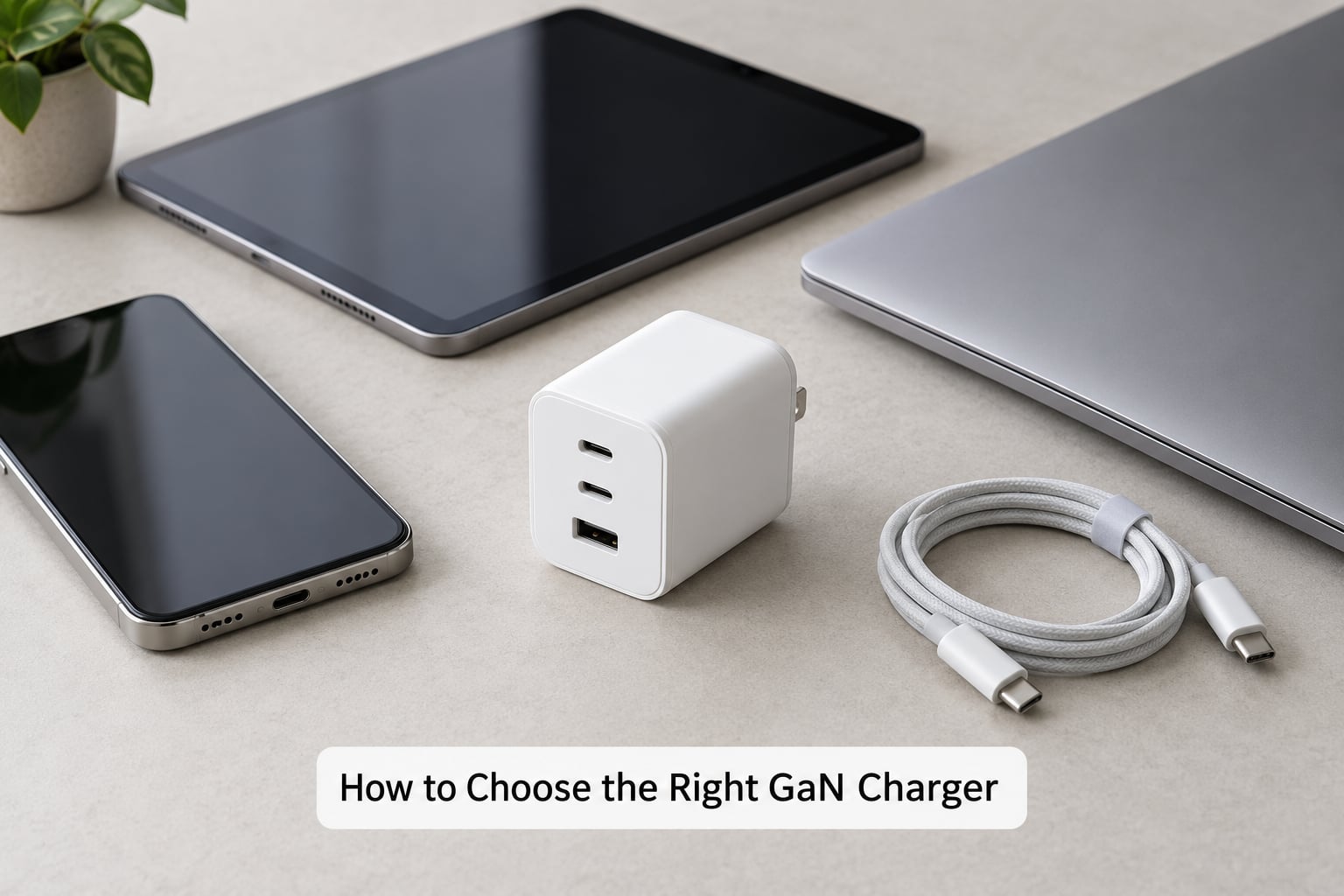
Start from the devices, not the wattage on the box. Note the maximum input each one accepts, usually printed in small text on the charger that came with it or in the device specifications, and let the largest of those numbers set your target.
| Device | Rough wattage to target | What that gets you |
|---|---|---|
| Phone | 20W, with PPS if available | Full speed on most modern handsets |
| Tablet | 30W to 45W | Full speed on iPads and larger Android tablets |
| Thin-and-light laptop | 45W to 65W | Enough for most ultrabooks; many charge slower below their rated wattage |
| Powerful laptop | 100W or more | Full speed on higher-power machines and gaming handhelds |
| Several devices at once | 100W or more across three or four ports | One brick for a whole travel kit, with per-port budgeting to check |
Then run through this checklist:
- Port count and layout. Two USB-C ports is usually enough for phone plus laptop. A side-mounted port that clears a thick laptop charger is worth checking if you use one daily.
- Total output versus per-port output. The headline wattage may be the sum across all ports, and a 100W charger might deliver 30W from one port while four are plugged in. This is the single most misunderstood number on the box and the most common reason people think a charger is underperforming.
- Protocol support. USB PD is the baseline. PPS helps compatible Android phones. Quick Charge helps older USB-A devices.
- Your cable. Confirm the cable you own can carry the wattage, and that it is a charge and data cable rather than a charge-only one.
- Certification. UL, ETL, CE, FCC, RoHS, and a real manufacturer name and model number printed on the casing.
- Input rating. 100-240V if you travel internationally, otherwise confirm it matches your local supply.
- Thermals and build. A tight, solid-feeling casing with vents where heat is expected, not sealed shut.
- Support and warranty. A stated warranty period and a company that answers support email are a decent proxy for whether the internals are to standard.
Red flags worth skipping: an implausible wattage-to-price ratio, no model number, no support contact, a listing that never states the output voltage and current per port, and a charger described only as a “fast charger” with no protocol named at all.
There are real downsides, and the honest ones are about fit rather than quality. GaN chargers cost more than the charger they replace. Some models have fewer ports than a bulky OEM brick with two USB-A sockets. A very high-wattage four-port unit is wasted on a single low-power phone. And the word GaN itself guarantees nothing, which means you still have to evaluate the product, not the material.
Skip one entirely if you own a single phone, charge it at home and never leave the country. You would be paying extra for capacity and portability you do not use.
Frequently Asked Questions
Does wireless charging use GaN?
Usually not, in the part you care about. A Qi wireless charging pad does convert power internally, and some pads use GaN, but your phone is not receiving the charger’s semiconductor directly. The Qi standard itself caps inductive charging at 15 watts, and charging efficiency over air is much worse than a wired connection. If speed matters, a cable still wins. GaN is a technology for wired power conversion.
Is a 100W GaN charger better than a regular 20W charger?
It is not better for a phone. A phone that accepts 20 watts charges at the same rate from either, because the device limits the draw. A 100W GaN charger earns its extra capability when you also charge a laptop or tablet, or several devices at once, and it handles that load with less heat and a smaller body. For one low-power phone, the 20W charger does the same job.
Do GaN chargers last longer than traditional chargers?
The components inside a GaN charger tend to run cooler and under less stress, so longevity is at least as good and sometimes better, particularly for the magnetic parts that dislike sustained heat. That said, the semiconductor is rarely the failure point in a charger that dies. Cheap capacitors, poor solder joints and counterfeit parts are what actually end a charger’s life. Choose a certified unit from a company with real support and it should outlast the one it replaces.
Can I use a GaN charger with any USB-C phone or tablet?
Yes, physically and electrically, as long as the charger takes mains power from an outlet and the cable is USB-C on both ends. It will not damage a device that draws less than the charger offers, because charging is negotiated and the device enforces its own limit. You may simply get normal speed rather than fast speed if the protocols do not line up, so check for USB PD support and PPS if your phone uses it.
Should I replace a working non-GaN charger with a GaN model?
Only if the old one is genuinely inconvenient, which is usually about size, warmth or having too few ports. There is no battery-health reason to upgrade, and a working 20W charger for a phone is doing its job exactly as intended. Swap when you start carrying a laptop, when your charger runs uncomfortably hot, or when you want one brick instead of three. Otherwise, keep the charger you have and spend the money elsewhere.
The Bottom Line
GaN chargers matter because lower heat means smaller bricks, and smaller bricks mean one charger instead of three. The material does not make your phone charge faster, and it is not a safety certification in itself.
Check five things before buying: the charging protocols it supports, the power your biggest device actually needs, whether your cable can carry that power, the certification marks on the casing, and the real per-port output once everything is plugged in.
Then buy only if one of those produces a real benefit, a laptop to charge, several devices to carry, or a charger that currently runs uncomfortably hot. Otherwise a basic certified USB-C charger will do the same job for less.