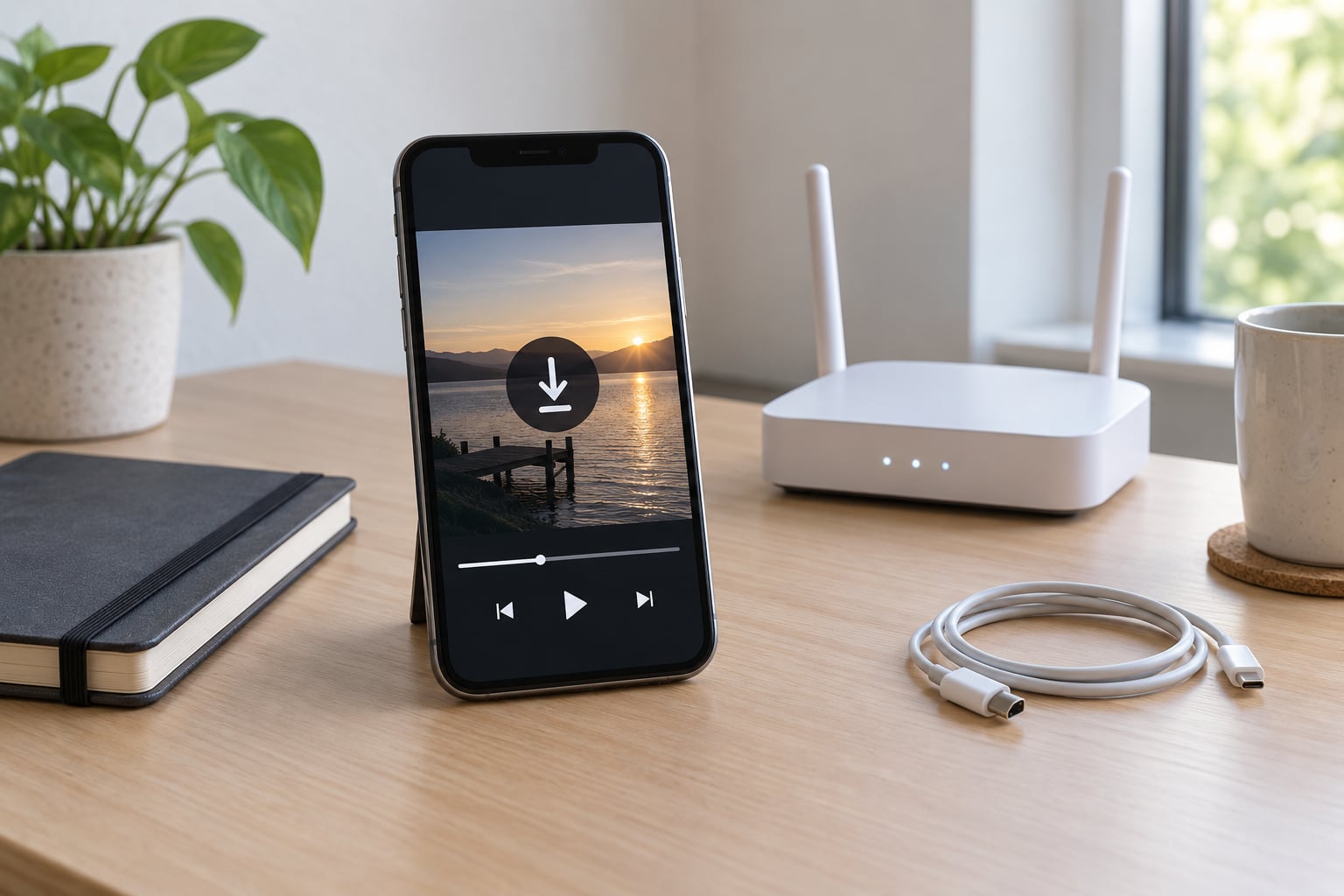
The official way to do this is YouTube Premium inside the YouTube app on a phone or tablet. Tap the download icon under a video, pick a quality, and it plays offline. On desktop there is no download button at all, and free accounts get no offline saving, so the honest answer for a desktop user is different.
Quick summary of the four routes that stay inside the rules, updated for 2026:
- YouTube Premium on mobile — the only method YouTube itself offers. Works in the YouTube app and in YouTube Music for audio.
- Watch Later and history, used offline — free, but not a download. Queued videos stay listed so you can start them again without signal.
- Creative Commons and public domain videos — the creator has already granted download rights on some or all of their videos, so you can grab the file with any tool.
- Your own uploads and videos you made — you own the rights, and YouTube keeps your original file in Google Photos and your channel’s Studio library.
This article is general information about how platforms and copyright law work, not legal advice. Rules differ by country, and if a video is not yours, ask the rights holder before you take it offline.
Table of Contents›
- What You Need
- Step-by-Step
- How to Download YouTube Videos Legally With Premium
- How to Save Videos Offline in the YouTube App
- How to Download YouTube Videos Legally on Desktop
- How to Manage Offline Downloads on Mobile Devices
- How to Find Videos You Are Allowed to Download Free
- Common Mistakes
- The download icon is missing
- Downloads vanished after a few weeks
- “Free” means it must be legal
- Terms of Service versus copyright law
- Live streams and recordings
- Screen recording instead
- Converting to MP3 for study
- Frequently Asked Questions
- Does YouTube let you download videos for offline viewing?
- Is there a free alternative to YouTube Premium for offline use?
- Why can’t I download YouTube videos offline?
- Is yt-dlp illegal to use?
- Is it legal to convert YouTube videos to MP4 or MP3?
- How long do YouTube Premium downloads stay on my phone?
- Conclusion
What You Need
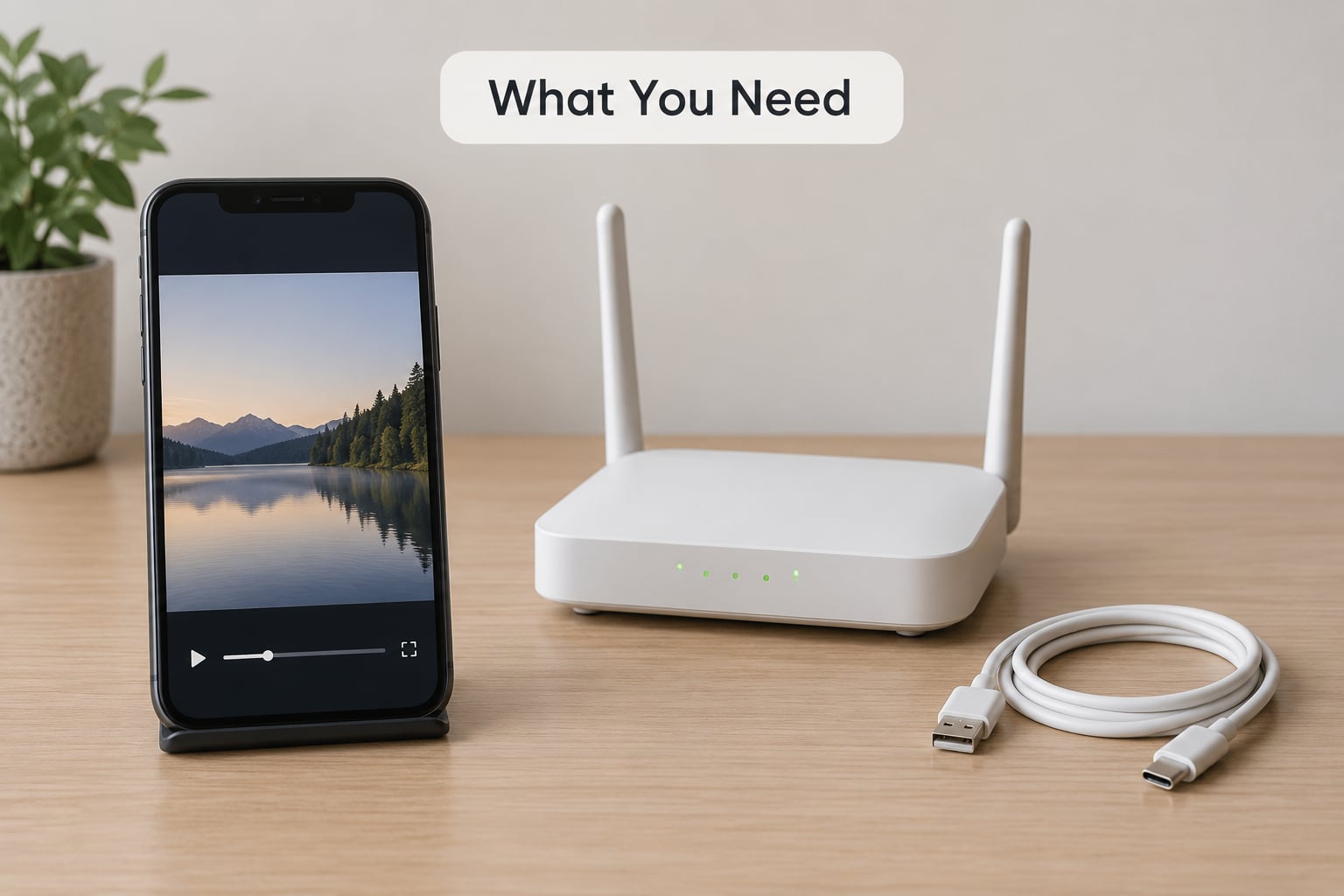
Four things decide whether a video can be saved officially: a signed-in account, the right app, an active subscription where one is required, and enough free storage.
- A YouTube account signed in on your device. Offline saving follows the account, not the phone, so sign in before you start downloading.
- The official YouTube app for Android or iPhone/iPad. The desktop browser and the desktop site do not offer offline saving.
- A YouTube Premium subscription when the video is not licensed for download. Premium is the only paid route YouTube supports for offline viewing.
- Storage. A saved 1080p video typically needs a few hundred megabytes, so check free space before a trip.
- A connection for the first save. Downloads must complete while you are online; after that they play without signal.
You do not need any extra app, extension or converter for the official route. If a guide tells you to install something to “unlock” downloading, that is the warning sign.
Step-by-Step
How to Download YouTube Videos Legally With Premium
YouTube Premium is the subscription that gives you the official download button. It works in the YouTube app on Android and iOS, and Premium members can also save music offline in YouTube Music.
- Open the YouTube app and sign in with the account that has Premium.
- Play the video or tap the three-dot menu on the thumbnail. Tap Download.
- Choose a quality — the options usually run from a smaller data-saver file up to 1080p on the highest plan tier. Higher quality means a much bigger file.
- Wait for the arrow to fill and turn grey. That icon is your proof the save finished. Go to Library > Downloads and the video should be listed with a download arrow next to its title.
Downloads are tied to your subscription. While access is active, keep the app connected to the internet at least once every 29 days or the saved file stops playing and is removed. YouTube does not email you about this, which is why people lose downloads after a holiday abroad.
How to Save Videos Offline in the YouTube App
Without Premium, the YouTube app still gives you two free ways to organise what you plan to watch, plus a few videos you can save outright.
- Watch Later. Tap Save to Watch Later under a video. The playlist is stored on your account and stays available offline for a short window after opening the app, so you can line up a queue before a flight.
- History. Anything you have watched stays in History, and that list is readable offline too.
- Videos with a download icon and no Premium label. Some creators release material under a Creative Commons licence and YouTube shows the download icon to everyone. The licence is the reason, not the subscription.
To verify a save, lock your phone, open the YouTube app with Wi-Fi and mobile data switched off, then start the downloaded video. If it plays, the file is on the device. If it stalls on the buffering circle, you are watching a cached stream and need the download instead.
How to Download YouTube Videos Legally on Desktop
You cannot legally download YouTube videos on a computer through YouTube’s own site. There is no download button in the desktop player, and Premium does not add one.
What does work on desktop depends on what you are watching:
- Your own uploads. Sign in to Studio at studio.youtube.com and open your channel’s content list, where the original file can be downloaded. Google Photos and Google Drive also hold the copy you uploaded.
- Creative Commons videos. When a creator applies the Creative Commons licence on the YouTube Studio licence screen, YouTube shows a Download button on the watch page itself. That button appears in a desktop browser because the licence grants the right, not because of any subscription.
- Public domain and government works. If a video is in the public domain, nobody owns the copyright, so saving it is not a copyright problem.
Videos you made yourself are simpler still: the original file is on your own drive or phone, and re-uploading it does not change that.
If you need a file for work on a Mac or Windows machine, save it on your phone with Premium and move it across, or use a browser that can handle a Creative Commons download. Anything that promises to pull protected YouTube video into an MP4 file on desktop is doing what YouTube’s terms forbid, no matter how the site is worded.
How to Manage Offline Downloads on Mobile Devices
Open the YouTube app, tap your profile picture, choose Library, then Downloads. There you can see each saved video, its file size and how long is left before it needs a connection.
- Set a connection quality. Switch between Wi-Fi only and any connection under the app’s data settings, which matters if you have a data cap.
- Watch the storage indicator. A video that has been fully saved shows a download arrow. A half-finished one shows a pause or continues on the next Wi-Fi connection.
- Turn off data saver on a long trip if you want full quality downloads; data saver drops the resolution.
- Renew expired access. If downloads stopped working, open the app while online for a few minutes and play something. That refreshes the 29-day window.
- Delete what you no longer need. Swipe a download away or use the delete option in the list; it frees space immediately.
Age-restricted and private videos have their own rules. Age-restricted videos usually cannot be saved offline at all, even with Premium. A private video only plays for the accounts you invited, and only if those invited accounts have the right age settings.
How to Find Videos You Are Allowed to Download Free
A fair number of YouTube videos are published under a licence that permits saving. Finding them takes about a minute.
- Open the watch page of a video and scroll to the description.
- Look for a line naming the licence, usually under “Licensed to YouTube” or near the bottom of the description, or check the video’s details panel.
- Check the watch page for a download icon. If it is there, you have permission. Note whether the licence covers re-use of derivatives, and whether it requires credit — the standard Creative Commons conditions are attribution, share-alike, non-commercial or no-derivatives, in various combinations.
You can filter the same way inside Creative Commons itself: its YouTube search view lets you set a licence filter and an embeddable filter, which gives you a list of videos you are allowed to download and reuse with the conditions attached.
Common Mistakes
The download icon is missing
Usually one of four causes: you are signed into an account without Premium, you are on the desktop site, the video is age-restricted, or the creator turned downloads off for that upload. Premium only applies to the phone and tablet apps. YouTube Shorts also have no official download option, so there is no legal Premium route for those.
Downloads vanished after a few weeks
The 29-day reconnection window. Open the app while online, play anything, and the timer resets. Downloads also disappear if a Premium subscription lapses.
“Free” means it must be legal
No. A free tool can still break YouTube’s terms and can still strip the protection from copyrighted work. On top of that, free downloader sites are a common malware route, and some stamp a QR code or push notifications onto saved files. If you need a file, get it from a channel that licensed it.
Terms of Service versus copyright law
These are two different things people mix up. Breaking YouTube’s terms is a contract issue and can get your account suspended. Copying protected work without permission is a copyright issue and can carry real liability. Using a downloader hits both, which is why “I only watched it for myself” is not a reliable defence.
Live streams and recordings
You cannot download a stream while it is live. Once the channel publishes the replay, Premium members can save that replay like any other video.
Screen recording instead
Your phone, tablet and laptop can record the screen, and that recording is yours. It is a poor substitute for a download: lower resolution, no seeking, ads and overlays baked in, and audio that can drift. It is fine for a five-second clip or your own screen, and poor as an archive.
Converting to MP3 for study
Extracting audio from material you have no rights to is still copying, even for personal listening. If a lecturer or publisher gives you permission, or the video carries a permissive licence, audio-only offline listening is fine. Podcast apps that offer a proper offline download for licensed shows do the same job without the grey area.
Frequently Asked Questions
Does YouTube let you download videos for offline viewing?
Yes, but only through YouTube Premium in the YouTube app on Android and iOS. Tap the download icon under a video, choose a quality up to 1080p on the highest plan, and find it under Library and Downloads. The desktop site has no download button, and Premium does not change that. Some Creative Commons videos can be saved without a subscription.
Is there a free alternative to YouTube Premium for offline use?
Sort of. Free options include videos published under a Creative Commons licence, which show a download icon for everyone, public domain and government work, and your own uploads through YouTube Studio. Watch Later and History also work offline for a short window. What none of them give you is Premium’s background play, ad-free viewing and data saver.
Why can’t I download YouTube videos offline?
Check four things in order. First, Premium downloads only work in the phone and tablet apps, not the desktop site. Second, the video must not be age-restricted, which blocks saving even for subscribers. Third, the creator can disable downloads for an upload. Fourth, your subscription may have lapsed. Shorts have no official download feature at all.
Is yt-dlp illegal to use?
The tool itself is open source and legal to install. Using it to copy copyrighted YouTube videos breaks YouTube’s Terms of Service and can infringe copyright, and plenty of people use it for exactly that. It becomes clearly lawful when the video is public domain, licensed under Creative Commons, or is your own upload. Check the licence before you use any downloader.
Is it legal to convert YouTube videos to MP4 or MP3?
The format does not change the rights question. Converting a video you do not have permission to copy is still copying, whether the output is MP4, MP3 or any other container. It is fine for your own uploads, for Creative Commons videos where the licence allows derivatives, and for anything in the public domain. Personal study is not an automatic exception in every country.
How long do YouTube Premium downloads stay on my phone?
About 29 days. You need to open the YouTube app and connect to the internet at least once in that period, usually by playing anything, and the clock resets. Miss the window and the saved files stop playing and are deleted. If that happens while your subscription is still active, reconnecting and playing a video brings them back.
Conclusion
Start by opening the YouTube app on your phone and checking whether the account signed in has Premium. If it does, tap the download icon under a video, pick a quality, and confirm it under Library and Downloads. If it does not, look for videos carrying a Creative Commons licence, where the download icon appears for everyone, and get your own uploads from YouTube Studio.
That is the whole of the official route for offline use. Everything else depends on rights you do not hold.