Fingerprint vs face unlock, which is safer? A capacitive or ultrasonic fingerprint sensor is the safer default because it needs physical contact with a finger that belongs to you, while a good 3D infrared face system is a close second and far more convenient. Camera-only 2D face unlock is the one genuinely weak option.
That answer has a condition attached, and the condition is the whole story. When you compare fingerprint vs face unlock, the label on the setting tells you almost nothing. A 3D depth-sensing system that builds a map of your face in infrared and checks that you are looking at the screen behaves very differently from a front camera doing a flat photo match, even when both appear under the same menu name on an Android phone.
Biometrics are also convenience, not the security boundary. Whatever you choose, the passcode underneath it is what actually protects your data, and on both iOS and Android the phone falls back to the passcode after a restart and after a run of failed attempts. I would treat every biometric as a fast door into a room that a good lock still guards.
Below is the honest version of the comparison, including the cases where each one fails on you in real life.
Table of Contents›
- Fingerprint vs Face Unlock Which Is Safer at a Glance
- How Biometric Unlock Security Actually Works
- Fingerprint Unlock: Security Strengths and Weaknesses
- Face Unlock: Security Strengths and Weaknesses
- Fingerprint vs Face Unlock for Accuracy, Privacy, and Everyday Use
- Which Should You Choose?
- How to Make Either Biometric Method Safer
- Frequently Asked Questions
- Can face unlock be tricked by a photo?
- Can someone steal a fingerprint and use it to unlock a phone?
- Is fingerprint unlock safer than face unlock for a shared device?
- Which biometric unlock works best with gloves or wet hands?
- What should I do if fingerprint or face unlock keeps failing?
- Is it safer to use a PIN, password, or biometric unlock?
- Conclusion
Fingerprint vs Face Unlock Which Is Safer at a Glance
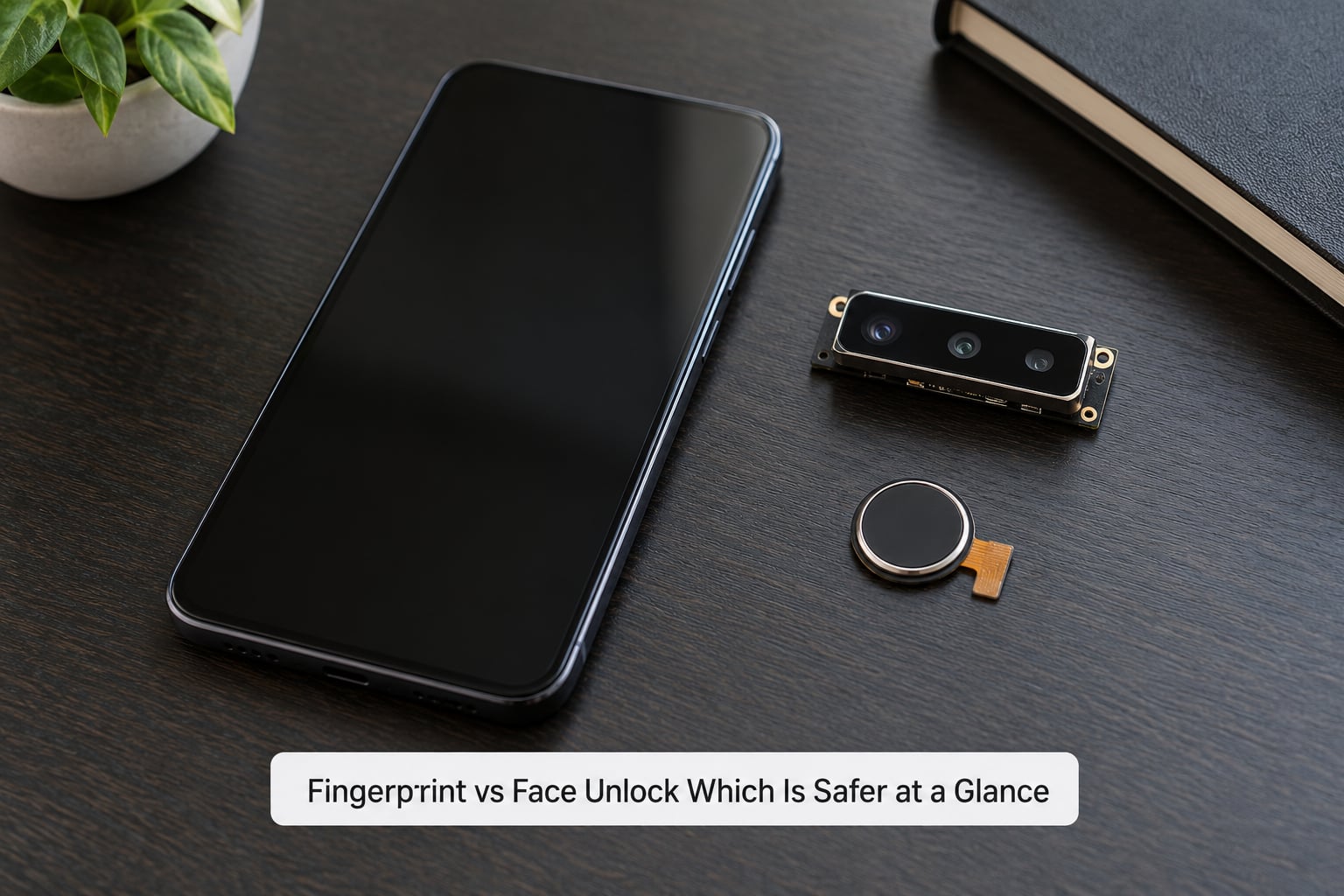
A capacitive or ultrasonic fingerprint sensor wins on spoofing resistance because unlocking requires a finger pressed against a sensor that measures ridges or skin depth, which a printed photo cannot satisfy. A 3D infrared face system with an attention check is nearly as strong and much faster in daily use. A 2D camera match loses to both.
| Criterion | Fingerprint unlock | Face unlock |
|---|---|---|
| Resistance to a photo or video | Not applicable, no image is involved | Strong on 3D infrared systems, weak on 2D camera matches |
| Resistance to a fake finger | Very strong on ultrasonic, good on capacitive, moderate on optical | Very strong with depth mapping and liveness checks |
| Physical contact needed | Yes, finger on sensor | No, it works at a distance |
| Works with dirty or gloved hands | Poor, moisture and grime cause rejections | Good, nothing touches the sensor |
| Works with a mask or helmet | Yes, face is covered | Fails on most systems, partial support on newer ones |
| Low light and darkness | Fine, the sensor lights its own target | Fine on systems with infrared illumination |
| Very similar-looking people | No issue, prints differ | Rare confusion with twins or siblings |
| Enrolled samples per person | Several fingers, usually up to ten | One face, though some systems store two |
| Shared device behaviour | Anyone whose finger is enrolled gets in | Anyone who passes the camera check gets in |
| Best fit | Masked, gloved, wet or shared-use conditions | One-handed use, pockets full, accessibility needs |
How Biometric Unlock Security Actually Works
Both methods run the same four-step pipeline, and understanding it explains why a good implementation beats a weak one every time.
First the sensor captures a sample: a ridge image from your fingertip, or an infrared depth map of your face. Second, software converts that sample into a mathematical template, a compact set of numbers that describes the pattern without storing anything you could recognise. Third, the new template is compared with the stored one. Fourth, if they match closely enough, the phone releases the key that decrypts your data.
On current phones the stored template is held inside a secure enclave, a separate processor with its own memory that the main operating system cannot read. Your fingerprint or face image is not written to the general storage area, and it does not get uploaded anywhere, so a stolen phone without the right passcode yields nothing useful from that data.
What does not get stored is not the only thing that matters. What decides security is the threshold the comparison uses, how well the sensor measures, and whether the system checks for a fake sample. Those three details separate a depth-sensing system from a flat camera match, and an ultrasonic sensor from a cheap optical one. Sensor class, not the marketing name, sets the ceiling.
Fingerprint Unlock: Security Strengths and Weaknesses
The core strength is simple: the sensor needs a finger that is physically present and pressed onto a surface. A photograph of a fingerprint on a screen or door handle carries ridge detail but not the three-dimensional structure the sensor expects, so it usually fails.
Sensor class matters more than most buyers realise. A capacitive sensor reads the ridges that interrupt a tiny electric field, which resists a thin film or a moulded replica. An optical scanner photographs the print with light and can be fooled by a well-made 3D-printed or silicone copy. An ultrasonic sensor pulses sound into the fingertip and reads the echo, mapping ridges and subsurface tissue, so it is the hardest of the three to spoof with a replica and the most tolerant of a slightly wet finger.
That same strength turns into the main practical complaint. A wet hand, a smudged screen, a bandage, dry winter air or a latex glove all produce rejections, and repeated rejections feel like a security failure even though they are only a sensor behaving physically. The phone then asks for the passcode, which is exactly the moment most people decide biometrics are unreliable.
Two more limitations are worth naming. The same finger enrolled on two devices is a weak secret, since fingerprints are among the least secret physical traits humans have. And a stolen phone with a fingerprint reader plus no passcode is a bigger problem for the owner than one protected by an attention-checked 3D face system, because the passcode is the only thing standing between a stranger and a working unlock.
Face Unlock: Security Strengths and Weaknesses
A 2D camera face unlock takes a flat image and compares it with the stored template. That is a comparison a printed photo can satisfy, and researchers have demonstrated it repeatedly, which is why most 2D implementations are only used to hide notifications and to approve payments, not to open the phone.
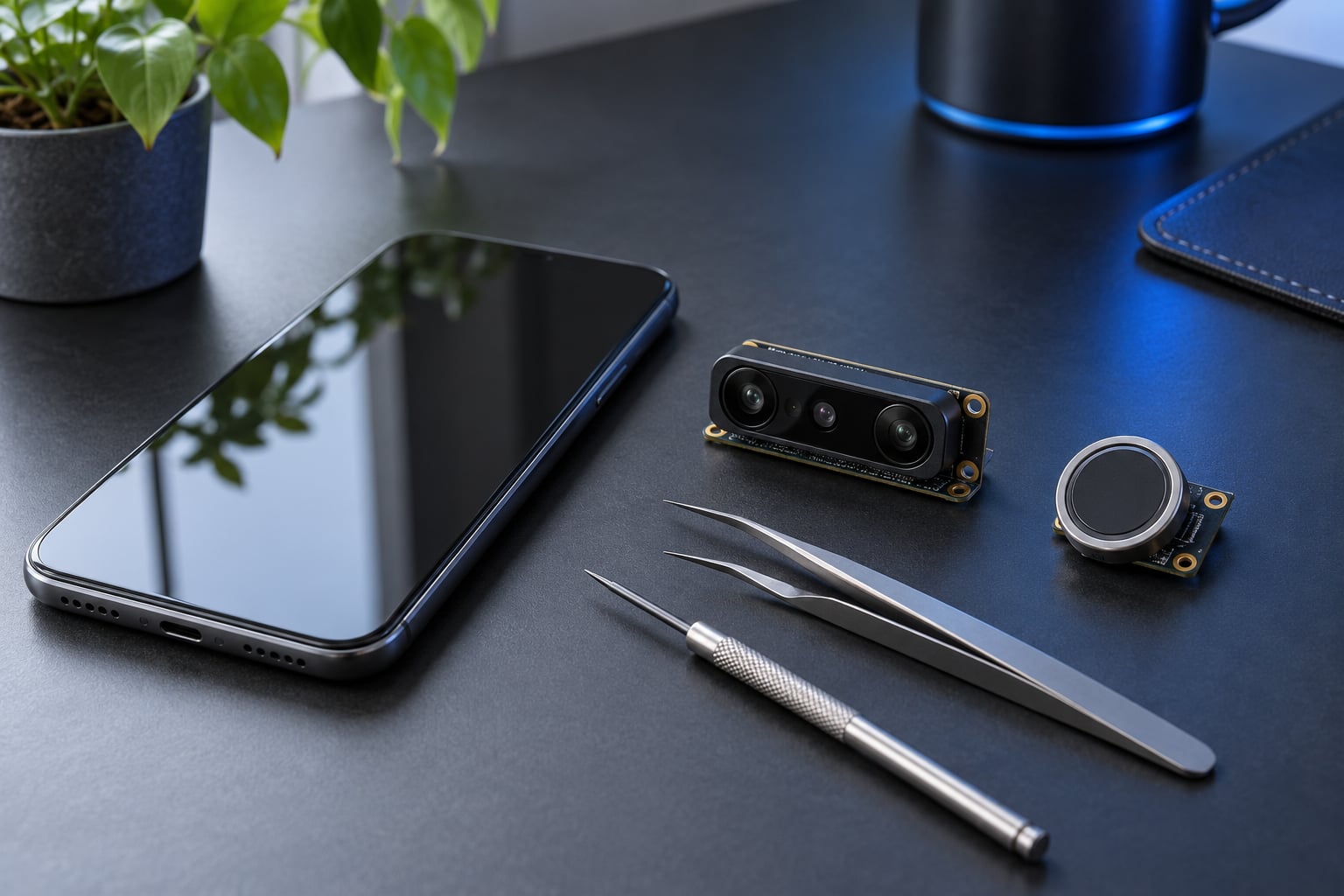
A 3D system works differently. An infrared dot projector throws thousands of invisible points across your face, a sensor reads the pattern back, and the phone builds a depth map. A flat photo has no correct depth, so it fails. Some systems add an attention check that requires your eyes to be open and directed at the screen, so a mask, a sleeping face or a phone propped on a desk aimed at you will not authenticate. On PrivacyGuides, users describe exactly this spread, with one noting that face unlock can run from anyone-with-a-photo-terrible to 3D sensors and an attention check being extremely good.
Accuracy is not perfect either. Twins and very similar siblings are the classic hard case, and in testing with similar-looking siblings the systems sometimes make mistakes, particularly with masks on. The trade is not elimination of error, it is moving the error rate into a range small enough to live with.
The privacy side runs the other way from fingerprint residue. Your fingerprint is left on every surface you touch and can be lifted from a glass. Your face is not left behind, and the template is matched locally, which is why privacy-minded users tend to prefer it. The counter-argument is compulsion: in some jurisdictions an owner can be required to unlock a device with their face or finger, while a passcode is protected in more places. Anyone weighing this should check local law rather than rely on general advice.
Fingerprint vs Face Unlock for Accuracy, Privacy, and Everyday Use
Two terms explain most complaints. The false acceptance rate is how often a system wrongly admits someone who is not you, and it is the number that matters for security. The false rejection rate is how often it refuses you when you are legitimately trying to get in, and it is the number that drives frustration.
A perfect system would have both at zero. Real sensors do not, and the trade is a dial. Vendors push false acceptance down for security, which pushes false rejection up, and a generous false acceptance rate on a convenience feature like notification previewing is fine while the same rate on phone entry is not.
By sensor class the pattern is consistent. Ultrasonic and 3D infrared sit at the tight end for both measures. Capacitive sits close behind. Optical fingerprint and 2D camera sit at the loose end, where a moulded replica or a good photo has a real chance. Platform labels hide this: several Android phones call both a camera match and a depth-sensing system face unlock.
In everyday situations the two separate quickly.
- Bright sunlight or rain: both sensors cope. Screen brightness often matters more than the biometric.
- Gloves and cold weather: face unlock wins easily, since it needs no bare fingertip.
- Wet hands at the sink: face unlock wins.
- Mask and helmet on a motorcycle: fingerprint wins, because the face is half covered.
- Phone face down on a table: fingerprint wins, since it needs deliberate action. An always-on camera can respond to a face passing by.
- Shared family or work phone: whichever requires a deliberate action wins. A face system can trigger for whoever leans over the screen.
- Older users or limited hand mobility: face unlock removes the pinch-and-hold gesture entirely, which is often the deciding factor.
- Children using a parent’s phone: either works if enrolment is limited to one person, since a child can match a similar face more easily than a fingerprint.
- Glasses, heavy makeup or a beard change: re-enrol after a visible change, since both systems can start rejecting.
Which Should You Choose?
Choose a fingerprint sensor, ideally ultrasonic or capacitive, if you wear a mask or helmet regularly, work outdoors, share devices, have a wet-handed routine, or simply prefer that unlocking requires a deliberate physical action. Choose face unlock if your device has 3D infrared sensing with an attention check, you want one-handed access with a full pocket, or the tap-and-hold motion is hard on your hands.
Do not choose face unlock on a phone whose face system relies on a single front camera. If your settings describe face unlock as a face recognition option with no depth or attention wording, check whether it currently requires the passcode to open the phone, and turn off any version that opens it from a flat photo match.
Whichever you pick, set a long random passcode before enrolling anything. On a phone with no passcode, biometric enrolment is the only thing standing between a thief and your messages.
How to Make Either Biometric Method Safer
These steps apply to both methods and take about ten minutes.
- Set a long passcode first. Six random characters beat a four-digit PIN, and the passcode is what biometrics fall back to.
- Turn on automatic lock and a short timeout. A phone that stays open on a desk defeats the entire comparison.
- Enable failed-attempt protection. Both platforms rate-limit or lock out after repeated rejections, which slows offline guessing.
- Use the attention check where it exists. On iOS this is the attention awareness setting, and on Android look for a require-attention or eyes-open option.
- Limit who is enrolled. Delete extra fingers or a second face the moment someone else stops needing access.
- Re-enrol after changes. New glasses, a beard, a new fingerprint after a cut, or a repaired screen all justify a fresh scan.
- Skip third-party unlock apps. Anything asking for camera access at the lock screen is trading your security for a feature the phone already has.
- Set up remote lock before you need it. On iOS that is Find My and Activation Lock, on Android it is Find Hub and the device lock. Test that the remote wipe prompt appears before a theft, not during one.
- Recheck settings after a repair or reset. A screen replacement or factory reset can silently restore default biometric behaviour.
- Keep the device updated. Presentation attack detection improves in software as much as in hardware.
Frequently Asked Questions
Can face unlock be tricked by a photo?
On a 2D camera system, yes. A well-printed photo of your face can satisfy a flat image match, which is why those systems are limited to hiding notifications and approving payments. A 3D infrared system projects thousands of invisible points across your face and checks depth, so a flat photo fails. Adding an attention check that requires your eyes open and looking at the screen blocks photos, video and propped-up phones as well.
Can someone steal a fingerprint and use it to unlock a phone?
Taking a print from a glass or a screen gives ridge detail but not the depth and subsurface structure a capacitive or ultrasonic sensor expects, so a lifted print on a thin film usually fails. A moulded 3D-printed replica can defeat a cheap optical scanner. Ultrasonic sensors are the hardest to fool because they read tissue beneath the skin. This is exactly why the sensor class matters more than the wording on the settings screen.
Is fingerprint unlock safer than face unlock for a shared device?
Usually yes, because a fingerprint requires a deliberate press of a specific finger, while a face system can authenticate whoever leans over the screen and passes the camera check. That said, a shared device is safer for neither method once several people are enrolled. The better fix is to enrol one person and keep a strong passcode as the fallback, or to hand the device over rather than share the unlock.
Which biometric unlock works best with gloves or wet hands?
Face unlock. Nothing has to touch a sensor, so gloves, wet hands and cold weather make no difference to it. Fingerprint sensors are at their worst in exactly those conditions, since moisture, grime and gloves all cause rejections that push you back to the passcode. The exception is a mask or helmet, where the face is covered and the fingerprint sensor still works normally.
What should I do if fingerprint or face unlock keeps failing?
Clean the sensor or camera lens and dry your hands, then restart the phone, since some devices stop reading after a run of failures until a restart. If failures continue, remove the saved sample and enrol it again, and update the system software. Persistent rejection after a screen repair usually means the replacement screen changed the sensor. Keep the passcode working in the meantime, since it is your fallback for every biometric failure.
Is it safer to use a PIN, password, or biometric unlock?
For protecting data, a strong passcode is safer, because a biometric can be spoofed while a long random passcode has enormous search space. Biometrics exist to save you typing it several times a day. The practical setup is both: a six-character or longer random passcode as the foundation, biometrics layered on top for convenience, and automatic locking so the phone is never left open.
Conclusion
So, fingerprint vs face unlock, which is safer? A capacitive or ultrasonic fingerprint sensor is the safer default, and a 3D infrared face system with an attention check sits right beside it while being far easier to live with. A camera-only 2D face match is the one to avoid.
Hardware and implementation decide nearly all of the outcome, which is why the setting name tells you so little. Check what your phone actually has, then set a long random passcode, turn on failed-attempt protection and automatic locking, and limit enrolment to yourself. Those ten minutes matter more than the choice between the two.