How to Fix Slow Mobile Data Speeds on Android and iPhone (2026)
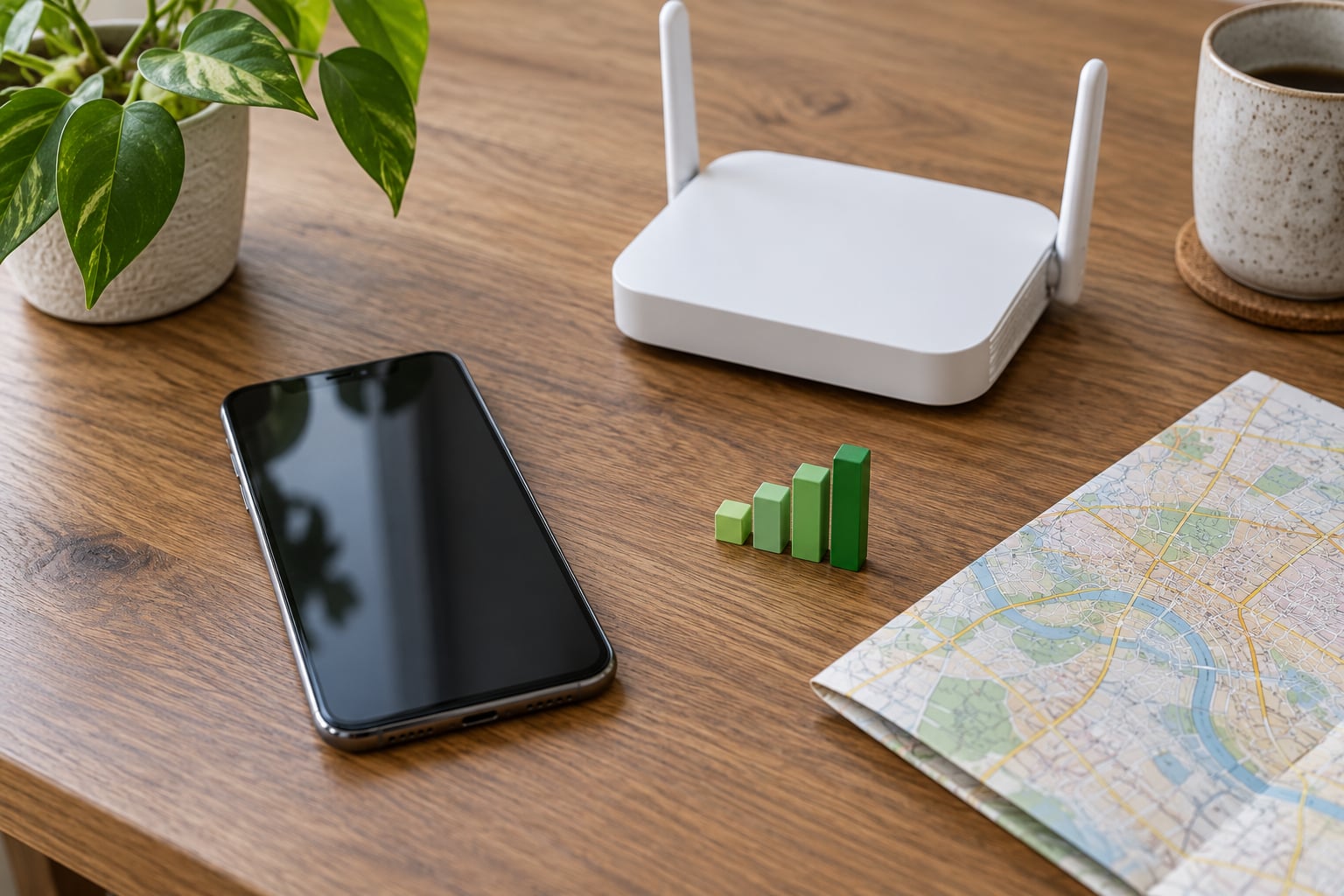
Slow mobile data is almost always one of four things: weak signal, a busy tower, a data cap or deprioritized line, or a setting … Read more

Slow mobile data is almost always one of four things: weak signal, a busy tower, a data cap or deprioritized line, or a setting … Read more
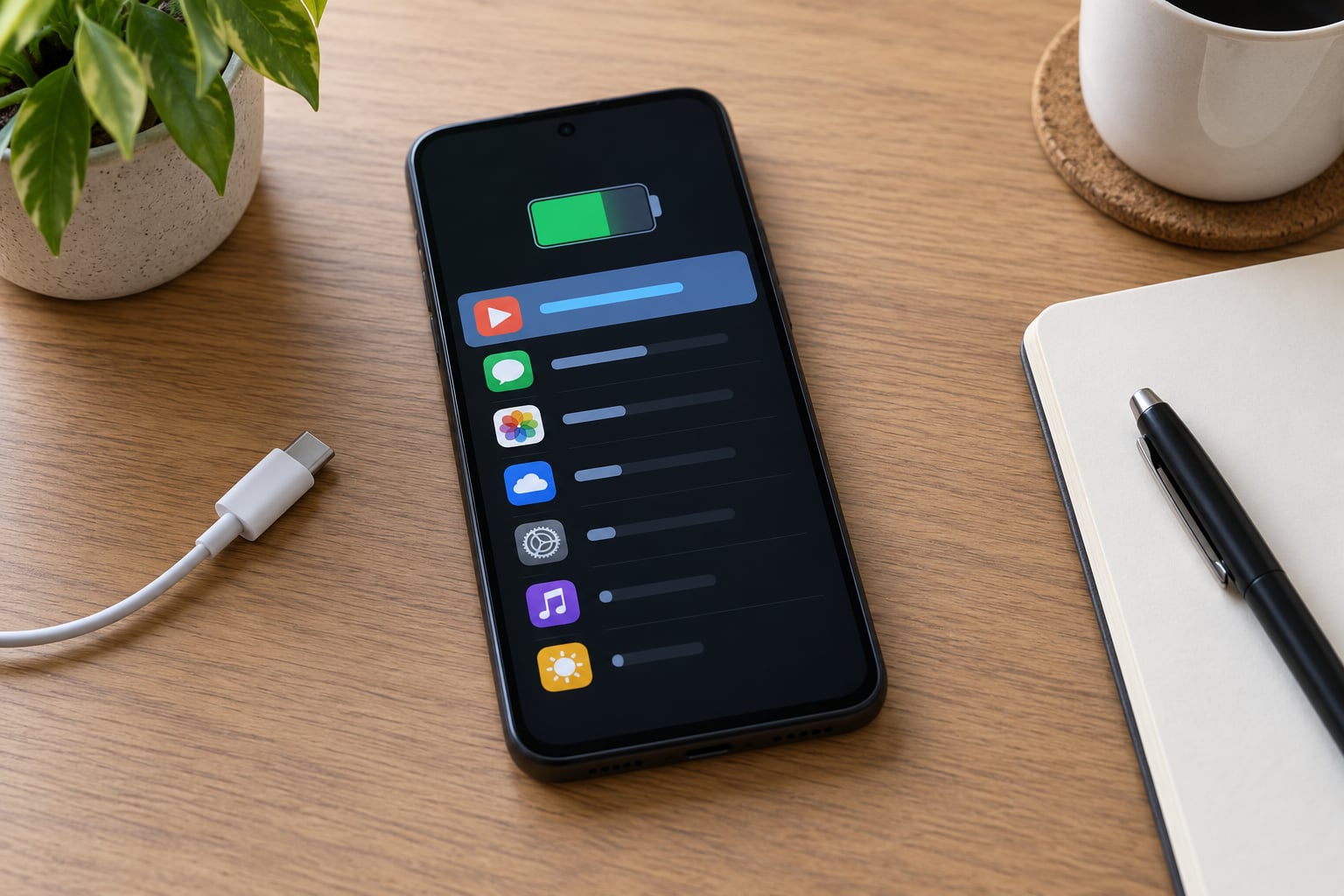
Your phone already tracks this for you, so there is nothing to install. To find out which app is draining your battery, open the … Read more
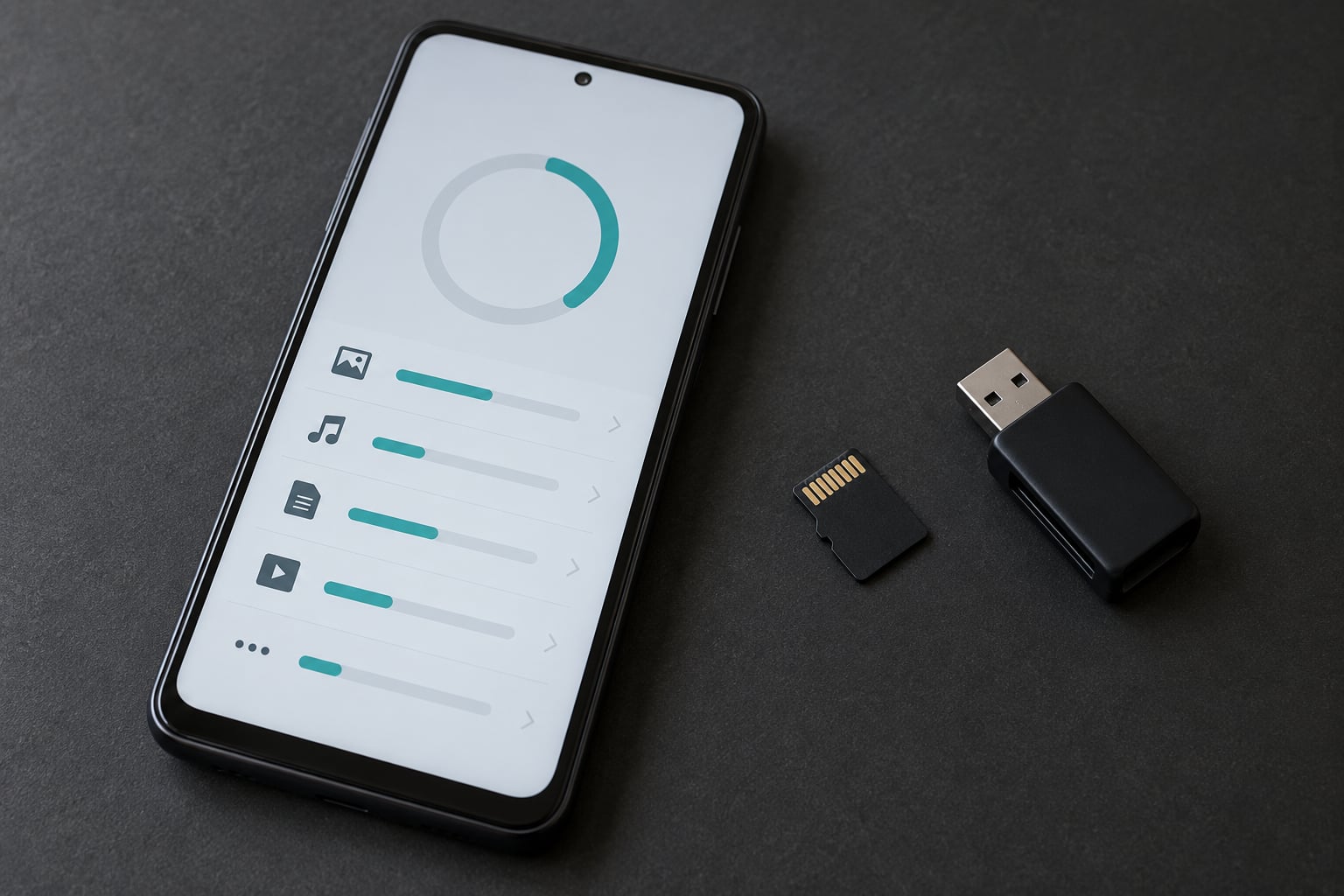
On current Android versions you usually cannot move an installed app to a microSD card at all. Google removed the per-app Move to SD … Read more
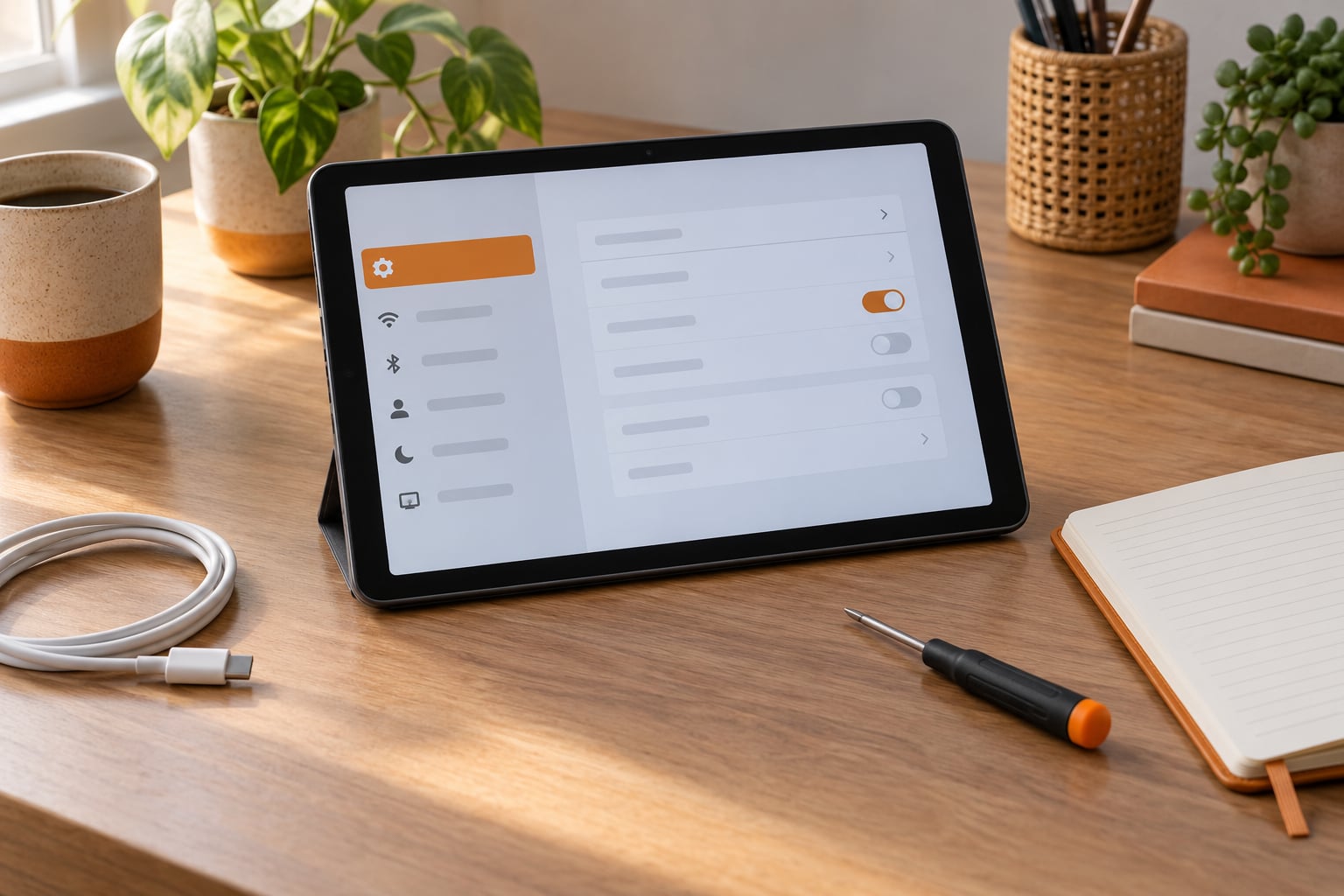
Tablets freeze when the operating system runs out of free storage or memory, hits a buggy app, overheats, or hits a failing battery or … Read more
A factory reset always erases the data stored on your phone. So how do you factory reset an Android phone without losing everything? The … Read more
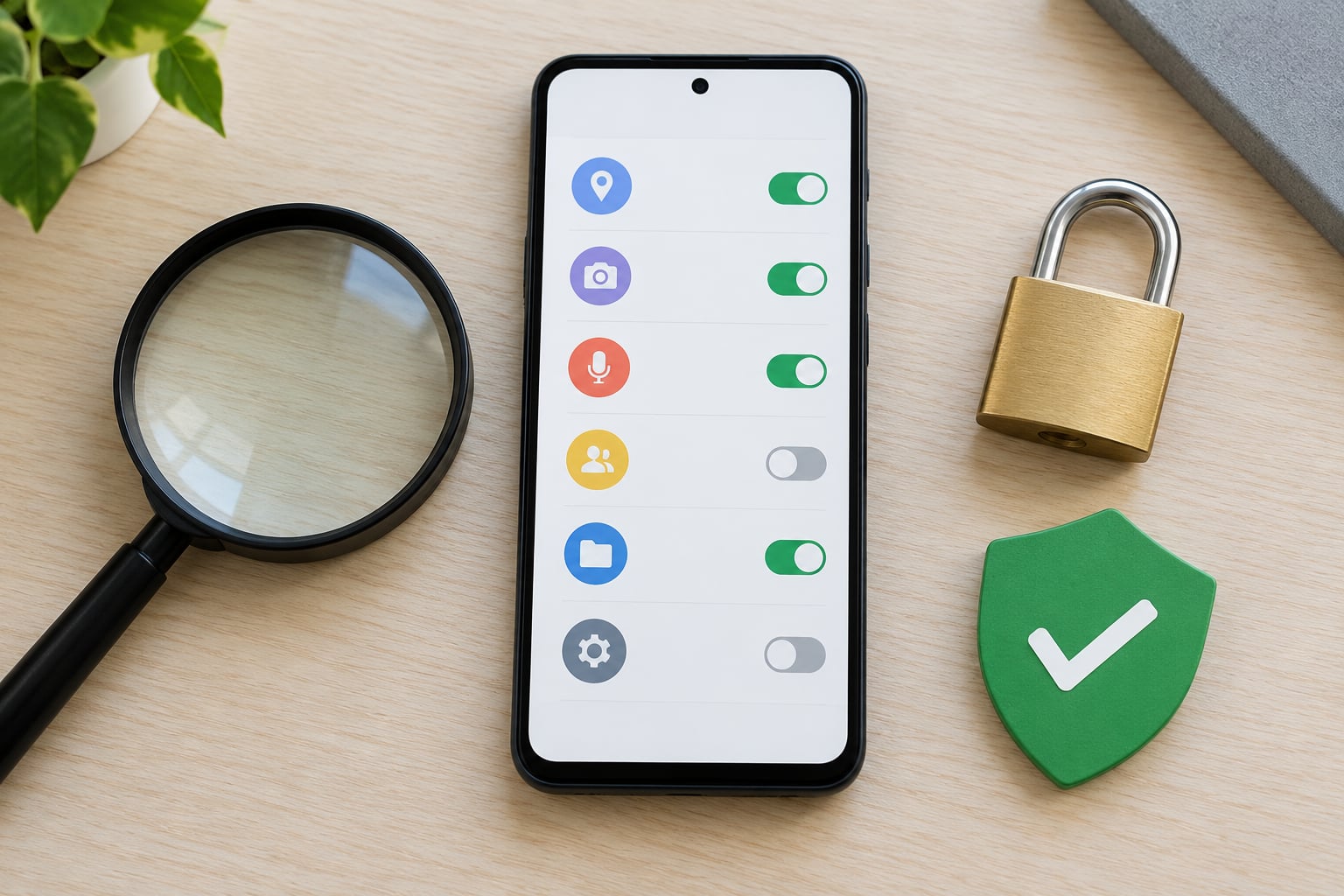
You can tell if an app is safe to install by checking four things before you tap the button: where the file came from, … Read more
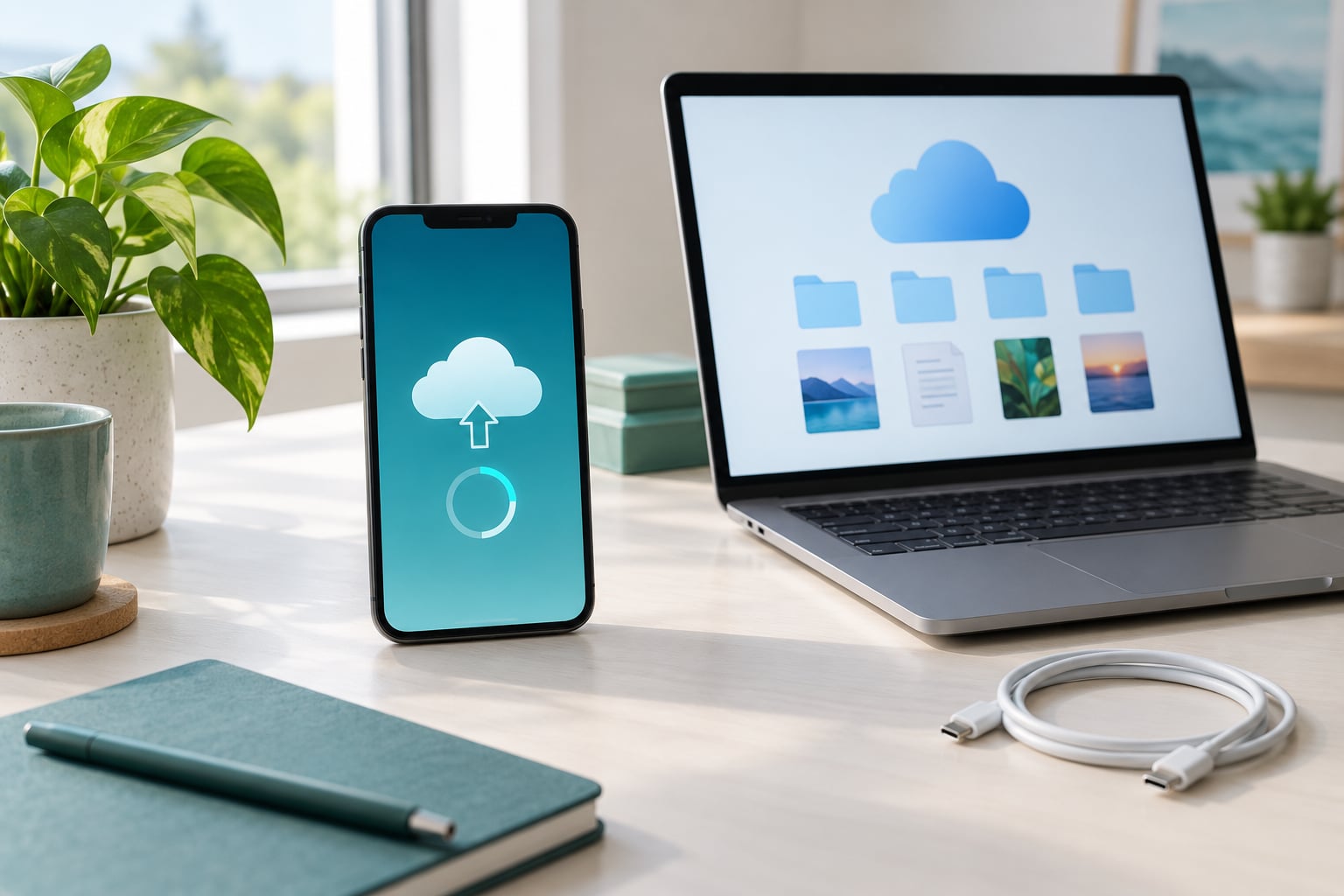
Backing up an Android phone to Google Drive takes about ten minutes. You turn on Backup by Google One in Settings, let it sync … Read more
If your phone screen has stopped responding to touch, start with a force restart, then unplug any charger and accessories, take the case and … Read more
How to clear cache on an Android phone safely takes about two minutes and needs nothing but the Settings app already on your phone. … Read more
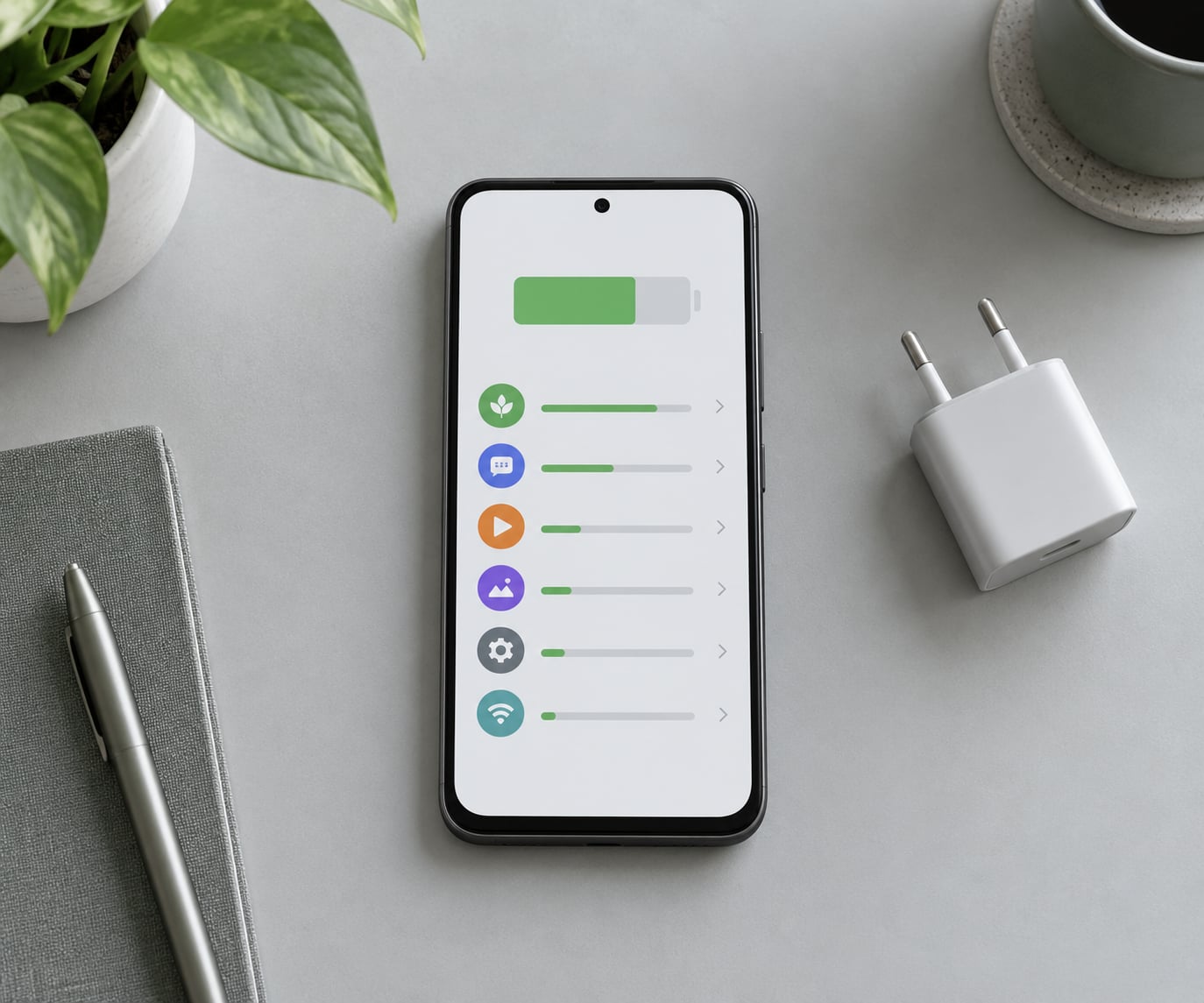
To stop apps from running in the background on Android, open Settings > Apps > tap the app > Battery and set the battery … Read more
Phone and tablet reviews, app picks, and how-to tips
Read the latest guides