Wireless charging is slower than cable charging because the power has to cross an air gap as an electromagnetic field first, and every watt lost on that crossing turns into heat. On top of that, phones cap wireless input far below what they accept over a cable. Nothing here is broken or faulty. It is simply how the two systems are built.
Last updated October 2026. If you have ever put a phone on a pad, walked away for half an hour, and come back to find it had gained eight percent, this page explains what happened and what you can do about it.
Table of Contents›
- How Phone and Tablet Charging Rates Are Measured
- Why Is Wireless Charging Slower Than Cable Charging
- Why Is Wireless Charging Slower Than Cable Charging in Watts?
- Where Wireless Charging Loses Energy
- How Misalignment and Phone Thickness Affect Charging
- Why Charging Speed Drops as the Battery Fills
- How Much Slower Is Wireless Charging?
- What Makes Some Wireless Chargers Faster Than Others
- How to Make Wireless Charging Faster and Safer
- When Slower Wireless Charging Does Not Matter
- Frequently Asked Questions
- Is wireless charging always slower than cable charging?
- Does wireless charging damage battery health more than cable charging?
- Can cooling down a phone make wireless charging faster?
- Will a faster wall adapter make wireless charging faster?
- Does Qi2 always charge faster than ordinary Qi?
- What To Do First
How Phone and Tablet Charging Rates Are Measured
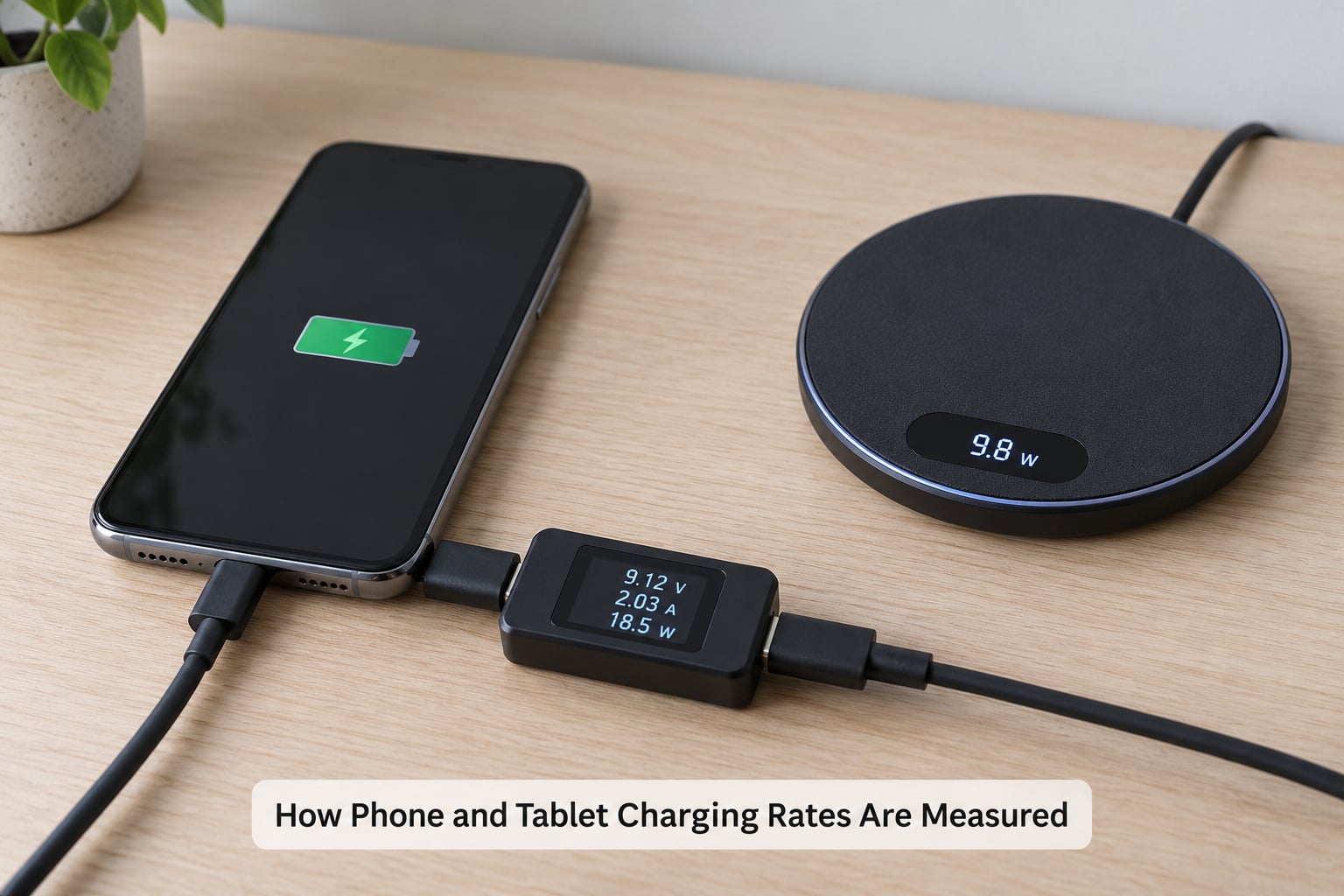
Charging speed is measured in watts, and one watt is one amp flowing at one volt. A phone’s battery capacity is measured separately in milliamp hours, so a bigger number of watts does not automatically mean a full charge, only a faster journey toward one.
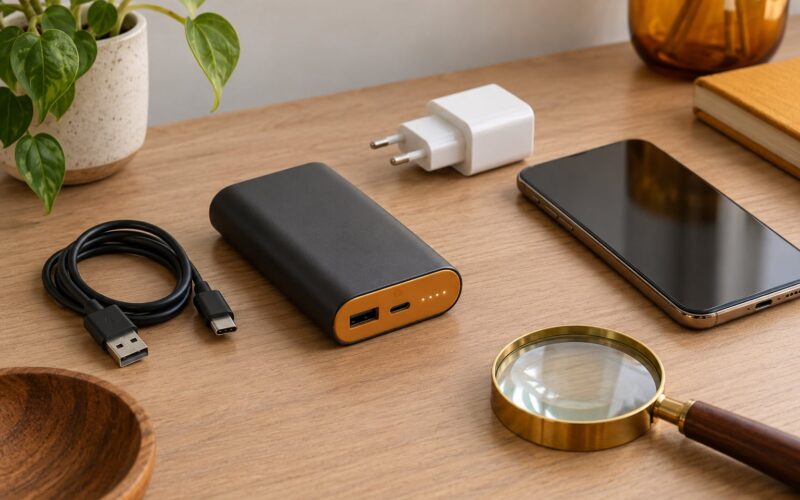
The number printed on the wall adapter is what it can supply, not what your phone receives. The phone and the charger negotiate a rate first, and the lower of the two wins. This is the part that confuses people: a 30 W adapter plugged into a phone that only accepts 15 W is a 15 W charger with an expensive plug attached.
The same negotiation happens wirelessly, with one extra twist. A pad rated at 15 W is quoting what it puts into the field, not what ends up in the battery. Phone, pad, wall adapter and temperature all get a vote, and the lowest number usually wins.
Why Is Wireless Charging Slower Than Cable Charging
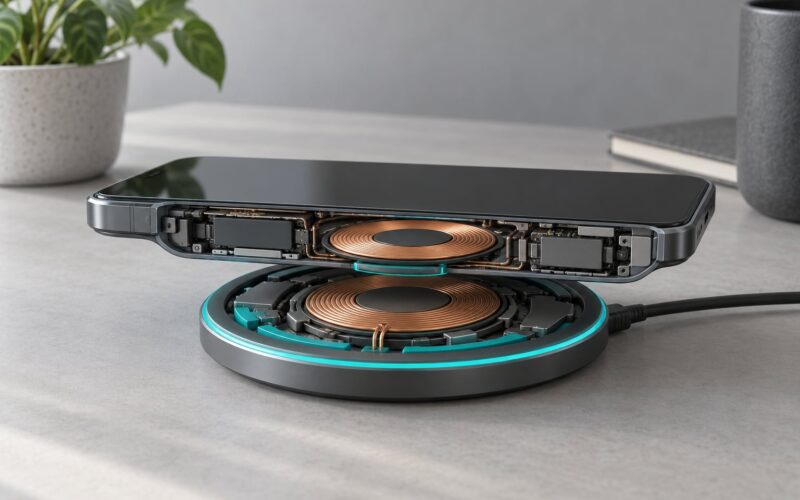
Why is wireless charging slower than cable charging? Because a cable carries current straight into the phone through metal, while a pad has to convert electricity into an electromagnetic field, push it through an air gap, and convert it back inside the phone. Energy is burned off as heat during both conversions, and only part of the pad’s output ever reaches the battery.
Why Is Wireless Charging Slower Than Cable Charging in Watts?
Start with the ceiling. A 30 W USB-C adapter feeding a phone by cable can hand over close to 30 W, because current travels through a conductor with almost nothing in the way. A Qi pad rated at 15 W sends 15 W into the air. The pad also draws more from the wall than it transmits, so a 15 W pad often pulls 20 W or more to put 15 W into the field.
After the field, the phone’s own receiver circuit has to rectify that power and regulate it before it reaches the cell. Losses there mean the battery typically receives meaningfully less than the pad’s headline figure. Basic Qi pads sit at 5 W. Many faster pads quote 10 W to 15 W. Flagship magnetic systems quote 15 W for phones and considerably higher for laptops and tablets.
The pad rating and the battery power are two different numbers, and the gap between them is the whole answer to this question.
Where Wireless Charging Loses Energy
Modern wireless charging runs at roughly 70 to 80 percent efficiency. Wired charging with a decent cable runs close to 99 percent. That twenty-point gap is not a design flaw to be apologized for; it is heat, and heat has to go somewhere.
Some of it leaves as warmth across the back of the phone, which is why a phone on a pad can feel hot to the touch. Some of it warms the pad itself. Some is spent powering the receiver electronics that clean up the induced current. And some is lost to the charging process itself, including the foreign object detection circuitry that keeps metal objects from heating up between the coils.
Here is the arithmetic. A 15 W pad pulling 20 W from the wall and delivering somewhere near 10 W to the battery has turned roughly half of what it consumed into heat. Do that at 15 W and the phone is fine. Push toward 100 W over the air and the pad becomes a heater that no phone cooling system can absorb, which is why high power wireless systems are built with active fans.
How Misalignment and Phone Thickness Affect Charging
The energy transfer depends on how close the two coils are and how well they line up. Slide a phone to one edge of a pad and the field couples weakly, so the phone falls back to a lower rate or stops charging altogether.
Cases make this worse. Every millimetre of case between the coil in the phone and the coil in the pad increases the air gap, and the gap is where the loss lives. A credit card, a metal plate in a case, or a ring magnet parked between phone and pad can trigger foreign object detection and pause charging while the system decides whether something is heating up.
This is why owners so often report that the same pad charges fine with the case off and slowly with the case on. It is not random. Many pads also fall back to 5 W when they cannot confirm good alignment, which is the single most common reason for a charger that suddenly seems to have gotten worse.
Why Charging Speed Drops as the Battery Fills
Both methods share this behaviour, and it surprises people who assume wireless is the only slow one. A battery cannot safely accept full power at every level, so the phone tapers input as it fills.
From empty to roughly 50 percent, both cable and wireless charge at their fastest. Between about 50 and 80 percent the phone starts pulling back. The last 20 percent is deliberately slow, managed to limit stress on the cells. On a fast wired setup the whole run to 80 percent might take half an hour, then another half hour or more to finish.
Wireless inherits the same curve plus its own penalty. A run of roughly three hours from about 30 percent to full on a 15 W pad is close to what that tier can deliver in practice.
Heat adds a second taper. Phones measure their own temperature and reduce input when they get too warm, and wireless charging makes that measurement harder because the charging hardware is already adding heat. A warm room or a pad in direct sun can cut the rate noticeably, which is the explanation for chargers that worked fine until the summer.
How Much Slower Is Wireless Charging?
The table below uses a typical phone with a large multi-cell battery. Treat the times as ranges, not promises, because the phone, pad, adapter, temperature, alignment and battery level all move the result.
| Charging method | Typical power into the phone | Realistic time from empty to about 80 percent |
|---|---|---|
| Basic Qi pad | 5 W | Around 2.5 to 3 hours |
| Fast Qi pad, well aligned | 10 to 15 W | Around 1.25 to 1.75 hours |
| Magnetic wireless, phone | Up to 15 W | Around 1.25 hours |
| Wireless pad with active cooling, tablet or laptop | 45 W and above on some models | Around an hour or less |
| USB-C cable, standard fast charging | 20 to 30 W | Around 45 to 60 minutes |
| USB-C cable, high power with a capable phone | 45 to 100 W | Around 20 to 35 minutes |
| USB-C cable, laptop class | 100 W and above | Under 30 minutes |
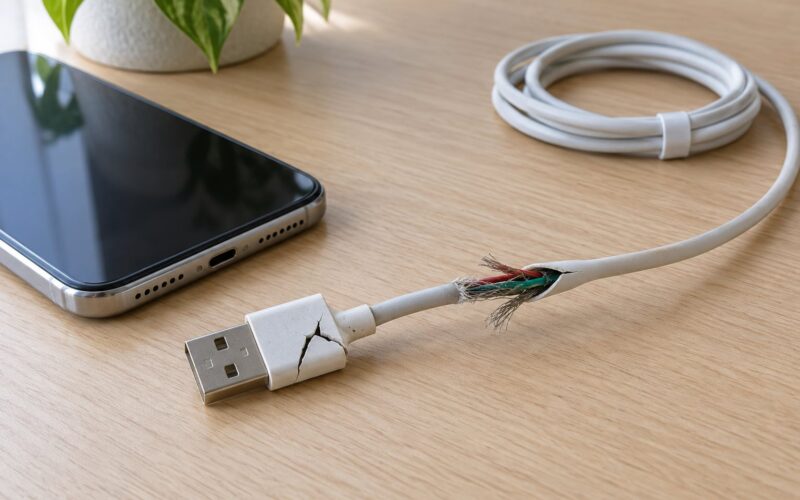
Two honest caveats on the other side. A cable is not automatically fast either, since a thin or poorly terminated cable will not carry high power and the phone will fall back to a slower profile. And the fastest wireless systems on large batteries have closed much of the gap, mostly because magnetic alignment recovers efficiency that hand placement used to throw away.
What Makes Some Wireless Chargers Faster Than Others
The single biggest factor is the negotiation between pad and phone. The pad offers what it can deliver and the phone accepts what its own charging circuit allows. The lower of the two sets the rate, and neither side advertises the result. Multi-device stations from some makers hold phones from other brands to 5 W, which matches what those pad specifications say about how they treat foreign devices.
Second is how much power the pad can actually take from the wall. Several pads rate themselves at 15 W while shipping without a meaningful adapter, so plugging them into a low-output charger costs you watts you never had. A pad drawing from a proper rated adapter behaves differently from the same pad on a weak one.
Third is heat management. A flat pad with a quiet fan can hold a higher rate for longer than a thin pad with no cooling, because the phone slows down when it gets too warm. This is where active cooling stops being a gimmick.
Fourth is how many devices share the power. Three-in-one stations divide their input between a phone, a watch and earbuds. Charging two phones at once on a pad designed for one will halve what each receives.
Finally, the standard matters. Qi is the baseline profile and works across brands. Qi2 adds magnetic alignment, which physically lines the coils up and recovers the efficiency that hand placement wastes. Vendor-specific fast charging over wireless exists too and can push much higher numbers, but it only works when the pad, the phone and sometimes the adapter all come from the same maker. Standards change, so check what your current device actually supports rather than trusting a label.
How to Make Wireless Charging Faster and Safer
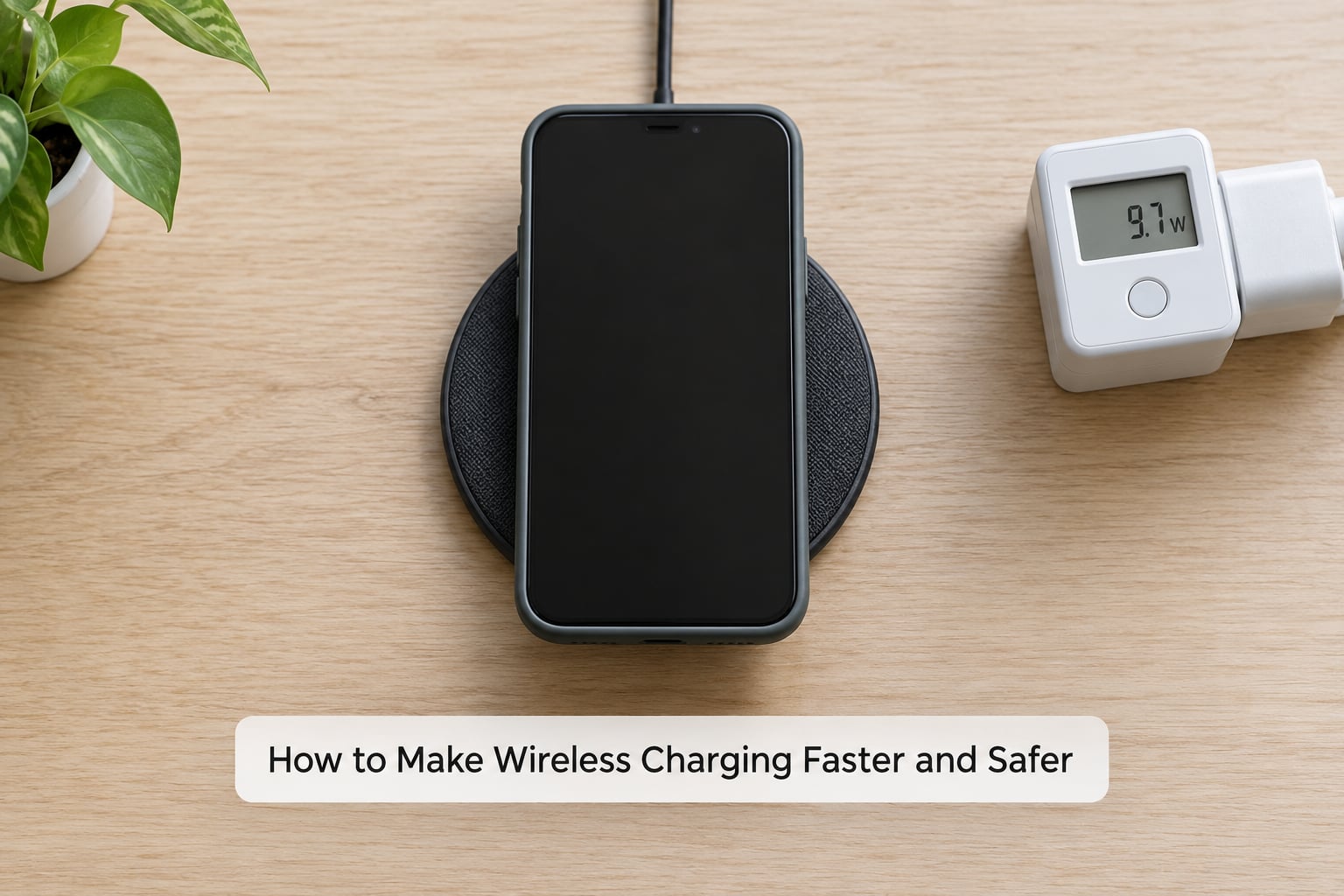
These fixes come straight from the loss mechanisms above. Follow your device and charger manuals alongside them, since limits vary by model.
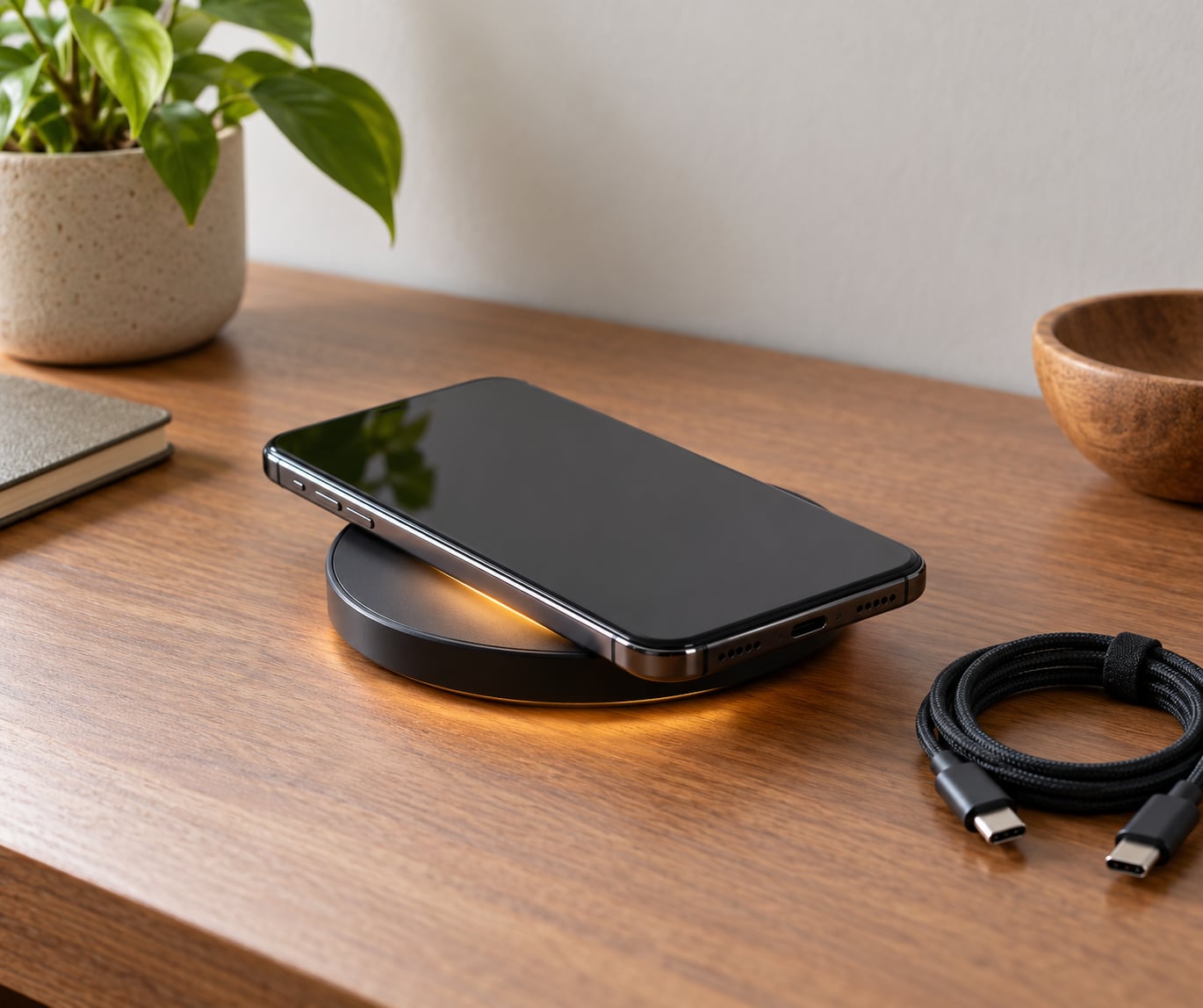
- Centre the phone. Line the middle of the phone up with the middle of the pad. Many pads have a target marker or a raised centre ring, and magnetic pads do the alignment for you.
- Clear the area. Move cards, keys, coins and metal rings off the pad. Foreign object detection treats them as a heating risk and can stop the charge.
- Check the case. A thick or heavily reinforced case increases the gap. If charging speed changes when you take it off, that is the reason.
- Use a rated adapter. If the pad needs 15 W or more from the wall, give it an adapter that supplies it. The cable in the box is sometimes the weak link.
- Leave the pad clear and ventilated. Do not charge under a pillow, a thick case or a cluttered nightstand. Pads that need airflow need it.
- Start from cooler. If the phone is already warm, let it settle before placing it. A warm phone is throttled from the first second.
- Use a cable when speed is the point. If you need twenty minutes of usable battery before you leave, the cable is the right tool and there is no clever workaround.
There is one more diagnostic worth knowing. On some phones you can watch the charging behaviour in the battery settings, and third party wattage monitoring apps report what the device is drawing. It is not laboratory equipment, but it will tell you whether your pad is stuck at 5 W or actually running at its rated rate.
When Slower Wireless Charging Does Not Matter
For overnight charging on a nightstand, the speed is irrelevant. Nobody waits three hours for a full battery in the dark, and a device sitting still on a pad runs cool because it is not driving a bright screen.
The same applies at a desk while you work. Put the phone down, pick it up, put it down. The convenience is the entire value, and the charge keeps up with that usage pattern.
On battery longevity, the honest answer is that slowness itself is not the enemy, heat is. A slow charge that stays cool is gentler on the cells than a fast charge that makes the phone too hot to hold. What damages a battery over years is sustained high temperature and leaving it plugged in at a high state of charge, whether the charger is wireless or wired.
Wireless earns its place as a convenience layer rather than a primary. There are also long-running reports of pads that simply did not charge a phone at all, and of owners returning to a dead device after an overnight session that stopped silently. Keeping a cable at the desk solves that risk cheaply.
Frequently Asked Questions
Is wireless charging always slower than cable charging?
Almost always, but not on every device. Higher power wireless systems on large tablets and laptops can charge a device faster than a basic wall adapter delivers over cable, once you account for heat. For phones, the gap is consistent: wireless systems cap out well below what a capable USB-C adapter pushes in.
Does wireless charging damage battery health more than cable charging?
Slowness is not what wears a battery out; sustained heat is. A slow wireless charge that stays cool does less to the cells than a fast wired charge that makes the phone uncomfortably hot. Over years, the things that matter are keeping the phone cool and avoiding long periods sitting at a very high charge level on any charger.
Can cooling down a phone make wireless charging faster?
Yes, and it is one of the cheapest fixes available. Phones reduce how much power they accept when internal temperatures rise, so a phone that has been in a pocket, in sunlight or gaming will start slower. Letting it cool for a few minutes before placing it on the pad often restores the full rate for the first part of the charge.
Will a faster wall adapter make wireless charging faster?
Only if the pad was actually power limited. Plenty of pads are rated at 15 W but ship with or default to a weak adapter, so a proper rated supply can make a real difference. If the pad already has a capable adapter fitted, swapping it will change nothing, because the phone, not the wall, is usually the limiting factor.
Does Qi2 always charge faster than ordinary Qi?
No, but it charges more predictably. Qi2 adds magnetic alignment, which guarantees the coils line up and recovers the efficiency that manual placement wastes. That often means a 15 W Qi2 pad holds its rate where an ordinary Qi pad drops to 5 W. It does not raise the maximum power your specific phone can accept.
What To Do First
If you need a fast top-up before you leave the house, plug in. That is the honest answer and no amount of pad tweaking changes it.
Otherwise work through this order: centre the phone on the pad, clear away cards and metal, test without the case, feed the pad a rated adapter, make sure nothing is covering it, and start from a cool phone. If it is still running at a disappointing rate, check what your phone actually caps at, because on most flagships the phone is the ceiling the pad is negotiating against.