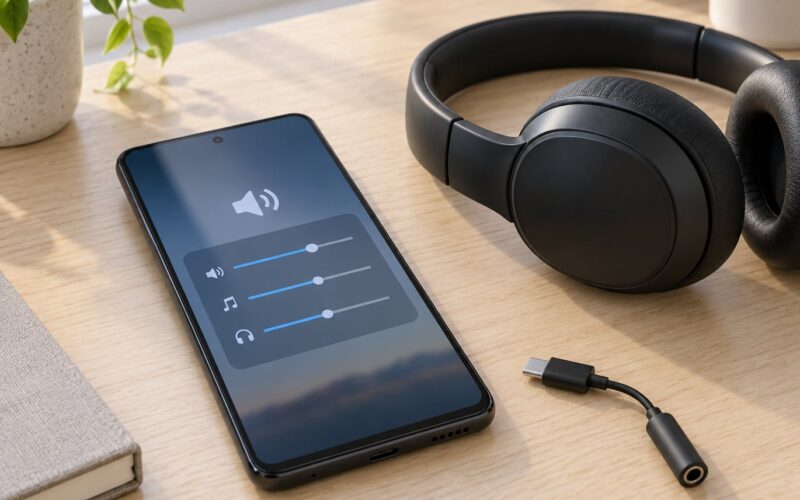
Bluetooth codecs explained for Android users comes down to one rule: your phone and your headphones must both support the same codec, and the higher the bitrate you select, the more of the recording survives the trip. SBC is the baseline every Android phone can do. AAC, aptX and LDAC are optional, and Android only switches one on when the phone, the headphones and the streaming app all agree.
This guide covers what each codec actually does, where the setting lives in current Android versions, how to confirm the codec really in use right now, and which one to pick for music, video, calls or games.
Menu paths below are written for stock Android 13 through 15. Samsung, Xiaomi and OnePlus move the same toggles around, and I flag where they differ.
Table of Contents›
- What Are Bluetooth Codecs?
- Bluetooth codecs explained for Android users in one minute
- Bluetooth version numbers are not codec numbers
- Which Bluetooth Codecs Do Android Phones Use?
- SBC: the baseline every Android phone has
- AAC: Apple’s codec, and why Android handles it differently
- The aptX family
- LDAC: Sony’s hi-res codec and the bitrate question
- Other codecs you may see
- How Do Bluetooth Codecs Affect Sound Quality?
- Your music app sets the ceiling, not the codec
- Lossless over Bluetooth: what the label means
- Codec or tuning: which one moves the needle more?
- How Does Android Choose a Bluetooth Codec?
- Where Can Android Users Change Bluetooth Codec Settings?
- How to check which codec your Android phone is actually using
- Why the codec keeps resetting, and how to fix it
- Which Bluetooth Codec Should You Choose on Android?
- Bluetooth Codecs Explained for Android Users: Common Myths
- Myth: Bluetooth audio is lossless
- Myth: a higher bitrate always means better sound
- Myth: MP3 and lossless files make no difference over Bluetooth
- Myth: Bluetooth 5.3 means better music than 5.1
- Myth: the codec switches automatically, so supporting many codecs is pointless
- Myth: microphone quality depends on the codec
- Frequently Asked Questions
- Is SBC or AAC better for Bluetooth headphones on Android?
- Does LDAC sound better than aptX on every Android phone?
- Can I use a Bluetooth codec if my headphones do not support it?
- Why does my phone keep switching between Bluetooth codecs?
- Does using LDAC or aptX drain more battery?
- How do I fix Bluetooth audio lag or poor sound on Android?
- Conclusion: Check Both Ends, Then Turn the Dial Up
What Are Bluetooth Codecs?
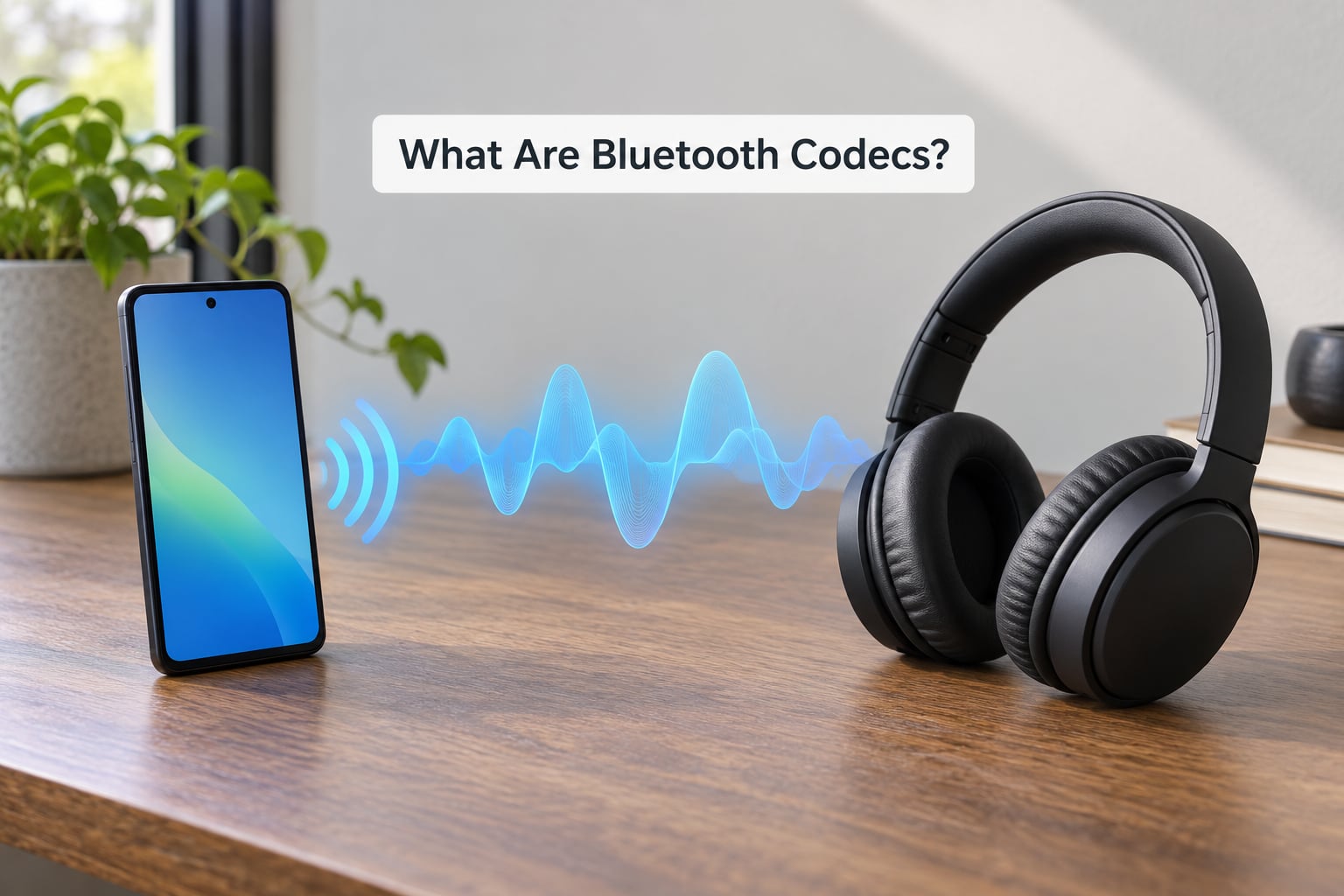
A Bluetooth audio codec is the software that compresses your music into a Bluetooth stream and rebuilds it on the receiving device. Your phone encodes, your headphones decode, and whatever the encoder discards never comes back.
SBC is mandatory on every Bluetooth audio device. AAC, aptX and LDAC are optional licences, which is why two phones costing the same can have completely different codec menus.
Both ends must support the codec. A phone with LDAC and earbuds without it will play over AAC or SBC, whatever the Developer Options screen tells you. This one sentence explains most of the codec confusion I see.
Bluetooth radio bandwidth is narrow, so something has to give. A codec throws away detail on purpose: frequencies you barely hear, quiet noise below a threshold, shapes that cost bits but not much listening pleasure. The better the codec, the less it throws away.
Bluetooth codecs explained for Android users in one minute
- Best all-rounder: aptX Adaptive or LDAC if your phone and headphones both list them, otherwise SBC. Do not chase anything else.
- Best for video and lip-sync: aptX Low Latency, aptX Adaptive in low-latency mode, or LC3 through LE Audio. These are the low-delay options.
- Best for hi-res streams: LDAC at 990 kbps, or aptX Lossless when both devices support it and your source is genuinely lossless.
- Best for stability and battery: SBC or AAC. Higher bitrates mean a fatter stream, and a fatter stream drops out sooner.
- Best if you mostly take calls: codec choice barely matters. Voice runs on a completely separate profile.
Bluetooth version numbers are not codec numbers
A phone advertising Bluetooth 5.3 is not automatically better at audio than one on 5.0. The version number describes the radio and the features bundled with it, such as LE Audio, not how well your music survives the trip.
There is one important link between the two. LC3 and the LE Audio profile run on Bluetooth 5.2 and later, so you cannot use them on older hardware no matter how the phone is configured.
Which Bluetooth Codecs Do Android Phones Use?
Most Android phones ship with SBC and often AAC. Flagship models from Sony, Samsung, OnePlus, Xiaomi and Google add aptX, LDAC or LHDC. The table below lists the ones you will actually meet, with figures that are ceilings rather than guarantees.
| Codec | Max bitrate | Sample rate / bit depth | Typical latency | Android support | Best for |
|---|---|---|---|---|---|
| SBC | 345 kbps spec ceiling, often near 328 kbps | 44.1 or 48 kHz, 16-bit | 100-200 ms | Every device | Fallback, long range, stable streaming |
| AAC | Up to 256 kbps | 44.1 or 48 kHz, 16-bit | 100-150 ms | Many, but not all Android phones | Efficient general listening on iPhone-matching hardware |
| aptX | 352 kbps, fixed | 44.1 kHz, 16-bit | 40-80 ms | Common on Qualcomm-based phones | A step up from SBC with low delay |
| aptX HD | 576 kbps | Up to 48 kHz, 24-bit | 80-120 ms | Selected mid-range and older flagships | Hi-res detail on a fixed bitrate |
| aptX Adaptive | 279-420 kbps, dynamic | Up to 48 kHz, 24-bit | 40-70 ms in game mode | Current Qualcomm flagship chips | Music, video and gaming on one codec |
| aptX Lossless | Up to CD quality or better | Up to 96 kHz, 24-bit when the source allows | Varies, roughly 50-100 ms | Newer flagship phones and earbuds | Close-to-wired playback from a lossless source |
| LDAC | 330, 660 or 990 kbps modes | Up to 96 kHz, 24-bit | 100-200 ms | Sony phones and many flagships from the late 2010s onward | Highest bitrate from a compressed stream |
| LHDC / LLAC | Up to 900 kbps for LHDC | Up to 96 kHz, 24-bit | 80-150 ms | Most visible on Chinese-market and some global models | Hi-res alternative to LDAC |
| Samsung Scalable Codec | 88-512 kbps | Up to 48 kHz, 24-bit | Low, tuned for true wireless | Samsung phones with Galaxy Buds | Battery life and stable earbuds pairing |
| LC3 (LE Audio) | Not quoted as a fixed kbps figure | Better quality per bit than the codecs it replaced | 20-30 ms in good implementations | Bluetooth 5.2+ hardware, mostly newer earbuds and cars | Low delay, sharing audio with several receivers |
Latency figures vary by implementation. Two pairs of earbuds using the same codec can differ by tens of milliseconds because the tuning, the radio and the app all add their own delay.
SBC: the baseline every Android phone has
SBC is the subband codec in the Bluetooth specification, which is why every phone, every pair of earbuds and every car stereo can play it without a licence. It is not exciting and it is not meant to be.
In practice SBC sounds fine on spoken word and podcasts, and noticeably softer and duller than a good aptX or LDAC stream on music with cymbals and strings. That difference is why someone on r/essential posted that they can hear a clear gap between LDAC and SBC, while a listener in r/sennheiser needed a quiet room before the difference became obvious to them.
AAC: Apple’s codec, and why Android handles it differently
AAC is the same codec Apple uses for AirPods and for its music store, and it compresses efficiently at around 256 kbps. On iPhone it is the default. On Android it is optional, so a phone may list it in Developer Options, may support it only for playback and not transmission, or may omit it entirely.
Forum users on r/GalaxyS9 put it bluntly: AAC generally beats SBC, though some Android implementations handle it so poorly that SBC is the better of the two. My own rule is to test both on your own phone rather than trust a spec sheet.
The aptX family
aptX is Qualcomm’s codec and the one most often recommended for Android. It uses ADPCM-style compression, holds a fixed bitrate and, importantly, starts playback faster than SBC or LDAC.
aptX HD adds headroom (576 kbps, up to 48 kHz, 24-bit) but gives back some of that speed advantage. aptX Low Latency exists for video and games, cutting delay to around 40 ms at the cost of some stability. aptX Adaptive varies its bitrate between roughly 279 and 420 kbps to suit conditions, and its game mode is the current low-latency favourite.
Is SBC ever better than aptX? Almost never, unless the aptX connection is unstable in your environment. Members of the Spotify community Android forum argued through exactly that trade-off when comparing earbuds, and the honest answer is that a clean 352 kbps aptX stream beats an 80 kbps SBC one.
LDAC: Sony’s hi-res codec and the bitrate question
LDAC is the highest bitrate option most Android phones offer, reaching 990 kbps at up to 96 kHz and 24-bit. Sony designed it to be audibly better than aptX when the connection is good.
Should you turn it on? Yes, with two caveats. First, force the 990 kbps mode rather than the 330 kbps one, because the lower mode throws away detail for no real benefit indoors. Second, expect occasional dropouts at range, which is why r/Earbuds users often say they prefer headphones with LDAC but keep it off in crowded places.
The 660 kbps figure you see in menus is mostly a wired-mode option on Sony’s own headphones over the 3.5 mm jack, not the number you should chase over Bluetooth.
Other codecs you may see
LHDC and LLAC are the hi-res codecs common on Chinese-market and some global Android phones. LHDC reaches about 900 kbps and is the nearest rival to LDAC on spec.
Samsung Scalable Codec scales from 88 to 512 kbps and is tuned for Galaxy Buds, where battery life and a stable true wireless link matter more than headline bitrate.
LC3 ships with LE Audio on Bluetooth 5.2 and later. It is less about a big bitrate number and more about efficiency, very low delay, and the ability to broadcast one stream to a room full of receivers.
How Do Bluetooth Codecs Affect Sound Quality?
Bitrate is how much data per second the codec is allowed to spend on your music. Sample rate is how many times per second the recording is measured, written as 44.1 kHz or 96 kHz. Bit depth is the resolution of each measurement, 16-bit or 24-bit.
Raising the sample rate captures higher frequencies. Raising the bit depth captures quieter detail and more headroom. Raising the bitrate gives the encoder more room to describe both. All three matter, and none of them means anything if your source never had that information in the first place.
Your music app sets the ceiling, not the codec
This is the part almost every explainer leaves out. If your streaming app sends a 128 kbps file, no codec on earth will hand your headphones 990 kbps of detail. The codec cannot invent music that never arrived.
| Source app | Typical stream ceiling | Notes |
|---|---|---|
| Spotify (mobile, Premium) | Up to 320 kbps | Free tier on mobile is far lower, around 96 kbps |
| YouTube and YouTube Music | Roughly 130-160 kbps | Opus, varies with network and video quality settings |
| Apple Music | Up to 256 kbps AAC | Lossless availability on Android varies by plan and app version |
| Tidal | Up to 1411 kbps FLAC | One of the few sources that feeds hi-res codecs properly |
| Qobuz | Up to 24-bit/192 kHz FLAC | Hi-res by default on paid plans |
| Amazon Music | Up to 24-bit/192 kHz | Hi-res sits in the paid Unlimited tier, not the free one |
| Local FLAC files | Whatever the file holds | Through a file player or a DAC app |
So if you play a 320 kbps Spotify track over LDAC and hear nothing different, the codec worked exactly as intended. You were limited by the source, not the phone.
Lossless over Bluetooth: what the label means
Classic Bluetooth audio is lossy, and no setting changes that. aptX Lossless gets closer by moving a lossless signal over aptX Adaptive, and LC3 claims better quality per bit. Neither makes ordinary Bluetooth audio lossless in the way a wired headphone over USB-C is.
Even a genuine lossless codec cannot restore what a lossy source threw away, so a CD-quality file or a Qobuz stream is where that mode starts to pay off.
Codec or tuning: which one moves the needle more?
In the r/Earbuds debates, the loudest argument is that a well-tuned headphone at SBC beats a badly-tuned one at LDAC every time. They are not wrong. Manufacturer tuning, the drivers, the soundstage and the volume of the earbud’s own tuning curve often change the character of the sound more than the codec ever will.
That said, the codec sets the ceiling, and tuning cannot push past it. The honest answer is that the codec is the cheaper upgrade to notice first, and only then is it worth looking at the headphone itself.
How Does Android Choose a Bluetooth Codec?
Codec selection is a handshake, not a preference. When two devices pair, both advertise which codecs they can decode through the A2DP profile, and Android picks one from the overlap. If there is no overlap beyond SBC, you get SBC, no matter what either box claims.
After that first choice, several things can move the result around.
The source app. The app decides what it sends. A video app that streams Opus-grade audio, a voice app that uses the headset profile and a music app sending 320 kbps all behave differently on the same connection.
Firmware. Some manufacturers ship a negotiated-codec preference hidden in their own settings rather than Developer Options. Others expose a separate high-bandwidth toggle.
Radio conditions. At higher bitrates the stream is more fragile. Android may drop back to a lower codec or a lower SBC bitpool when the signal degrades, which is why your setting seems to reset itself in a busy room.
Both ends. The most common reason a codec never appears is the headphones. People on r/HeadphoneAdvice ask whether supporting several codecs is even useful when the phone chooses automatically, and the answer is that the extra codecs only matter if your particular phone offers one of them.
Calls and voice notes use the HFP and HSP profiles, not A2DP. Microphone quality on a Bluetooth headset has nothing to do with LDAC.
Where Can Android Users Change Bluetooth Codec Settings?
The codec selector lives in Developer Options on stock Android. Pair the headphones first, because the selector only lists codecs your current device supports.
- Open Settings and go to About phone.
- Tap Build number seven times. Enter your PIN when asked and the Developer Options menu appears in Settings.
- Go back to Settings > System > Developer options.
- Scroll to the audio section and tap Bluetooth audio codec selector.
- Choose your codec. With the headphones connected you may also see Enable optional codecs, which lets Android fall back when your chosen codec fails.
On Pixel phones the path is Settings > About phone > Build number, then Settings > System > Developer options > Bluetooth audio codec selector. Samsung ships the same screen under Settings > Developer options at the bottom of the Settings list. Xiaomi and Redmi bury it at Settings > Additional settings > Developer options. OnePlus and Oppo place it at Settings > System > Developer options.
Samsung adds extras outside Developer Options. Separate App Sounds lets you assign different output devices to calls, notifications and media, and UHQ under Sound quality raises the ceiling on wired and some wireless output. Huawei devices with HarmonyOS expose similar controls but rename them again, and some Chinese-market models ship with codecs removed entirely because of licensing.
How to check which codec your Android phone is actually using
Listing a codec and using it are not the same thing. This is the single most-asked question on forums, and the method is simple.
- Connect your headphones and start playing audio.
- Go back to Settings > System > Developer options.
- Tap Bluetooth audio codec, the read-only line that sits above the selector.
- The active codec appears there, with the current bitrate shown on the same row on most builds.
If that line is blank, the stream is not running yet. Play something and come back. On some older builds you need a third-party app that reports codec changes in real time, since the system line only updates when the stream changes.
Why the codec keeps resetting, and how to fix it
Almost every reset has one of four causes, and all four are fixable.
| Symptom | Likely cause | Fix |
|---|---|---|
| Selection snaps back to SBC | Headphones do not support the codec you chose | Check the manufacturer spec list for the exact model |
| Codec changes mid-playback | Radio congestion or distance | Move closer, turn off Wi-Fi briefly to test interference |
| Codec resets after reconnecting | Stale selection after a firmware update or reboot | Reset Bluetooth, forget the device, pair it again, reselect |
| Only one codec appears in the list | Nothing connected, or the phone lacks the licence | Pair the headphones before opening the selector |
| Works, then drops after a call | Profile handover from A2DP to headset and back | None needed, it settles on its own |
| Choppy audio on LDAC 990 | Bitrate too high for the conditions | Drop to LDAC 660 or 330, or move LDAC off |
If the list is stuck on one entry, toggle Bluetooth off and on, restart the phone, install any pending system update, and forget and re-pair the device. On a few older Android 8 builds the selector is greyed out until you enable the optional codecs toggle first.
Which Bluetooth Codec Should You Choose on Android?
For most people the decision is made in five seconds. Pick the highest-quality option that appears in the selector, then set it back one step if you hear stuttering.
- Everyday music: aptX Adaptive or LDAC at 990 kbps. Both sit near the top of what compressed audio can do.
- Hi-res streaming from Tidal or Qobuz: LDAC or aptX Lossless. This is the one case where the source can keep up with the codec.
- Video and lip-sync: aptX Adaptive low-latency, aptX Low Latency, or LC3 over LE Audio. Plain SBC at 150 ms of delay is what makes faces look out of sync.
- Mobile gaming: the same low-latency modes. Game mode in aptX Adaptive or the equivalent low-latency toggle on your earbuds cuts the gap between input and sound.
- Calls, podcasts and voice assistants: anything works. This traffic does not use A2DP at all.
- Battery life and long walks: SBC or AAC. A 990 kbps stream is measurably harder on both the phone radio and the earbud battery.
Turning on Enable optional codecs gives up some control for better reliability, since Android can drop to a workable codec when conditions turn poor. It is the setting I leave on.
One more honest check before you spend money on codec support: r/Earbuds users who returned hi-res earbuds often found the tuning mattered more than the codec list. Codec support matters most when you already like the headphone’s sound.
Bluetooth Codecs Explained for Android Users: Common Myths
Myth: Bluetooth audio is lossless
It is not. Classic Bluetooth audio always uses lossy compression, whatever the label on the box. aptX Lossless and LC3 come closer, and LC3 is far more efficient than the codec it replaced, but neither delivers wired fidelity over standard A2DP.
Myth: a higher bitrate always means better sound
A higher bitrate means more detail, and more detail only arrives if the signal is clean. Above roughly 320 kbps on a compressed source, most listeners stop hearing the gain while the connection gets noticeably more fragile. LDAC at 990 kbps on a train is a good demonstration of the limit.
Myth: MP3 and lossless files make no difference over Bluetooth
They make a small one, because the codec is compressing a file that may already have lost detail. With a 320 kbps source, the difference between SBC and LDAC is easier to hear than the difference between an MP3 and a FLAC of the same recording.
Myth: Bluetooth 5.3 means better music than 5.1
The version number describes the radio and its optional features. For music quality what matters is the codec in use. The exception is LE Audio and LC3, which genuinely need 5.2 or later hardware.
Myth: the codec switches automatically, so supporting many codecs is pointless
Support on the headphone side is half the equation. If your phone only offers SBC and AAC, a headphone advertising LDAC, aptX HD and aptX Adaptive will use one of the two it has in common. Phones with broad codec support are the reason multi-codec earbuds are worth anything.
Myth: microphone quality depends on the codec
It does not. Voice runs over the headset and hands-free profiles, which use their own narrowband and wideband codecs. LDAC improves music and nothing about your calls.
Frequently Asked Questions
Is SBC or AAC better for Bluetooth headphones on Android?
AAC usually wins on paper at around 256 kbps, but Android support is inconsistent and some implementations handle it poorly enough that SBC sounds better. Test both on your own phone with the same track. If AAC is listed in the Bluetooth audio codec selector and sounds clean, keep it; if you hear artefacts, drop back to SBC.
Does LDAC sound better than aptX on every Android phone?
Not every time. LDAC carries more bitrate, up to 990 kbps, so it wins when the connection is clean and the source is high quality. On older or cheaper hardware, or in a busy radio environment, aptX Adaptive can be the more stable and more pleasant result because it adapts its bitrate to conditions.
Can I use a Bluetooth codec if my headphones do not support it?
No. The codec has to be decoded at the other end, so both devices must list it. If your headphones do not support LDAC, Android picks from the codecs they share, usually AAC or SBC. This is why a phone with every codec enabled can still end up on SBC with a particular pair of earbuds.
Why does my phone keep switching between Bluetooth codecs?
Usually the radio, not the setting. Android lowers the bitrate or drops to another codec when the signal weakens, which happens at range, in a car or where lots of 2.4 GHz devices are competing. Re-selecting after moving closer often sticks. Firmware updates and re-pairing the device also clear a stale selection.
Does using LDAC or aptX drain more battery?
Yes, a higher bitrate means more radio activity on both the phone and the headphones, and that costs charge. The difference is modest over a couple of hours of music but adds up over a long trip. If battery life matters more than detail, SBC or AAC at a fixed bitrate is the cheaper option.
How do I fix Bluetooth audio lag or poor sound on Android?
For lip-sync and gaming delay, switch to a low-latency codec such as aptX Adaptive game mode, aptX Low Latency, or LC3 through LE Audio. For crackle and dropouts, lower LDAC from 990 to 660 kbps or move it off entirely, keep the phone closer, and enable optional codecs so Android can fall back when conditions worsen.
Conclusion: Check Both Ends, Then Turn the Dial Up
Here is the whole thing in one pass. Check which codecs your headphones support, open Developer Options, pick the highest-quality option the selector offers, then play something in a quiet room and decide for yourself. If it stutters, step down one level.
And if the change sounds like nothing happened, look at the music app before you look at the phone. More often than not, the codec was never the limit.