How to Clear Cache on Android Phone Safely (October 2026)

How to clear cache on an Android phone safely takes about two minutes and needs nothing but the Settings app already on your phone. … Read more

 Tobias Reyes
How to clear cache on an Android phone safely takes about two minutes and needs nothing but the Settings app already on your phone. … Read more
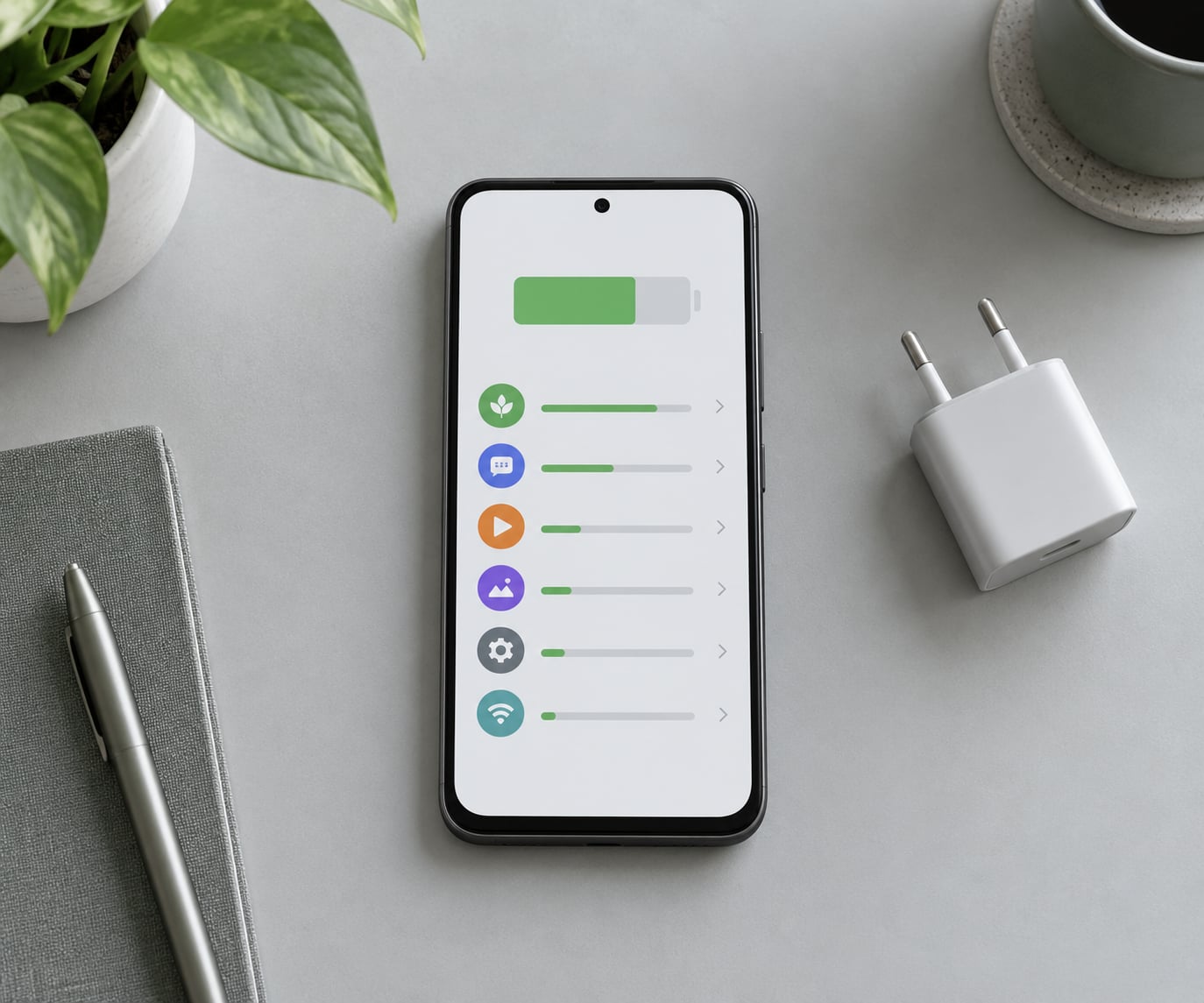
To stop apps from running in the background on Android, open Settings > Apps > tap the app > Battery and set the battery … Read more
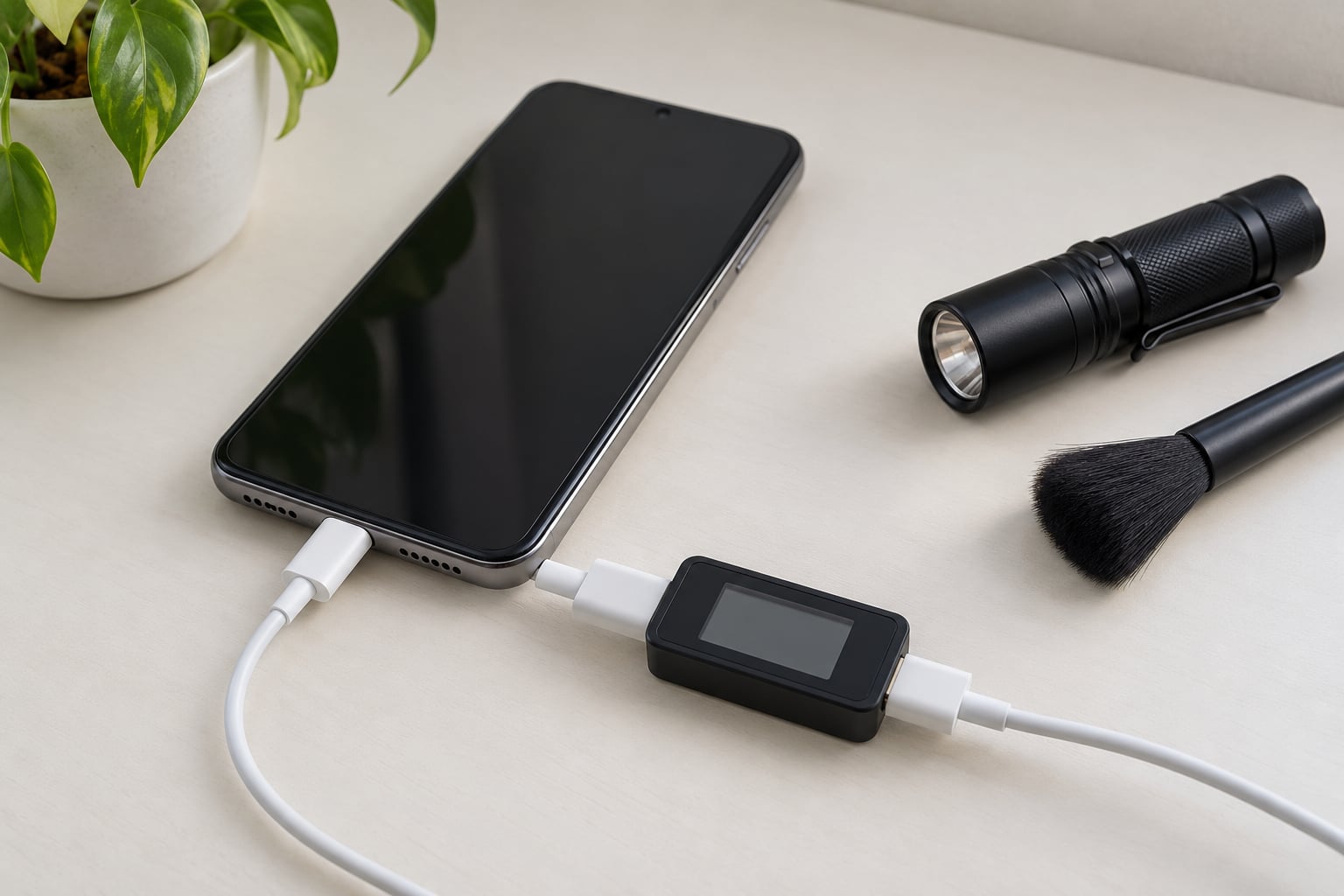
Most phones regulate their own incoming power, so a cheap or mismatched charger usually just charges slowly rather than cooking the battery — real … Read more
A phone keeps disconnecting from Wi-Fi because one of four things is failing: the saved network profile on the device, the DHCP address handshake, … Read more

If you want to speed up an Android phone that has become slow, start with the three things that account for most of it: … Read more
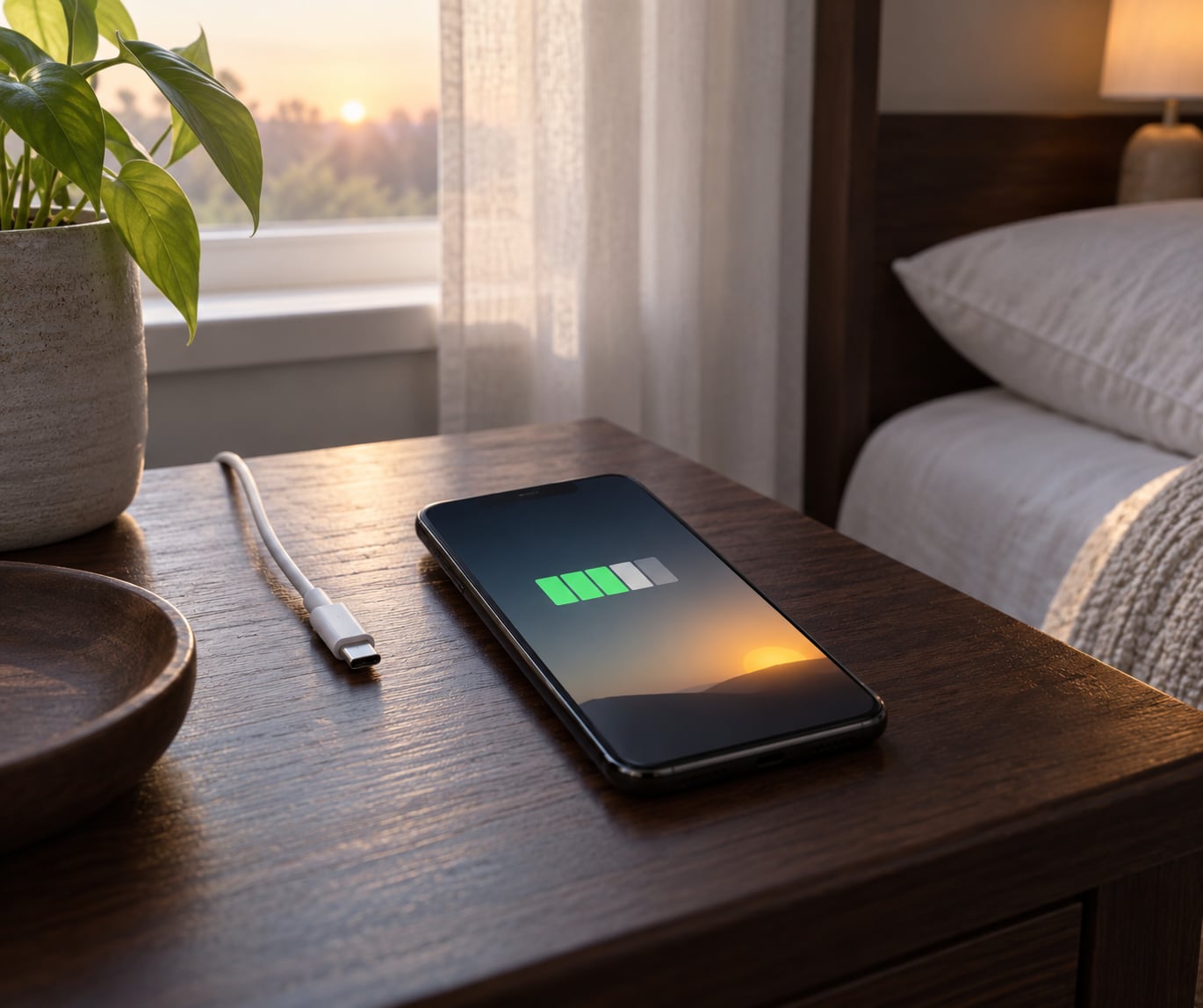
If you’re wondering why does my phone battery drain so fast overnight, the short answer is that your phone never fully sleeps. It wakes … Read more
Knowing how to test a phone before the return window closes takes about 45 minutes if you work through it in the right order: … Read more

Short answer: for most people, neither panel type is better for your eyes — brightness matched to your surroundings and taking breaks matter far … Read more

A phone’s refresh rate is how many times per second its screen redraws, measured in hertz (Hz). A 60Hz display redraws 60 times every … Read more
Phone and tablet reviews, app picks, and how-to tips
Read the latest guides